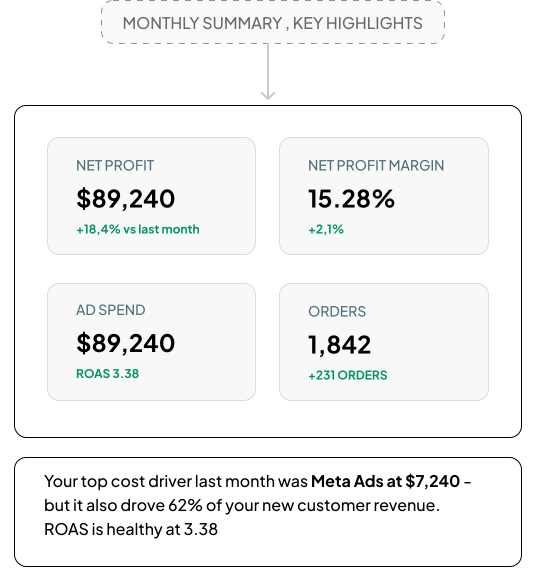
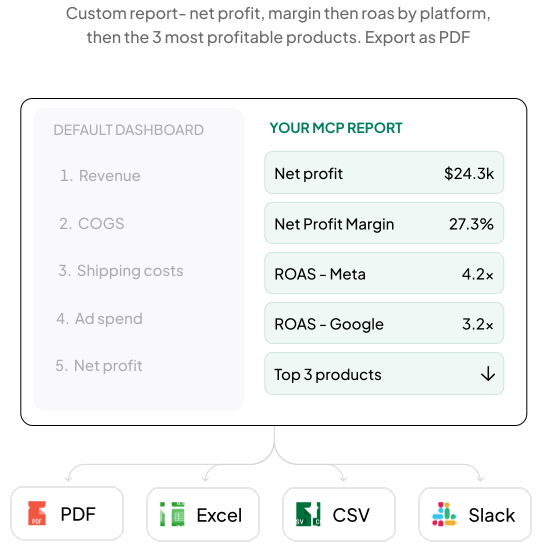
success story
How Alverra 3X Monthly Revenue by Turning TrueProfit x ChatGPT Into Profit Advisor →


Learn why net profit matters — and why TrueProfit does it best.

How Alverra 3X Monthly Revenue by Turning TrueProfit x ChatGPT Into Profit Advisor
READ THE STORY →


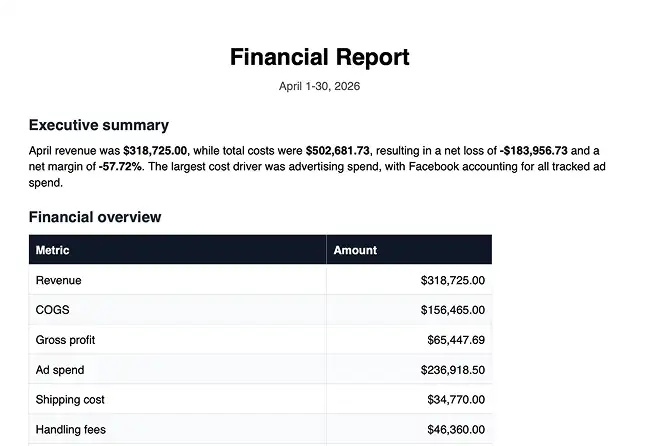

No engineers, no lengthy onboarding. Just connect, authenticate, and start asking questions with the AI assistant you already use.
You need an active TrueProfit account with Owner access, and ChatGPT or Claude account.
Go to your LLMs settings, find Connectors/MCP section and add the TrueProfit MCP URL: mcp.trueprofit.io/mcp
Log in and authorize access to TrueProfit. The MCP will securely scope itself to your connected stores only.
Open a new chat and ask: "What was my net profit yesterday?", and that's it. Your AI CFO is live.
The first merchants on TrueProfit's MCP share what changed for their business.
It doesn't just answer questions. It told me my shipping costs spiked 18% before I even noticed.
When a campaign underperforms, I ask the MCP why within minutes. Used to take me a full day to figure that out.
I'm not a data person, but the MCP makes me feel like I am. Anyone on my team can now get the answers they need.
Ready-to-use prompts for every part of your business. Click any prompt to copy it, then paste it straight into Claude or ChatGPT.
What was my net profit last month, and how does it compare to the month before?
Why did my profit drop last week? Break down all the contributing factors.
Generate a full financial report for last month — revenue, COGS, ad spend, fees, and net profit.
Show me my daily profit trend for the last 30 days. Which days were most and least profitable?
Where am I losing money? Show me all cost categories dragging down my profit margin.
Give me a profit overview across all my stores this week. Which store performed best?
Everything you need to know about the TrueProfit MCP feature. Can't find what you're looking for? Chat with us anytime.
MCP stands for Model Context Protocol, which is an open standard that lets language models like Claude and ChatGPT securely connect to external tools and data sources. Think of it as a bridge: instead of copy-pasting numbers into a chat window, the MCP feature gives your AI direct, real-time access to your TrueProfit data. You ask a question, and the AI answers using your actual store data to answer.
TrueProfit MCP currently supports ChatGPT Plus and above, Claude and OpenClaw, and we’re working on connecting with more LLMs.
You need an active TrueProfit account with Owner-level access (not Editor). Accounts with only Editor access cannot use the MCP. Check your TrueProfit account settings to confirm your role.
Yes. Access is authorised through your TrueProfit account, so the AI can only access data from stores connected to that account. Role-based access control ensures only users with the right privileges can query data via the MCP, your systems are never directly exposed.
Your data is updated in real-time. Every time you ask a question, the AI pulls the latest numbers directly from TrueProfit, what you see is always current.
Absolutely. If you have multiple Shopify stores connected to your TrueProfit account, you can get aggregated insights across all stores in a single query, or drill down into any individual store.
No, TrueProfit MCP works with data from stores that are already connected and configured in TrueProfit. It cannot guide you through creating or configuring new stores, installing apps, or initial setup steps.
Run your Shopify store like you have a CFO on call, 24/7
Connect TrueProfit MCP to your AI assistant in minutes and get instant answers about your profit anytime, anywhere.


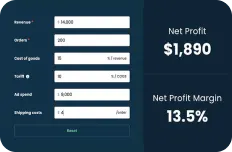

 Set up with Claude
 Set up with ChatGPT