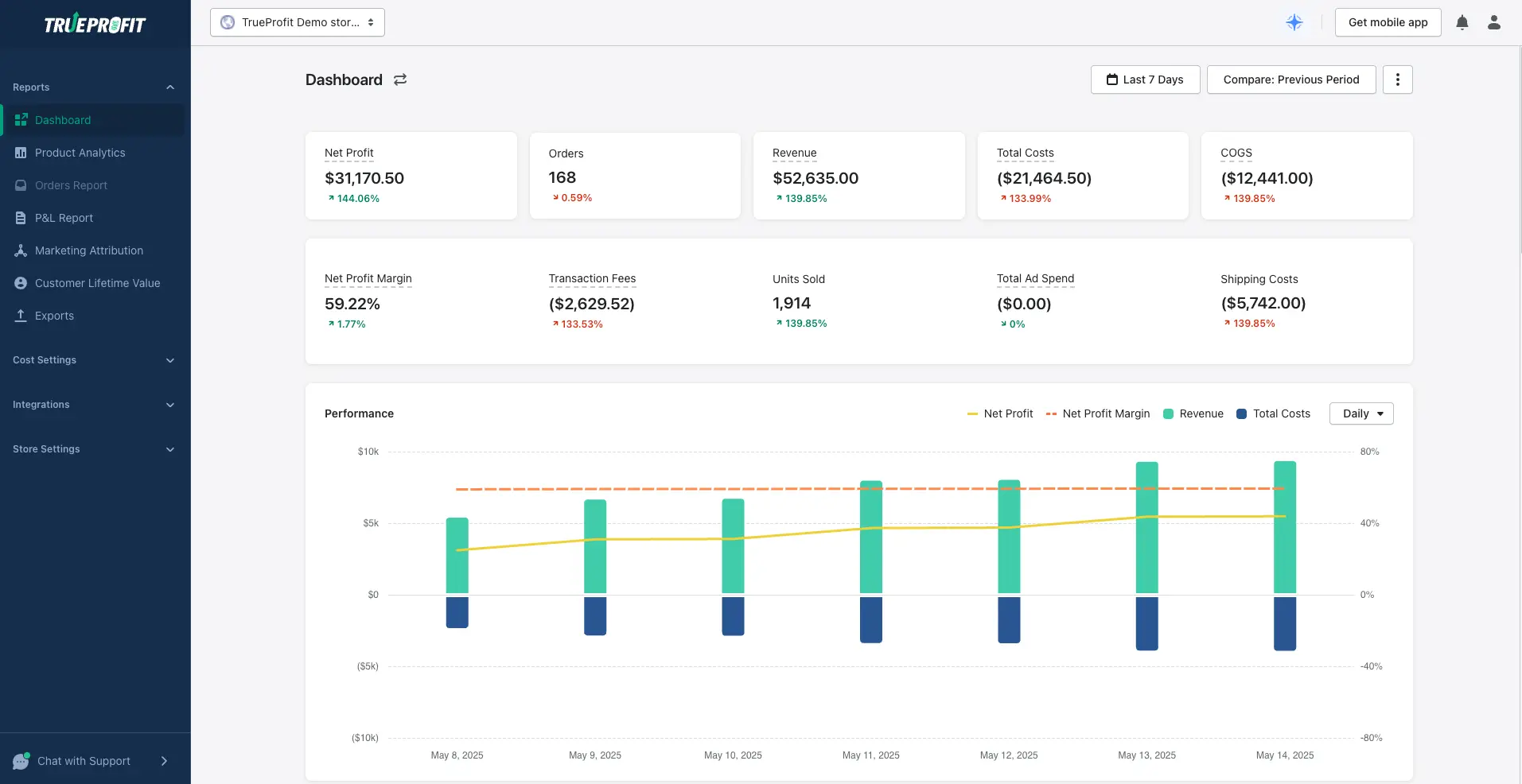


How to Dropship on Shopify in 2026 (For Beginners With Small Budget)


Table of Contents
- 1. How Does Dropshipping with Shopify Work?
- 2. Step 1: Start with Research
- 3. Step 2: Build a Shopify Store that Reflects Your Research
- 4. Step 3: Choose a Dropshipping Supplier and App
- 5. Step 4: Import Products and Set Profitable Prices
- 6. Step 5: Customize Your Product Pages to Convert
- 7. Step 6: Market Your Store Without Ads
- 8. Step 7: Accept and Fulfill Orders Automatically
- 9. How To Dropship On Shopify FAQs
In this blog:
- 1. How Does Dropshipping with Shopify Work?
- 2. Step 1: Start with Research
- 3. Step 2: Build a Shopify Store that Reflects Your Research
- 4. Step 3: Choose a Dropshipping Supplier and App
- 5. Step 4: Import Products and Set Profitable Prices
- 6. Step 5: Customize Your Product Pages to Convert
- 7. Step 6: Market Your Store Without Ads
- 8. Step 7: Accept and Fulfill Orders Automatically
- 9. How To Dropship On Shopify FAQs
How Does Dropshipping with Shopify Work?
Once you’ve done your audience and competitor research, it’s time to turn those insights into a real storefront. This step isn’t just about making a website. It’s about building an online store that feels right to your ideal customer.
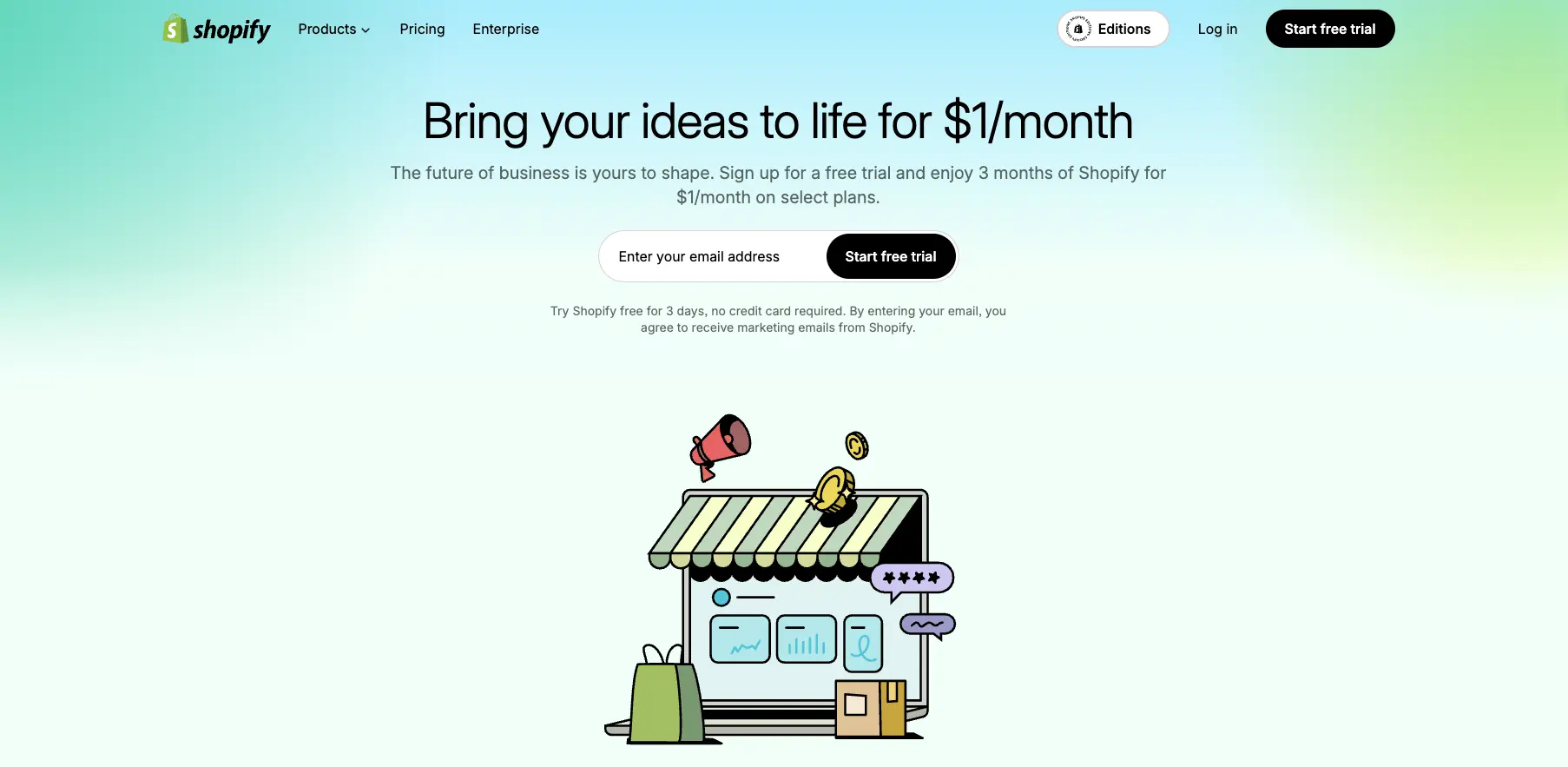
1. Start your free Shopify trial
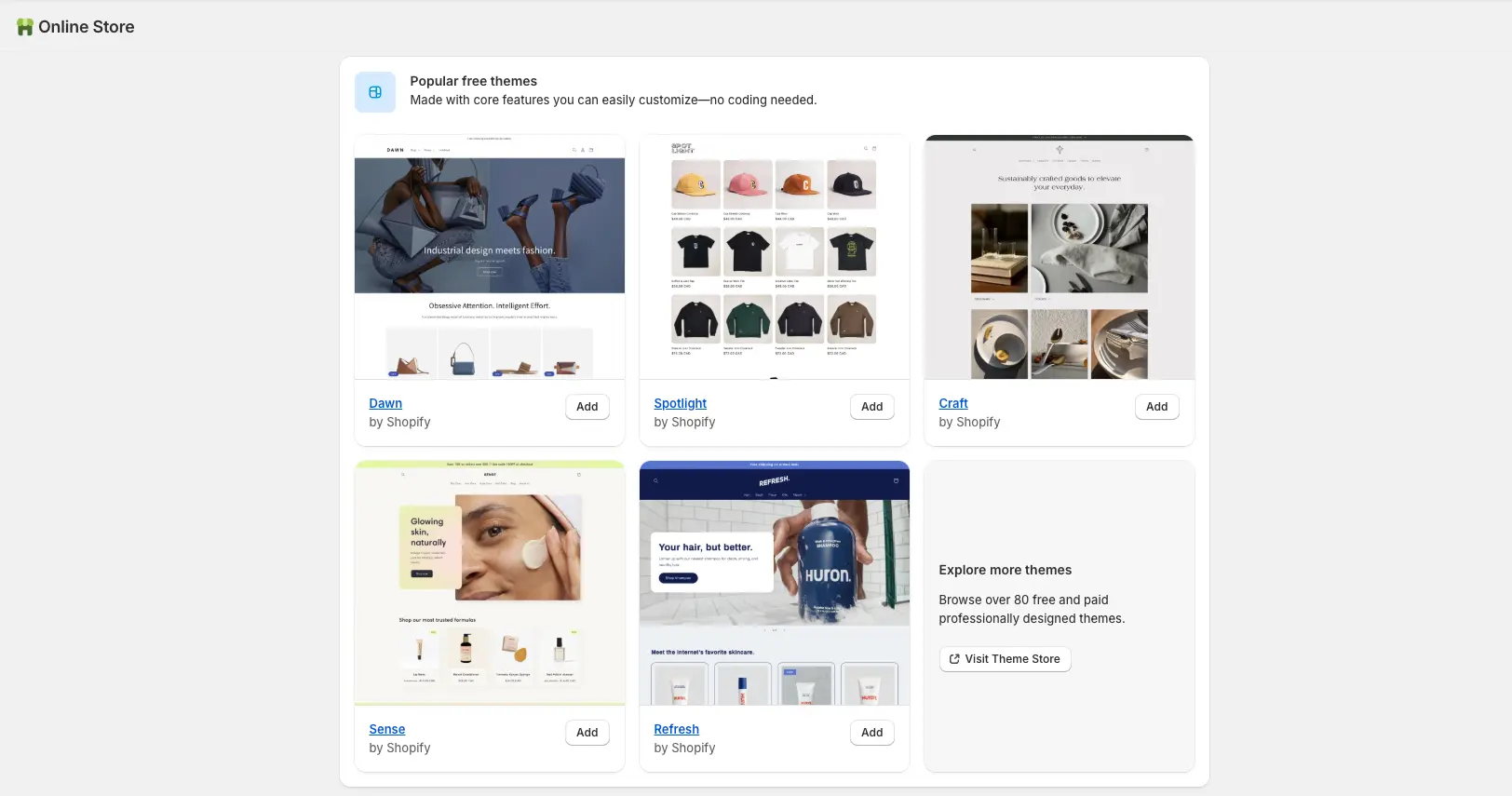
2. Pick the right theme
3. Customize your branding
4. Add your logo
Step 3: Choose a Dropshipping Supplier and App
Your dropshipping supplier and the app you use to connect with them will define everything from shipping speed to product quality. Getting this part right is crucial; especially if you're working with a small budget and can't afford returns or unhappy customers.
Understand How Dropshipping App Works
Best Dropshipping Apps for Beginners
As for pricing, start with a keystone markup (typically 2x the product cost), but don’t forget to include extra expenses like app fees, shipping, returns, and possible refunds. That $10 item might need to be priced at $25–$30 to actually make a profit.
Step 5: Customize Your Product Pages to Convert
Your product pages are your store's 24/7 salespeople. To ensure they convert visitors into customers, focus on these key elements:
1. Write Benefit-Driven Product Descriptions
Instead of listing only features, highlight the benefits of the product. Show how it solves a problem or enhances the customer’s life. Keep the language simple, clear, and customer-focused.
Aim to make the description relatable to your target audience by focusing on what they truly care about. Look at your competitors, but don't just copy them, find ways to make your descriptions stand out.
2. Use High-Quality Product Images
Visuals are crucial for online shopping. Ensure your product photos are high-resolution and well-lit.
You can use free images from your supplier, but enhance them with tools like Canva to make them look more professional. Consistency in style and tone across all product images helps create a cohesive brand experience.
3. Add Trust Elements
Step 6: Market Your Store Without Ads
With a small budget, organic marketing is key. Focus on building traffic and growing your audience without spending on ads. Here’s how:
1. Choose the Right Platforms
Pick 1-2 social media platforms where your target audience is most active, like Instagram, TikTok, or Pinterest. Consistency is essential, so focus on platforms that will give you the most exposure.
2. Create Engaging Content
Use free tools like CapCut and Canva to create professional-looking content, even if you’re not a designer. Post a variety of content:
- User-generated content (UGC): Share customer reviews or photos with your products.
- Product mockups: Showcase your items through mockups if you don’t have product photos yet.
3. Build Traffic Before Your Budget Runs Out
Step 7: Accept and Fulfill Orders Automatically

Tracy is a senior content executive at TrueProfit – specializing in helping eCommerce businesses scale profitably through content. She has over 4 years of experience in eCommerce and digital marketing editorial writing. She develops high-impact content that helps thousands of Shopify merchants make data-driven, profit-focused decisions.








The Newsletter for Dropshippers
Who Hate Losing Money
Weekly tactics from dropshippers & eCom operators who've cracked profitability in an era where thin margins kill most stores.
Your next wise move starts with seeing your True Net Profit now.
Get instant net profit insights into your numbers to make every choice count with TrueProfit!