8 Best AI Shopify Store Builders in 2026: Which One Is Right for You?


Table of Contents
- 1. What Is an AI Shopify Store Builder?
- 2. How I Tested and Ranked These Tools
- 3. 8 Best AI Shopify Store Builders Compared
- 4. What Does an AI Shopify Store Builder Actually Do?
- 5. How to Build a Shopify Store with AI (Step-by-Step)
- 6. 5 Things to Fix After Your AI Store Is Generated
- 7. The Limitations and Risks You Should Know
- 8. AI Store Builder vs. Hiring a Shopify Developer
- 9. Final Thoughts
- 10. AI Shopify Store Builder FAQs
Building a Shopify store used to mean weeks of work: hunting for a theme, writing every product description by hand, installing app after app, and hoping it all held together. In 2026, AI has quietly erased most of that, but it's also created a new problem. There are now dozens of "AI store builders," and they're wildly different despite using the exact same three words on their landing pages.
So instead of ranking them 1 to 8 and pretending there's a single winner, I've reviewed each one the same way: same criteria, same sections and told you plainly where each one shines and where it doesn't. Whether you want a full store in four minutes or just want to squeeze more conversions out of a store you already have, one of these is your tool. Let's get into it.
In this blog:
- 1. What Is an AI Shopify Store Builder?
- 2. How I Tested and Ranked These Tools
- 3. 8 Best AI Shopify Store Builders Compared
- 4. What Does an AI Shopify Store Builder Actually Do?
- 5. How to Build a Shopify Store with AI (Step-by-Step)
- 6. 5 Things to Fix After Your AI Store Is Generated
- 7. The Limitations and Risks You Should Know
- 8. AI Store Builder vs. Hiring a Shopify Developer
- 9. Final Thoughts
- 10. AI Shopify Store Builder FAQs
What Is an AI Shopify Store Builder?
An AI Shopify store builder is a tool that creates a Shopify store from just a few inputs. Depending on the platform, you might simply enter your niche, some product information, a brand name, or your design preferences, and the AI generates a store complete with layouts, product pages, images, and written content.
Instead of choosing a theme, writing every product description, and arranging each section by hand, the AI handles much of the initial setup for you. What you get back is a store you can review, customize, and often launch far faster than building everything from scratch.
That's the general idea. In practice, though, "AI Shopify store builder" can mean very different things. Some tools generate only a storefront design. Some create a nearly complete store with products and marketing assets already in place. And others don't build a store at all, they focus on optimizing one you already have. Understanding what each tool actually delivers is exactly what this guide will help you do.
How AI Store Builders Differ from Shopify Themes
You might be wondering: why not just pick a Shopify theme and customize it myself? You can, and it gives you more control over every detail, but it takes design knowledge and time.
An AI store builder trades some of that control for speed. You answer a few questions, and the tool makes the design calls on your behalf.
In my experience, if you're testing a new niche or launching your first store, that speed is worth more than fine-grained control. You want to be alive and learning, not fiddling with margins.
But if you're an established brand with specific identity requirements, manual customization or hiring a developer is probably the better investment. Match the approach to the stage you're at.

How I Tested and Ranked These Tools
To keep this honest, I built a test store in the same niche like pet accessories with each tool, then judged the output against one consistent checklist. This review is independent: I'm not affiliated with or sponsored by any tool on this list.
I scored every tool on seven things:
The overall impression leans most on output quality and Shopify integration, since those are the two things that matter most when you're launching a real store people will actually buy from.
8 Best AI Shopify Store Builders Compared
Before I dig into each one, here's the whole lineup at a glance, so you can spot the tool that fits your situation, then jump to its full review below.
1. Shopify AI Store Builder (Native)
The difference: the only option here that's free and fully native, no second subscription, no third-party app, no export step. It gives you a design head start, not a finished store.

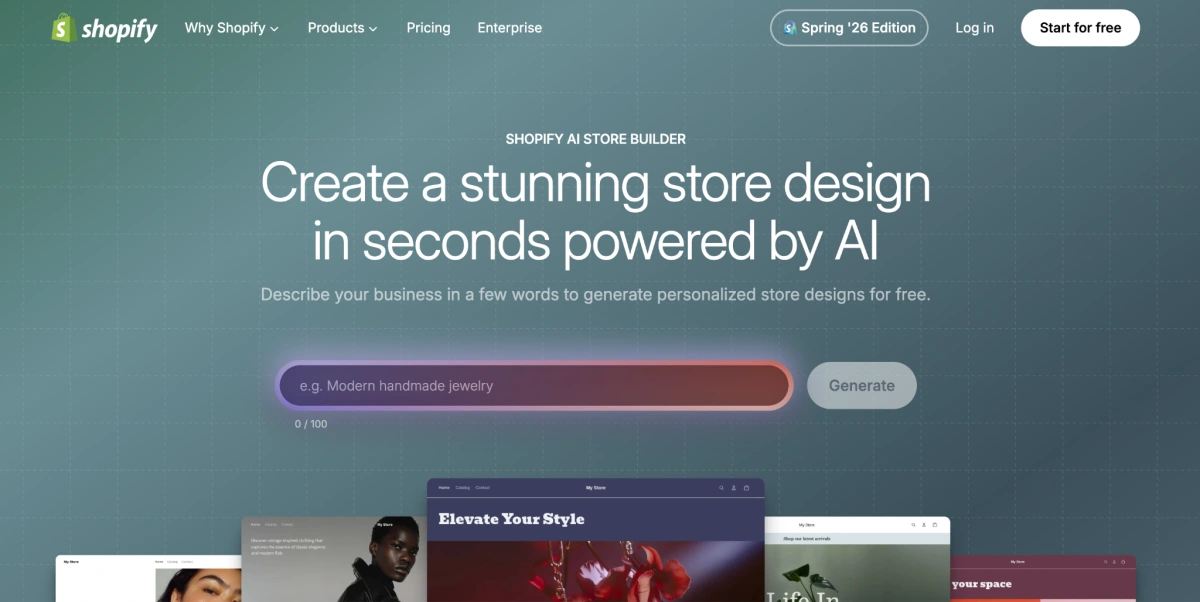
I always tell people to start here, because it's the one tool on this list you're arguably already paying for. Every other builder is something you bolt onto Shopify, this one is baked in, so the whole process stays inside your admin with nothing extra to install or subscribe to.
Instead of opening a blank theme and freezing, you describe your business, products, or the vibe you're going for, and Shopify's AI hands you storefront concepts to react to.
For a first-timer, that "react to something" step is huge, it's so much easier than building from zero. Just set your expectations correctly. This isn't trying to spit out a complete, sell-ready store like the way some tools do. It's a starting point, and you finish the job yourself with Shopify's themes, products, and checkout.
Best for
Shopify AI Store Builder is best for:
- First-time Shopify merchants
- Small businesses launching a new store
- Entrepreneurs who want AI help with store design
- Sellers who prefer Shopify's native ecosystem
It's less suitable if you're after a fully automated setup or highly customized storefront development.
Key AI Capabilities
AI storefront generation (its core strength): Describe your business or brand style and Shopify's AI generates storefront concepts from those inputs. In my experience it's the fastest way to get out of a blank theme without ever leaving Shopify.
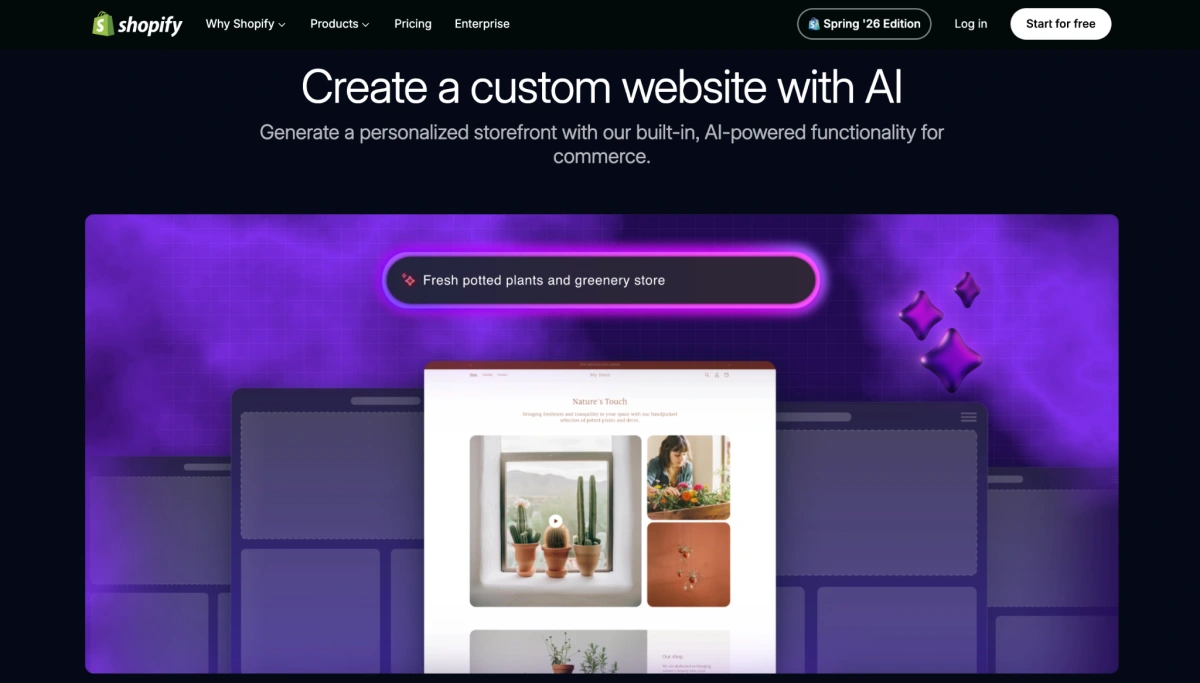
Design exploration: You can explore a few visual directions and layouts before committing to a final look, useful when you genuinely don't know what you want yet.
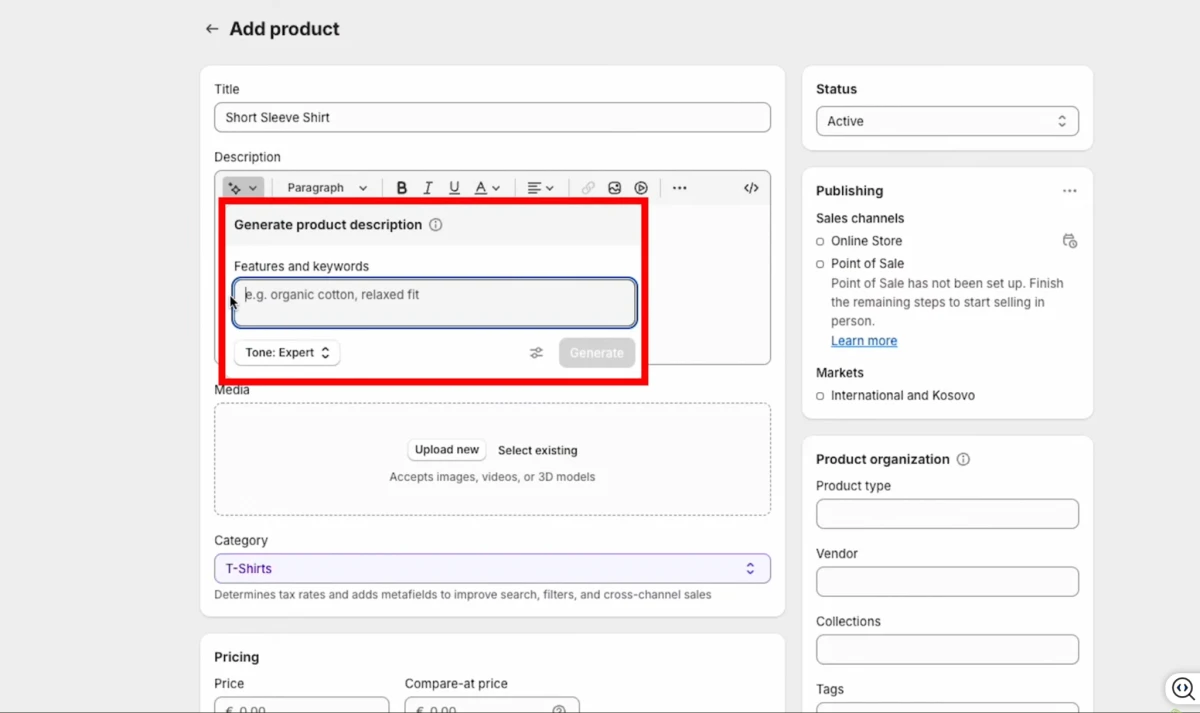
Shopify Magic content support: Shopify's wider AI toolkit helps with product descriptions, email subject lines, and marketing copy.
What it can build
Shopify AI Store Builder can help create:
- Storefront design concepts
- Homepage layouts
- Brand visual direction
- Starting points for Shopify theme customization
You'll still need to refine product pages, navigation, SEO content, and anything conversion-focused.
Pricing
Free. You just need an active Shopify plan to launch and run your store.
2. CreateMyStore.ai
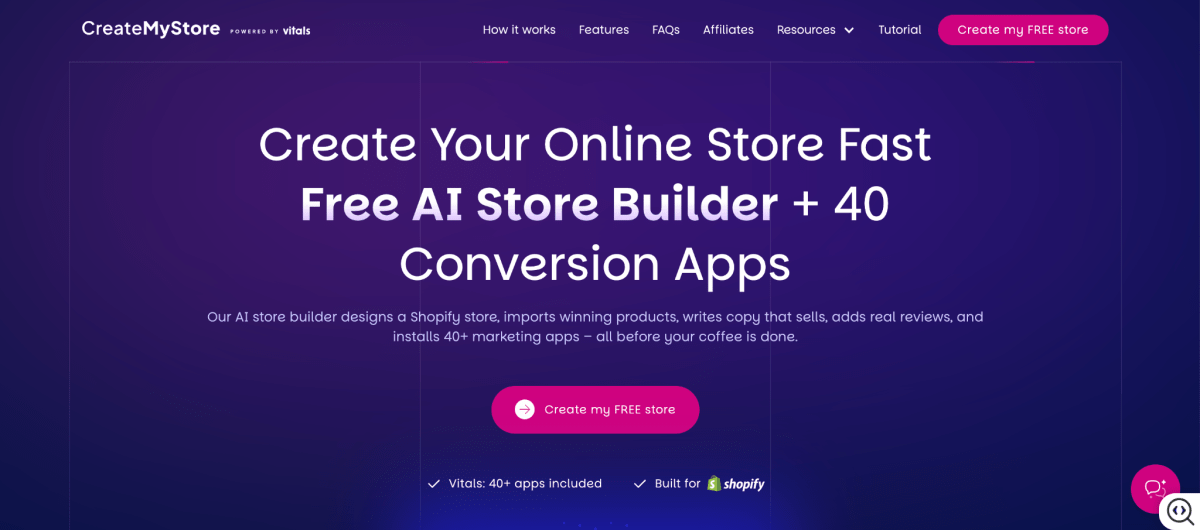
If Shopify's native tool is the bare foundation, CreateMyStore.ai is the one that shows up and finishes the whole store for you. This is the tool I point beginners to when they tell me "I don't even know which apps I'm supposed to install" because that's exactly the problem it solves.
Most AI builders stop at design and a couple of product imports. What sold me on CreateMyStore is that it keeps going into the part that actually makes money.
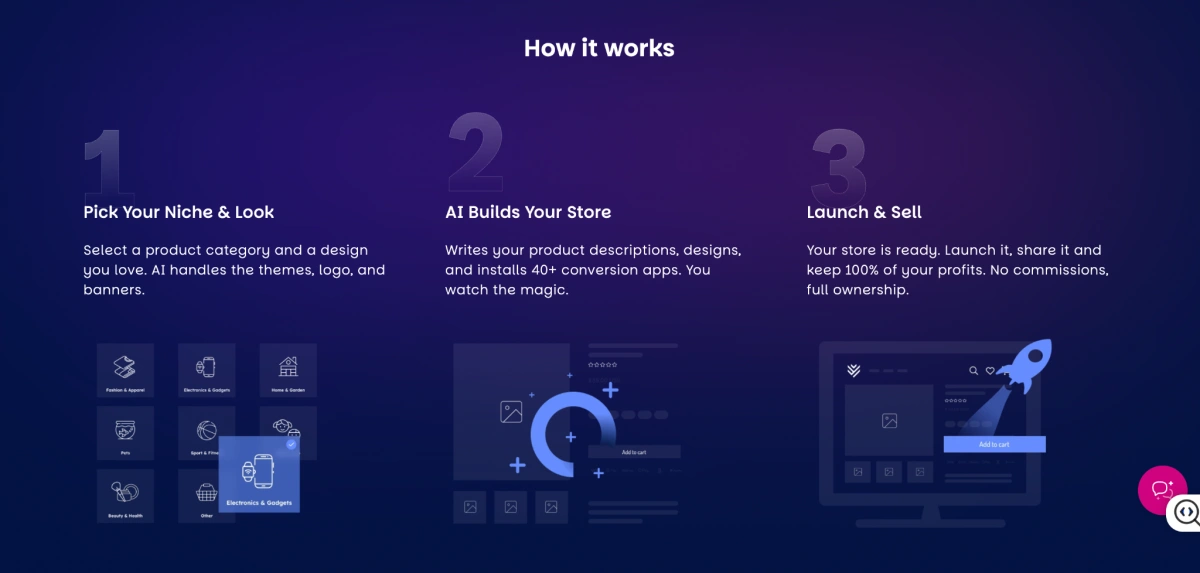
You pick a niche, the type of product you want to sell, like pet gear or fitness (or paste an AliExpress link or your own product URLs), and in about four minutes it designs the store, imports products with images and variants, rewrites titles and descriptions, drops in real reviews.
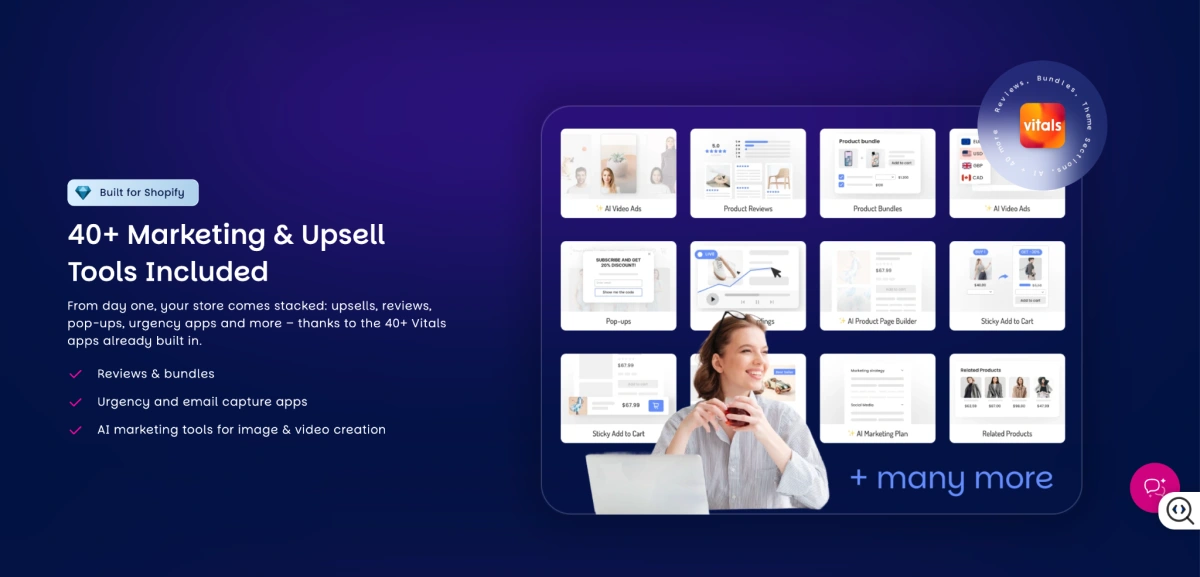
And here's the bit nobody else does automatically: installs and configures 40+ Vitals conversion apps for you. You end up with a store that's ready to convert, not just ready to look at, and you fully own it.
Best for
CreateMyStore.ai is best for:
- First-time Shopify merchants
- Dropshippers launching new stores
- Entrepreneurs who want to skip both manual setup and app configuration
- Sellers who want conversion tools running from day one
It's probably not for established brands that need full creative control over every pixel of their storefront.
Key AI Capabilities
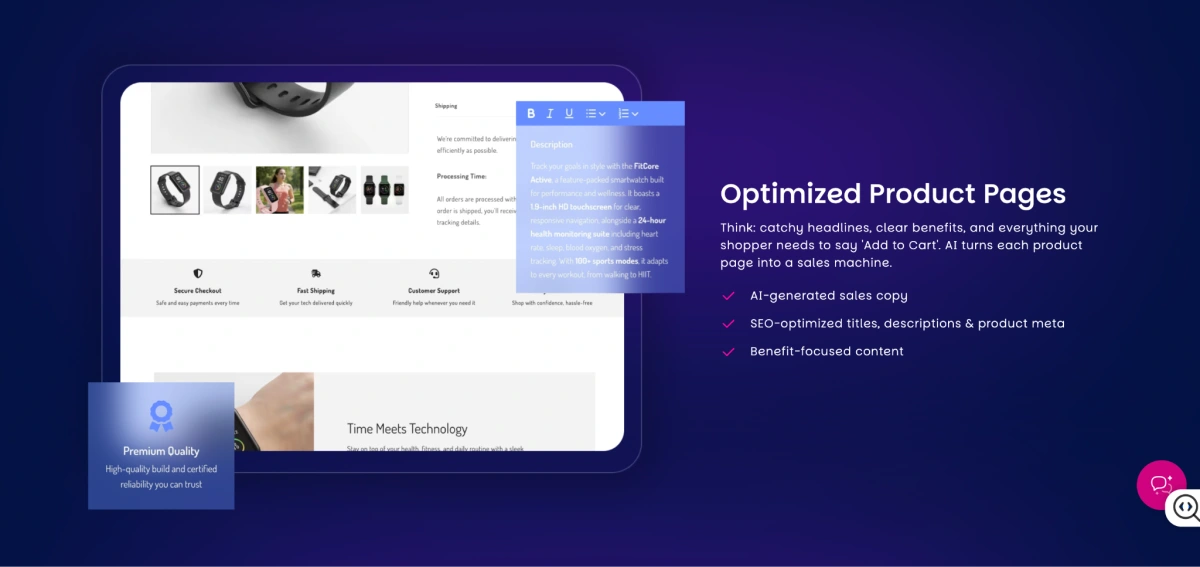
40+ auto-installed conversion apps (its core strength): The generated store comes pre-loaded with Vitals apps: upsells, bundles, email pop-ups, review widgets, trust badge, already configured and running.
AI store generation: It builds the full foundation: design, logo, banners from your niche or a pasted product link.
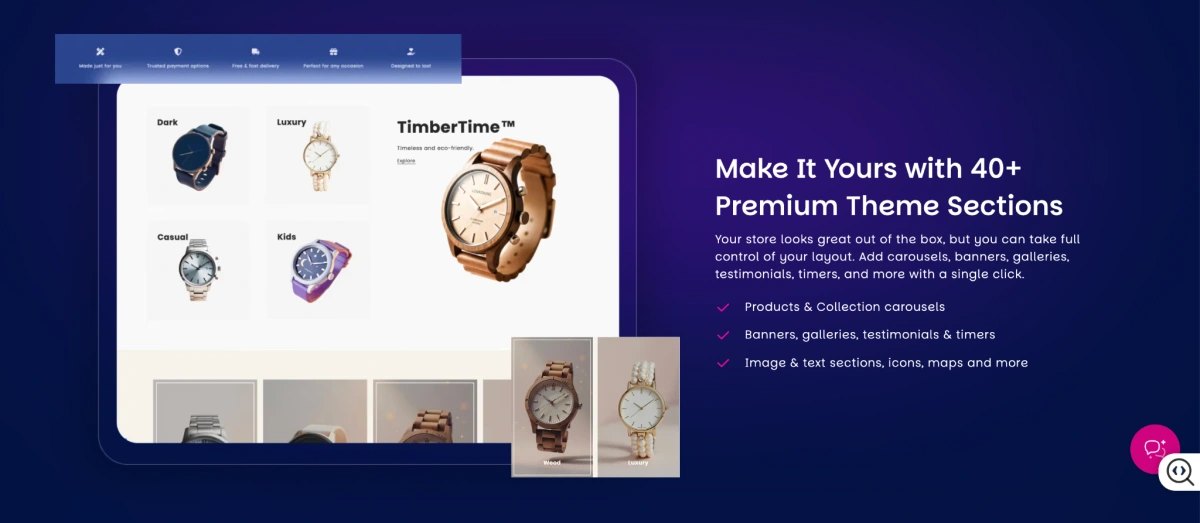
Product content and SEO copy: It rewrites product descriptions, marketing text, and search-focused page content, and imports real customer reviews so pages don't look empty on day one.
Pricing
Free to create the store; you still need an active Shopify subscription.
The recurring cost to budget for is the Vitals apps: a 7-day free trial, then $1 for the first month, then $29.99/month.
3. BuildYourStore.ai
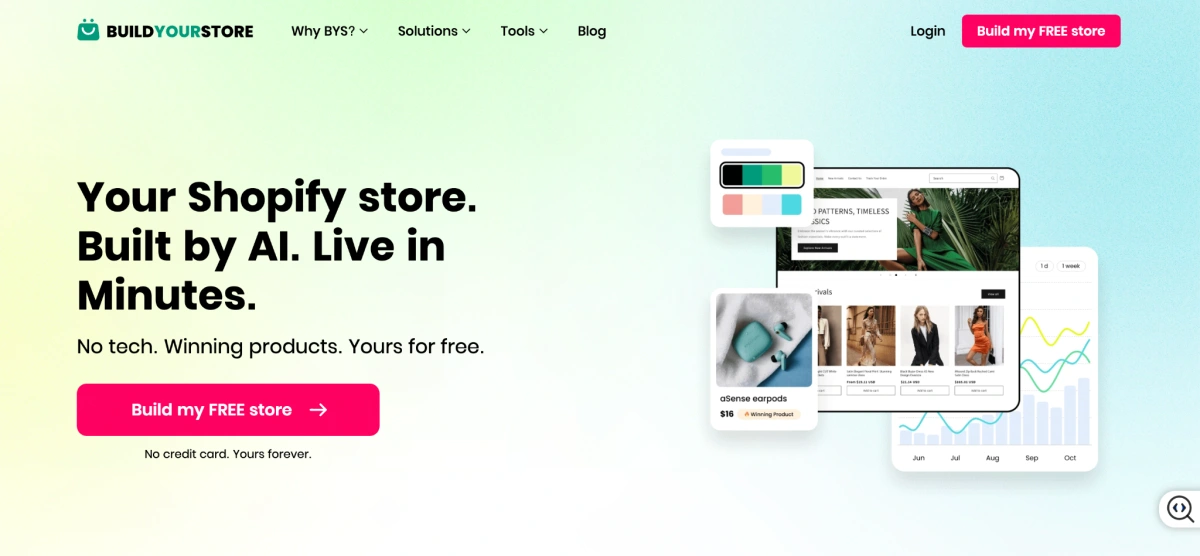
Now, where CreateMyStore adds conversion tooling, BuildYourStore.ai (which is backed by AutoDS) goes the other direction, it removes decisions. Its whole appeal is speed and zero build cost: pick a niche, wait under two minutes, and you get login credentials to a ready-to-launch store, a free .store domain for a year, and 10 proven-seller products.
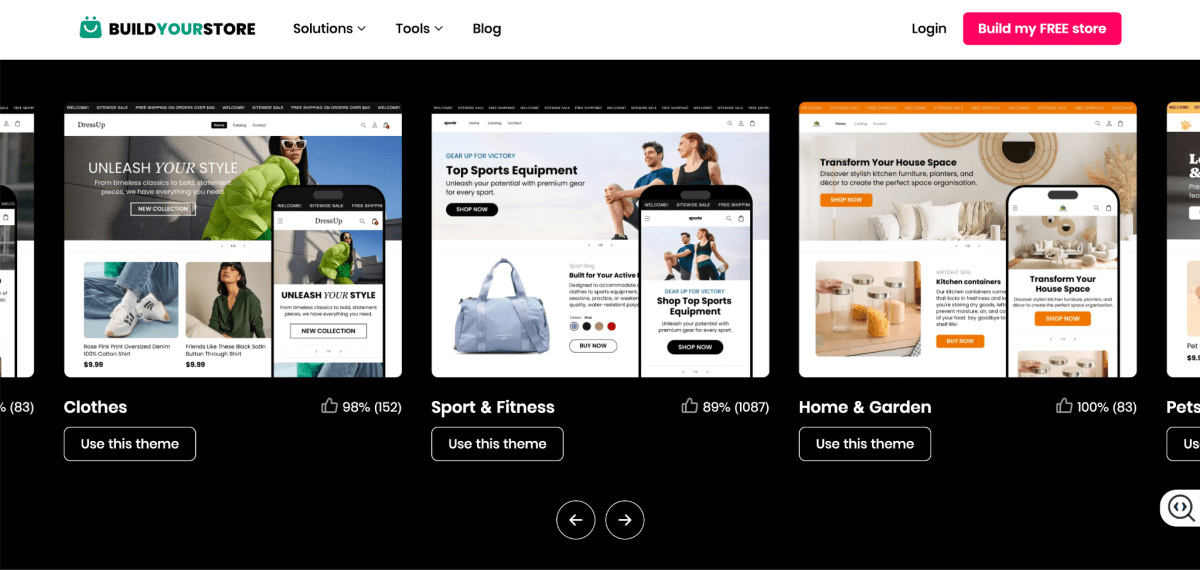
The stores are built on Shopify's default Dawn theme and the product copy comes from the supplier rather than being written for your brand.
On top of that, everyone in the same niche gets a very similar store. That means you're often competing head-to-head with other BuildYourStore users selling the identical setup.
The model is affiliate-driven too: the company earns a Shopify referral commission whether or not you ever make a sale, so there's less built-in reason for it to fine-tune your store for conversions. None of that makes it useless, it just makes it a fast foundation you then make your own. Go in knowing that.
Best for
BuildYourStore.ai is best for:
- New Shopify merchants
- Beginner dropshippers
- Entrepreneurs testing product ideas on the tightest budget
- Sellers who want the simplest possible launch
It's not for established brands that need advanced UX or a storefront that stands apart.
Key AI Capabilities
One-click niche store at zero build cost (its core strength): Choose a niche and it assembles a complete starter store with essentially no cost to build.
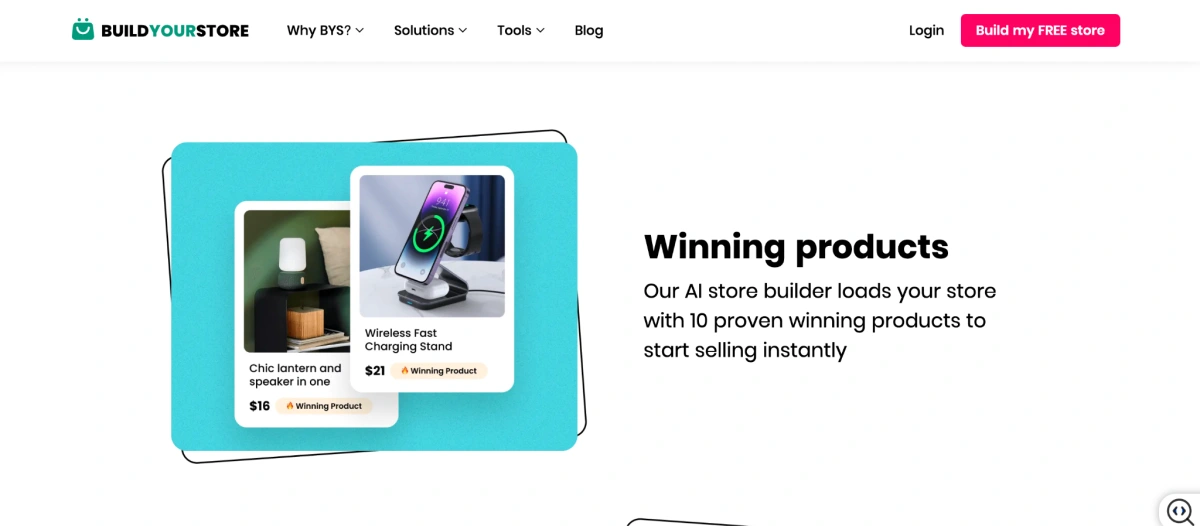
Product pre-selection: It loads 10 proven-seller products so you start with inventory already in place.
Basic content generation: It fills in store copy and marketing text (product descriptions are supplier-provided rather than custom-written).
Limitations
- Built on the default Dawn theme, so stores in the same niche look near-identical. You end up competing directly with other users.
- Product copy comes from the supplier, not written for your brand voice.
- The affiliate model means there's limited incentive to optimize your store for conversions.
- Spinning up a store still doesn't replace product research, marketing, or conversion work (getting more of your visitors to actually buy).
Pricing
Free to build. You'll still pay for Shopify (~$39/month) and, for dropshipping fulfillment, AutoDS (from ~$19.90/month, with a $1 trial).
4. AutoDS AI Shopify Store Builder
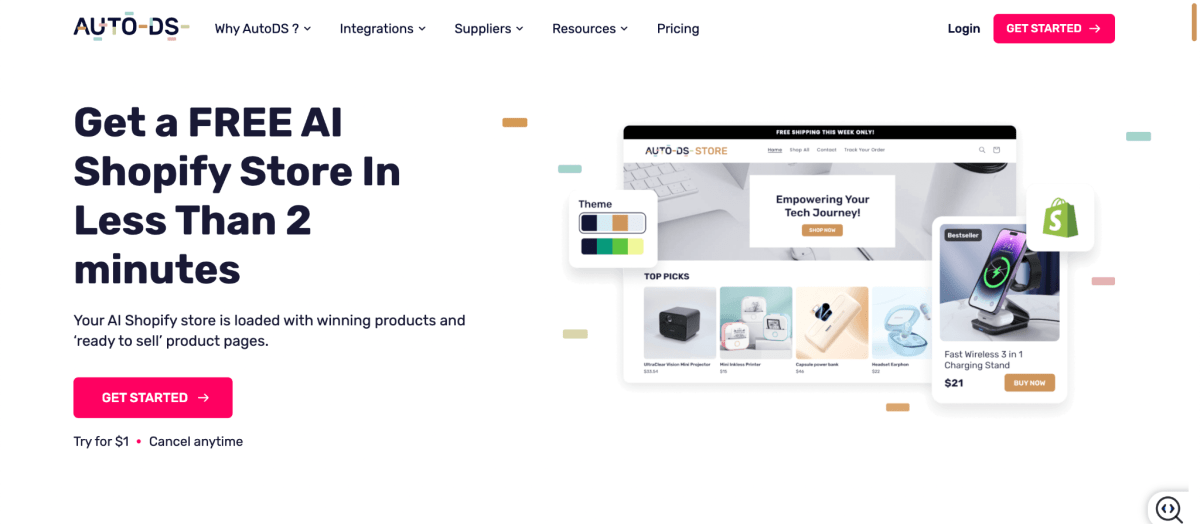
That's why I bucket it as the operations-heavy pick. If you're serious about dropshipping, having store creation, product research, importing, and fulfillment in a single dashboard genuinely cuts down the tab-switching that eats your day.
Best for
AutoDS AI Shopify Store Builder is best for:
- Dropshippers launching Shopify stores
- Beginners who want store creation plus automation in one place
- Merchants managing lots of products or suppliers
- Sellers who want to automate the repetitive dropshipping grind
It's not the right tool for traditional ecommerce brands that don't run a dropshipping workflow.
Key AI Capabilities
End-to-end dropshipping automation (its core strength): Beyond building the store, AutoDS automates product monitoring, inventory updates, price changes, and order fulfillment.
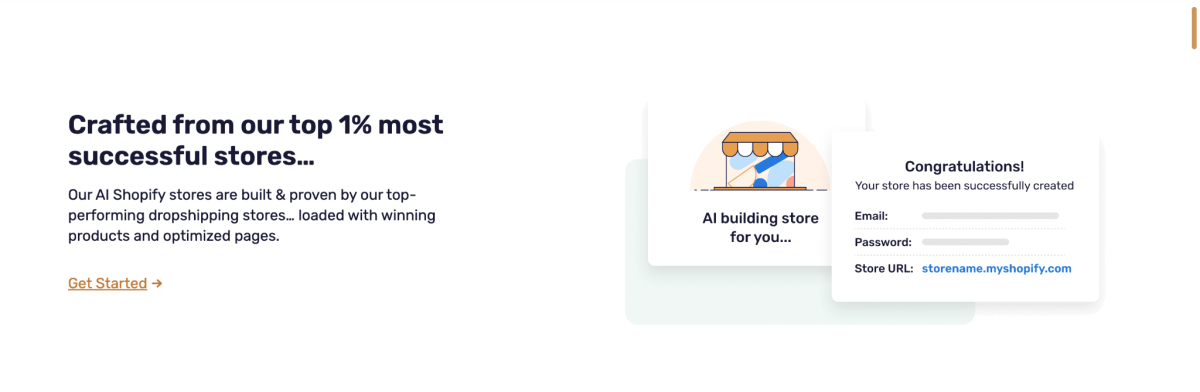
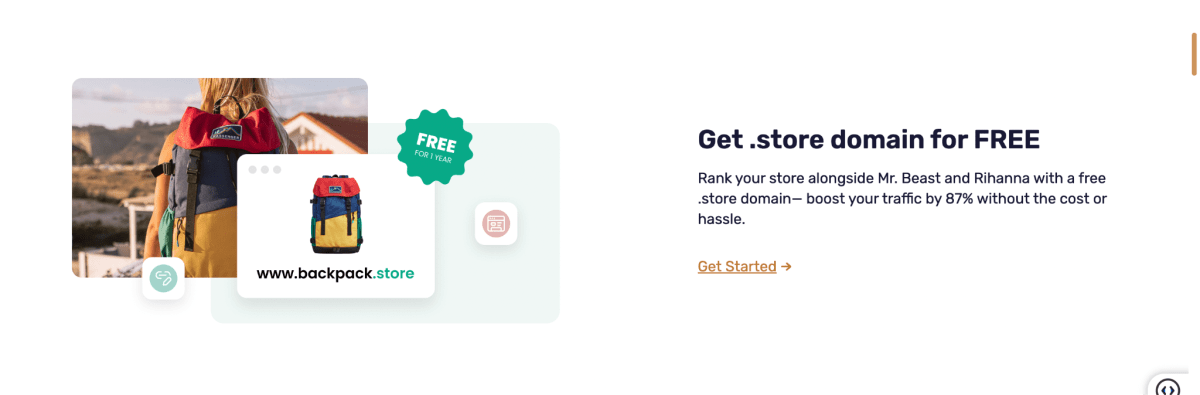
AI store creation: It generates a store foundation (design, product pages, content) plus a free .store domain in minutes.
AI product research and importing: It surfaces products across 800M+ items and 20+ suppliers (AliExpress, Amazon, Walmart, CJ, and more) and imports them one-click with details, images, and pricing.
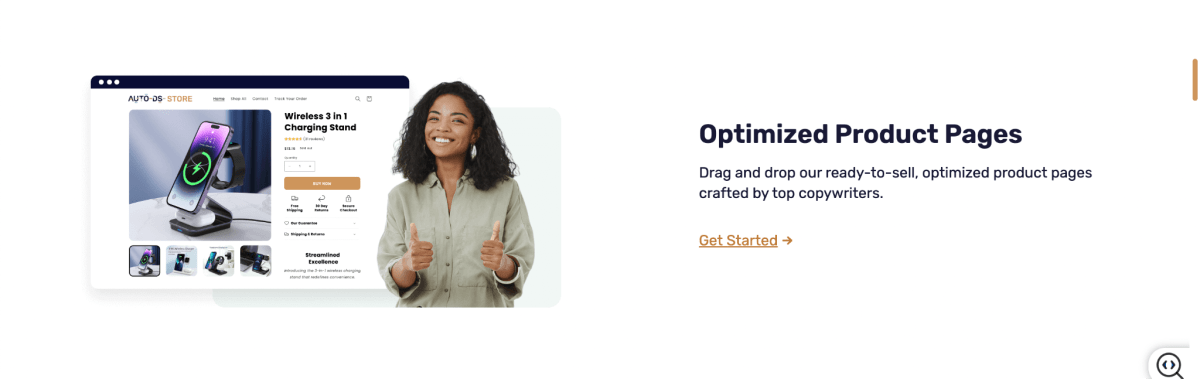
AI product descriptions: It generates titles and descriptions so you can publish a lot of products fast.
Pricing
AutoDS offers a $1 3-day trial, with plans starting at $20/month and scaling based on product limits. Additional costs may apply for extra marketplaces, auto-ordering credits, and add-ons.
If you're setting up a dropshipping store, it's also worth reviewing the best dropshipping apps for Shopify to pair with your builder.
5. Storebuild.ai
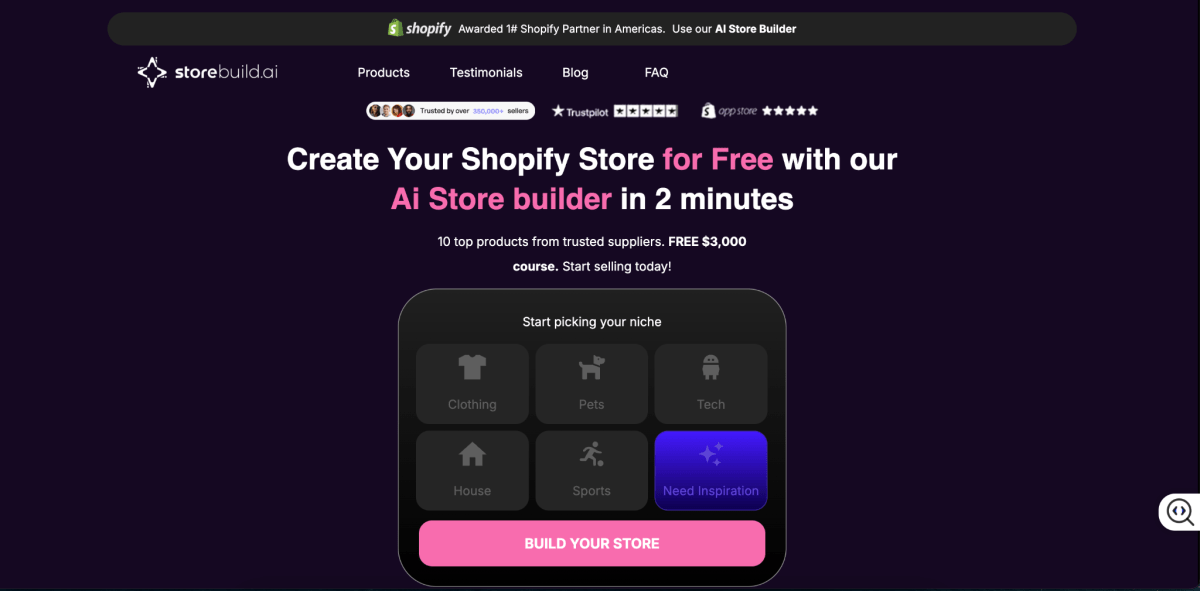
Storebuild.ai lives in the same beginner-friendly territory as a couple of the tools above, but one thing stood out I notice is: it cares more about the product page than the store shell. And that's a smart bet, because the product page is where the sale actually happens.
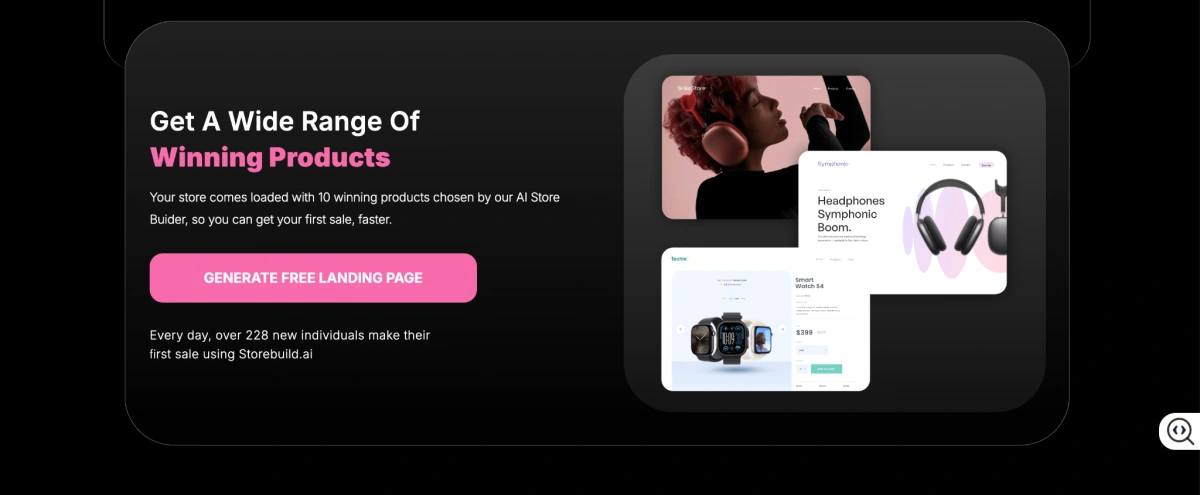
Rather than just handing you a niche store and calling it done, it puts its energy into building optimized, mobile-friendly product pages. Add in product discovery, curated suggestions so you start from real product ideas instead of a blank canvas, plus a link to dropshipping workflows, and you get what I'd call a "product-page-first" approach.
Best for
Storebuild.ai is best for:
- First-time Shopify merchants
- Dropshippers testing new product ideas
- Entrepreneurs who want a faster launch
- Beginners who specifically want help with product pages
It's not the pick for established brands needing advanced customization or complex UX.
Key AI Capabilities
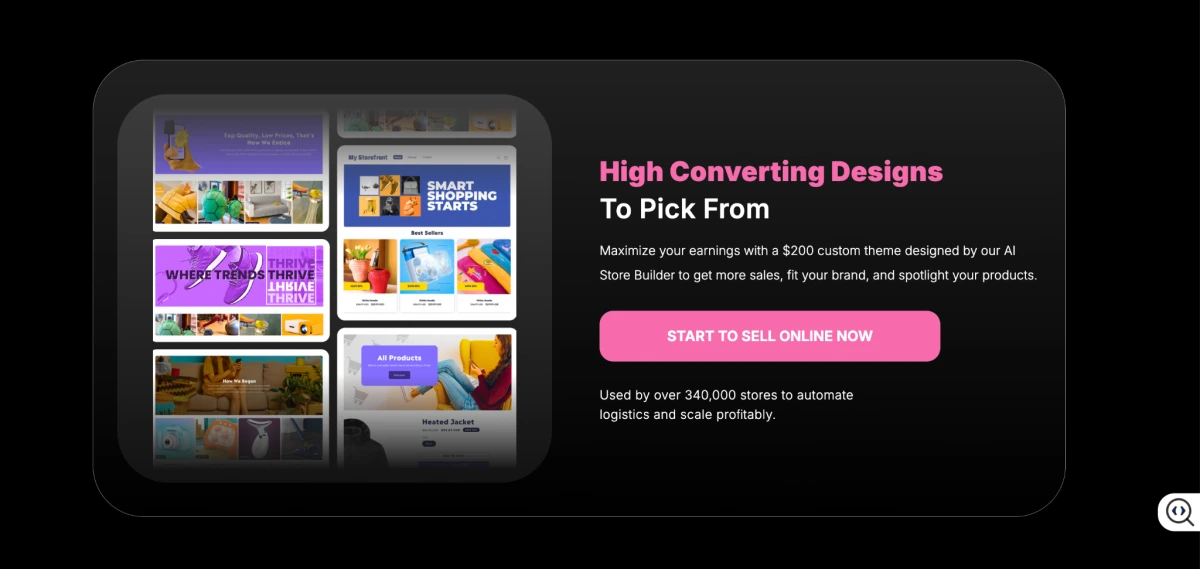
AI product page builder (its core strength): It generates product pages with AI-assisted layouts, benefit-driven copy, and mobile-friendly, conversion-oriented sections.
AI store creation: It builds a store foundation from your niche and product direction to cut manual setup.
Product discovery: Curated product suggestions help you start with validated ideas rather than a blank store.
Pricing
The free plan gives you basic access. Paid plan starts at: $29.90/month. You'll still need a Shopify subscription to run the store.
6. DropMagic

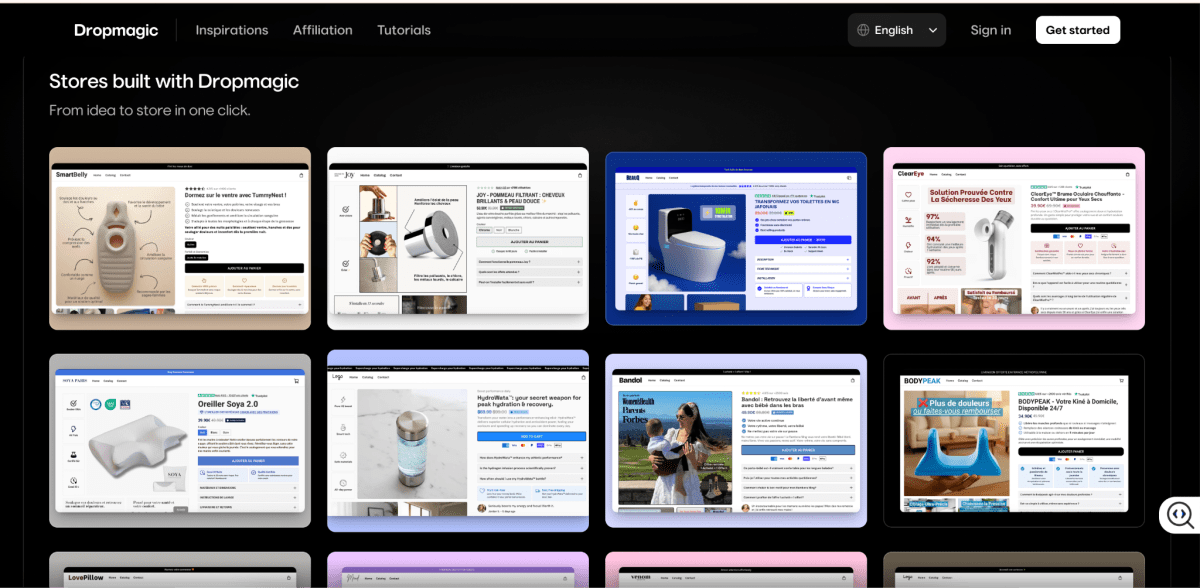
If you've read this far, you've probably noticed a pattern: a lot of these tools quietly build on the same Dawn theme, which is exactly why so many AI stores look identical. DropMagic's entire pitch is a response to that problem. And it's the one I reach for when a merchant says "I don't want my store to look like every other dropshipper's."
Instead of leaning on Dawn, it generates each store inside its own visual editor. You paste any product URL and it builds a fully designed, multi-page store where colors, typography, sections, and layout are all yours to change.
What genuinely impressed me is the persona-based copywriting. It means you tell it who you're selling to (age, interests, tone) and the AI writes the copy to match that specific buyer. So two stores selling the same product can read completely differently.
Best for
DropMagic is best for:
- Dropshippers who want branded, one-of-a-kind stores
- Product testers iterating on lots of store concepts
- Sellers who want store creation and marketing copy in one tool
- Merchants who want real control over design and layout
It's not the best fit if you just want the fastest, most hands-off launch.
Key AI Capabilities
Theme-free unique store generation (its core strength): It builds each store in its own editor rather than on Dawn, so your stores are visually distinct and fully customizable.
Persona-based AI copywriting: Define your audience and the AI tailors the copy angle per store, a genuinely different approach to product copy.
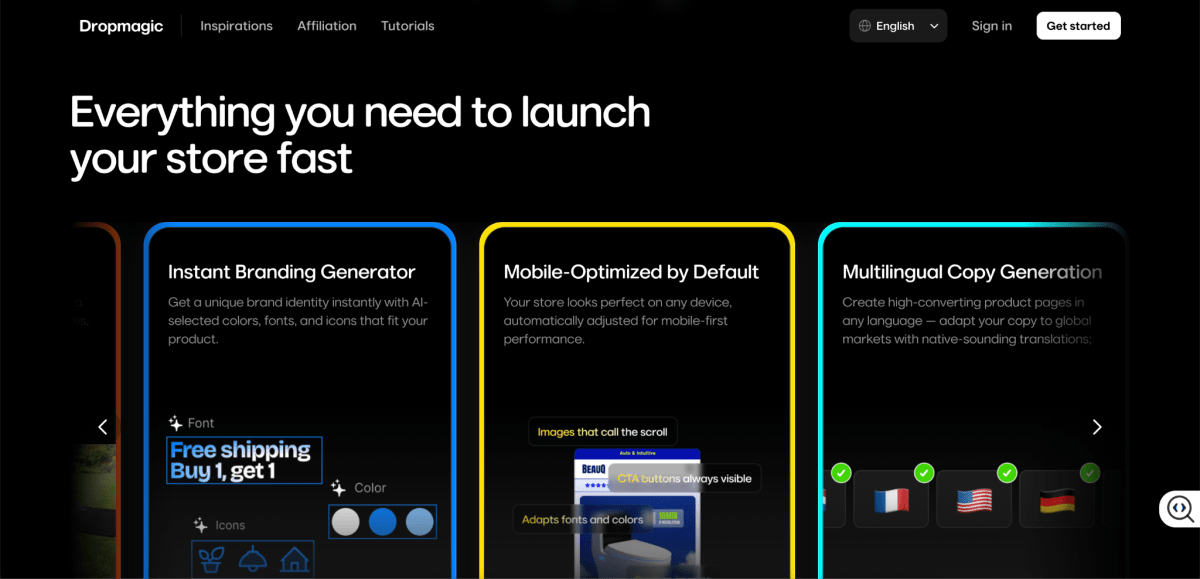
AI product and lifestyle images: It generates branded visuals and removes backgrounds right inside the editor.
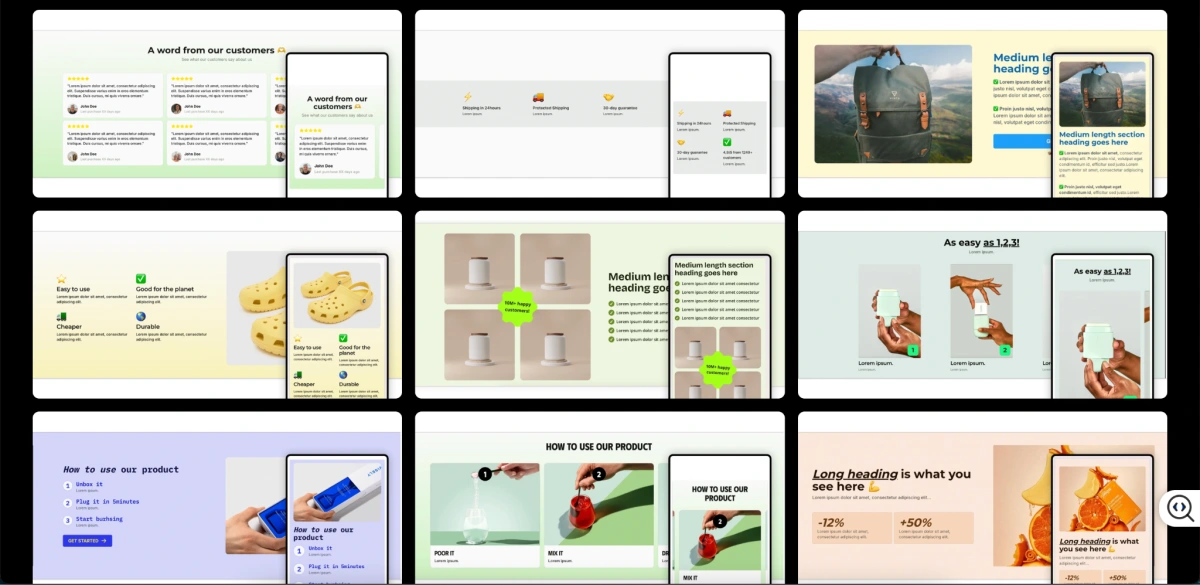
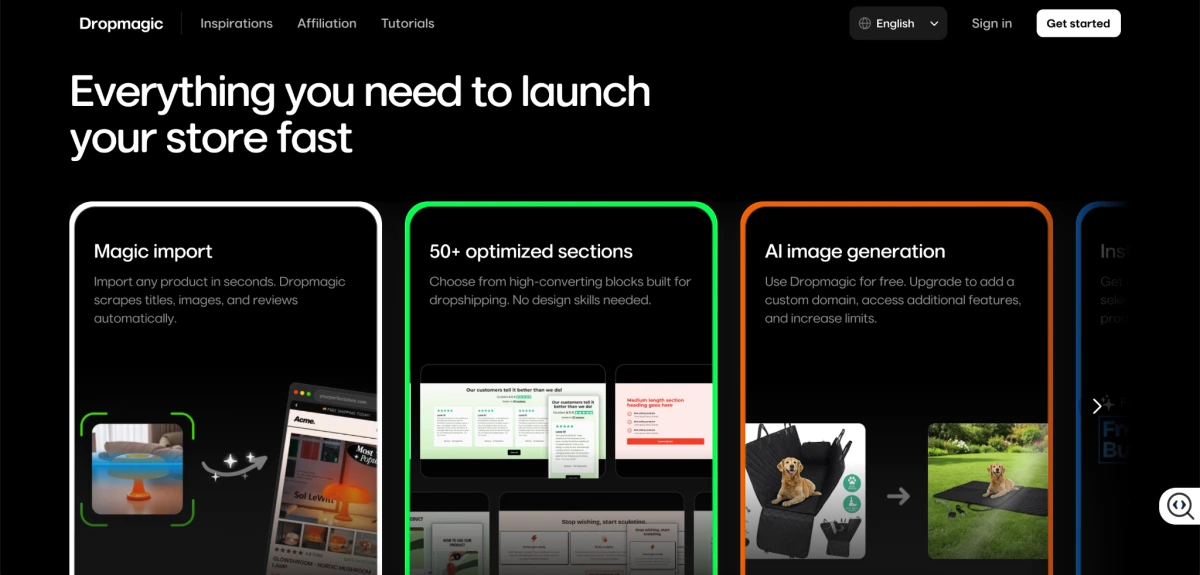
50+ conversion sections: You assemble pages from conversion-focused blocks: testimonials, FAQs, trust badges, comparison charts, urgency elements.
Pricing
It's free to generate. Paid plan starts at $79/month.
7. Atlas AI Shopify Store Builder
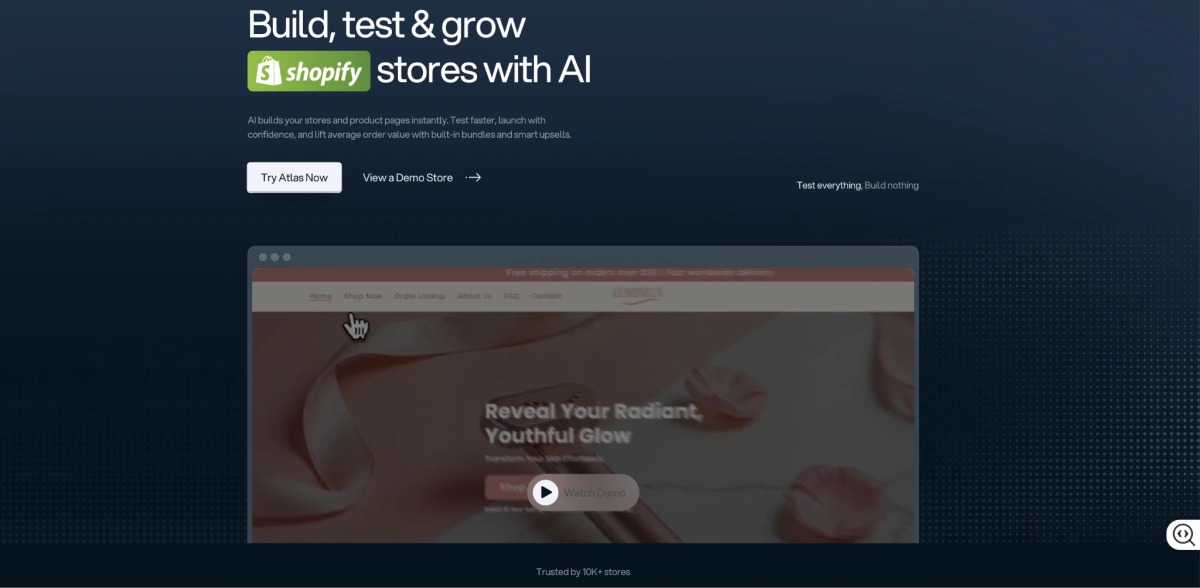
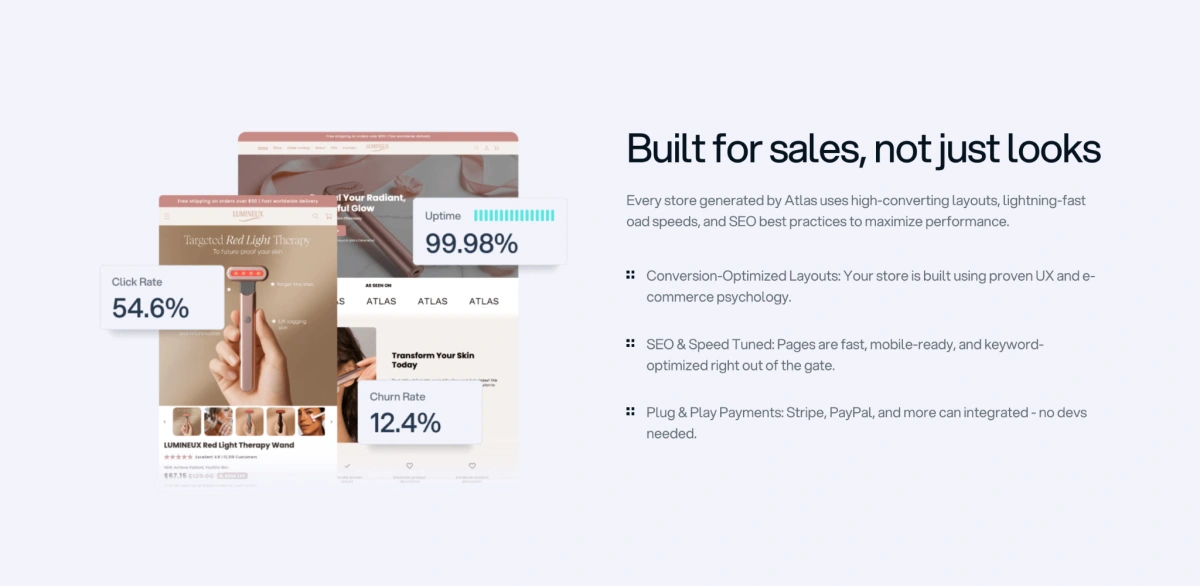
Since we're on the topic of stores that don't look like everyone else's, Atlas (helloatlas.io) takes a different route to the same goal. While the free niche builders lean on Dawn, Atlas built its own premium theme - Atlas Bolt from scratch. That's what gives its stores a polished feel and helps them avoid that generic "dropshipping store" look.
Two things make it click for me. First, it's a native Shopify app, so there's no external editor or export step, everything happens right in your Shopify admin. Second, it builds cart and bundle upsells into the app itself, which means one subscription quietly replaces a premium theme, a page builder, and your separate upsell apps.
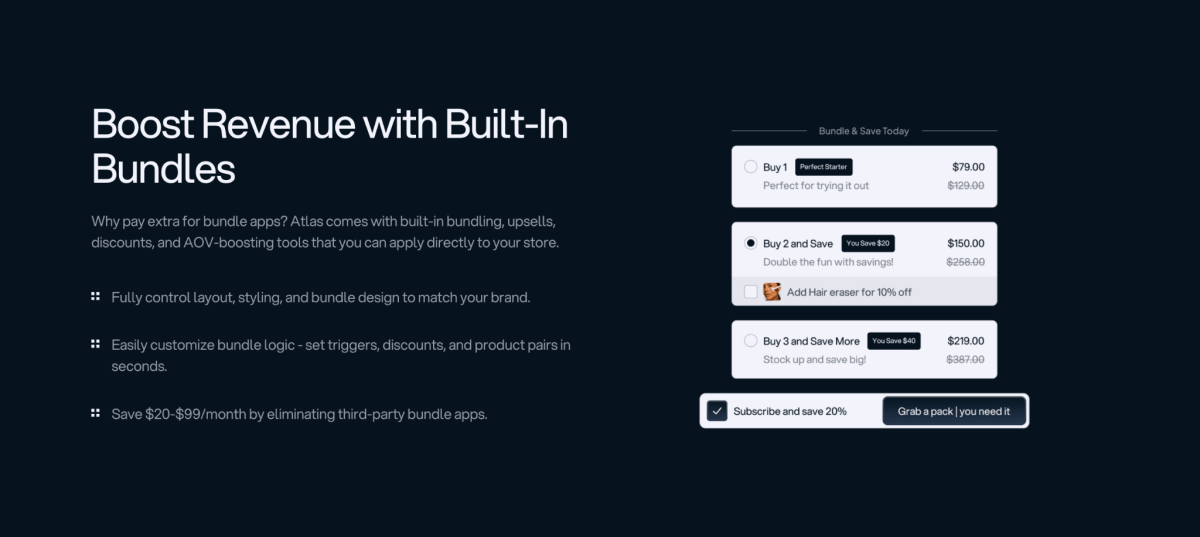
For one-product and small-catalog sellers, having it all in one place is the real draw.
Best for
Atlas AI Shopify Store Builder is best for:
- Merchants who want a polished, conversion-optimized theme
- One-product and small-catalog dropshipping stores
- TikTok advertisers and creators launching limited drops
- Sellers who want built-in upsells without piling on extra apps
It's not for brands that want fully bespoke design freedom.
Key AI Capabilities
Atlas Bolt premium theme + built-in upsells (its core strength): Its own premium theme with 30–35+ conversion-focused sections, animations, and standard cart/bundle upsells.
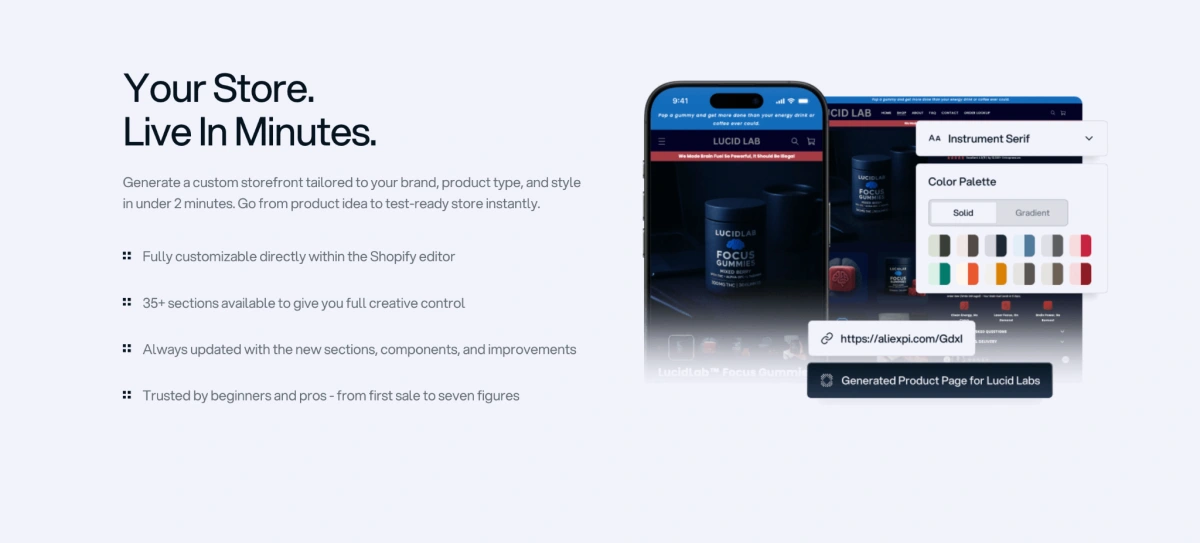
Instant AI store generation: From a single URL, it generates layouts, headlines, descriptions, and product images based on product research.
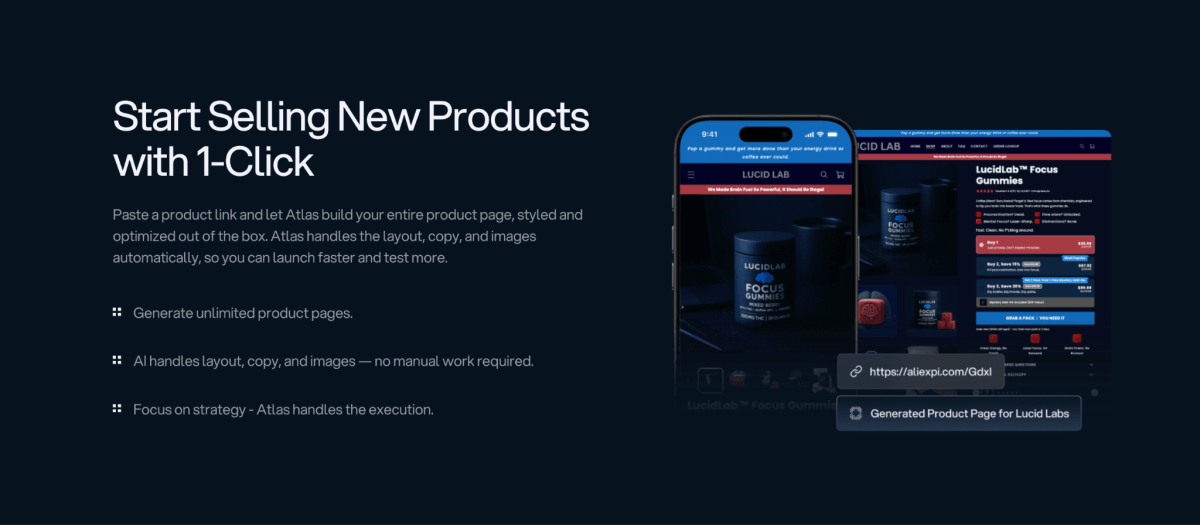
AI product images and copy: It cleans up product images and writes high-converting descriptions.
Template system: You can save layouts as reusable templates, and build advertorials and listicles from a product link (Advertorials are article-style sales pages; listicles are "top 5"–style pages, both popular formats for running ads).
Pricing
The free tier includes 50 credits/month. Paid plans start at ~$39–$49/month for unlimited generation and AI images. You'll still need a Shopify subscription.
8. Instant (instant.so)
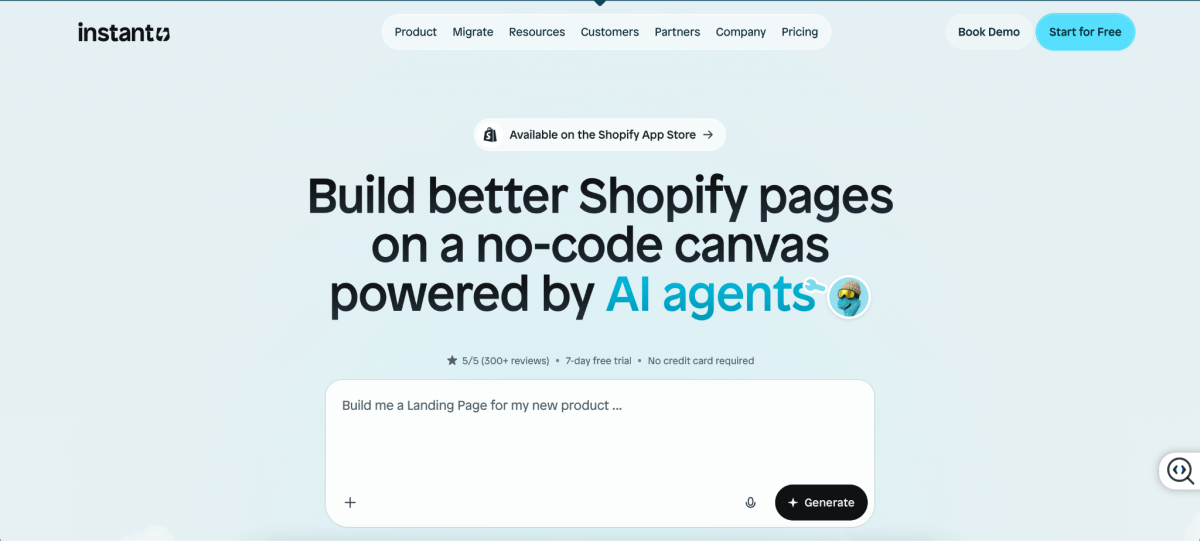
I saved this one for last on purpose, because it's the odd one out and I mean that as a compliment. Every other tool here builds a store from scratch. Instant (instant.so, used by 25,000+ brands) does the opposite job: it makes the pages that convert better once your store already exists. If you've heard of Shogun, PageFly, or GemPages, it plays in that same lane.
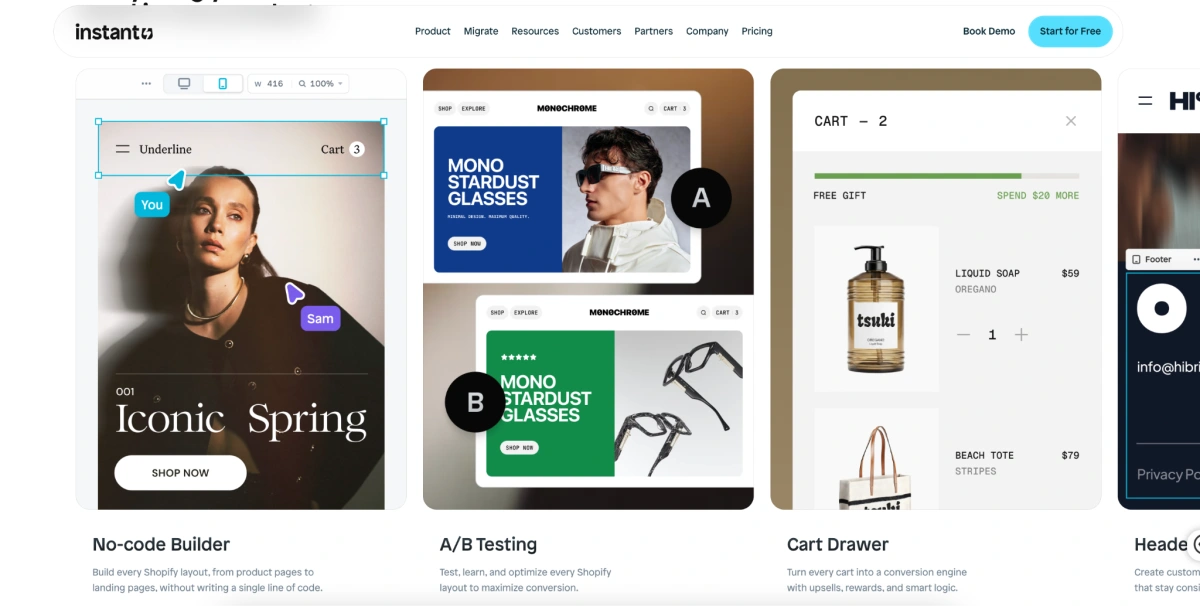
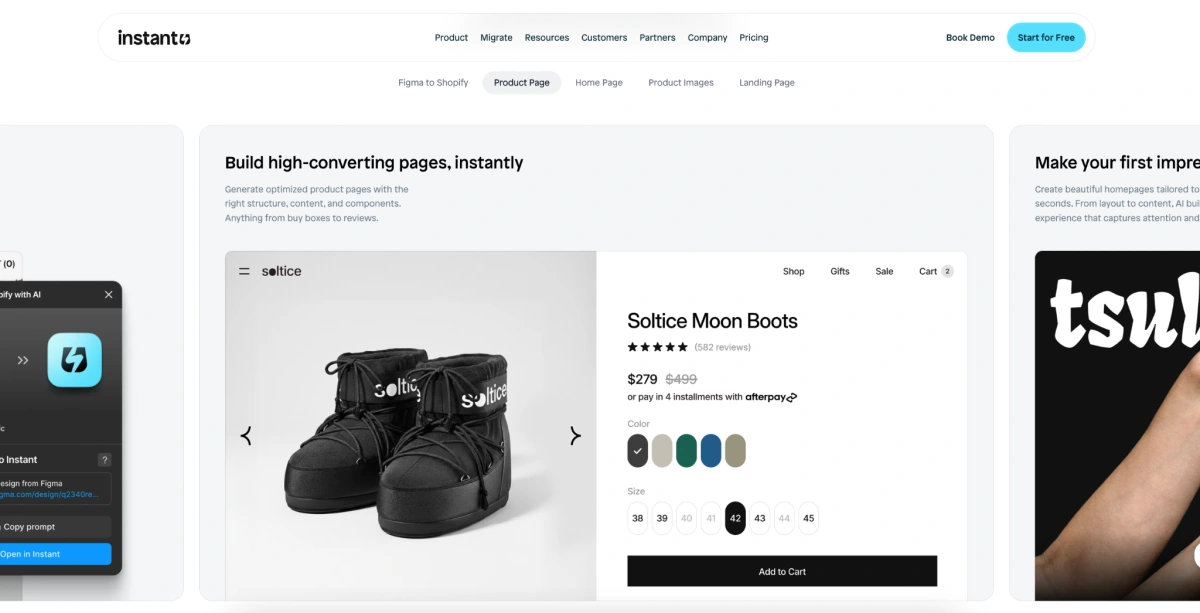
You prompt the AI to build any page your store needs, start from an 800+ template library, or my favorite feature, paste a Figma design and have it turned into a live, editable Shopify layout. But the thing that actually earns it a spot on this list is built-in A/B testing to see which one sells more.
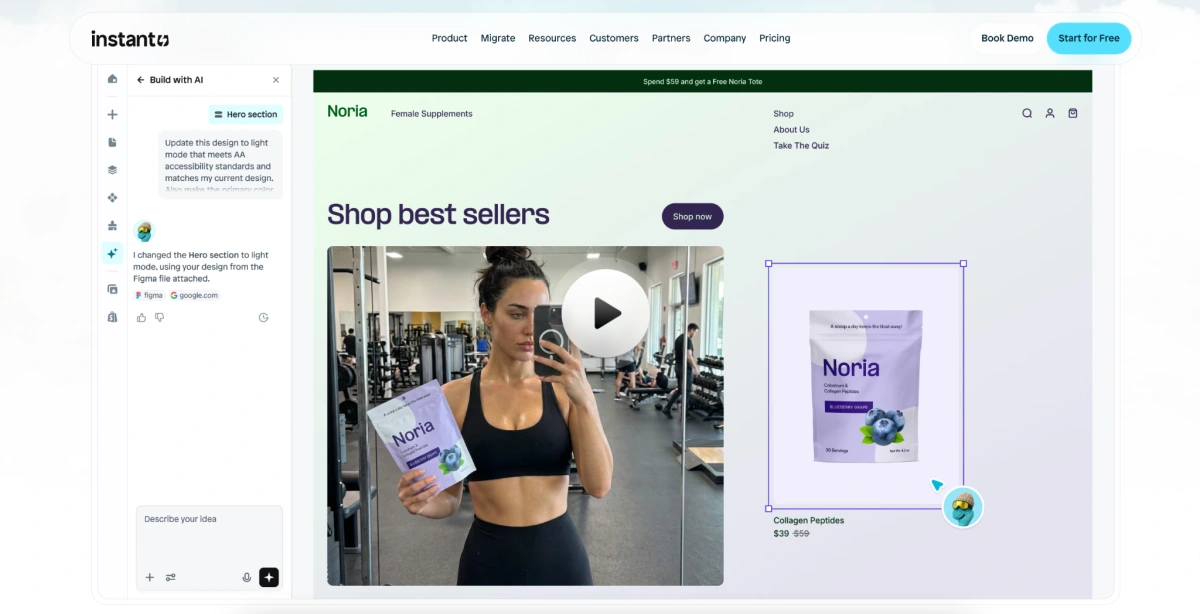
It's the only tool here where optimizing a live product page, not launching a new store, is the whole point. Once you've got traffic and want to squeeze more revenue out of it, this is where you go.
Best for
Instant is best for:
- Merchants who already have a store structure in place
- Sellers who want to lift conversion on product and landing pages
- Brands that want built-in A/B testing and cart analytics
- Teams looking to consolidate several paid page/section apps into one
It's not a from-scratch store generator, so don't come to it expecting one.
Key AI Capabilities
Built-in A/B testing + conversion pages (its core strength): It builds high-converting product and landing pages, then lets you split-test them with cart analytics.
Figma-to-Shopify: Paste a Figma design and it converts to a pixel-perfect, editable, responsive Shopify layout.
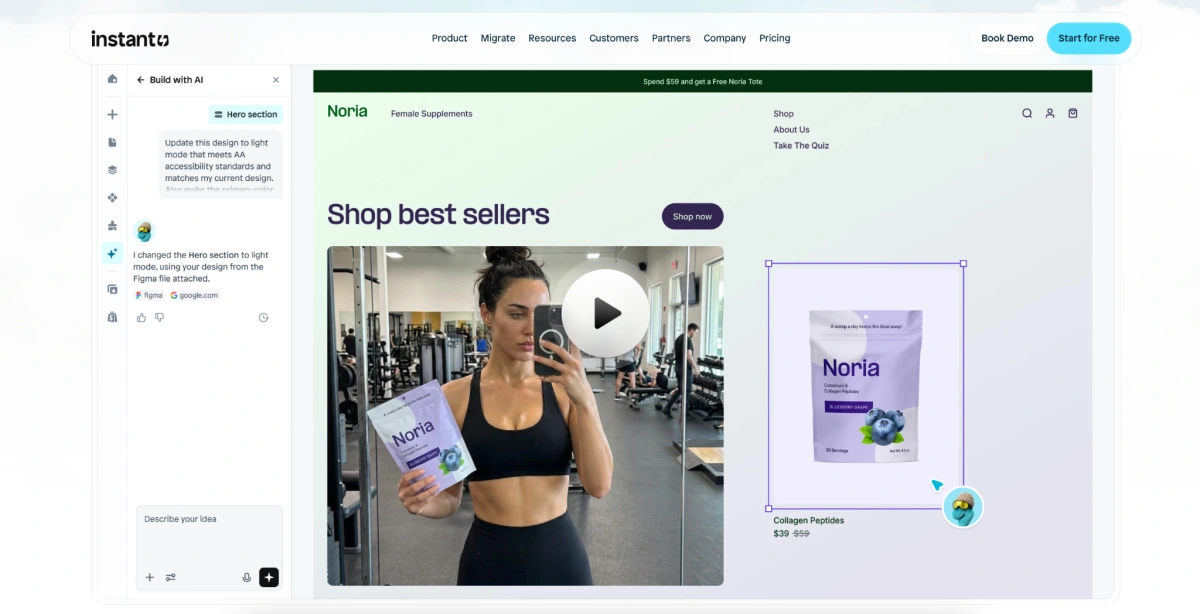
AI page generation: Prompt the AI to build product pages, homepages, and theme sections that are structured for conversion.
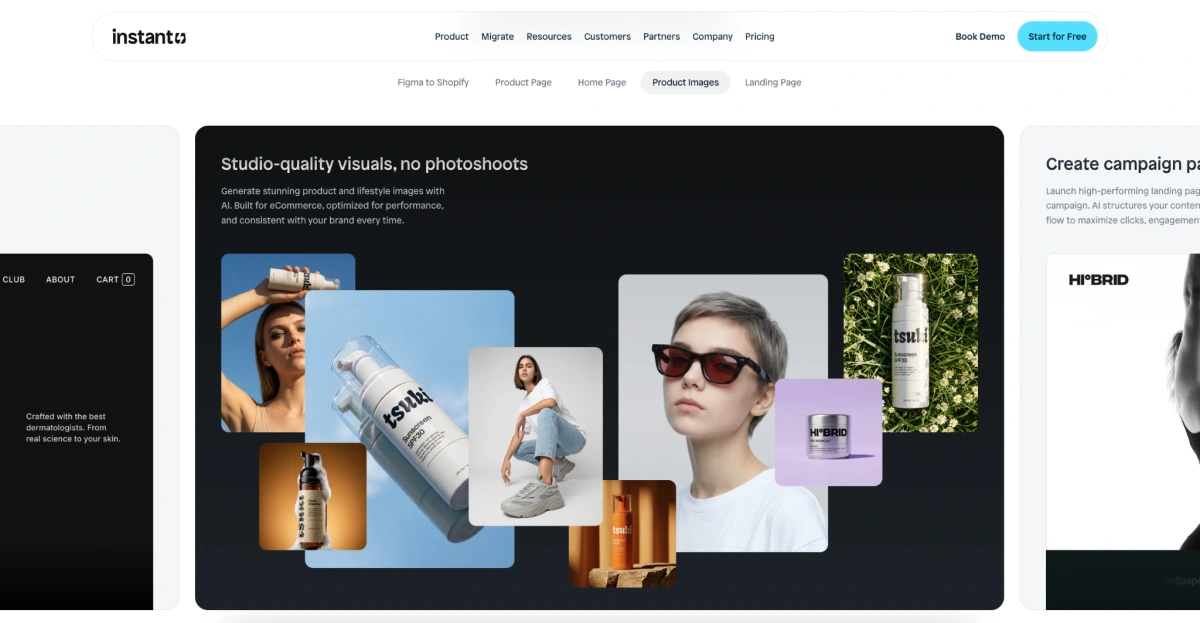
AI image studio: Generate on-brand product and lifestyle images optimized for ecommerce.
Pricing
There's a free plan plus three paid tiers. Start at $31/month. You'll still need an active Shopify subscription.
What Does an AI Shopify Store Builder Actually Do?
Understanding what these tools generate, and what they leave out, saves you from nasty surprises after you launch. The promise of "a store in minutes" is real. But the size of that store, and how much is left for you to finish, varies a lot.
What Gets Generated Automatically
When you use one of these tools, you typically hand it a niche, a product type, and sometimes a brand name or preferred color palette. From there it builds a working store structure. Shopify's own native builder, for instance, takes your inputs and produces a themed storefront with a homepage layout and suggested content sections.
Depending on the tool, here's what usually gets created for you automatically:
- The store theme and overall design layout
- Homepage structure, hero sections (the big banner at the top of the page), and navigation menus
- Product page copy and descriptions
- Basic SEO metadata - the page titles and short descriptions that show up in Google results
- Logo or brand asset suggestions (only in some tools)
- Category and collection page structures
What You Still Need to Do Manually
Here's the part the marketing pages tend to gloss over: no AI store builder does everything. Even the best ones leave a meaningful chunk of work on your plate, and you should know that before deciding AI is the right starting point for you.
After the store is generated, you'll typically still handle:
- Product sourcing, inventory setup, and connecting your suppliers
- Payment gateway and shipping configuration (setting up how you get paid and how orders ship)
- Legal pages: privacy policy, terms of service, and refund policy
- Advanced SEO: things like structured data, internal linking, and a real content strategy
- Conversion work: adding trust badges, reviews, and live chat to turn more visitors into buyers
- Branding refinements: swapping placeholder logos and fine-tuning fonts and colors

How to Build a Shopify Store with AI (Step-by-Step)
Building a Shopify store with AI is faster than traditional setup, but following a clear process helps you avoid rework later.
- Step 1: Choose your niche and products. Decide on a product category before opening any AI tool. The quality of AI output depends on the specificity of your input.
- Step 2: Select an AI store builder. Use the comparison table above to match a tool to your use case and budget.
- Step 3: Input your store details and preferences. Enter your niche, brand name, preferred colors, and any product descriptions you have ready. More detail produces better output.
- Step 4: Review and customize the AI-generated store. Do not publish raw AI output. Review every section, replace placeholder text, and adjust the design to reflect your brand.
- Step 5: Add products and configure settings. Upload your product catalog, configure payment gateways, set up shipping zones, and add your legal pages.
- Step 6: Connect your domain and launch. Point your custom domain to your Shopify store, run a test order, and publish.
Further reading: Once your store is live, the right Shopify apps can extend what AI built. See must-have Shopify apps for ecommerce stores for a vetted list of tools worth adding after launch.
5 Things to Fix After Your AI Store Is Generated
Here's something I wish someone had told me early on: the moment the AI finishes is not the moment you launch. The tool builds the scaffolding, the finishing work is what separates a store that converts from one that just sits there. Whichever builder you picked, fix these five things first.
1. Polish your brand identity. Swap out placeholder logos, check the color palette, and make sure the fonts fit your brand. Generic AI branding is the fastest way to look like every other AI-built store in your niche.
2. Rewrite the copy that sells. Treat AI copy as a first draft. Your hero headline (the big line at the top of the homepage), product descriptions, and calls-to-action all deserve a rewrite in your customer's own words.
3. Add trust signals. Reviews, clear shipping and return policies, trust badges, and real contact info all help convince a first-time visitor to buy,consistently some of the highest-impact changes on a new store. A Shopify reviews app makes collecting reviews easy from day one.
4. Tidy up your SEO. Review your meta titles and descriptions (the text shown in Google results), add alt text to images, clean up your URLs, and run a quick page-speed test. The AI's SEO is a rough draft, not a finished job.
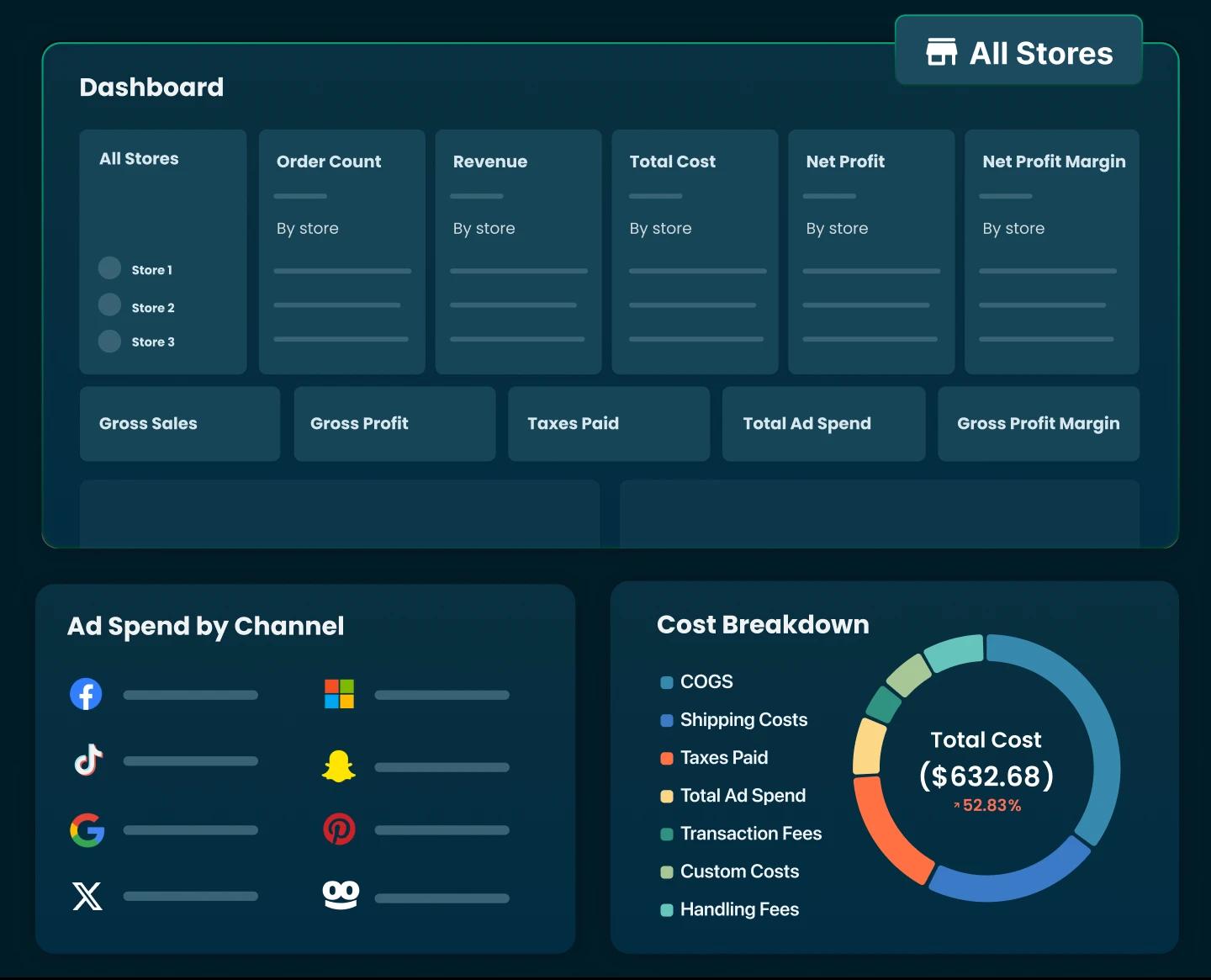
5. Set up analytics and profit tracking. Do this before spending on ads. Making sales isn't the same as making money once every cost is counted. TrueProfit is a net-profit analytics tool for Shopify that tracks ad spend, cost of goods, shipping, and transaction fees so you see your real bottom line, which stops you from scaling a store that's quietly losing money.
The Limitations and Risks You Should Know
These tools deliver, but there are real risks worth knowing before you commit.
The biggest is generic output, so many merchants run the same tools with similar inputs that AI-built stores can look nearly identical, which hurts in a crowded niche.
AI copy has the same issue, leaning on repetitive phrasing and occasionally inventing product claims that aren't true, so every description needs a human read-through before going live.
There's a conversion cost to skipping the finishing work, too: stores published as-is tend to convert worse than ones that get the post-generation polish above. "Store in two minutes" is technically true but commercially misleading, a store that actually makes money takes longer to get right.
SEO is the other weak spot; treat whatever the AI sets up as a baseline, not a finished implementation. Once you're live, Shopify analytics apps give you the visibility to make decisions on data, not gut feel.
AI Store Builder vs. Hiring a Shopify Developer
Should you just pay a developer instead? It comes down to your stage, budget, and how precise your requirements are.
If you're validating a niche and product before sinking real money in, an AI builder is the rational move, speed and low cost are exactly what you need to learn fast. If you've got an established brand and conversion targets that demand precise control, a developer pays off.
The smartest play I've seen is a hybrid: launch with an AI builder, validate with real traffic, then bring in a developer for the specific pages driving the most revenue.
Final Thoughts
After all that, here's how I'd sum it up if you were sitting across from me.
If you're on Shopify and just want a running start, use the native builder, it's free.
If you want the most complete store with conversion tools already switched on, CreateMyStore.ai does the most in the least time.
On the tightest budget, BuildYourStore.ai gets you live for free (just plan to rebrand it). Running a real dropshipping operation? AutoDS handles the whole backend.
Want conversion-focused product pages in a quick build, go Storebuild.ai; want a store that looks like nobody else's, DropMagic; want a premium theme with upsells baked in, Atlas.
And once you've got a store and real traffic, Instant is where you go to actually lift your conversion rate.
Pick the one that matches where you are right now, not where you think you'll be in a year, you can always switch to another tool as you grow.

Irene Le is the Content Manager at TrueProfit, specializing in crafting insightful, data-driven content to help eCommerce merchants scale profitably. With over 5 years of experience in content creation and growth strategy for the eCommerce industry, she is dedicated to producing high-value, actionable content that empowers merchants to make informed financial decisions.