Faster Cost Tracking: AI-Powered Import Is Back
Table of Contents

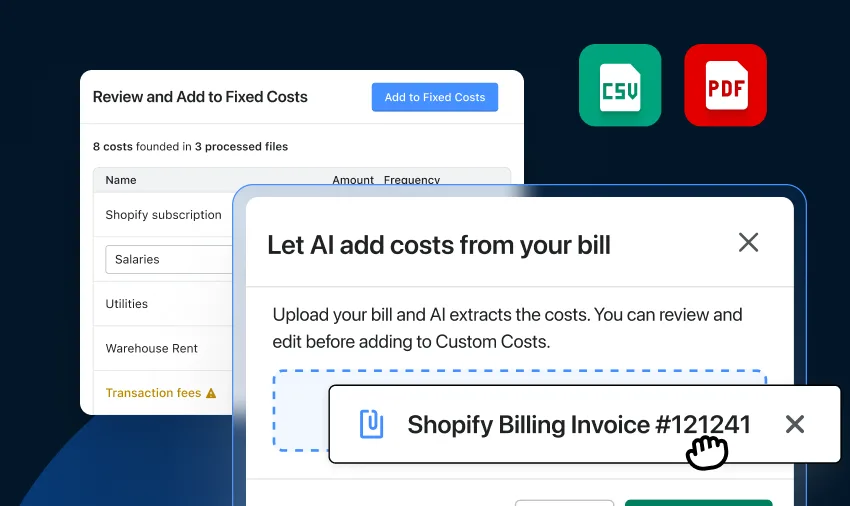
Good news: The ability to import fixed costs with AI is back in TrueProfit!
We first introduced this to make importing fixed costs easier.
And after taking some time to improve the overall experience, we've brought it back with a smoother, more reliable workflow.
What Can You Use It For?
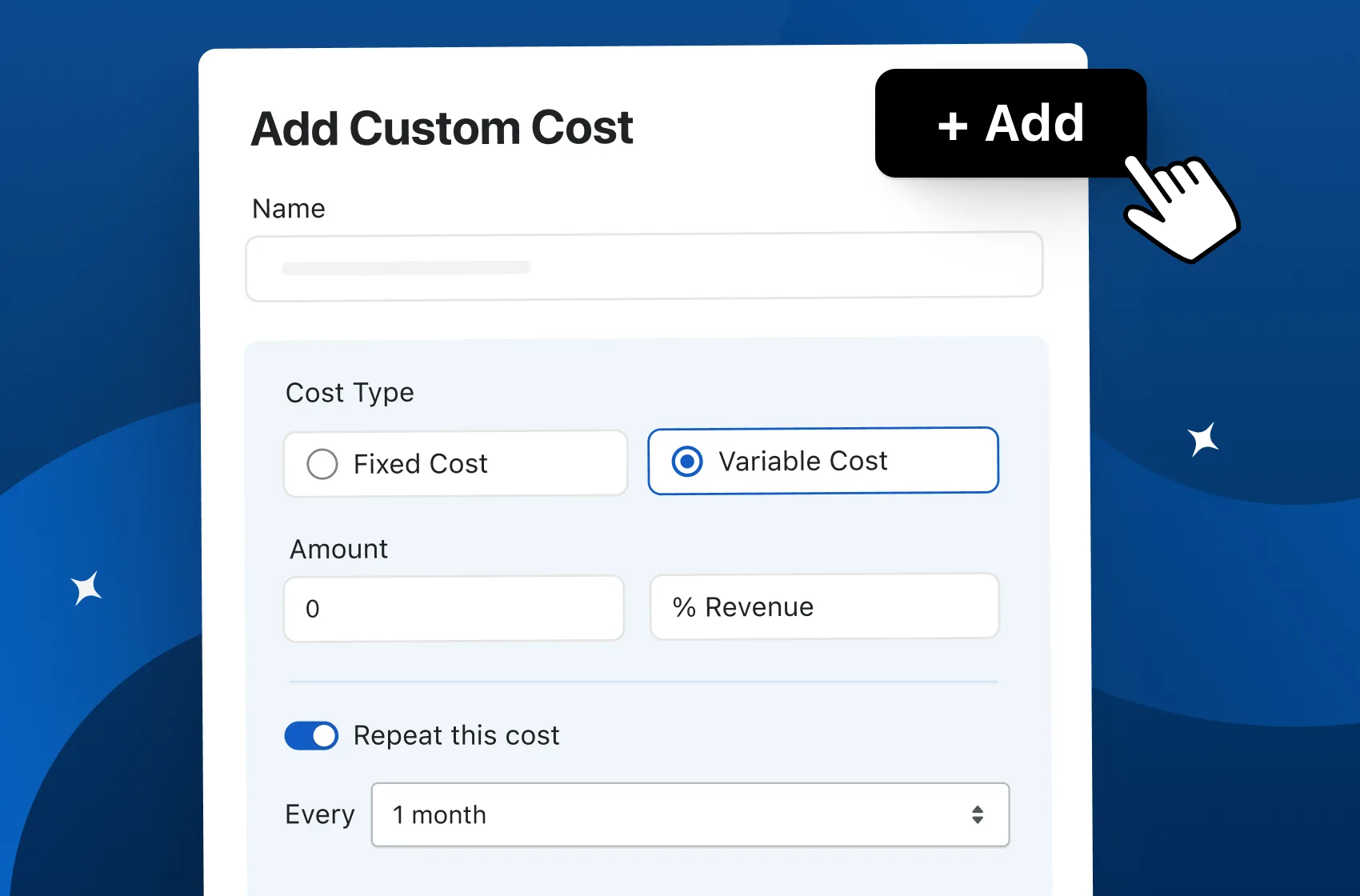
This feature is designed to make recording fixed costs faster and easier.
Instead of manually entering every detail, simply upload your bill or invoice and let AI extract the information for you.
Some common use cases include:
- Shopify subscription fees
- App and software subscription fees
- Any other operating expenses
Here’s How It Works
Getting your fixed costs into TrueProfit takes just a few steps:
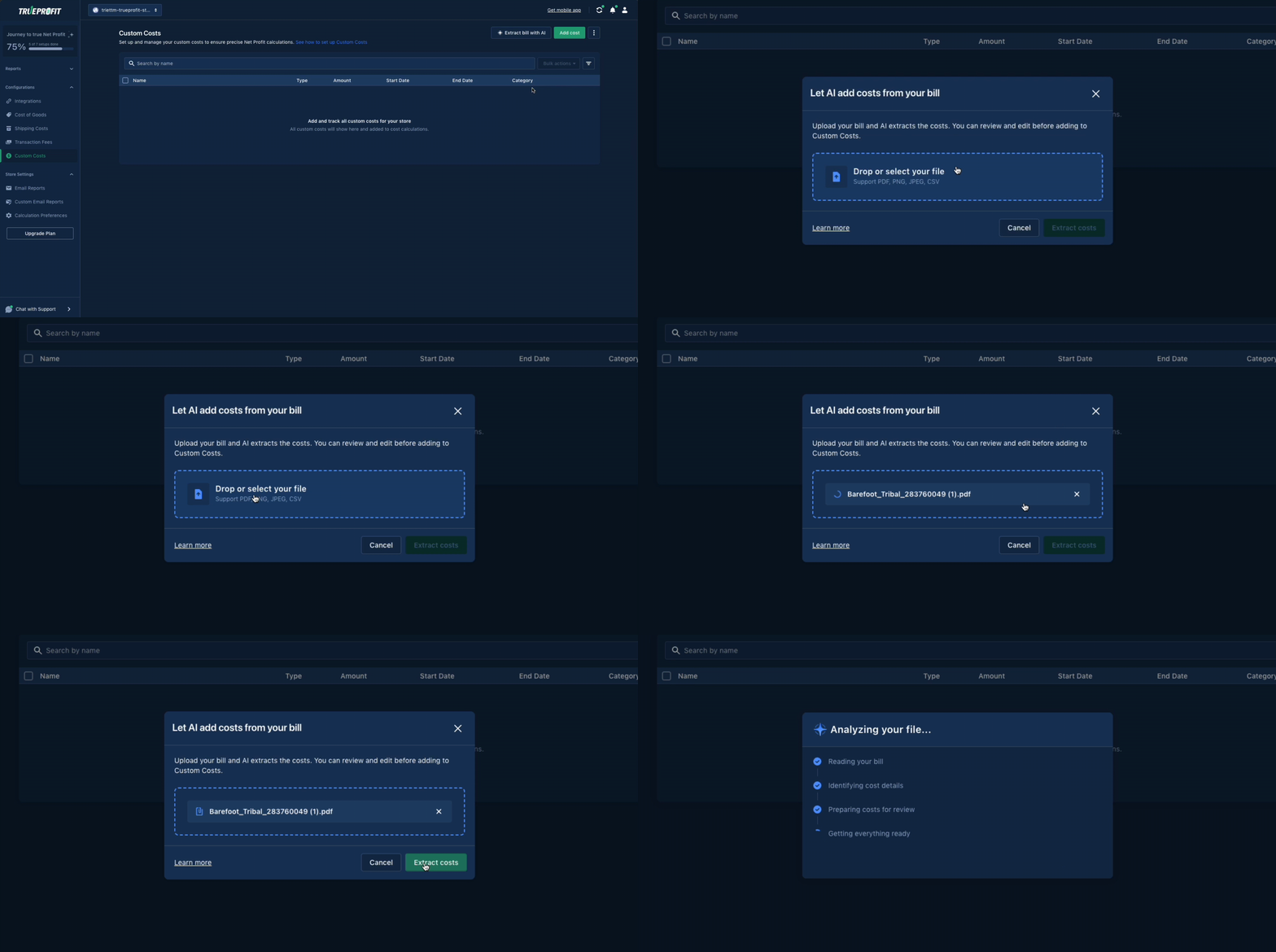
- From your main dashboard, click Custom Costs in the left-hand navigation menu.
- From the custom costs page, click the Extract Bill with AI button.
- Drag and drop or select your file. We support PNG, JPEG, PDF, and CSV formats.
- Click Extract Cost to let the AI process your document.
- Once processed, a preview screen will appear. You must review the data and make any necessary edits before clicking Add to Custom Costs.

Ready to Give It a Try?
The feature is now live in TrueProfit. Head over to Custom Cost Settings and let AI do the heavy lifting.
Want a step-by-step walkthrough first? Our Help Center guide has everything you need to get started.

I’m part of the TrueProfit content team, but before that, I’m an eCom nerd with 3 years of hands-on experience. I’ve done a bit of everything, but running high-performing ads and making sense of the numbers? That’s my thing. If it’s written here, it’s because I’ve lived it.

 Related readings: