What to Send in Your Shopify Post-Purchase Email Flow?


An order confirmation answers one question: “Did my purchase go through?” A useful Shopify post-purchase email flow keeps answering the next ones, from delivery to actually using the item.
In this guide, I'll walk you through six post-purchase emails with example copy. After that, you'll see how to set one up in Shopify, test who it reaches, and tell whether it's working.
Which Post-Purchase Emails Should Your Shopify Store Send?
The table pairs each message with the customer question it should answer:
1. Order Confirmation and Shipping Updates
Order confirmations reassure buyers that the purchase went through, and shipping updates explain what happens next. Each one should include the actual items, totals, delivery address, your fulfillment promise, and a tracking or support route.
When to send or skip: Shopify notifications send these service messages from order or fulfillment events. The shipping update goes out when the order ships, so it shouldn't describe the parcel as delivered. Unrelated promotions don't belong here, and the same notification shouldn't be duplicated in a marketing tool.
Here's how an example confirmation could read:
- Subject: Your coffee order is confirmed.
- CTA: View order.
“Thanks for your order. Here are your items, total, delivery address, and expected delivery window. We will send the tracking details when it ships. Questions about the order? Contact our support team.”
2. Product Guidance Emails
Product guidance helps buyers use the item successfully. For the dripper, that could be a starting recipe, care instructions, or a filter-fit demonstration, with a guide for that exact model and a support route.
When to send or skip: Confirmed delivery is the best trigger when your tool supplies it, because the guide then arrives as the buyer starts using the product. Without that event, a cautious shipping-based delay works, as long as you check for delivery problems. Use-dependent instructions should wait for a late order and stop for a refunded one. The guide also shouldn't require accessories the buyer doesn't own.
Example email:
- Subject: A simple starting recipe for your dripper.
- CTA: Read the brew guide.
“Your first cup is a good place to experiment. Our guide explains the grind, water, and setup for this model, plus cleaning after use.”
3. Review Request Emails
A review request invites an informed account that helps other buyers decide. The email should name the purchased product, ask for honest feedback, and link directly to its review form.
When to send or skip: The timing should allow for delivery and reasonable use time for that product, rather than one fixed delay for every order. A late parcel or an unresolved support issue is a reason to hold the request. It's also worth giving this job to your review app or one email tool, so buyers aren't asked twice.
Example email:
- Subject: How is your new dripper working out?
- CTA: Review your dripper.
“We would like your honest feedback about using it. Your review can help other coffee drinkers decide whether it suits their routine.”
4. Cross-Sell Emails
A cross-sell offers a useful extra, such as filters compatible with the purchased dripper. The email should cover the fit, pack details, and a relevant product link.
An upsell is different. It offers a higher-value version, and it shouldn't prompt a new buyer to replace an item they just bought.
When to send or skip: The trigger is the relevant purchase, and the best moment comes after the product guidance, once the buyer can judge the extra. Anyone who already bought the recommended item or has an unresolved order problem should be skipped. Compatibility needs to be verified before the email sends.
Example email:
- Subject: Need filters that fit your dripper?
- CTA: See compatible filters.
“These filters fit the model you bought and come in the pack size shown here. Check your current supply before ordering.”
A relevant second order can help build customer value over time, but it doesn't increase the first order's average value.
5. Replenishment Reminders
Replenishment reminders help buyers replace something they consume, such as paper filters. The email should identify the right replacement and pack size, with a direct reorder link. A reusable dripper, on the other hand, doesn't need a monthly reorder reminder.
When to send or skip: The reminder starts from the filter purchase, with depletion estimated from pack quantity and realistic usage. It should arrive before the likely need, leaving room for delivery time. Another filter purchase resets the estimate or cancels the reminder, and cancelled or refunded purchases shouldn't trigger one at all.
Example email:
- Subject: Is it time to restock your filters?
- CTA: Reorder filters.
“If you are close to finishing your pack, you can reorder the same compatible filters here.”
Different pack sizes and brewing frequency need different delays. Purchase behavior can refine your estimate over time, but the email shouldn't claim to know exactly what remains in someone's cupboard.
6. Win-Back Emails
A win-back email gives an inactive buyer a relevant reason to return. It reminds them of the store and offers a useful next step, such as restocking compatible filters, rather than adding a discount automatically.
When to send or skip: The trigger is time since the last order, measured against the product's normal buying cycle. Shopify Messaging's win-back template starts when a customer joins a segment. Recent purchasers, unsubscribers, and customers with unresolved service issues should be excluded. Your segment also needs to separate real inactivity from the ordinary gap between durable purchases.
Example email:
- Subject: Still brewing with your dripper?
- CTA: Find your filters.
“If you are ready to brew again, find the filters that fit your dripper here. Need help checking the model? Reply and we will help.”

How to Set Up a Post-Purchase Email Automation in Shopify
Once each message has a purpose, the next step is assigning its sender and defining who qualifies. I'd build one useful follow-up first, then test both the email and the rules that decide whether it sends.
Choose Which Tool Sends Each Message
The right sender depends on the job it needs to do:
- Shopify notifications: These handle order and shipping service messages. Each update should have one owner.
- Shopify Messaging: This is the starting point for available post-purchase marketing templates. It was formerly called Shopify Email.
- Shopify Flow or your existing email app: These cover custom branches or app integrations when templates fall short. Flow supplies the workflow logic, while a connected sending action or email app delivers the customer email.
Marketing automations send to subscribers by default. Before adding another follow-up, it's worth checking what your review app and existing platform already send.
If you need a different sending platform, you can compare Shopify email automation tools. Whichever one you pick, its events and filters should be verified before you rely on them.
Define the Trigger and Audience
These rules should be written down before you select a template:
- Trigger: A real order event, a first purchase, or replenishment eligibility based on a previous purchase and estimated usage.
- Audience: First-time or returning buyers, plus the relevant product. For a filter cross-sell, that means dripper buyers who haven't bought the compatible filters.
- Exclusions: Marketing subscription, cancellations, refunds, new purchases, and unresolved delivery issues, as appropriate. A new filter order should stop the old cross-sell and reset its replenishment estimate.
Build and Test the First Automation
Your store needs the Basic plan or higher, and the staff account needs Marketing and Flow app permissions. Shopify also recommends installing Shopify Flow for full functionality.
On desktop, the path is Apps > Messaging > Automations > Create automation. Shopify lists post-purchase templates including Thank customers after they purchase, Upsell customers after their first purchase, and Win back customers.
Here's the sequence I'd follow to make a template fit your store:
- Template choice: The template closest to your purpose is your base. Its recipients, trigger, and delay are the first things to inspect.
- Email content: Under Edit email, the sample content gets replaced with the relevant product message and destination.
- Test send: A test email lets you check links, layout, wording, and the reply or support route.
- Workflow check: After selecting Save without turning it on, you can open the automation and choose Edit workflow to check the trigger, delay, and customer or product filters before going live.
A preview validates the content, not the live event logic. You still need to test the workflow's supported path and confirm who qualifies, including a customer who should be excluded.
Your tool's testing facilities or a controlled eligible order will show the result before you send at scale. Extra product filters may require custom logic rather than a native template switch.
Shopify’s thank-you template combines an order trigger, a delay and a first-order condition; inspect and test that logic before turning on your own follow-up.
Recheck the Flow Before Sending
Paid, shipped and delivered are different events. Delivery-based timing only works when your integration supplies that event, because a fixed delay can't establish delivery.
A delayed email should recheck whether it still makes sense before it sends. A cancellation or refund should suppress use-dependent messages that no longer fit. Unsubscribers should stop getting marketing, and a second purchase should stop an obsolete cross-sell or restart the relevant replenishment calculation.
A late parcel needs service information, while reviews and promotions wait. Order updates keep running throughout. It's worth testing whether your product data, integration, and workflow conditions can actually enforce the exclusions you chose.
How to Tell Whether Your Post-Purchase Emails Are Working
Each email should be judged against its own purpose. Service updates should answer order questions, guidance should earn useful guide visits, and review requests should produce informed responses. Cross-sells, replenishment, and win-back messages need relevant return purchases over a suitable buying cycle.
These checks come before any change to the message or offer:
Your email reports show how each message performs. Your store’s overall profit is a separate check, and it’s just as important. An email can look great on its own while discounts, ad spend, and refunds quietly eat into your margin.
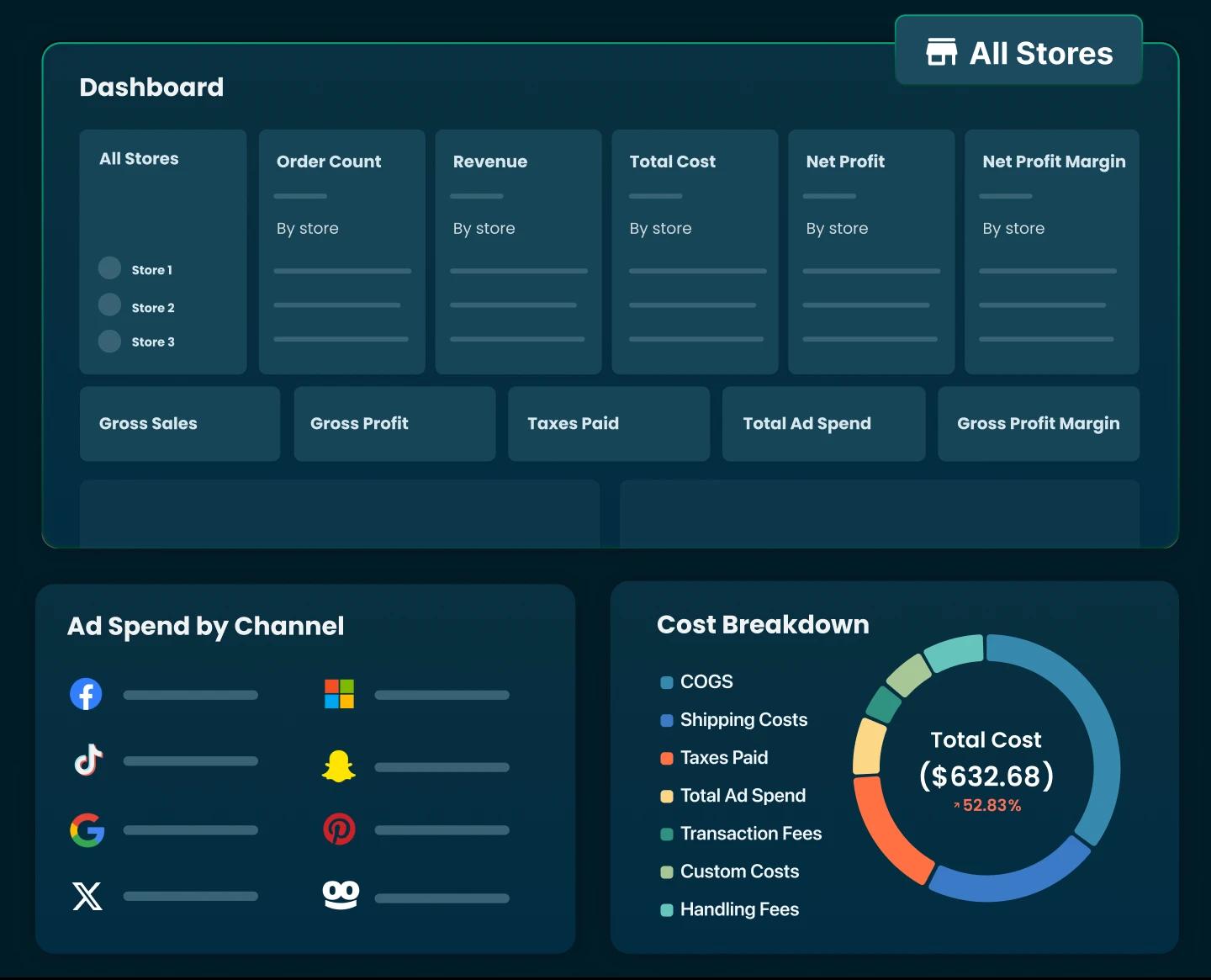
TrueProfit shows you that bigger picture. It’s a net profit analytics app for Shopify that combines your revenue, COGS, shipping, fees, refunds, ad spend and all types of costs in one real-time dashboard. You can see which products actually make money, and you can add email app fees or packaging as custom costs.
Together, the two views tell you which emails work and whether your store can afford the offers behind them.
Final Thoughts
A good post-purchase flow starts with dependable order updates. From there, you pick one gap in the customer journey to fix: using the item, giving feedback, or returning when a product is needed.
That message needs a clear purpose, the right audience, and skip rules that hold up in testing. Your test should cover one eligible buyer and one customer who should be excluded.
After launch, the review point should match the product's use or buying cycle. A message that serves its purpose stays, an unclear offer or mistimed send gets adjusted, and one that keeps reaching the wrong people gets paused.
Only once the first follow-up runs reliably is it time to add the next one. One well-timed email that solves a real problem is worth more than a full sequence nobody needs.


Rosie Doan is a Senior Content Specialist at TrueProfit with over 4 years of experience creating content for the ecommerce and SaaS industry. Having worked closely with Shopify merchants and ecommerce businesses, she has developed a deep understanding of the challenges store owners face, from growing revenue and acquiring customers to tracking performance, managing costs, and improving profitability.