10 Best Shopify Email Automation Tools for 2026: Features, Pricing & Pros Compared


Table of Contents
- 1. What to Look for in a Shopify Email Automation Tool
- 2. 10 Best Email Automation Tools for Shopify in 2026
- 3. What You'll Actually Pay as Your Store Grows
- 4. The 5 Shopify Email Automations Flows You Should Set Up First
- 5. Switching Tools? How to Migrate Without Losing Data
- 6. Final thoughts
- 7. Shopify Email Automation Tools FAQs
In 2026, choosing the right platform isn't just about sending emails. Features like AI-powered automation, real-time Shopify data, SMS, and flexible workflow builders can have a big impact on your store's revenue and how much time you spend managing campaigns.
So, in this guide, I'll walk you through the best Shopify email automation tools for 2026, including how deep their automation goes, what they really cost at different list sizes, how solid their integration is, and which one fits where you are in your growth. Let’s dive in!
In this blog:
- 1. What to Look for in a Shopify Email Automation Tool
- 2. 10 Best Email Automation Tools for Shopify in 2026
- 3. What You'll Actually Pay as Your Store Grows
- 4. The 5 Shopify Email Automations Flows You Should Set Up First
- 5. Switching Tools? How to Migrate Without Losing Data
- 6. Final thoughts
- 7. Shopify Email Automation Tools FAQs
What to Look for in a Shopify Email Automation Tool
When I boil it down, four things determine whether an email tool will actually pull its weight for your store: how deep the integration goes, how powerful the automation really is, what you'll actually pay, and how quickly you can get it running.
- Shopify Integration Depth
Native Shopify integrations keep your orders, customers, and product data synced in real time. Third-party connectors (or Zapier-style setups) often cause delays, which can break time-sensitive flows like abandoned cart or post-purchase sequences.
At a minimum, you want automatic syncing for order history, product catalog, customer tags, discount codes, and inventory signals. If a tool makes any of this feel manual, it will slow you down as you scale.
- Automation That Actually Drives Revenue
Most tools can send a welcome email or abandoned cart sequence. That’s table stakes.
What really matters is whether you can build conditional logic, run A/B tests inside flows, and trigger campaigns based on real customer behaviors.
The highest-impact automation flows usually include browser abandonment, cart recovery, post-purchase flows, price drop alerts, back-in-stock emails, winback campaigns, and VIP segmentation. If a platform can’t handle most of these natively, you’ll eventually feel the limits.
- Pricing That Holds Up at Scale
Most pricing pages of email marketing tools look simple until you actually grow.
SMS credits, extra users, advanced reporting, dedicated IPs, and branding removal often sit outside the base plan. A tool that looks cheap at 500 contacts can easily end up more expensive than a “premium” option once you hit 10,000+ subscribers.
- Ease of Use vs Power
A powerful platform doesn’t matter if it takes months to implement properly.
For early-stage stores, speed matters more than depth. Getting your first automation live quickly will usually have more impact than having every advanced feature available but unused.

10 Best Email Automation Tools for Shopify in 2026
Before we get into the details, I want to give you something you can scan in ten seconds. I put together this table from everything I've tested and compared across these ten tools, so you can get a quick read before diving deeper.
Below are the ten tools I'd actually put on your radar, in order of where I'd rank them overall.
1. Klaviyo: Best Overall for Shopify Email Automation
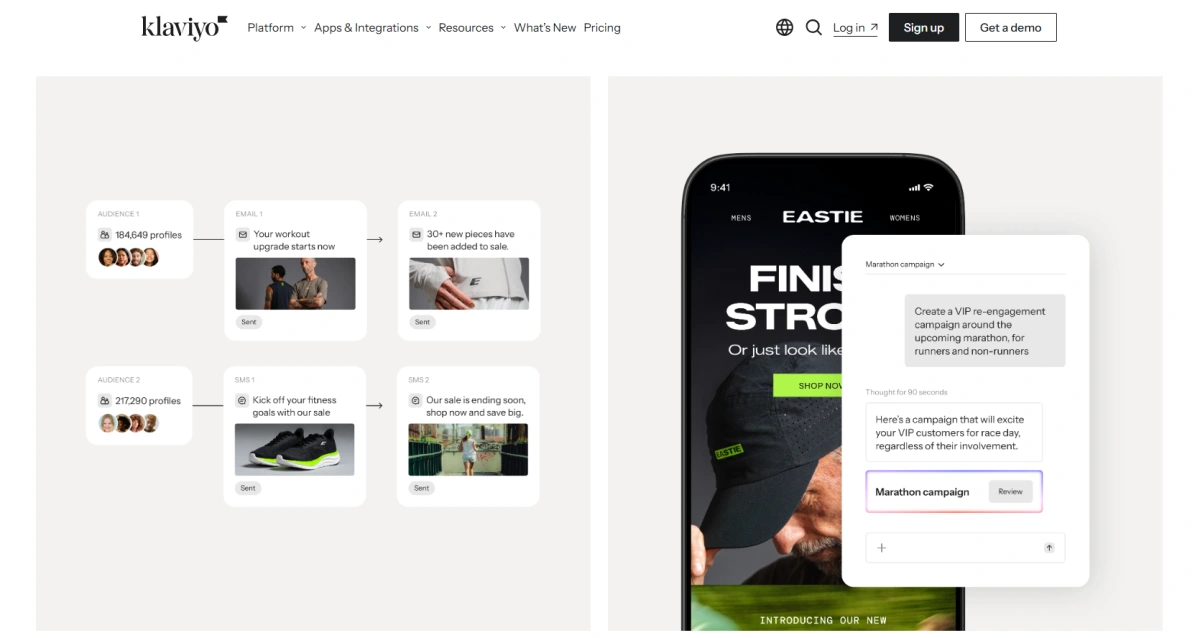
Klaviyo is pretty much the gold standard for Shopify email and SMS automation, in my view. Its native integration syncs customer, order, and product data in real time, something most competitors still can't pull off.

What it does best:
- AI Flow and Campaign Builder: AI agents draft full email layouts and copy in minutes. That's work you'd otherwise be paying a freelance designer or copywriter for.
- Shopify Markets Sync: Pulls language, currency, and local stock straight from Shopify Markets into one template, so you're not stuck building ten versions of the same campaign for ten countries.
- Deliverability (Inbox Protection): Strong sender reputation management keeps your cart recovery and promo emails landing in the Primary inbox instead of getting buried in Promotions.
- Data Infrastructure (Staff Efficiency): Fully event-based, meaning it tracks real customer actions automatically instead of relying on someone manually tagging contacts.
Pros: Deepest Shopify data integration, best-in-class segmentation, predictive CLV, strong global scaling via Shopify Markets.
Cons: Steep learning curve, gets pricey at scale, and the advanced features take real time to set up properly.
Best for: Stores doing $50K or more a month that want data-driven email and SMS marketing without having to hire a full lifecycle marketing team.
Pricing: Free up to 250 contacts. Paid plans start around $20/month, and the cost climbs sharply once you pass 10,000 contacts.
2. Omnisend: Best Value for Small-to-Mid Shopify Stores
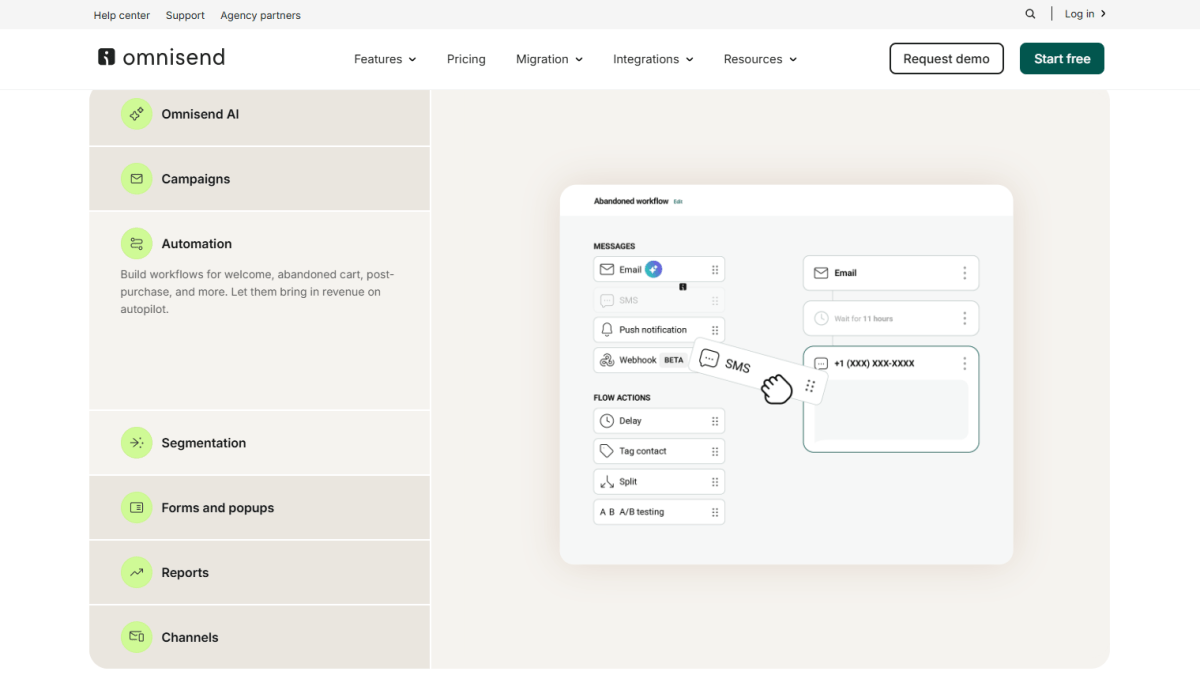
Omnisend bundles email, SMS, and push notifications into one platform, so you're not paying for three separate tools to cover the same ground. Its Shopify integration is native and dependable, and honestly, I find the automation builder easier to navigate than Klaviyo's if you or your team isn't especially technical.
What it does best:
- Omnichannel Flows (Email + SMS + Push): If a cart abandoner doesn't open your email within two hours, Omnisend automatically follows up with an SMS or push notification, no extra app, no extra subscription needed.
- AI Copywriting: Writes subject lines and campaign copy in seconds, quietly cutting into what you'd otherwise spend on an agency or freelancer.
- Shopify Markets Sync: Adapts currency, language, and stock by region, so one automation can serve every storefront you run.
- Deliverability (Inbox Protection): A native, real-time Shopify connection keeps your sender reputation clean and inbox placement solid up to 10,000 contacts.
- Data Infrastructure (Staff Efficiency): Event-based, and genuinely easier for non-technical teams to run without needing to hire a specialist.
Pros: Email, SMS, and push in one platform at a lower price than Klaviyo, a clean UI, and strong Shopify Markets support for global stores.
Cons: Slightly less data depth than Klaviyo, and fewer advanced segmentation options on the lower-priced tiers.
Best for: Stores with 500 to 10,000 subscribers who want multi-channel automation and global reach without Klaviyo's price tag.
Pricing: Free up to 250 contacts and 500 emails a month. Paid plans start around $16/month.
3. Shopify Email: Best Free Starting Point
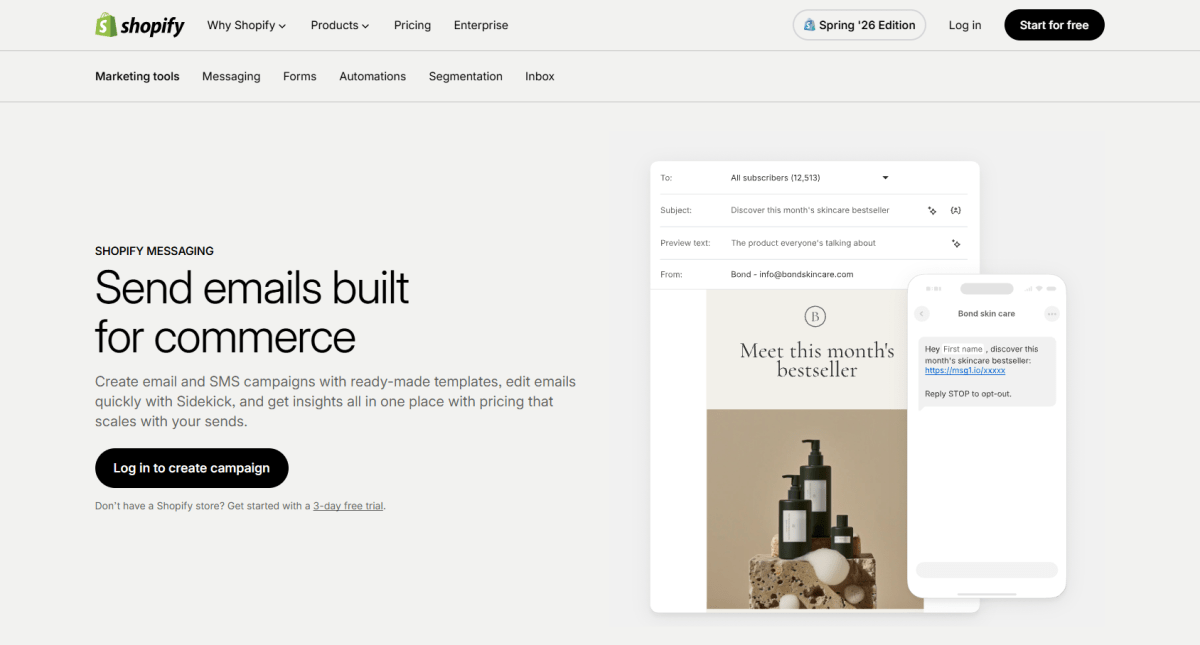
Shopify Email lives right inside your Shopify admin, which makes it the easiest tool out there to get started with. It handles the basics fine like welcome emails, abandoned cart recovery, post-purchase sequences.
Where it falls short is conditional logic in flows, advanced segmentation, in-flow A/B testing, and SMS. Think of it as a solid foundation, not a long-term home for stores that want sophisticated sequences down the line.
What it does best:
- Native Shopify Integration: Access customer, order, and product data automatically without configuring third-party integrations.
- Quick Campaign Setup: Create and send branded emails directly from the Shopify admin using built-in templates and product blocks.
- Essential Automation: Easily set up core flows like welcome emails, abandoned cart reminders, and post-purchase follow-ups for new stores.
Pros: Free for most small stores, no setup required, fully integrated with Shopify, and easy to learn.
Cons: Limited automation, no SMS marketing, basic segmentation, and no advanced workflow branching or in-flow A/B testing.
Best for: New Shopify stores that want to launch essential email marketing quickly before upgrading to a more advanced platform.
Pricing: Free for up to 10,000 emails per month.
4. ActiveCampaign: Best for Advanced Multi-Channel Automation
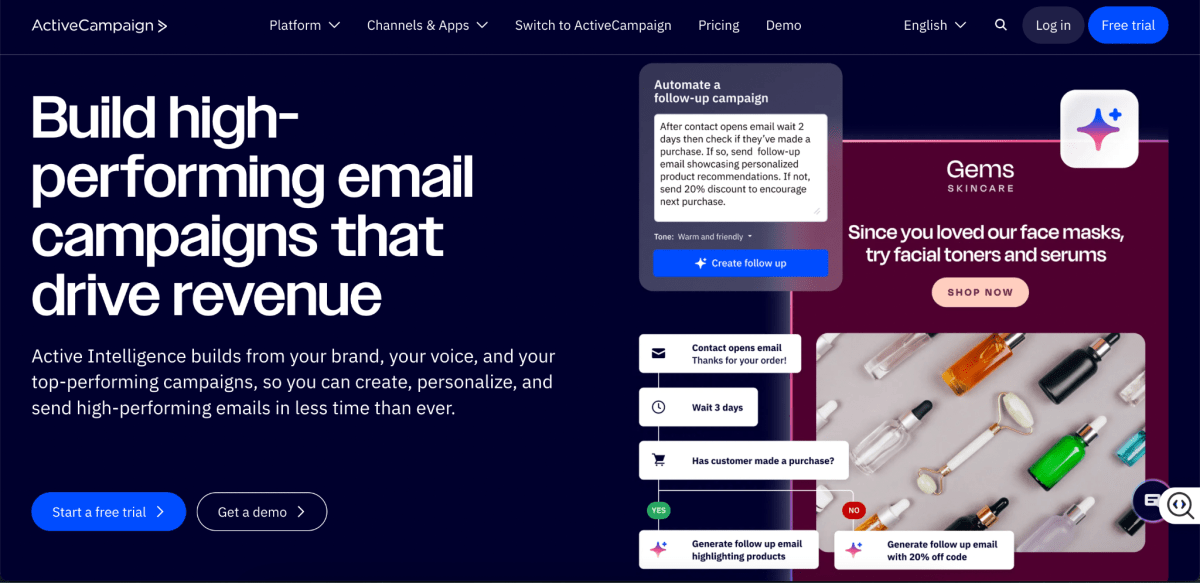
ActiveCampaign goes well beyond email, stretching into CRM, SMS, and site tracking. Its visual automation builder is one of the most flexible you'll find, handling complex conditional logic that email-only tools simply can't touch.
Its Shopify integration runs through a native connector and doesn't match Klaviyo's real-time data depth, but it covers the core triggers reliably.
What it does best:
- Advanced Automation Builder: Create complex workflows with conditional logic, goals, split paths, and behavioral triggers for highly personalized customer journeys.
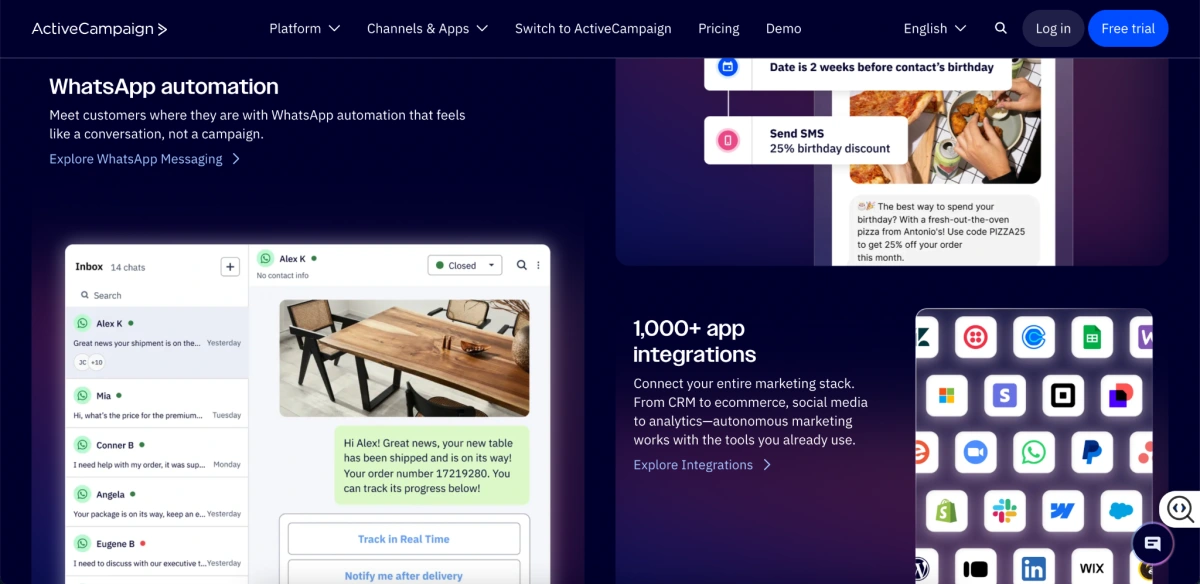
- Built-In CRM: Manage sales and marketing data in one place, making it easy to automate follow-ups across both teams.
- Multi-Channel Customer Journeys: Coordinate email, SMS, CRM, and site tracking from a single platform instead of managing separate tools.
Pros: Extremely flexible automation builder, built-in CRM, strong multi-channel capabilities, and powerful personalization.
Cons: Not Shopify-native, steeper learning curve, and many ecommerce features require higher-tier plans.
Best for: Growing stores that want CRM-level automation and are comfortable with a more advanced setup.
Pricing: Starts at around $15/month, though ecommerce features require a higher-tier plan.
5. Mailchimp: Most Recognized Name, Read the Fine Print
Mailchimp now ships an official, native app right on the Shopify App Store, so that old workaround-era integration is genuinely a thing of the past. Sync is more reliable than it used to be, though it still trails Klaviyo or Omnisend in real-time depth.
What it does best:
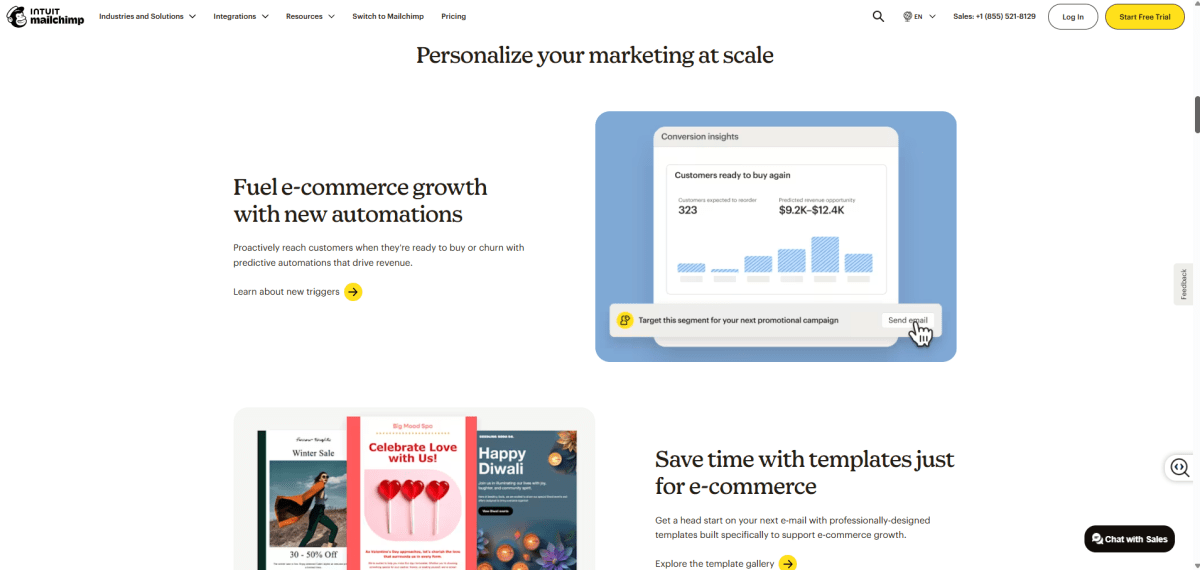
- Campaign Builder and Templates: Offers a polished drag-and-drop editor, a large template library, and Brand Kit tools to create professional campaigns quickly.
- Multi-Channel Marketing: Manage email alongside landing pages, social ads, postcards, and basic CRM tools from a single platform.
- Beginner-Friendly Experience: Easy to learn, with plenty of templates, guides, and educational resources for new marketers.
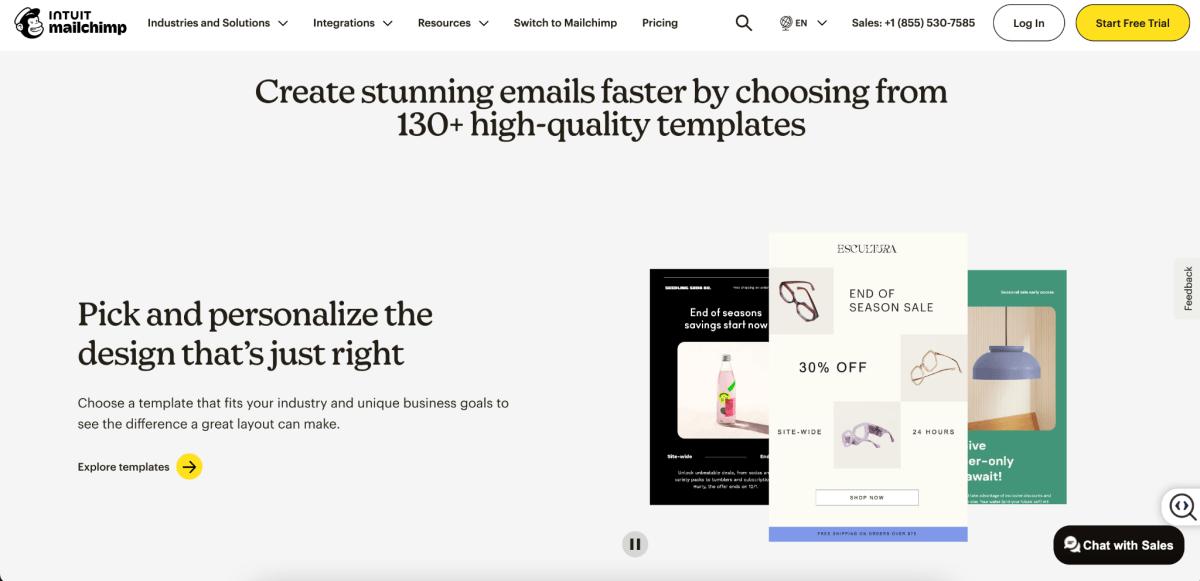
Pros: Familiar interface, strong template library, official Shopify app, and supports multiple marketing channels.
Cons: Ecommerce automation and segmentation aren't as advanced as Klaviyo or Omnisend, promotional deliverability can be less consistent, and many advanced features require higher-tier plans.
Best for: Businesses already using Mailchimp outside Shopify that want to add ecommerce email marketing without switching platforms.
Pricing: Free 14-day trial with up to 500 contacts, 1,000 emails per month, and limited automation. Paid plans start at around $13/month.
6. Drip: Best All-in-One E-Commerce Marketing Suite
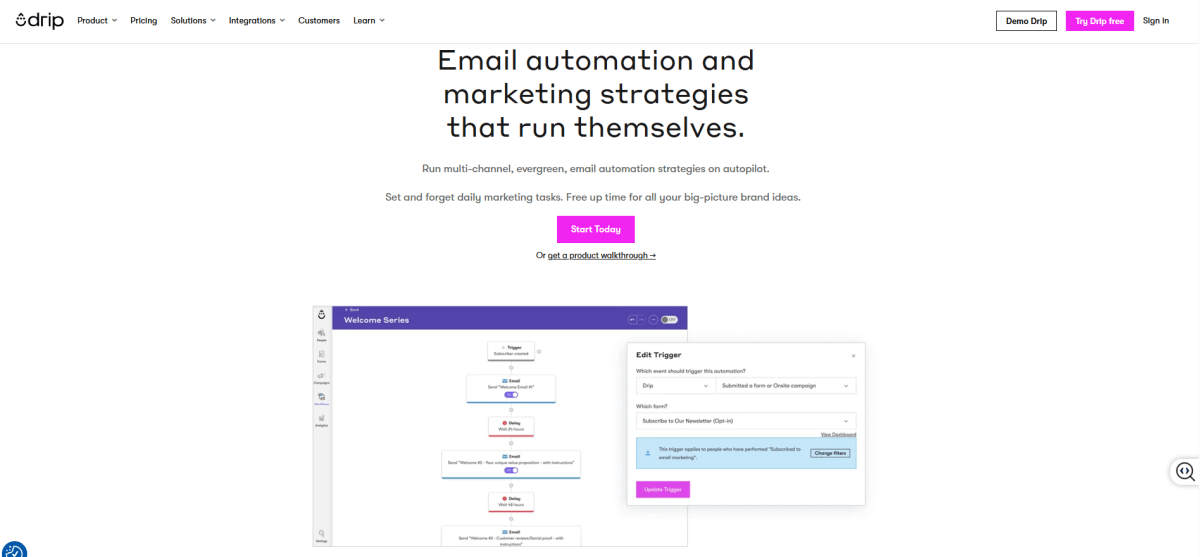
Drip was built specifically for e-commerce, covering email, SMS, and onsite experiences in one platform. Its workflows are designed around the buyer journey, with strong support for Shopify purchase history and browsing behavior.
What it does best:
- Behavior-Based Automation: Trigger workflows from browsing behavior, purchases, and customer engagement.
- Advanced Segmentation: Create dynamic customer segments based on lifecycle stage and shopping activity.
- Email + SMS Marketing: Manage both channels together throughout the customer journey.
Pros: E-commerce-focused from the ground up, a clean automation builder, and email and SMS bundled into one plan.
Cons: No free plan, a higher starting price, and a smaller community than Klaviyo or Mailchimp.
Best for: Stores with established revenue that want an integrated, event-based platform without enterprise-level complexity.
Pricing: Starts around $39/month, with 14-day free plan, which rules it out for very small stores.
7. Seguno: Best for Simplicity
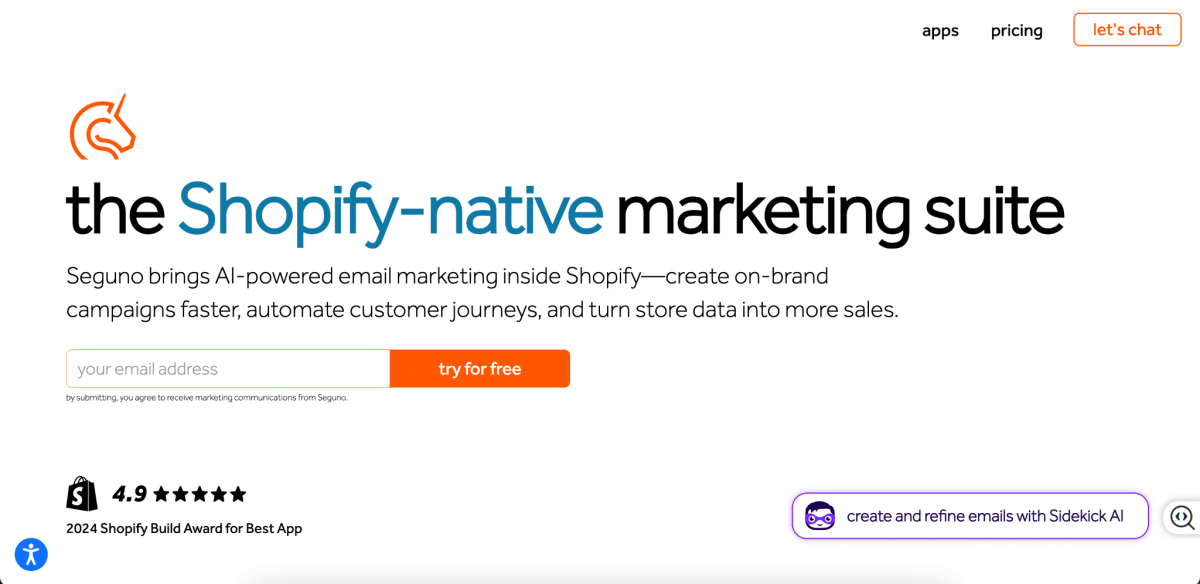
Seguno lives entirely inside the Shopify admin, so there's no separate dashboard to learn. It pulls Shopify's native customer data directly, which makes setup quick.
The automation features are more limited than Klaviyo or Omnisend, but if you just want core flows live fast, Seguno is about as easy as it gets.
What it does best:
- Native Shopify Integration: Works seamlessly with Shopify, so setup takes minutes instead of hours. A great fit if you're running the store yourself and want to launch email marketing quickly.
- Reliable Email Deliverability: Strong enough for most small and growing stores, though larger brands with high sending volumes may eventually benefit from more advanced deliverability infrastructure.
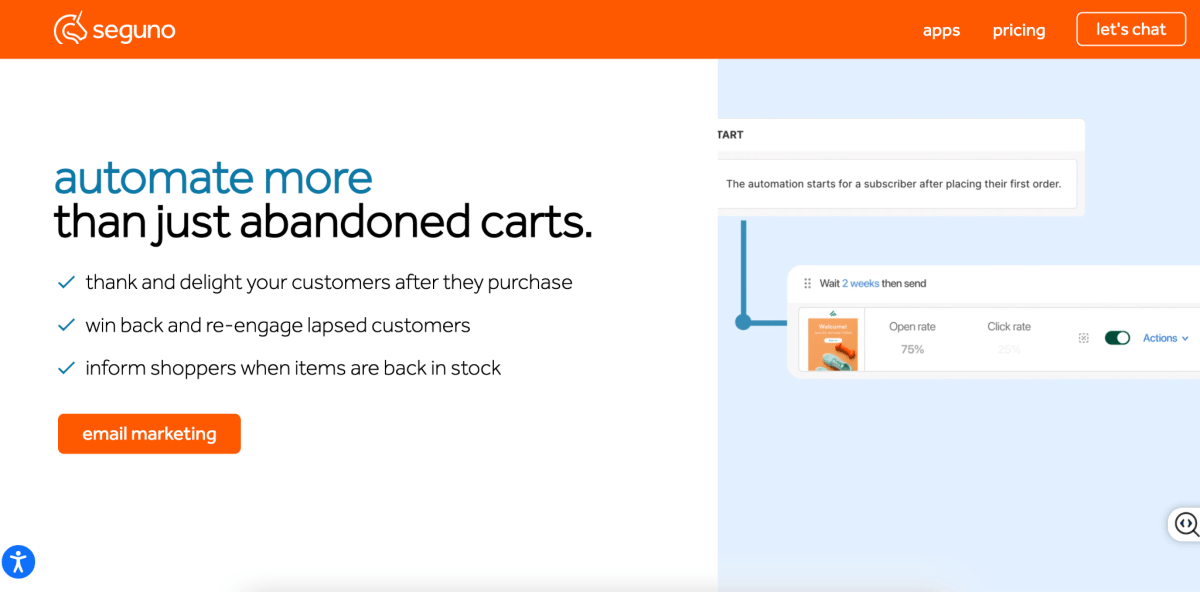
- Simple Automation Builder: Supports essential automations like welcome emails, abandoned cart recovery, and post-purchase follow-ups. More advanced branching logic and behavioral automation are limited compared to dedicated email marketing platforms.
Pros: Zero learning curve, lives inside Shopify admin, fast setup.
Cons: Limited advanced automation, fewer features than dedicated platforms.
Best for: Merchants who want core flows live with zero learning curve and don't need advanced segmentation yet.
Pricing: Free for up to 250 contacts. Paid plan started at $35/mon.
8. Privy: Best for List Building and Basic Automation
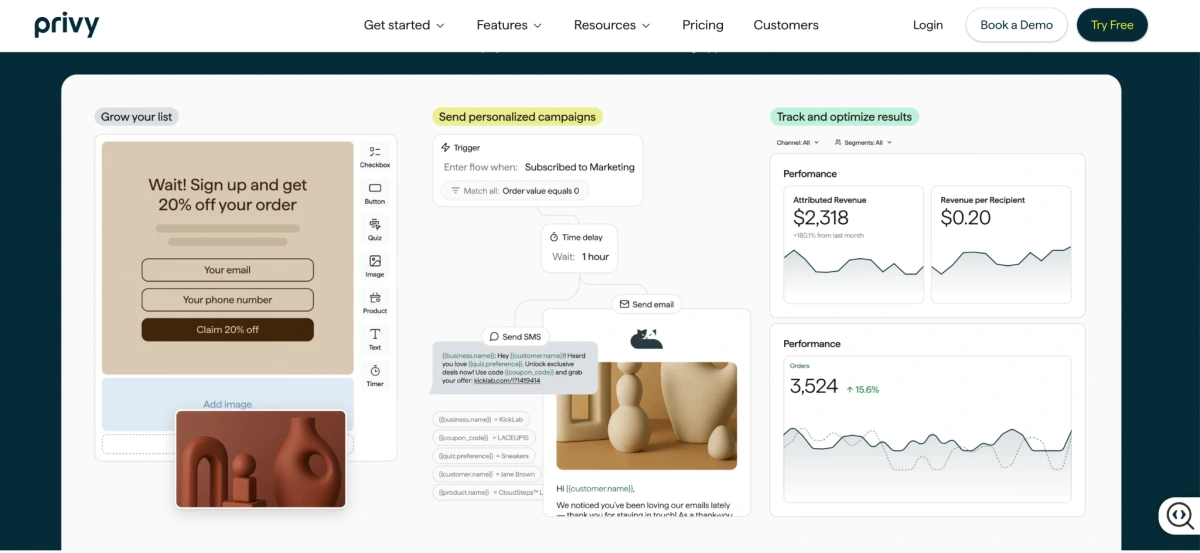
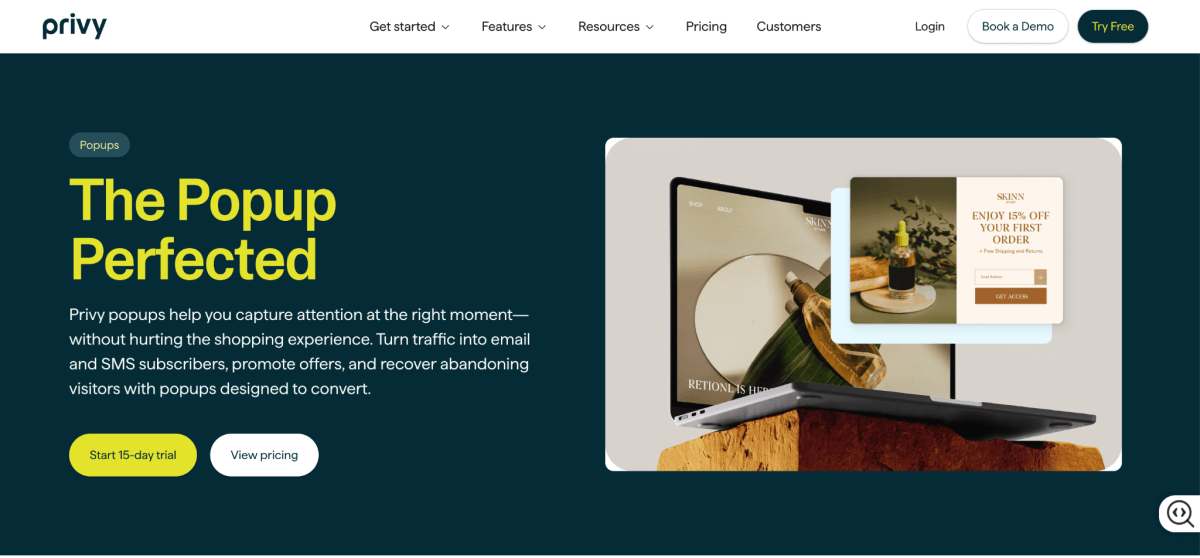
Privy started life as a popup and list-building tool, with email automation arriving later. Its real strength is still capturing subscribers through onsite forms and converting them with basic sequences.
What it does best:
- High-Converting Popups and Forms: Create popups, flyouts, banners, and embedded forms to capture more email subscribers and grow your list.
- Popup-to-Welcome Automation: Automatically enroll new subscribers into welcome emails, helping you engage shoppers while their interest is still high.
- Simple Email Automation: Covers the essentials like welcome series, abandoned cart emails, and basic follow-ups without the complexity of enterprise-level platforms.
Pros: Excellent popup and form builder, easy-to-use automation, great for growing your email list.
Cons: Less automation depth than dedicated email marketing platforms, limited segmentation and personalization.
Best for: Early-stage Shopify stores that want to grow their email list and automate core flows without investing in a more advanced platform.
Pricing: Paid plans start at around $30/month.
9. Brevo: Best for Budget-Conscious Stores
Brevo handles both transactional emails (order confirmations, shipping updates) and marketing automation in one platform, priced by send volume rather than contact count.
What it does best:
- Volume-Based Pricing: Pay based on how many emails you send rather than how many contacts you store, helping keep costs predictable as your list grows.
- Transactional + Marketing Emails: Manage order confirmations, shipping updates, password resets, newsletters, and automated campaigns from a single platform.
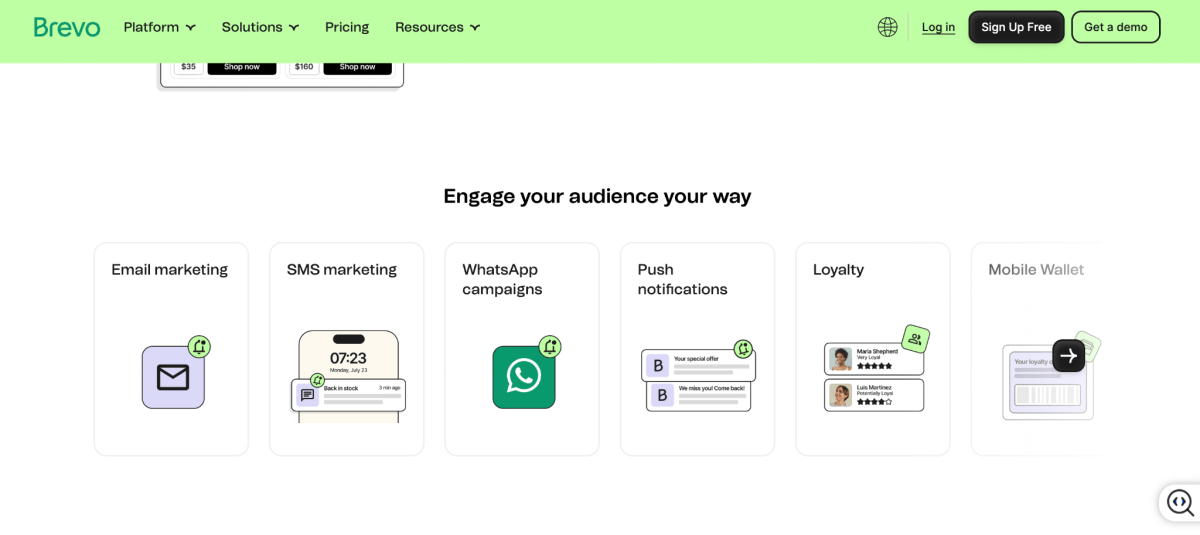
- Multi-Channel Automation: Build customer journeys across email, SMS, and other channels, though Shopify-specific automation isn't as deep as platforms built primarily for ecommerce.
Pros: Volume-based pricing, strong transactional email capabilities, supports both marketing and transactional emails in one platform.
Cons: Shopify integration isn't as seamless as Klaviyo or Omnisend, automation and ecommerce segmentation are less advanced.
Best for: Budget-conscious Shopify stores with large subscriber lists that want both transactional and marketing emails without paying per contact.
Pricing: Free plan includes up to 300 emails per day. Paid plans start at around $9/month.
10. AiTrillion: Best Emerging All-in-One with AI Features
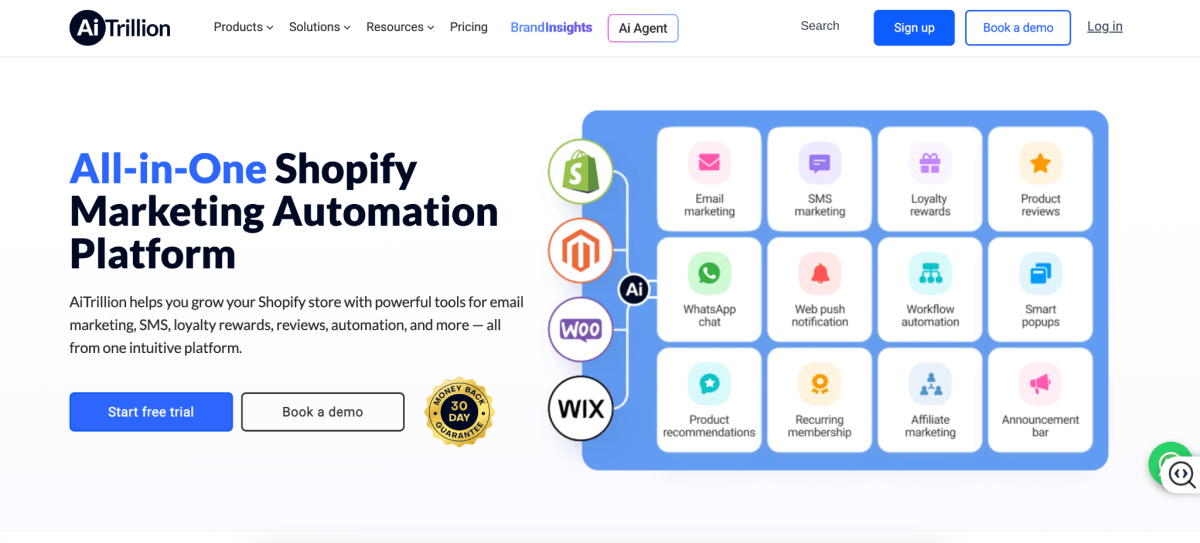
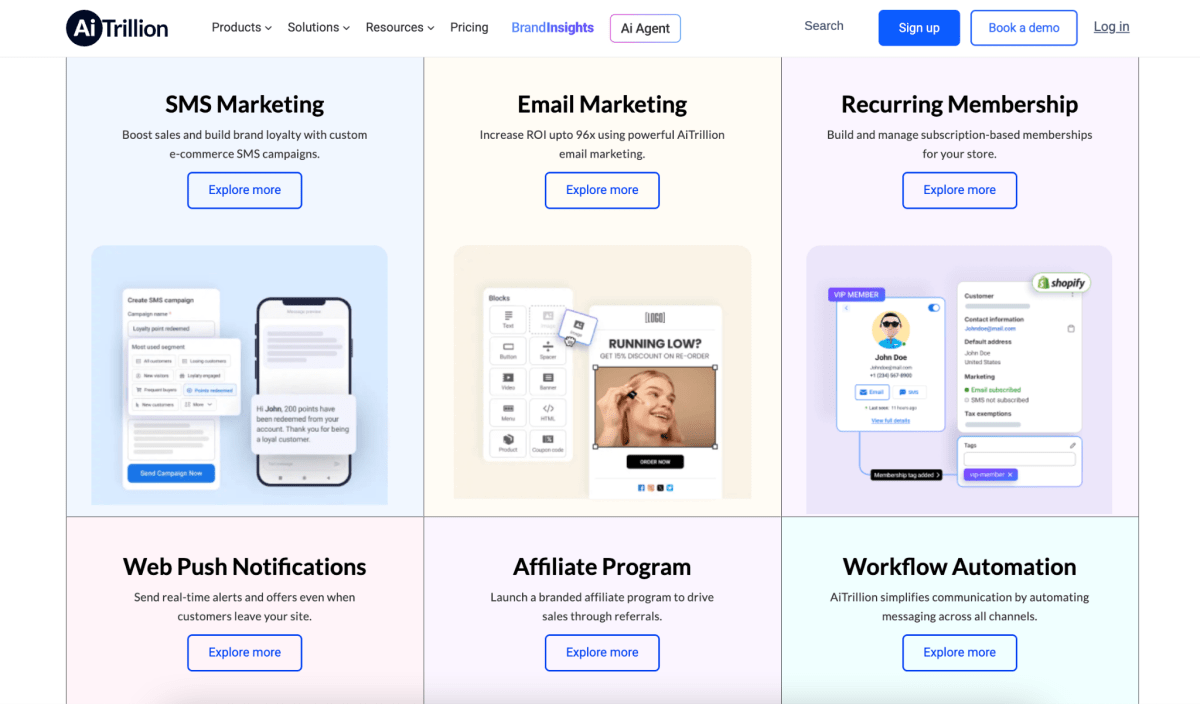
AiTrillion combines email marketing, SMS, web push notifications, loyalty programs, reviews, and AI-powered product recommendations in a single Shopify-focused platform. Instead of stitching together multiple apps, it aims to give merchants one place to manage customer engagement.
What it does best:
- AI Product Recommendations: Automatically generates personalized product suggestions to include in email campaigns, helping increase cross-sells and repeat purchases.
- All-in-One Customer Engagement: Combines email, SMS, web push, loyalty, reviews, and rewards into a single platform, reducing the need for multiple Shopify apps.
- Shopify-Native Experience: Available directly on the Shopify App Store with integrations designed specifically for Shopify merchants.
If you're evaluating AI tools across your whole stack, our roundup of Shopify AI apps covers more options beyond email.
Pros: All-in-one platform for email, SMS, loyalty, reviews, and web push; AI-powered product recommendations; reduces the need for multiple apps.
Cons: Smaller user base than more established platforms, fewer third-party integrations and community resources, and some advanced features depend on your pricing tier.
Best for: Shopify stores that want an all-in-one marketing platform with built-in loyalty and AI features instead of managing multiple separate apps.
Pricing: Starts at around $19/month.
Further reading: For a broader comparison of marketing apps to run alongside email, see our guide to must-have Shopify apps for e-commerce stores.
What You'll Actually Pay as Your Store Grows
Most pricing comparisons stop at the base monthly rate, but in my experience, what you'll really pay depends on your subscriber count, your channel mix, and the hidden fees most providers conveniently leave off the homepage.
Most pricing comparisons stop at the entry-level plan, but that's rarely what you'll pay six months later.
As your store grows, your email costs are driven by more than just subscriber count. The pricing model matters just as much. Some platforms charge per contact, while others charge based on email volume. Add SMS, higher sending limits, or advanced automation, and your monthly bill can look very different from the advertised starting price.
Estimated Monthly Pricing by Subscriber Count
* Shopify Email pricing is based primarily on the number of emails you send, not the number of contacts you store.
** Brevo also charges based mainly on monthly email volume rather than subscriber count, so actual costs depend on your sending frequency.
Which Platform Should You Choose?
If you just want the short answer, here's what I'd recommend based on where your business is today.
- The Bootstrapped Starter ($0–$1K/mo): Go with Shopify Email or Seguno. Keep overhead at zero while you're still testing product-market fit.
- The High-Volume Media Buyer / Dropshipper (Paid Ads focus): Omnisend or Privy will maximize ROI on ad traffic with aggressive pop-ups and multi-channel SMS/push, without the premium price tag.
- The Established D2C Brand ($50K+/mo): Klaviyo is close to a must-have here, it's built to squeeze maximum Customer Lifetime Value out of your data and turn it into predictable cash flow.
- The Hybrid Trader (B2C + Wholesale/B2B): ActiveCampaign makes sense if your business leans on sales pipelines and lead scoring alongside standard e-commerce.
The 5 Shopify Email Automations Flows You Should Set Up First
No matter which tool you end up choosing, I'd say five automations do most of the heavy lifting when it comes to email-attributed revenue: welcome series, abandoned cart, post-purchase, browse abandonment, and customer winback.
1. Welcome Series
New subscribers are at peak interest, which is exactly why the welcome series tends to be the highest-performing automation most stores run.
A basic version covers three emails: a welcome that tells your brand story, a product introduction, and a soft promotional offer. Welcome flows consistently outperform standard campaign emails on revenue per recipient.
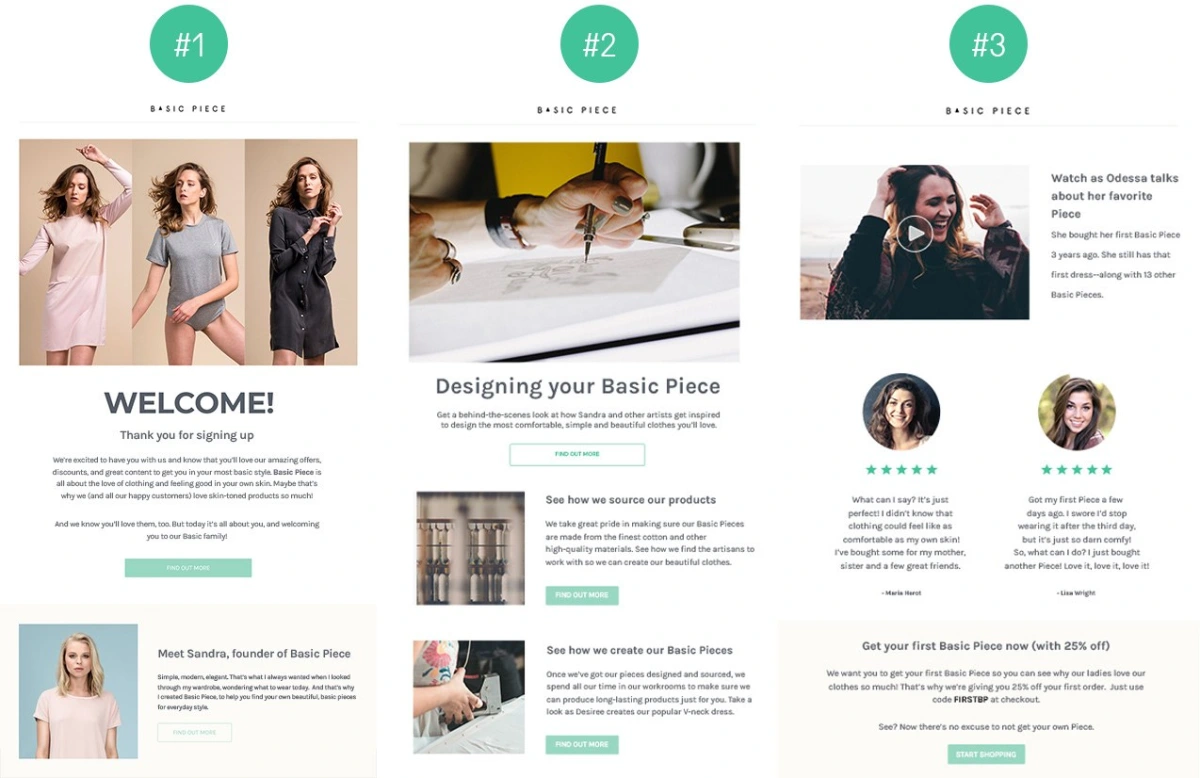
Most welcome series should include at least 3 emails (Source: NVECTA)
2. Abandoned Cart Recovery
Abandoned cart emails recover revenue from shoppers who already showed real purchase intent, they just need a nudge.
The standard sequence runs three emails: one within an hour of abandonment, a reminder at 24 hours, and a final email at 72 hours, optionally sweetened with a discount. Worth testing urgency-based copy before defaulting straight to discounts, since discounts can train shoppers to abandon carts on purpose.
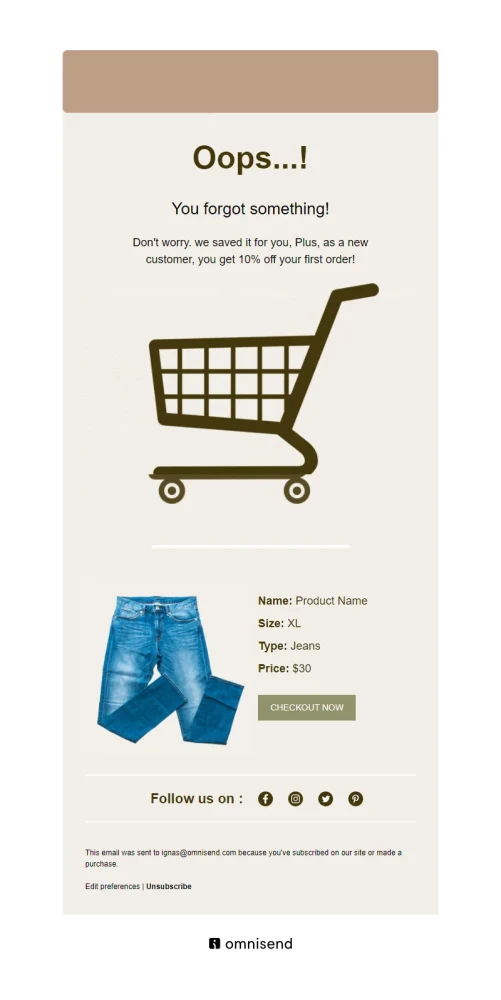
Source: Omnisend
3. Post-Purchase Flow
Post-purchase emails keep customers engaged after checkout, turning a completed order into the start of a long-term customer relationship.
The post-purchase sequence carries the customer from order confirmation onward: a shipping update, a review request, a cross-sell recommendation, and eventually a replenishment reminder for consumables. This is the flow that turns one-time buyers into repeat customers, directly lifting lifetime value.
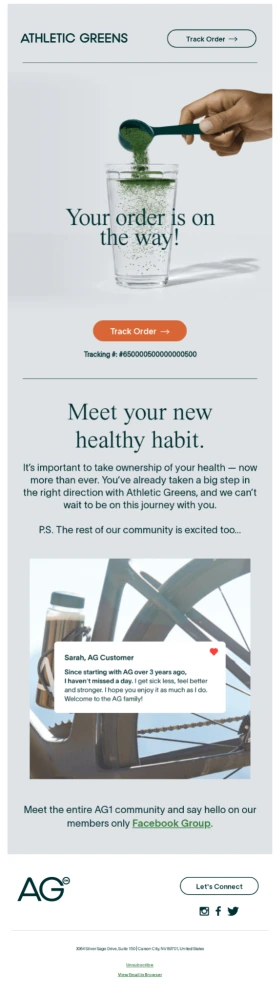
Source: Drip
4. Browse Abandonment
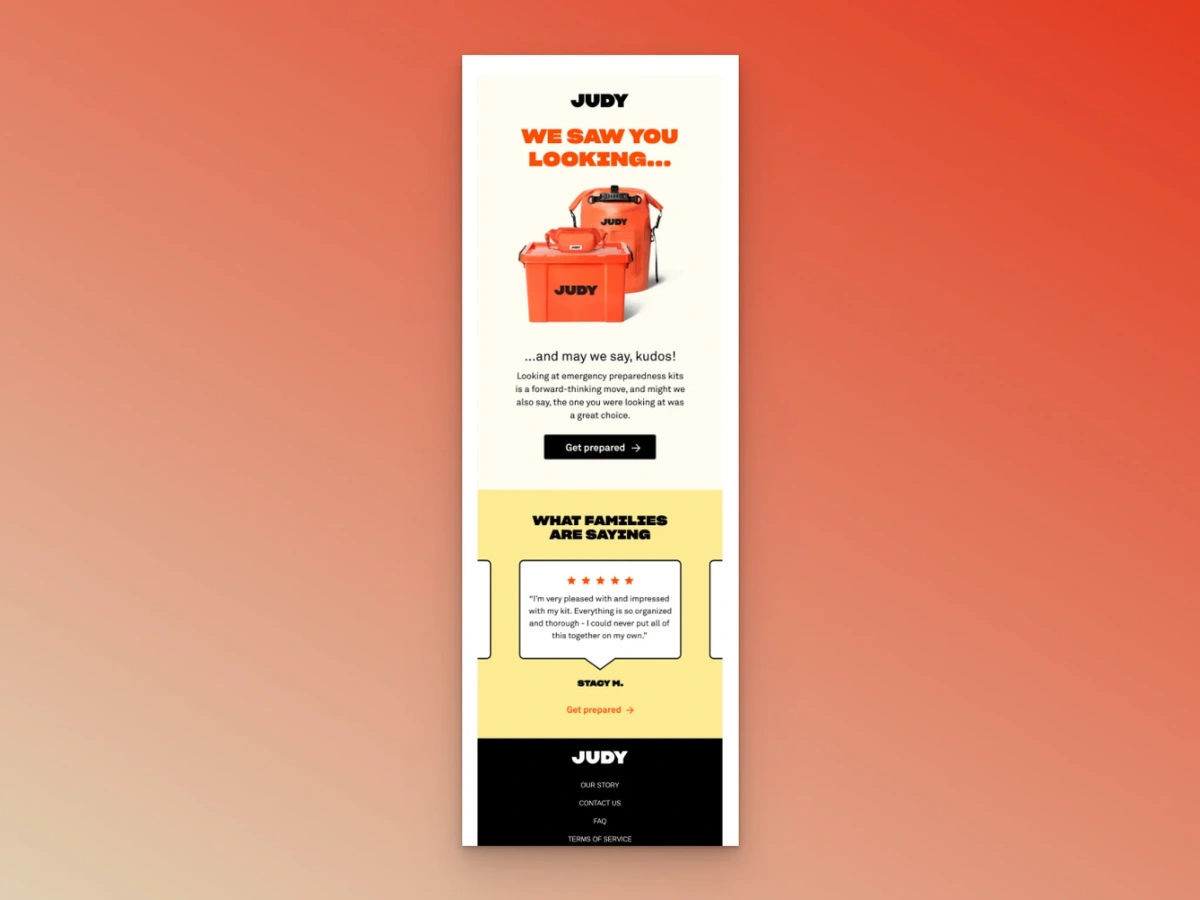
Browse abandonment targets visitors who looked at a product but never added it to cart, catching shoppers even earlier than cart abandonment does. Not every tool supports this trigger natively, but Klaviyo and Omnisend both handle it well.
The standard sequence usually includes a reminder within a few hours of the product view, followed by a second email 1–2 days later with personalized recommendations or social proof. Worth sending these emails only to highly engaged browsers to keep the experience relevant.
Source: Popupsmart
5. Customer Winback
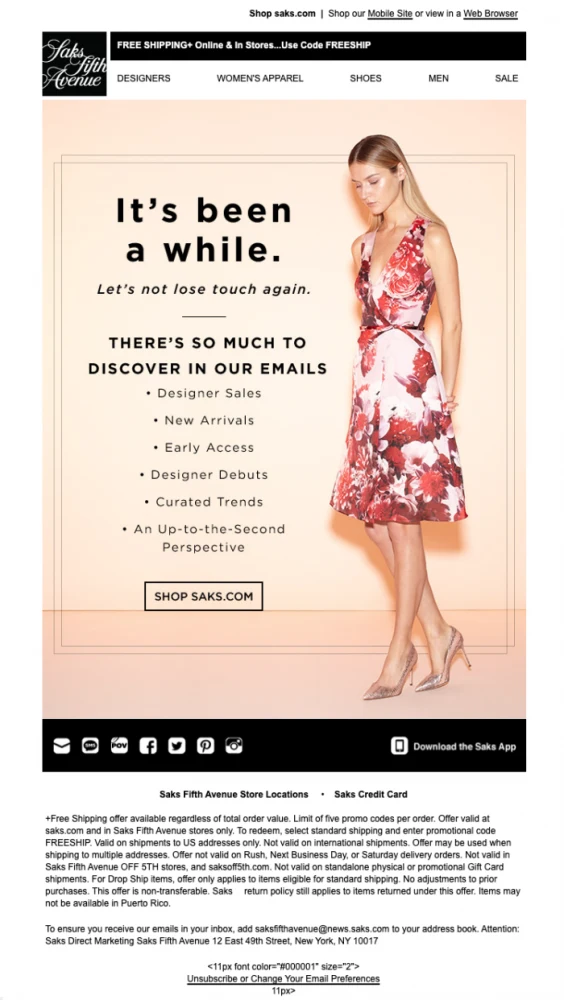
Winback campaigns re-engage customers who haven't purchased in 60 to 180 days, depending on how often people typically buy from you. Segment by recency and purchase history, a three-time buyer deserves a more personalized winback than someone who bought once. And once a winback attempt fails, sunset those unengaged contacts to protect your deliverability.
A typical winback flow starts with a reminder email, followed by personalized product recommendations and a final offer to encourage customers to return. Segment customers by recency and purchase history, and suppress contacts who remain unengaged after the sequence to maintain healthy deliverability.
Source: Flodesk
Further reading: If reviews are part of your post-purchase flow, our roundup of the best Shopify reviews apps covers tools that integrate cleanly with email.

Switching Tools? How to Migrate Without Losing Data
AIf you're already using an email marketing platform but it's no longer the right fit, switching to a new tool doesn't have to mean losing your subscribers, data, or automations. A rushed migration, however, can hurt your sender reputation and break workflows that are already performing well. Here's the sequence I'd follow to make the transition as smooth as possible.
1. Export Everything You Need
Before you cancel your old platform, export your contacts, tags, segments, custom fields, suppression lists, email templates, and historical campaign data. It's also worth documenting every automation, including triggers, delays, conditions, and goals, so you can recreate them accurately.
2. Set Up and Test Your New Platform
Authenticate your sending domain by configuring SPF, DKIM, and DMARC before sending any campaigns. Then rebuild your key automations and test them thoroughly. Make sure welcome emails, abandoned cart flows, post-purchase sequences, forms, discount codes, and dynamic content all work exactly as expected.
3. Transition Gradually
Instead of switching everything overnight, move your campaigns and automations over in stages. Keep your previous platform available until you're confident the new one is working correctly, but avoid sending the same campaigns from both platforms to the same subscribers.
4. Build Sending Volume Carefully
Start by emailing your most engaged subscribers, then gradually increase your sending volume over the following days or weeks. This helps maintain strong deliverability, especially if you're using a new sending infrastructure or dedicated IP.
5. Monitor Performance Closely
After the migration, keep a close eye on your key metrics, including deliverability, click rates, conversions, and revenue from your automated flows. Compare them with your historical benchmarks to catch any issues early.
Common Migration Mistakes to Avoid
The most common problems come from importing outdated contact lists, forgetting to migrate suppression lists, assuming segments will transfer automatically, or skipping testing before going live. Taking the time to clean your data and verify every automation will save you far more time than fixing problems after launch.
Final thoughts
Every platform in this guide can automate emails, but the best choice depends on your store's stage, marketing strategy, and long-term growth plans. Prioritize reliable Shopify integration, scalable automation, and pricing that still makes sense as your subscriber list grows.
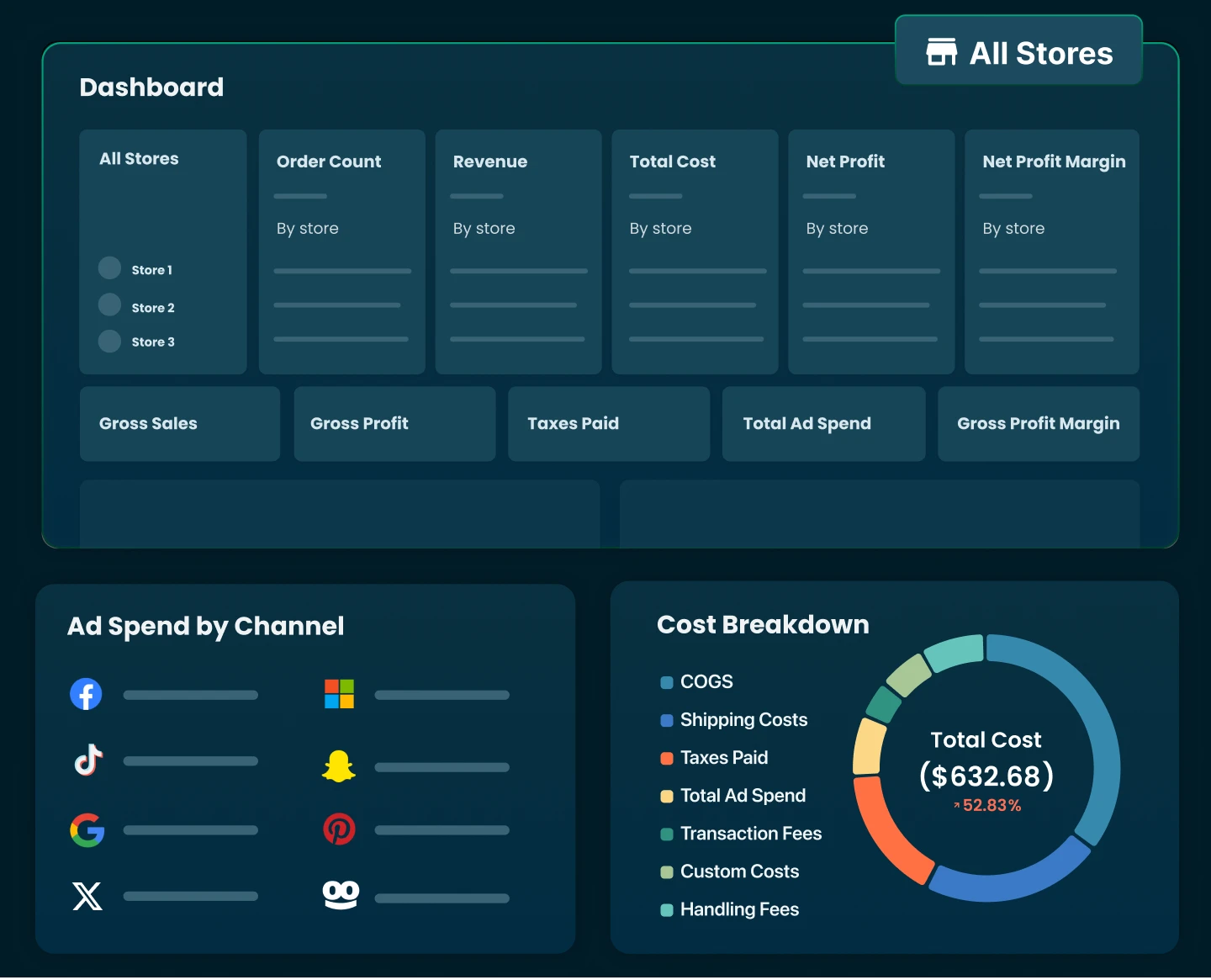
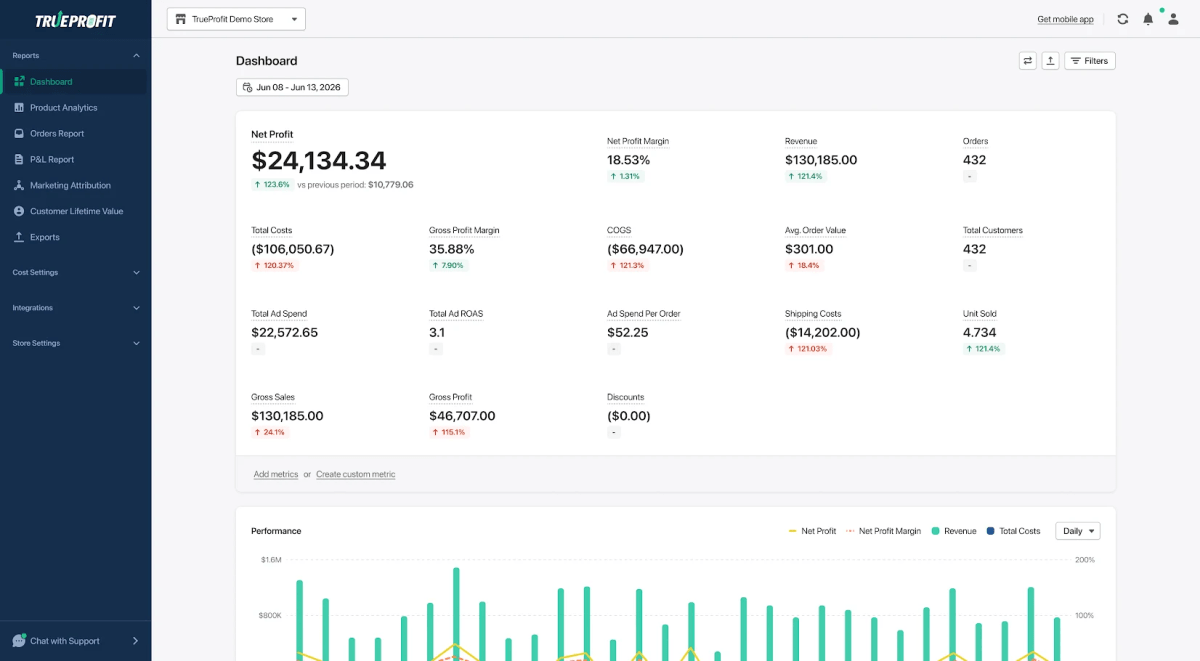
Most importantly, measure success by business outcomes, not just opens and clicks. When your email platform consistently drives profitable revenue, you'll know you've made the right investment. Pair it with a tool like TrueProfit to track your real-time net profit, so you can see whether your email automations are actually growing your bottom line.
Irene Le is the Content Manager at TrueProfit, specializing in crafting insightful, data-driven content to help eCommerce merchants scale profitably. With over 5 years of experience in content creation and growth strategy for the eCommerce industry, she is dedicated to producing high-value, actionable content that empowers merchants to make informed financial decisions.