success story
How Alverra 3X Monthly Revenue by Turning TrueProfit x ChatGPT Into Profit Advisor →


Learn why net profit matters — and why TrueProfit does it best.

How Alverra 3X Monthly Revenue by Turning TrueProfit x ChatGPT Into Profit Advisor
READ THE STORY →
Table of Contents

(Monthly Updated)
ROAS benchmarks are useful for one reason: they help you sanity-check performance when your account data feels noisy.
If your ROAS dropped this month, is it your creatives… or your industry’s seasonality? If Google ROAS looks “good” but Meta looks “bad,” is that normal for your category? Benchmarks won’t run your business for you, but they can stop you from making the wrong decision too fast.
This analysis is based on aggregated profit data from 5,000+ active Shopify stores with recorded revenue greater than $0.
We examined stores across multiple ecommerce business models, including dropshipping, print-on-demand, and self-produced (private label / in-house manufacturing) businesses.
For each store, we analyzed two core metrics: total ad spend and total revenue. ROAS is calculated from those inputs and then aggregated by industry and view (overall, by channel, and by business model).
Note: Our total ad spend figures cover paid channels and campaigns only. SEO and other organic marketing costs are excluded.
To keep the benchmarks accurate and useful, we refresh the dataset every month so the numbers reflect current ecommerce conditions-not outdated annual averages.
The results on this page are industry-level benchmarks (not targets) meant to help you compare performance against similar Shopify stores operating in real market conditions.
This is the main “average roas by ecommerce industry” view. Use it to answer: Is my ROAS unusually low for my category, or is the whole industry sitting in a tighter range this month?
This is where you compare patterns across channels. Some industries naturally overperform on Google intent traffic, while others rely more on demand generation where ROAS looks different.
According to Harry Chu, Founder of TrueProfit, the most common rule of thumb is that a ROAS of 3:1 is “good” for many ecommerce businesses. In simple terms, that means for every $1 spent on ads, you aim to generate at least $3 back in revenue.
But here’s the part people miss when they ask what is a good return on ad spend: that $3 is not profit. A meaningful portion goes to COGS, shipping fees, payment charges, refunds, and other operating expenses. What’s left after all of that is net profit - the real bottom line.
That’s why the “ideal” ROAS depends on your margins, niche, and growth stage. If you have strong profit margins, you may be able to grow comfortably with a lower ROAS. If your margins are thin, you often need higher than 3.0 just to break even, especially once fees, refunds, and fulfillment costs are factored in.
ROAS doesn’t exist in a vacuum. Industries have different cost structures such as COGS, shipping and fulfillment, refund rates, and pricing power. When an industry has heavier costs or thinner margins, it often needs higher ROAS to stay healthy. When the margin buffer is stronger, stores can sometimes grow profitably even with lower ROAS. That’s why “good ROAS” looks different across categories.
Channels capture buyers at different moments. Search channels tend to convert existing intent, which can produce more direct purchase behavior. Social channels tend to create demand, which often requires more creative testing and more touchpoints before purchase. Because the journey is different, ROAS patterns can look different even for the same product.
ROAS can vary simply because platforms measure conversions differently. Attribution windows, models, cross-device tracking, and view-through credit can all change the number you see. If you compare Google and Meta ROAS without aligning attribution settings (and checking store analytics), you can easily misread what’s actually happening.
Besides the differences across channels and industries, there are also common tracking issues that can make ROAS inaccurate:
One platform may credit a sale based on a 7-day click window while another uses a different window or model. When those settings aren’t aligned, the comparison becomes misleading, even if performance didn’t change.
Ad platforms usually report revenue at the time of purchase. Refunds often happen later. If your refund rate increases, ROAS may look stable while real outcomes get worse. This is especially common in categories with higher return risk.
A blended store ROAS can look “fine” while certain products or channels are quietly unprofitable. If you sell both high-margin and low-margin items, blended ROAS is often too vague to guide decisions.
P/s: Blended ROAS refers to the overall return on ad spend calculated by dividing total store revenue by total ad spend across all channels.
Broken UTMs, incomplete pixel coverage, or changes in checkout/payment flows can distort ROAS. Another common issue is mixing revenue definitions (gross revenue vs net after discounts/returns). Even small inconsistencies can create big swings when you’re trying to benchmark.
ROAS is useful because it’s fast and easy: it tells you how efficiently ad spend produced revenue. The limitation is that revenue isn’t profit - what you actually keep.
Out of that revenue, a meaningful portion goes to COGS, shipping and fulfillment, payment processing fees, currency conversion fees, Shopify app fees, refunds, taxes, and other operating costs. After covering those, what’s left is net profit, the bottom line.
That’s why ROAS alone can lead to the wrong scaling decisions. A channel can look “great” on ROAS while producing weak profit because costs are higher than expected (or refunds spike). This is where POAS (Profit on Ad Spend) becomes the missing layer.
If you’re running ecommerce ads mainly to drive immediate purchases, ROAS is one of the fastest feedback signals you have. But ROAS only tells you how efficiently ad spend produces revenue. It doesn’t tell you whether that revenue was profitable.
These three get mixed up constantly, so let’s keep it simple, starting with concise definitions:
ROAS answers: “How much revenue did I generate for every $1 I spent on ads?”
ROAS is quick and easy, which is why it’s popular. The limitation is that it ignores costs.
POAS answers: “How much profit did I generate for every $1 I spent on ads?”
ROAS can tell you which channel drives revenue efficiently. POAS tells you which channel drives profit. Beyond ROAS, tracking POAS helps you see which channels are actually producing profit, not just top-line sales.
ROI answers: “How much return did I generate relative to total investment?”
ROI is broader, but it’s often harder to calculate cleanly in ecommerce because “investment” can include tooling, payroll, inventory risk, fulfillment infrastructure, and more.
Once you’re spending consistently, the real challenge isn’t “seeing ROAS.” It’s connecting performance to profit, so you can tell which channels and products are actually worth scaling.
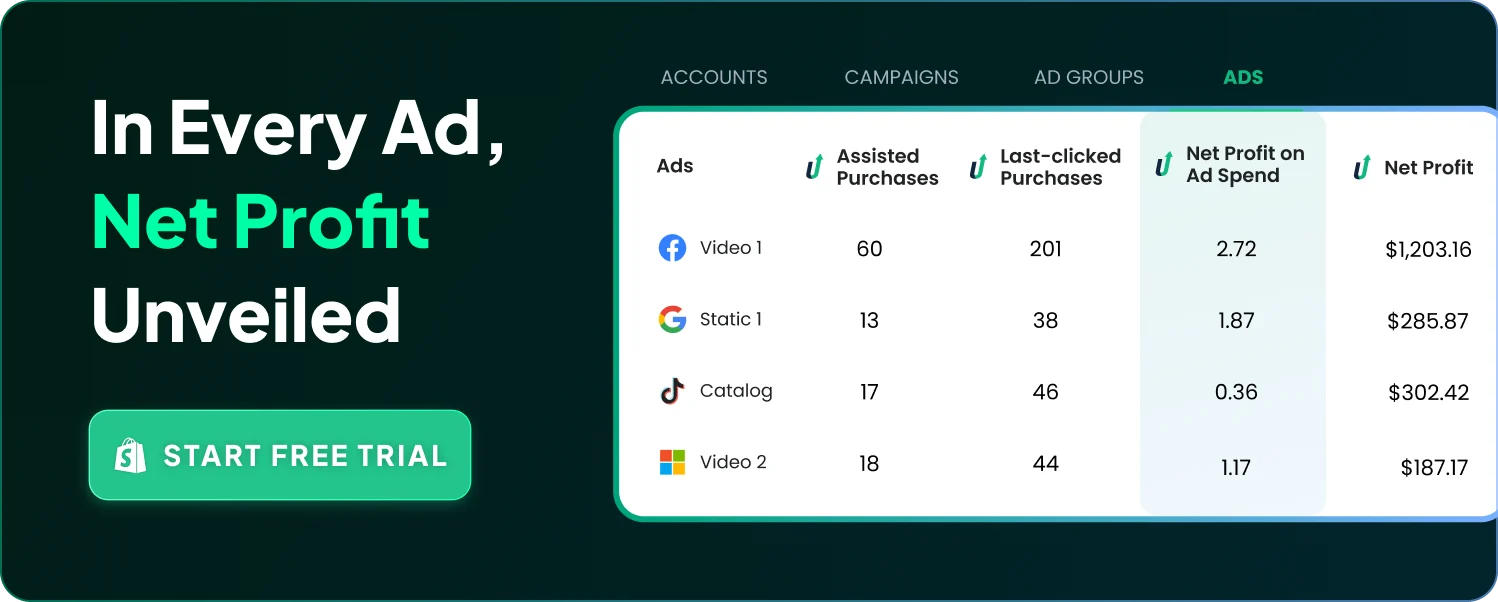
TrueProfit is built for Shopify and ecommerce merchants who want a profit-first view of marketing performance. It helps you track both ROAS and POAS, and it makes it easier to view revenue and profit at the channel level and product level, so your “best performers” aren’t just the biggest revenue drivers, but the biggest profit drivers too. Ultimately, TrueProfit helps you clearly track the true profit and loss of your store.
With TrueProfit, you get:
Most ROAS improvements come from fundamentals, not tricks:
Track beyond ROAS when spend is meaningful: Use POAS (profit on ad spend) alongside ROAS so you know which channels are producing profit, not only revenue.

 Exclusive data by TrueProfit


 Exclusive data by TrueProfit
| Category | Average ROAS |
|---|---|
| Business & Industrial | 8.4 |
| Jewelry & Accessories | 6.0 |
| Luggage & Bags | 4.7 |
| Hardware | 4.6 |
| Home & Garden | 4.3 |
| Office Supplies | 4.2 |
| Vehicles & Parts | 3.8 |
| Furniture | 3.5 |
| Food, Beverages & Tobacco | 3.3 |
| Toys & Games | 3.3 |
| Apparel & Accessories | 3.2 |
| Arts & Entertainment | 3.0 |
| Others | 2.8 |
| Health & Beauty | 2.7 |
| Cameras & Optics | 2.6 |
| Sporting Goods | 2.5 |
| Baby & Toddler | 2.4 |
| Electronics | 2.3 |
| Religious & Ceremonial | 2.3 |
| Animals & Pet Supplies | 2.0 |


 Exclusive data by TrueProfit
| Channel | Average ROAS |
|---|---|
| Snapchat | 7.2 |
| Tiktok | 2.6 |
| Google | 2.1 |
| Amazon | 1.9 |
| Facebook | 1.8 |
| Pinterest | 1.6 |
Metric | Stands for | What it tells you | What it ignores | Best used for |
|---|---|---|---|---|
ROAS | Return on Ad Spend | How much revenue you generate for every $1 spent on ads | COGS, shipping, fees, refunds, taxes, operating costs (profitability) | Quick channel/ad efficiency checks and short-term optimization |
POAS | Profit on Ad Spend | How much profit you generate for every $1 spent on ads | Can be inaccurate if costs aren’t tracked fully or updated correctly | Scaling decisions, identifying which channels drive real profit, not just revenue |
ROI | Return on Investment | How much return you generate relative to your total investment | Often hard to define consistently (inventory, payroll, tools, overhead may vary) | High-level business performance and investment decisions |
Beyond the benchmark:
How to earn big fat profits
Get battle-tested insights that lead to higher profit — delivered weekly to your inbox.
You’ve seen the benchmarks.
Now see your own numbers.
Track gross margin, net profit, and true product profitability, automatically.