




How Much Does Shopify Take Per Sale? (July 2026 Updated)



Table of Contents
If you’re selling on Shopify, it’s important to understand how much Shopify takes per sale not just at the plan level, but on each individual transaction.
In this guide, we break down Shopify’s per-sale fees in 2026, including payment processing costs, transaction fees, and how those charges change based on your plan and payment method.
In this blog:
How Much Does Shopify Take Per Sale?
Shopify’s fees per sale are not a single flat rate. The exact amount Shopify takes from each order depends on how your customer pays and which Shopify plan you’re on.
In general, Shopify charges:
- A payment processing fee on every transaction
- An additional transaction fee only if you use third-party payment gateways
Here’s how those fees break down.
1. Online Payments (Using Shopify Payments)
If you use Shopify Payments, there are no extra transaction fees, you only pay payment processing fees.
Shopify Plan | Fee Per Online Sale |
|---|---|
Basic | 2.9% + $0.30 |
Shopify (Grow) | 2.7% + $0.30 |
Advanced | 2.5% + $0.30 |
Shopify Plus | 2.25% + $0.30 |
Example: How Much Does Shopify Charge on a $100 Sale?
Let’s say you sell a product for $100 and your customer pays through Shopify Payments on the Basic plan.
Your payment processing fee would be:
2.9% × $100 = $2.90
Fixed fee = $0.30
Total payment processing cost:
$2.90 + $0.30 = $3.20
You receive:
$100 - $3.20 = $96.80
Keep in mind that this is before other costs like product costs, shipping, apps, taxes, and advertising.
2. In-Person Payments (POS)
Shopify Plan | In-Person Fee |
|---|---|
Basic | 2.6% + $0.1 per transaction |
Shopify (Grow) | 2.5% + $0.1 per transaction |
Advanced | 2.4% + $0.1 per transaction |
Shopify Plus | Custom |
If you don’t use Shopify Payments, Shopify adds an extra transaction fee on top of the provider’s fee.
Shopify Plan | Extra Transaction Fee |
|---|---|
Basic | +2.0% |
Shopify (Grow) | +1.0% |
Advanced | +0.6% |
Manual payment methods like Cash on Delivery, bank transfers, or POS draft orders do not incur transaction fees.
For example, if you are using third-party payment gateways like Paypal or Stripe, and:
- Shopify Basic plan
- Product price: $100
- Payment via PayPal
- PayPal fee: 2.9% + $0.30
- Shopify extra transaction fee: +2.0%
You will have to pay:
- PayPal fee: 2.9% of $100 + $0.30 = $3.20
- Shopify transaction fee: 2.0% of $100 = $2.00
- Total fees: $5.20
How much you receive: $100 − $5.20 = $94.80
As you can see, using third-party gateways can push total fees above 5% per sale.

Other Per-Sale Shopify Fees You Should Know
Depending on how you sell, additional transaction-level fees may apply:
- Currency conversion fees: 1.5% for U.S. Shopify Payments stores, and 2.0% for most other supported countries when customers pay in a different currency.
- International cards: Often charged at higher rates (e.g. 3.9% + $0.30)
- Shopify Tax (U.S. only): 0.35% per order after $100,000 in annual sales (in applicable states)
- Tap to Pay on iPhone: First 100 transactions/month free, then $0.25 per transaction
- Chargeback fee: Shopify may charge a fee when a customer disputes a payment. The amount varies by country, and the fee may be refunded if you win the dispute.
These fees vary by store setup, country, and sales channel.
What Shopify Costs Look Like for a Store Making $100K/Year
Looking at individual fees is helpful, but the bigger picture becomes clearer when you see how those costs add up for a real Shopify store.
Let’s say you run a U.S.-based Shopify store on the Basic plan. Your store uses Shopify Payments, sells 5,000 products per year at $20 each, and generates $100,000 in annual sales.
Here’s what your Shopify-related costs could look like:
Cost | How It’s Calculated | Annual Cost |
|---|---|---|
Shopify Payments processing fees | 2.9% × $100,000 + ($0.30 × 5,000 orders) | $4,400 |
Shopify subscription | Basic plan monthly fee × 12 months | ~$400 |
Shopify apps | Example: $50/month × 12 months | $600 |
Total Shopify-related costs: ~$5,400/year
In this example, Shopify-related costs account for around 5.4% of your annual revenue before factoring in other expenses.
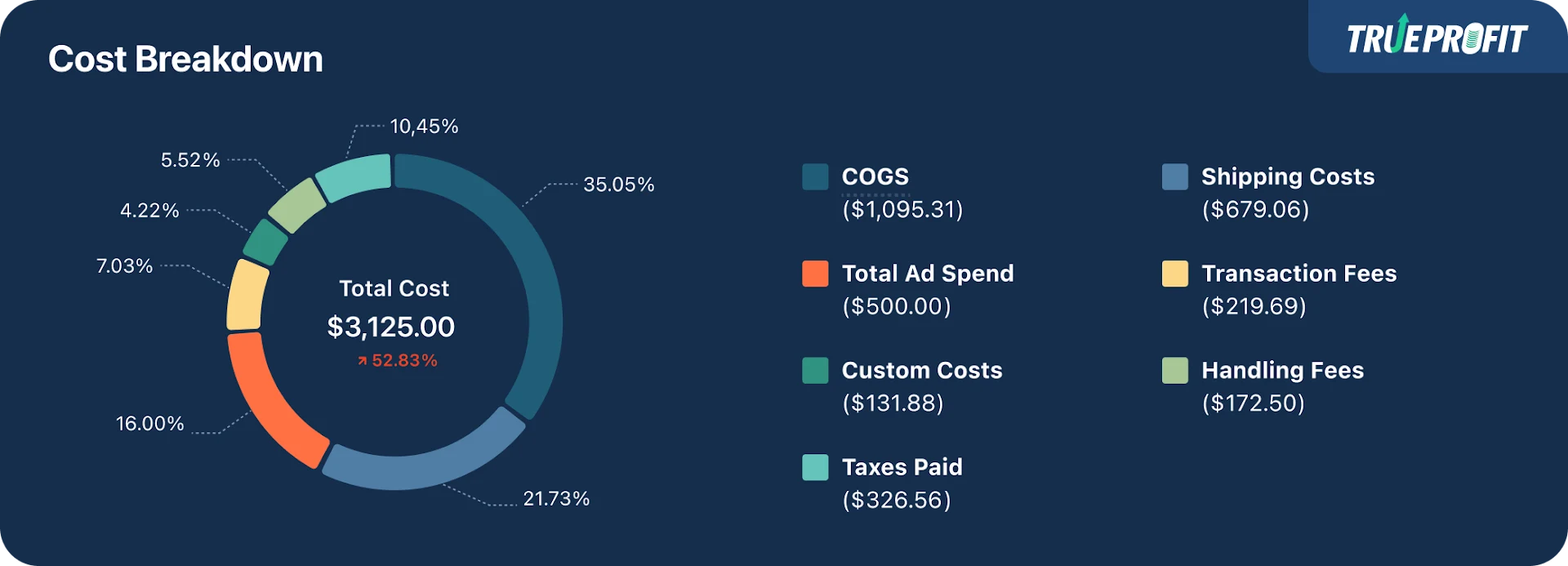
However, Shopify fees are only one part of your total cost structure. Your actual profit still depends on additional costs such as:
- Product costs (COGS)
- Shipping and fulfillment
- Advertising spend
- Refunds and chargebacks
- Taxes
- Other operating expenses
The key takeaway: Shopify fees may seem small on a per-order basis, but they can add up to thousands of dollars as your sales volume grows. Tracking every cost helps you understand whether your revenue is actually turning into profit.
Beyond the costs directly tied to each sale, Shopify merchants also need to keep track of other fees that can affect their overall margins.
Other Shopify Fees You Should Keep Track
In addition to per-sale fees, Shopify merchants may also pay several other costs to operate and grow their business.
Fee Type | How It’s Charged & When It Applies |
|---|---|
Shopify Subscription Fees | Fixed monthly fee · Charged regardless of sales volume |
Payment Processing Fees | % per sale + fixed fee · Applied to every transaction |
Transaction Fees | % per sale · Only when using third-party payment gateways |
Currency Conversion Fees | % per transaction · When payout and customer currency differ |
International Card Fees | Extra % per transaction · When customers use foreign cards |
Shopify App Fees | Monthly or usage-based · When paid apps are installed |
Shopify Tax Fees (U.S. only) | % per order (capped) · After $100K in U.S. sales |
Shipping Label Fees | Per label (carrier rates) · When fulfilling orders via Shopify |
Shipping Adjustments & Insurance | Variable per shipment · When carrier adjustments or insurance apply |
Shopify Email Fees | Usage-based · After exceeding free monthly email limit |
POS Hardware Fees | One-time or installment cost · For in-person selling |
Tap to Pay on iPhone Fees | Per transaction · After first 100 POS transactions/month |
Marketplace & Channel Fees | % per order or capped monthly · When syncing external marketplaces |
Marketplace Platform Fees | Platform-defined fees · Charged by third-party marketplaces |

How to Reduce Shopify Costs Per Sale
While Shopify fees are unavoidable, there are practical ways to reduce how much Shopify takes from each sale without hurting conversion rates or growth.
1. Use Shopify Payments to Avoid Extra Transaction Fees
When possible, choose Shopify Payments over third-party gateways.
Using Shopify’s built-in processor eliminates additional transaction fees (up to 2% per sale), meaning more of each order stays as profit, especially important when you’re scaling volume.
2. Track Fees at the Product Level (Not Just Store-Level)
Looking only at store-wide averages can hide products that look successful but are unprofitable after fees.
Track Shopify fees per order and per SKU to see:
- Which products lose margin due to payment and transaction fees
- Which items can handle discounts or higher ad spend
- Which products should be optimized, repriced, or paused
Understanding fees at the product level helps you make pricing and scaling decisions based on profit, not revenue.
Keep Track of Every Shopify Fee to Protect Your Margins
Shopify fees per sale may look small on paper, but when you factor them into every order, those percentages add up quickly and can quietly eat away at your profit margins.
Payment processing fees, transaction fees, currency conversion costs, and other charges compound over time, especially as your order volume grows. Without tracking them closely, it’s easy to scale revenue while your actual profit shrinks.
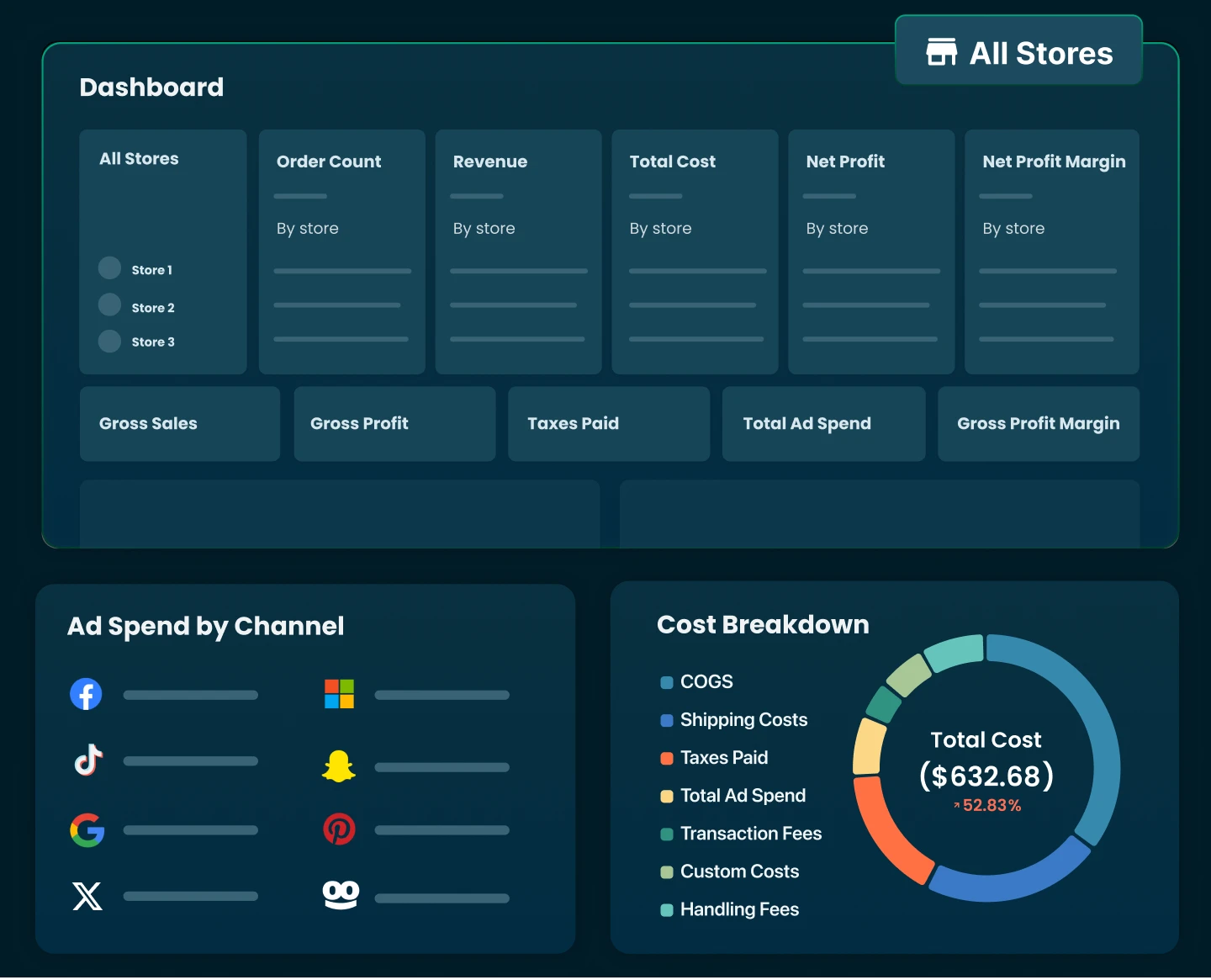
That’s why using a tool like TrueProfit isn’t optional for serious Shopify sellers. The app tracks every cost that affects your bottom line down to the smallest fees, so you always know where your money is going and can make decisions based on real profit, not guesses.
With TrueProfit, you’ll get:
- Real-time net profit across store, product, order, and ads
- Automatic cost tracking for COGS, ad spend, shipping, and fees
- Profit-based product analytics to scale what actually makes money
- Clear P&L reports with weekly and monthly breakdowns
- Customer LTV & custom KPIs to optimize CAC and growth decisions
When you stay on top of your true numbers, you protect your margins, scale with confidence, and run your Shopify business smarter.

Lila Le is the Marketing Manager at TrueProfit, with a deep understanding of the Shopify ecosystem and a proven track record in dropshipping. She combines hands-on selling experience with marketing expertise to help Shopify merchants scale smarter, through clear positioning, profit-first strategies, and high-converting campaigns.