






Table of Contents
Meta: Discover how MCP servers are transforming ecommerce in 2026. Unlock 6 best MCP integrations that help automate operations, and unlock AI-powered insights
Running an ecommerce business means juggling a lot of moving parts at once. Most store owners aren't short on data. What they're short on is time to actually do something with it. That's where MCP comes in. Over the past year, it's quietly become one of the more practical developments in AI tooling for ecommerce.
This guide breaks down what MCP is, why it matters for ecommerce specifically, and which MCP servers merchants should pay attention to in 2026. Whether you're running a high-volume Shopify brand or a lean WooCommerce operation, there's a decent chance at least one of these integrations can cut out some of the manual work that's eating into your week.
In this blog:
What Is an MCP Server?
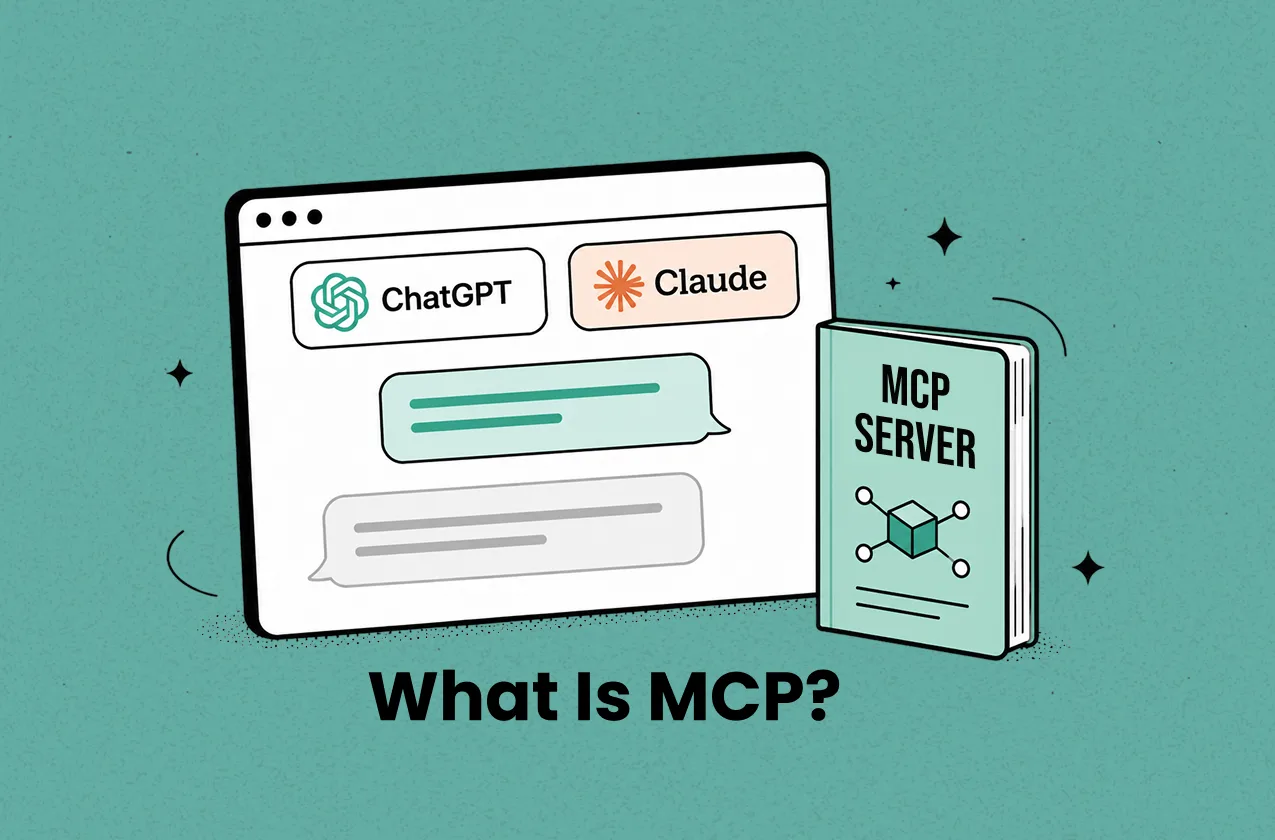
MCP stands for Model Context Protocol. It is an open standard that lets AI models, such as Claude, ChatGPT, or Cursor, connect to external tools and data sources in a structured, consistent way.
Think of it as a secure translator sitting between your AI assistant and your business tools. Without MCP, an AI can only work with whatever you type into the chat. With MCP, it gets controlled access to approved systems, which means it can actually pull data and take action rather than just give generic advice.
For an ecommerce business, those systems might be ecommerce platforms like Shopify, Woocommerce, Google Sheets, Klaviyo, Slack, a warehouse tool, or an internal reporting dashboard. Once connected, an AI assistant can do things like:
- Search your product catalog
- Pull order and inventory data
- Create or update draft products
- Check advertising performance
- Send order alerts to your team
- Move Shopify data into spreadsheets or support tools
- Move Shopify data into spreadsheets or support tools

Why Ecommerce Store Owners Are Paying Attention to MCP
Ecommerce operations tend to be messy by nature. For example, a typical Shopify brand might run across Shopify itself, Google Sheets, an email platform, ad tools, a support app, a fulfillment system, a reviews app, accounting software, and a profit analytics tool. Every week, someone on the team is manually stitching those systems together, exporting CSVs, copying order details, updating product data, chasing down the latest ROAS numbers.
Over time, that creates three compounding problems.
The first is speed. Every hour spent on manual data work is an hour not spent on merchandising, creative testing, or customer experience, the work that actually moves the needle. Repetitive operational tasks have a way of crowding out strategic thinking.
The second is accuracy. A wrong inventory update, a missed refund, a duplicated customer record, these kinds of small mistakes add up quietly. By the time you notice them, you're already dealing with support tickets, margin leakage, or worse, a customer complaint that could have been avoided.
The third is visibility. Store data ends up scattered across too many places. Shopify tells you about orders and revenue, but your real operating picture also depends on ad spend, COGS, payment fees, shipping costs, refunds, and subscriptions, none of which live in one place by default. Without a clear view of net profit, it's easy to mistake revenue growth for business health.
MCP can take a real bite out of the first two problems by making AI-assisted workflows easier to build. It doesn't automatically fix profit tracking or business analysis, for that, you still need reliable reporting tools and a clear view of net profit. But as an operating layer, it's genuinely useful.
6 Best MCP Servers Behind Smarter Ecommerce Workflows
To help you find the right fit faster, I've put together a quick comparison of the six MCP servers covered in this guide.
MCP Server | Pricing | Best For |
|---|---|---|
Shopify Storefront MCP | Included with Shopify | AI shopping assistants and storefront experiences |
TrueProfit MCP | Starts at $35/month (14-day free trial) | Profit analytics and financial reporting |
Klaviyo MCP | Starts at $20/month (free plan available) | Email marketing and retention analysis |
Stripe MCP | No additional MCP fee (transaction-based pricing) | Payments, subscriptions, and billing operations |
HubSpot MCP | Paid plans start around $50/month | CRM, customer insights, and B2B ecommerce |
WooCommerce MCP Server | Usually free/open-source; setup costs may apply | WooCommerce analytics and store management |
1. Shopify Storefront MCP

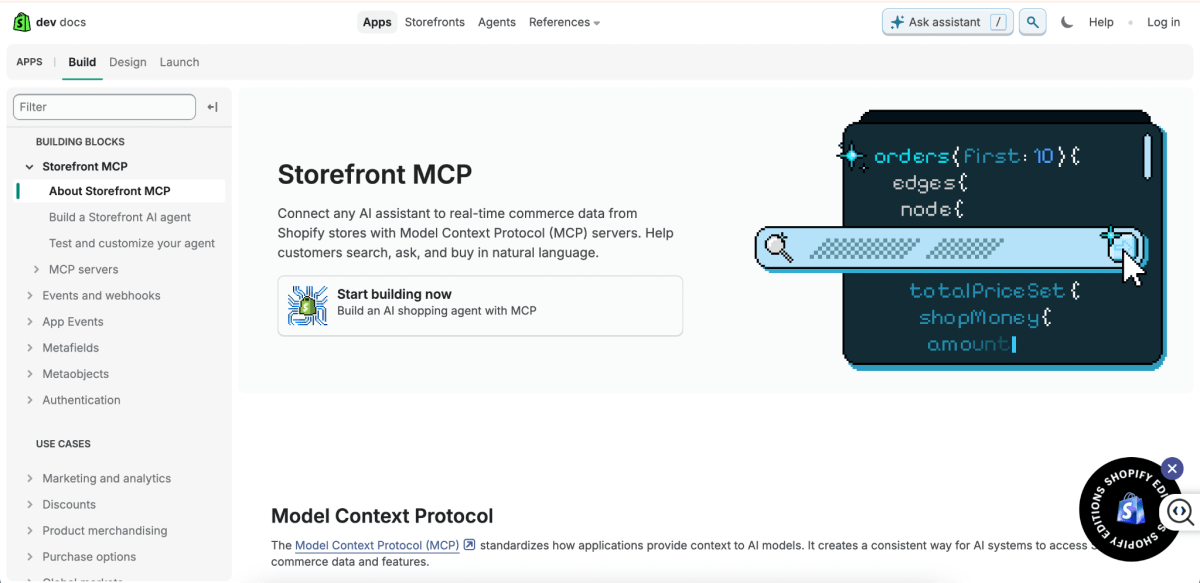
Best for: AI shopping assistants, product discovery, and customer-facing shopping experiences
Shopify Storefront MCP is Shopify's official MCP server for connecting AI assistants directly to your storefront.
It gives an AI agent access to the same information your customers see when they shop, including products, variants, carts, checkout, shipping policies, and FAQs. Instead of sending shoppers through menus and search bars, the AI can help them find products, answer questions, compare options, and even build a cart through a natural conversation.
Key features
- Connects AI agents to a specific Shopify store’s storefront data.
- Supports product discovery through natural-language search.
- Allows AI agents to browse and retrieve relevant product information.
- Supports cart management, including creating carts and adding or removing items.
- Supports checkout-related shopping flows.
- Can answer questions about store policies, shipping, returns, and FAQs.
- Supports order-related customer service flows such as order tracking and returns, depending on implementation.
- Uses Shopify’s storefront commerce context rather than generic web search.
- Helps AI assistants guide shoppers from product discovery to checkout.
Pros
- Built specifically for Shopify storefront commerce.
- Strong fit for AI shopping agents and customer-facing ecommerce experiences.
- Helps reduce friction between product discovery and checkout.
- Useful for stores with large catalogs or complex product choices.
- Can improve conversion by helping shoppers find relevant products faster.
- Official Shopify support makes it more trustworthy than random third-party MCP servers.
- Does not require merchants to manually export product data into AI tools.
Cons
- Focused on storefront experiences, not full Shopify admin operations.
- Customer-facing AI needs strong guardrails to avoid wrong product claims or policy misinterpretation.
- Brands still need to design the actual user experience around the MCP server.
- More useful for stores with enough catalog complexity to justify conversational shopping.
- May require developer resources or agency support to build a polished AI shopping flow.
Pricing
Shopify Storefront MCP does not appear to have a separate standalone fee.
2. TrueProfit MCP
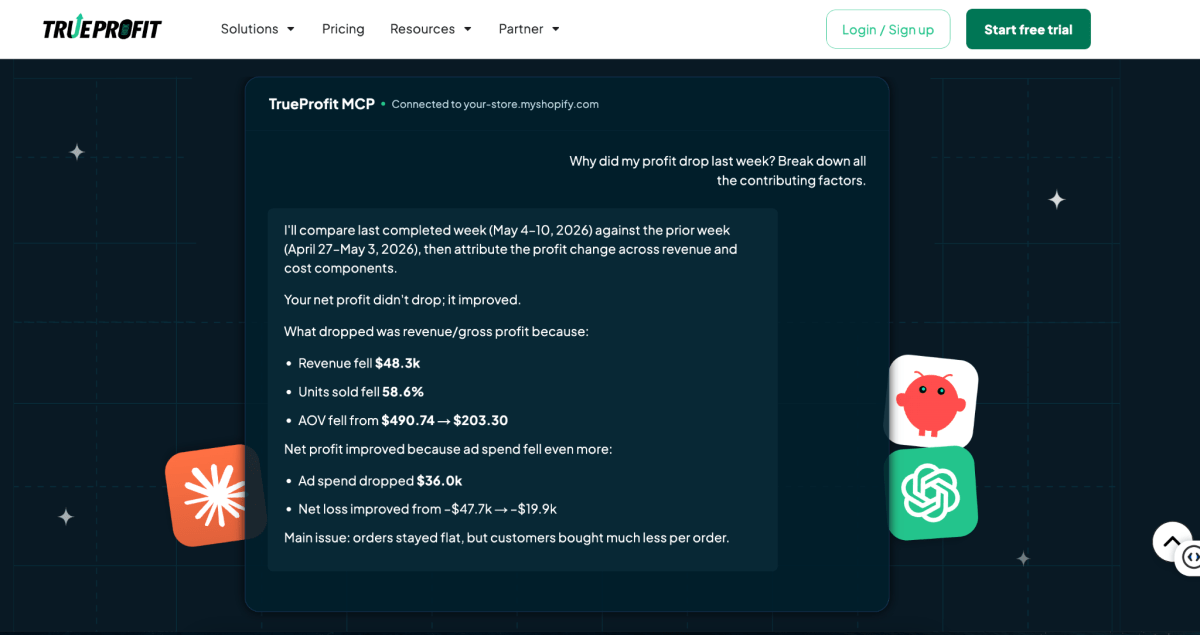
Best for: Net profit analysis, financial reporting, and AI-powered business insights
Before discussing TrueProfit MCP, it's important to understand what TrueProfit itself does.
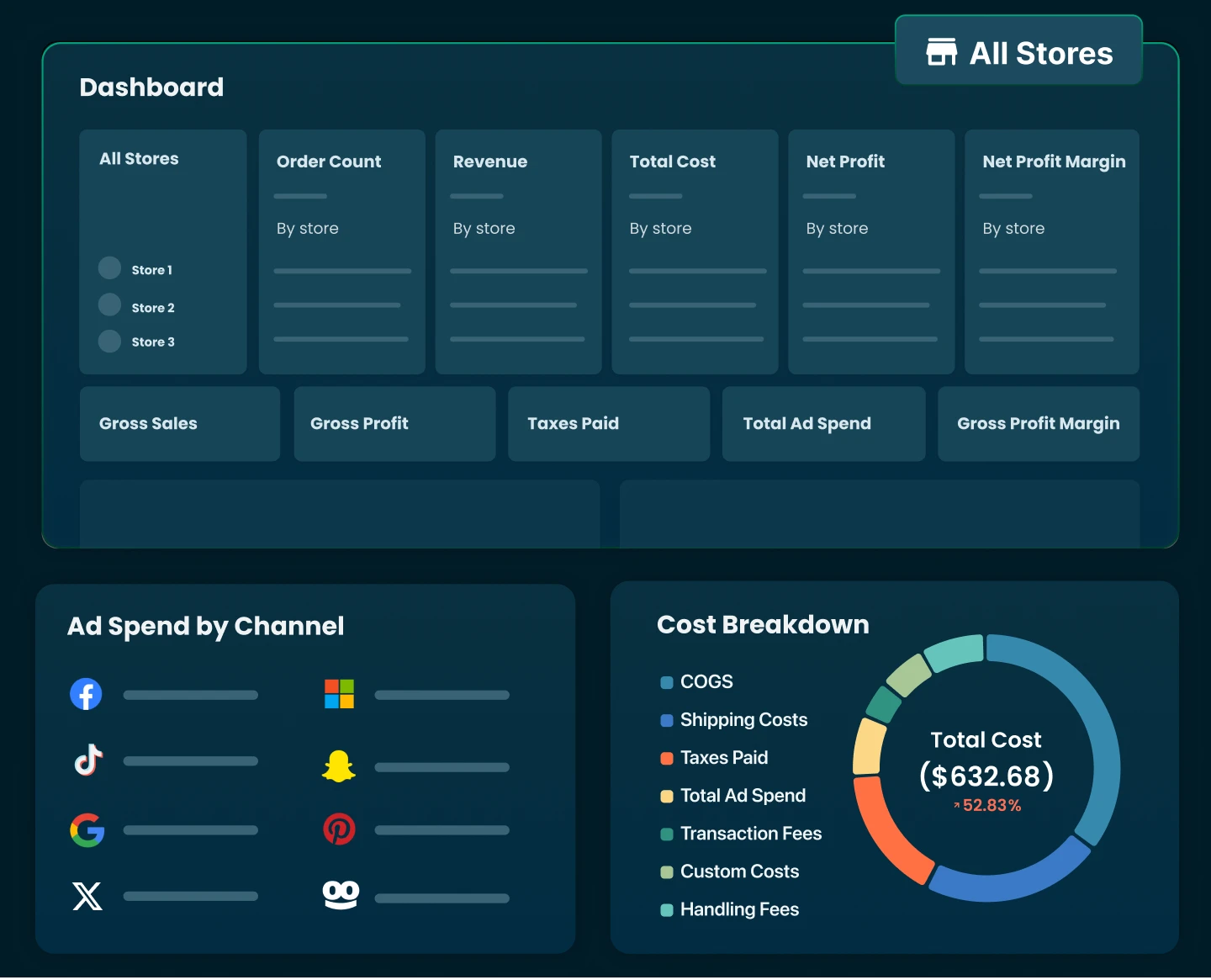
TrueProfit is a net profit analytics platform built specifically for Shopify businesses. Unlike Shopify's default analytics, which primarily focuses on revenue and sales, TrueProfit helps merchants track true net profit (your bottom line) by combining revenue with key expenses such as COGS, shipping costs, transaction fees, ad spend, taxes, and other operational costs.
TrueProfit MCP extends this capability by connecting AI assistants like Claude, ChapGPT directly to your TrueProfit data. Instead of digging through dashboards, merchants can ask questions about profitability, products, orders, advertising performance, and business health to get instant answers about your business performance.
Key features
- Connects TrueProfit data to AI assistants through Model Context Protocol (MCP)
- Connects AI assistants to real-time store data, enabling answers based on actual revenue, costs, ROAS, and profit metrics, such as:
- Generates on-demand reports, tailored to specific business questions and performance needs.
- Detects anomalies in key metrics, including sales, ad spend, and ROAS, to surface unusual patterns quickly.
- Turns data into insights and recommendations, helping merchants take faster, more informed actions.
Pros
- Built specifically for ecommerce profitability.
- Helps merchants understand true net profit after major ecommerce costs.
- Helps identify products that look good by sales but perform poorly by profit.
- Can make AI answers more grounded because they come from the merchant’s actual TrueProfit data.
Cons
- Most useful only after TrueProfit is properly connected and cost settings are accurate.
- Merchants still need human review before making major financial decisions.
- Value depends on how much cost data the merchant tracks inside TrueProfit.
Pricing
TrueProfit starts at $35/month on the Basic plan, with pricing based partly on monthly order volume. A 14-day free trial is available for merchants who want to test it before committing.
3. Klaviyo MCP
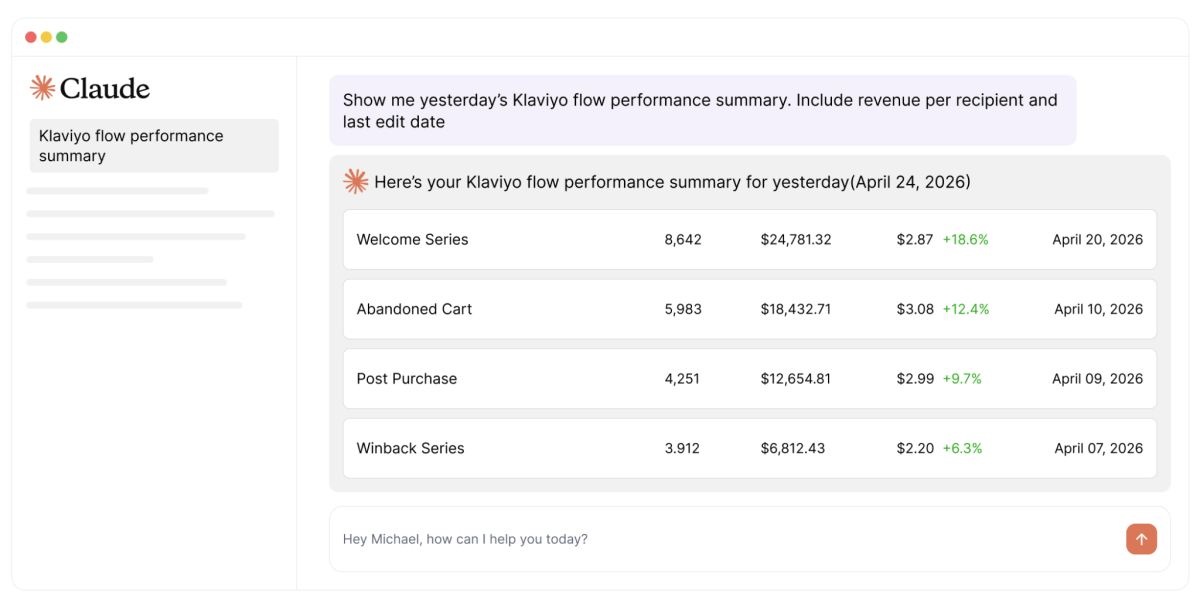
Best for: Email marketing, retention analysis, and lifecycle marketing automation
If Shopify Storefront MCP helps you improve the shopping experience and TrueProfit MCP helps you understand profitability, Klaviyo MCP focuses on something every ecommerce brand cares about: getting customers to come back and buy again.
Klaviyo MCP connects AI assistants directly to your Klaviyo account, giving them access to marketing data such as campaigns, flows, customer segments, lists, profiles, and performance metrics.
Instead of spending time pulling reports or manually analyzing campaign results, marketers can ask questions in plain English and get answers based on their actual Klaviyo data.
For example, you could ask:
- "Which email campaigns generated the most revenue last month?"
- "How is my abandoned cart flow performing?"
- "Which customer segments have the highest repeat purchase rate?"
- "What retention opportunities am I missing?"
The AI can then analyze your marketing data, identify patterns, and even help generate ideas for future campaigns.
Key Features
- Connects MCP-compatible AI assistants directly to Klaviyo.
- Gives AI access to campaigns, flows, lists, segments, and customer profiles.
- Supports campaign analysis and performance reporting.
- Helps evaluate flow performance and retention metrics.
- Assists with campaign planning and content ideation.
- Surfaces insights from customer and marketing data.
- Reduces the need for manual reporting and dashboard analysis.
- Works with MCP-enabled tools such as Claude, Cursor, VS Code, and other compatible clients.
Pros
- Strong fit for retention teams already using Klaviyo.
- Helps reduce manual campaign reporting.
- Useful for finding patterns across campaigns, flows, and segments.
- Can support both analysis and campaign creation workflows.
- Especially valuable for brands with high email/SMS revenue contribution.
Cons
- Value depends on the quality of Klaviyo data, naming conventions, and segmentation.
- AI should not publish campaigns without human review.
- Costs can increase as active profile count grows.
- SMS costs can become significant for high-volume stores.
Pricing
Klaviyo has a free plan for small accounts under specific limits, including active profile and monthly email send limits. Paid pricing starts from $20/mo.
4. Stripe MCP
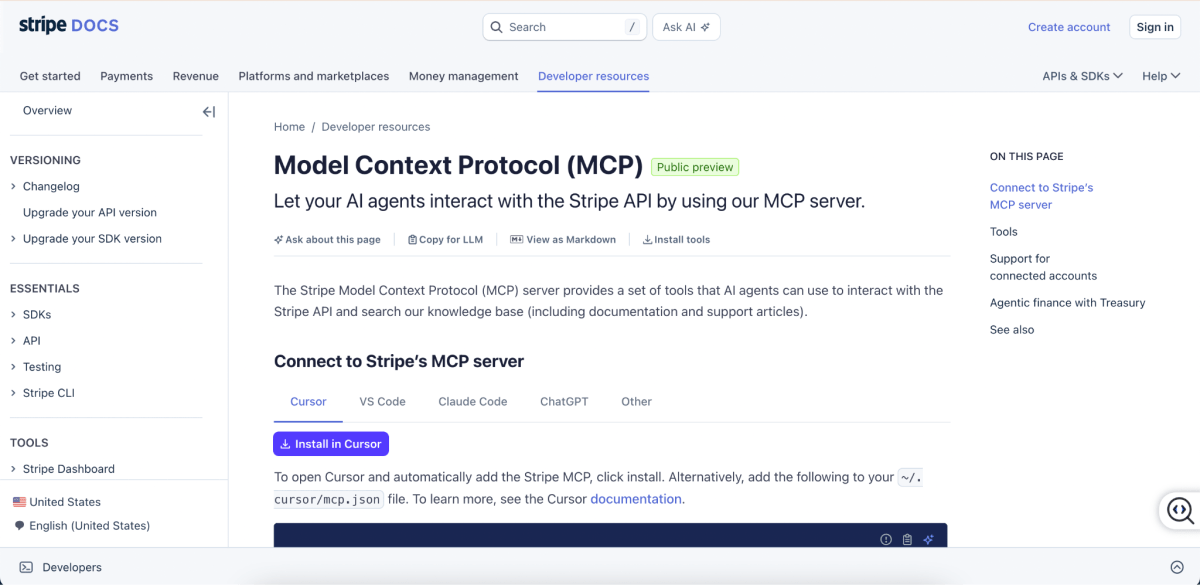
Best for: Payments, subscriptions, billing operations, and Stripe-related support
Stripe MCP is essentially an AI-powered assistant for payments, subscriptions, and billing operations.
Most ecommerce teams don't spend much time thinking about payment infrastructure until something breaks.
A failed payment, subscription issue, refund dispute, or checkout error can quickly turn into lost revenue and frustrated customers.
That's where Stripe MCP comes in.
Stripe MCP connects AI assistants directly to Stripe, allowing them to work with Stripe's API and knowledge base. Instead of digging through documentation or manually searching for billing information, teams can ask questions and get answers based on Stripe's actual systems and resources.
For example, you could ask:
- "Why did subscription payments fail last week?"
- "Find the invoice for this customer."
- "Help me troubleshoot a checkout error."
- "How do I implement Stripe Connect payouts?"
The AI can then search Stripe documentation, analyze payment-related information, and assist with billing or developer workflows.
Key features
- Provides MCP tools that AI agents can use to interact with the Stripe API.
- Allows AI agents to search Stripe’s knowledge base.
- Supports developer workflows around Stripe integration.
- Can help with payments, customers, products, prices, invoices, subscriptions, checkout, and billing workflows depending on enabled tools and permissions.
- Supports secure access through Stripe’s MCP setup.
- Can be used to answer technical questions about Stripe implementation.
- Useful for troubleshooting payment or billing issues.
Pros
- Strong fit for businesses that rely heavily on Stripe.
- Saves time spent searching documentation and support articles.
- Particularly useful for subscription-based ecommerce businesses.
- Helpful for custom checkout and billing workflows.
- Supports both operational tasks and developer-focused use cases.
- Official Stripe support makes it more reliable than third-party payment connectors.
Cons
- Payment and billing data require strict access controls and permissions.
- Actions involving refunds, subscriptions, invoices, or payouts should still require human approval.
- Delivers limited value if Stripe is not a core part of the business.
Pricing
Stripe MCP does not currently appear to have a separate standalone fee.
Stripe itself uses a pay-as-you-go pricing model, with transaction fees varying based on country, payment method, and the Stripe products you use.
5. HubSpot MCP
Best for: B2B ecommerce, wholesale operations, CRM management, and customer relationship insights
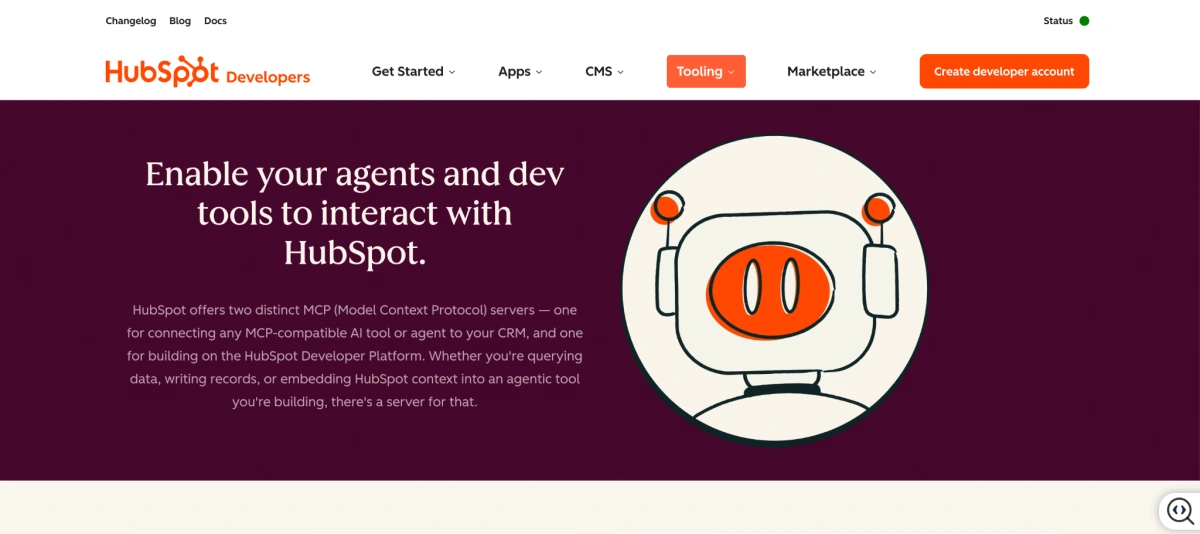
HubSpot MCP is HubSpot’s MCP server for connecting AI assistants to HubSpot CRM data.
HubSpot MCP connects AI assistants directly to your HubSpot CRM, allowing them to access customer records, deals, support tickets, orders, invoices, subscriptions, and other business data through natural-language conversations.
Instead of spending time digging through CRM records, sales pipelines, or support histories, teams can simply ask questions and get answers based on real customer data.
Key Features
- Connects AI assistants directly to HubSpot CRM through MCP.
- Supports CRM records such as contacts, companies, deals, tickets, carts, products, orders, invoices, quotes, subscriptions, and segments.
- Gives AI access to engagement activities including emails, calls, meetings, notes, and tasks.
- Supports both read and write actions depending on permissions.
- Uses HubSpot's built-in authentication and permission controls.
- Enables natural-language CRM searches and reporting.
- Helps automate insights and workflows without requiring direct API work.
- Supports sales, marketing, service, and commerce-related use cases.
Pros
- Excellent fit for CRM-driven ecommerce businesses.
- Useful across sales, marketing, customer service, and account management teams.
- Supports a wide range of commerce-related records, including orders, invoices, subscriptions, quotes, and deals.
- Gives AI access to rich customer context instead of isolated data points.
- Reduces time spent manually searching CRM records.
- Particularly valuable for B2B, wholesale, and high-ticket ecommerce businesses.
- Official HubSpot support provides greater reliability than many third-party CRM connectors.
Cons
- May be unnecessary for smaller brands that rarely use HubSpot beyond basic email marketing.
- HubSpot costs can increase significantly as businesses move into higher tiers.
- Requires careful permission management because CRM data is highly sensitive.
- AI-generated updates should be reviewed before being written back to CRM records.
- The quality of insights depends heavily on CRM data quality and maintenance.
Pricing
HubSpot does not charge separately for its MCP server. So the actual cost depends on the HubSpot subscription your business uses. Paid plans start at approximately $50/mo.
6. WooCommerce MCP Server
Best for: AI-powered store management and analytics for WooCommerce stores
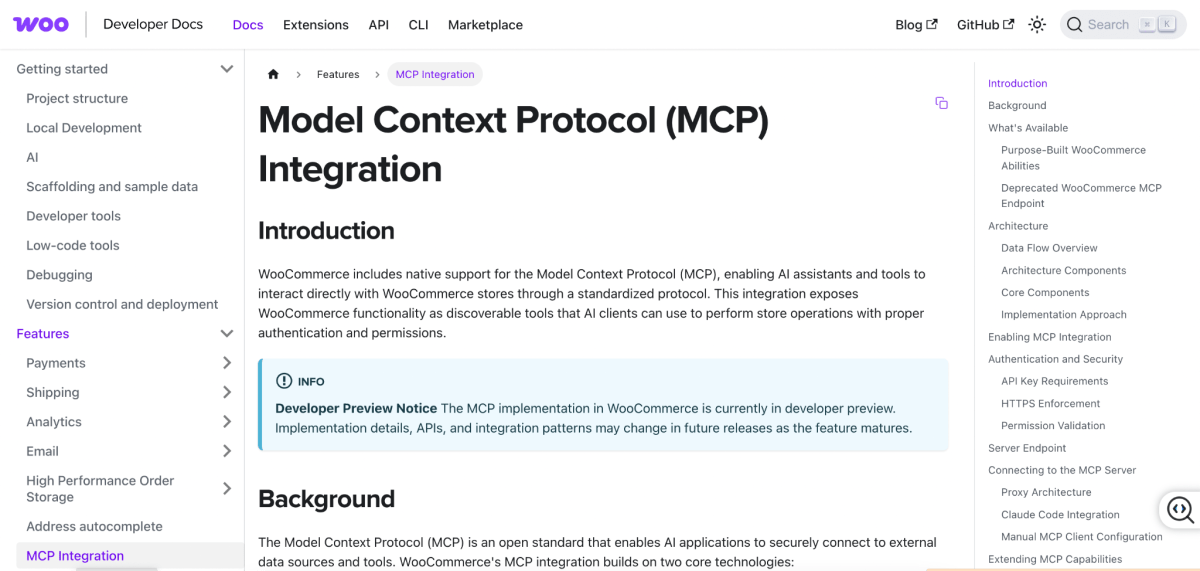
If your ecommerce business runs on WooCommerce instead of Shopify, a WooCommerce MCP server plays a similar role by giving AI assistants access to your store data and operations.
Rather than switching between dashboards, reports, and admin screens, you can ask questions in natural language and let AI interact with your WooCommerce store on your behalf.
Depending on the MCP server and permissions you've enabled, an AI assistant can access products, orders, customers, inventory, coupons, and other store data. This allows it to answer questions, generate reports, identify issues, and even help manage day-to-day store operations.
For WooCommerce merchants, a WooCommerce MCP server is essentially the bridge between AI assistants and the operational side of a WooCommerce store.
Key Features
- Connects AI assistants directly to WooCommerce store data.
- Provides access to products, orders, customers, and inventory information.
- Supports natural-language reporting and store analysis.
- Helps retrieve order and customer information quickly.
- Can assist with inventory monitoring and stock checks.
- Supports WooCommerce API-based workflows.
- Enables AI-powered store management and operational assistance.
- Can be integrated into MCP-compatible AI tools such as Claude, Cursor, and other clients.
Where merchants are putting it to work:
- Order analysis and reporting.
- Product performance reviews.
- Inventory monitoring.
- Customer purchase analysis.
- Store performance reporting.
- Revenue and sales trend analysis.
- Low-stock product alerts.
- Customer service support.
- Coupon and promotion reviews.
- Store management automation.
Pros
- Gives AI direct access to WooCommerce store data.
- Helps reduce manual reporting and admin work.
- Useful for store owners who manage large product catalogs.
- Supports a wide range of operational and reporting workflows.
- Can be customized and extended through WooCommerce's open ecosystem.
- Particularly valuable for businesses already running custom WooCommerce setups.
Cons
- Available features vary depending on the MCP server implementation.
- Setup may require developer assistance.
- Security and permissions need to be carefully managed.
- Data quality and API configuration can impact AI performance.
- User experience may vary between different third-party MCP solutions.
Pricing
WooCommerce MCP functionality itself is free and open-source, as it is built on top of native WooCommerce and WordPress core integrations. However, the actual cost depends on the AI assistant or third-party server you use to connect it.
Final Thoughts
MCP isn't a silver bullet, and it's worth being clear-eyed about that. It won't automatically clean up your data, fix scattered cost tracking, or make good business decisions on your behalf.
What it does do is cut down on the friction between your AI tools and the systems where your actual business data lives and for ecommerce operations that are already drowning in manual workflows, that's meaningful.

Irene Le is the Content Manager at TrueProfit, specializing in crafting insightful, data-driven content to help eCommerce merchants scale profitably. With over 5 years of experience in content creation and growth strategy for the eCommerce industry, she is dedicated to producing high-value, actionable content that empowers merchants to make informed financial decisions.