Shopify Payment Fees: A Complete Breakdown to Maximize Your Profits



Table of Contents
Shopify payment fees are one of the biggest variables in your store's profitability, and they are easy to underestimate. Most merchants know there is a processing fee on each sale. Fewer realize how much those fees vary by plan, card type, payment method, and whether they are using Shopify Payments or a third-party gateway.
This guide covers every fee you will encounter, when each applies, and exactly how to minimize what you pay.
In this blog:
Shopify Payment Fees: The Quick Answer
There are two distinct types of Shopify payment fees, and understanding the difference between them is the starting point for managing your costs.
1. Shopify Payments Processing Fees
These apply when you use Shopify's built-in payment gateway. They cover the cost of processing credit cards, debit cards, Apple Pay, and other supported methods. Every plan has a set rate, and higher plans get lower rates.
2. Shopify Transaction Fees
These apply only when you use a third-party gateway such as PayPal, Stripe, or Authorize.net instead of Shopify Payments. Shopify charges this fee on top of whatever your gateway already charges.
The key takeaway: using Shopify Payments eliminates transaction fees entirely. For most merchants, it is the most cost-effective option.

Shopify Payments Processing Fees Breakdown
Shopify Payments processing fees are charged on every sale you process through the platform's native gateway. The rate is calculated as a percentage of the transaction total plus a small fixed fee per transaction.
1. What Determines Your Rate
Four factors shape the exact rate you pay:
- Your Shopify plan. Basic, Grow, and Advanced each carry different base rates. Higher plans have lower percentages, which matters more as your volume grows.
- Card type. Standard domestic Visa and Mastercard transactions get the base rate. American Express and internationally issued cards cost more, typically adding around 1% on top of the domestic rate.
- Online vs. in-person. POS (point-of-sale) transactions carry lower rates than online transactions because physical card presence reduces fraud risk.
- Your region. Rates differ by country. The figures below are for US-based merchants. Always check Shopify's official pricing page for your specific region.
2. Shopify Payments Rates by Plan (US Merchants)
Rates are current as of April 2026. Always confirm against Shopify's official pricing page for the latest figures.
Note that in-person rates apply when using Shopify POS with a card reader or Tap to Pay. Manually entered card payments (keyed in over the phone or via draft orders) are subject to higher rates due to increased fraud risk.
For example:
Example 1: $20 online sale, Basic plan, domestic card
- Processing fee: 2.9% x $20 = $0.58
- Fixed fee: $0.30
- Total fee: $0.88
- You receive: $19.12
Example 2: $100 online sale, Advanced plan, domestic card
- Processing fee: 2.4% x $100 = $2.40
- Fixed fee: $0.30
- Total fee: $2.70
- You receive: $97.30
Example 3: $100 online sale, Basic plan, international card
- Processing fee: 3.9% x $100 = $3.90
- Fixed fee: $0.30
- Total fee: $4.20
- You receive: $95.80
For a full breakdown across your actual plan and order volume, use the Shopify fees calculator.
Shopify Transaction Fees (Third-Party Gateways)
If you use any payment gateway other than Shopify Payments, Shopify charges a separate transaction fee on every order. This is in addition to whatever fee your gateway charges.
1. Why Shopify Charges This Fee
Shopify provides the store infrastructure, checkout system, and order management regardless of who processes the actual payment. The transaction fee covers that platform cost when the payment revenue goes to a third party rather than through Shopify Payments.
The practical effect: it strongly incentivizes merchants to use Shopify Payments, since doing so waives this fee entirely.
2. Transaction Fee Rates by Plan
Source: Shopify pricing page, April 2026.
3. What Combined Fees Actually Cost
Scenario: $100 sale via PayPal on a Basic plan. PayPal's standard rate is 3.49% + $0.49.
- PayPal processing fee: 3.49% x $100 + $0.49 = $3.98
- Shopify transaction fee: 2.0% x $100 = $2.00
- Total combined fees: $5.98
Compare that to using Shopify Payments on the same Basic plan: 2.9% + $0.30 = $3.20 on the same $100 sale. That is a $2.78 difference per transaction. At 100 orders a month, that is $278 in unnecessary fees.
4. The Store Credit and Gift Card Exception
For stores created on or after May 12, 2025, orders paid partly or fully with store credit or gift cards are also subject to third-party transaction fees on the gift card portion, even if Shopify Payments handles the rest of the order. Stores created before that date are not affected.
Other Shopify Payment Costs to Know
Beyond processing and transaction fees, a few additional charges can affect your bottom line.
1. Currency Conversion Fees
If you sell in multiple currencies and your payout currency differs from what the customer pays in, Shopify charges a conversion fee:
- 1.5% for US-based stores
- 2.0% for stores in most other regions
For example, a UK customer paying in GBP while your payout account is in USD triggers the 1.5% conversion fee on that order. If you do significant international volume, this adds up fast. Understanding how Shopify shipping rates factor into international orders helps you build a full cost picture for cross-border sales.
2. Chargeback Fees
When a customer disputes a charge with their bank, Shopify deducts a $15 chargeback fee (US rate) from your account. If you win the dispute, Shopify refunds the fee. If you lose, it is gone.
Chargebacks also carry indirect costs: time spent gathering dispute evidence, and the risk that a high chargeback rate can impact your account standing. The best defense is clear product descriptions, transparent return policies, and using Shopify's built-in fraud analysis tools.
3. Shopify POS Hardware and Add-Ons
In-person processing rates are lower than online rates, but selling in person comes with its own costs. The basic Shopify POS is included in all plans. If you need advanced retail features such as unlimited POS staff, detailed inventory reporting, and buy-online-pickup-in-store, you need POS Pro at $89/month per location (or $67/month billed annually).
Card readers and other hardware are separate one-time purchases. These are not transaction fees but they are part of the total cost of selling in person.

Shopify Payments vs. Other Gateways
1. Shopify Payments vs. Stripe
Shopify Payments is built on Stripe's infrastructure. At the Basic plan level, the online rates are identical (both charge 2.9% + $0.30 for domestic cards). The difference appears at higher plan tiers: Advanced Shopify Payments charges 2.4% + $0.30, which is cheaper than Stripe's standard 2.9% + $0.30.
The decisive factor is the transaction fee. If you use Stripe directly as a third-party gateway on Basic, you pay Stripe's 2.9% + $0.30 plus Shopify's 2.0% transaction fee, totaling 4.9% + $0.30. Shopify Payments eliminates that extra layer entirely.
2. Shopify Payments vs. PayPal
PayPal's standard rates are generally higher than Shopify Payments (3.49% + $0.49 for standard PayPal Checkout). You can offer PayPal as a checkout option alongside Shopify Payments without triggering the extra transaction fee, as long as Shopify Payments remains your primary gateway.
This is the recommended setup for most merchants: Shopify Payments as the default, PayPal as a secondary option for customers who prefer it. Both can run simultaneously without penalty.
3. The True Cost of Third-Party Gateways
Using any third-party gateway independently, such as a standalone Authorize.net integration or PayPal as your primary gateway, layers Shopify's transaction fee (0.6% to 2.0%) on top of that gateway's own processing fees.
In most cases, this makes the combined cost meaningfully higher than Shopify Payments. The only common reason to use a third-party gateway is if Shopify Payments is not available in your country.
How to Reduce Shopify Payment Fees
These are the highest-impact actions you can take to lower what you pay per transaction.
1. Use Shopify Payments
This is the single most effective move. Eliminating the third-party transaction fee saves 0.6% to 2.0% on every sale. On a store doing $20,000 a month, switching from a third-party gateway to Shopify Payments on the Basic plan saves up to $400 a month.
2. Upgrade Your Plan Strategically
Higher plans have lower processing rates. The math for whether to upgrade is straightforward: compare the monthly subscription increase against your projected savings from the lower rate.
- Basic to Grow: Subscription increases by $66/month. Processing rate drops from 2.9% to 2.7% (saving 0.2% per sale). Break-even point: roughly $33,000/month in sales.
- Grow to Advanced: Subscription increases by $294/month. Rate drops from 2.7% to 2.4% (saving 0.3%). Break-even point: roughly $98,000/month in sales.
Only upgrade when your sales volume makes the math work in your favor. Understanding your total Shopify website cost alongside processing fees gives you the full picture of what you are actually spending. For what returns look like, see how much you can make from Shopify.
3. Minimize Chargebacks
Each chargeback costs $15 plus the lost sale if you lose the dispute. To reduce disputes: use clear product photos and accurate descriptions, display your return policy prominently at checkout, use Shopify's fraud analysis to flag high-risk orders before fulfilling them, and provide tracking information proactively so customers always know where their order is.
4. Negotiate Rates (Shopify Plus Only)
For merchants on Shopify Plus, there is room to negotiate custom payment processing rates with Shopify. This is relevant for high-volume businesses, typically those processing well over $1 million per month. The savings at that scale justify the conversation. Standard plan merchants do not have this option.
Final Thoughts
Shopify payment fees are not just a small operational detail. They directly shape how much you actually keep from every sale. Between processing fees, third-party transaction fees, currency conversions, and chargebacks, the gap between what customers pay and what lands in your bank account can be bigger than it looks on the surface.
The takeaway is simple: reducing fees is important, but understanding them is even more critical. When you know exactly where your money is going, you can make smarter decisions around pricing, payment methods, and even which markets to prioritize.
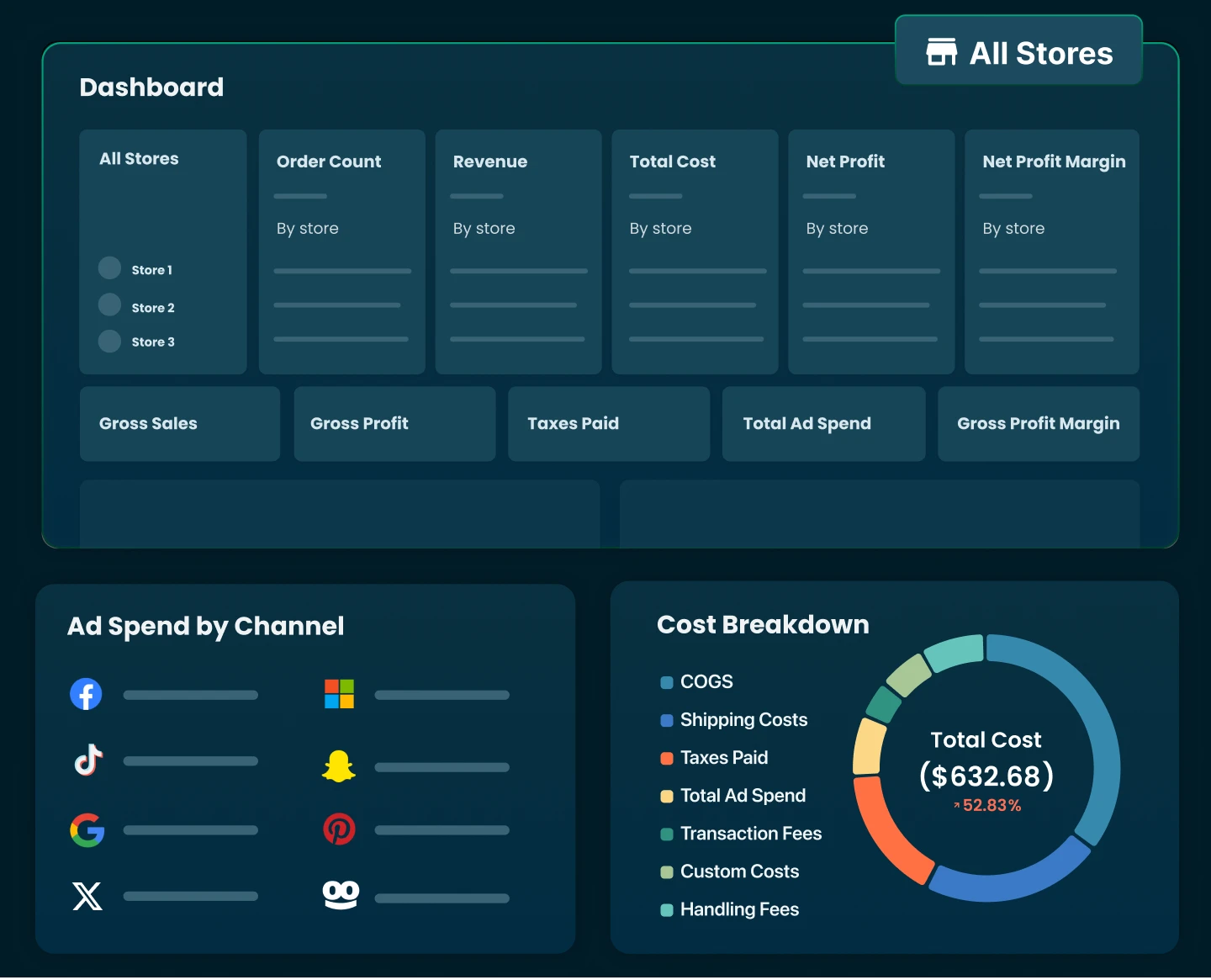
That said, fees are just one piece of the puzzle. To really understand your business performance, you need a complete view of all costs and revenues in one place. Tools like TrueProfit help you track every cost component, including payment fees, alongside revenue, so you can see your true bottom line in real time. Instead of guessing your profitability, you’re working with numbers that reflect exactly what your business is actually making.

Harry Chu is the Founder of TrueProfit, a net profit tracking solution designed to help Shopify merchants gain real-time insights into their actual profits. With 11+ years of experience in eCommerce and technology, his expertise in profit analytics, cost tracking, and data-driven decision-making has made him a trusted voice for thousands of Shopify merchants.