15 Leading Shopify Automation Tools to Put Your Store on Autopilot (2026)


Table of Contents
- 1. What Are Shopify Automation Tools?
- 2. The 6 Types of Shopify Automation Every Store Should Know
- 3. Quick Comparison: Best Shopify Automation Tools at a Glance
- 4. Best Shopify Profit Analytics & Reporting Automation Tools
- 5. Best Shopify Workflow and Operations Automation Tools
- 6. Best Shopify Marketing Automation Tools
- 7. Best Shopify Order and Fulfillment Automation Tools
- 8. Best Shopify Inventory Automation Tools
- 9. Best Shopify Customer Service Automation Tools
- 10. How to Choose the Right Shopify Automation Tools for Your Store
- 11. Common Mistakes to Avoid When Automating Your Shopify Store
- 12. Final Thoughts
- 13. Shopify Automation Tools FAQs
Looking for the best Shopify automation tools?
Whether it's workflows, email marketing, shipping, inventory, customer support, or profit reporting you're trying to get off your plate, there's a Shopify app built to handle it.
In this guide, I'll walk you through the best Shopify automation tools by category, free and paid alike, so you can put together the right stack for your store's size, budget, and growth stage.
In this blog:
- 1. What Are Shopify Automation Tools?
- 2. The 6 Types of Shopify Automation Every Store Should Know
- 3. Quick Comparison: Best Shopify Automation Tools at a Glance
- 4. Best Shopify Profit Analytics & Reporting Automation Tools
- 5. Best Shopify Workflow and Operations Automation Tools
- 6. Best Shopify Marketing Automation Tools
- 7. Best Shopify Order and Fulfillment Automation Tools
- 8. Best Shopify Inventory Automation Tools
- 9. Best Shopify Customer Service Automation Tools
- 10. How to Choose the Right Shopify Automation Tools for Your Store
- 11. Common Mistakes to Avoid When Automating Your Shopify Store
- 12. Final Thoughts
- 13. Shopify Automation Tools FAQs
What Are Shopify Automation Tools?
Shopify automation tools are apps and built-in Shopify features that spring into action the moment a trigger occurs, so nothing depends on someone remembering to do it, and nothing gets stuck in a queue.
Instead of manually tagging a customer after their third order, an automation tool takes care of it the instant the condition is met. Instead of checking inventory every morning, you get pinged the moment stock drops below your defined threshold.
At its core, every automation is built on three parts: a trigger (what happens), optional conditions (rules that must be true), and an action (what the system does next).
Once that logic is in place, merchants lean on it every day to:
- Auto-tag customers based on purchase history
- Send abandoned cart email sequences
- Hide out-of-stock products from the storefront
- Notify the team on Slack when a high-value order is placed
- Generate weekly performance or profit reports automatically

The 6 Types of Shopify Automation Every Store Should Know
Every Shopify store leans on automation across a handful of key areas, and in the stores that run best, these systems rarely work in isolation, they overlap and reinforce each other to keep operations running smoothly.
1. Workflow & Operations
Internal automations that handle store logic behind the scenes, such as customer tagging, conditional alerts, and custom rules using tools like Shopify Flow.
2. Marketing & Email Automation
Automations that drive revenue, including email and SMS campaigns, abandoned cart flows, customer segmentation, and lifecycle messaging.
3. Order & Fulfillment
Systems that streamline post-purchase operations, such as shipping confirmations, tracking notifications, order routing, and return workflows.
4. Inventory Management
Automations that help prevent stock issues, including low-stock alerts, restock notifications, demand forecasting, and inventory syncing across channels.
5. Customer Service Automation
Tools that improve support efficiency through chatbots, automated ticket routing, FAQ/self-service flows, and response automation.
6. Reporting & Analytics
Automated dashboards and reporting systems that track revenue, profit margins, performance metrics, and sync data across platforms.
Quick Comparison: Best Shopify Automation Tools at a Glance
With those categories in mind, here's how the 15 tools I'll cover stack up against each other. So you can jump straight to what fits your store:
Pricing verified at time of writing. Always confirm on the app's official page before buying.
Best Shopify Profit Analytics & Reporting Automation Tools
Reporting automation replaces spreadsheets with live dashboards, and it's often the layer merchants skip until it's too late.
1. TrueProfit (Best for Automated Profit Tracking)
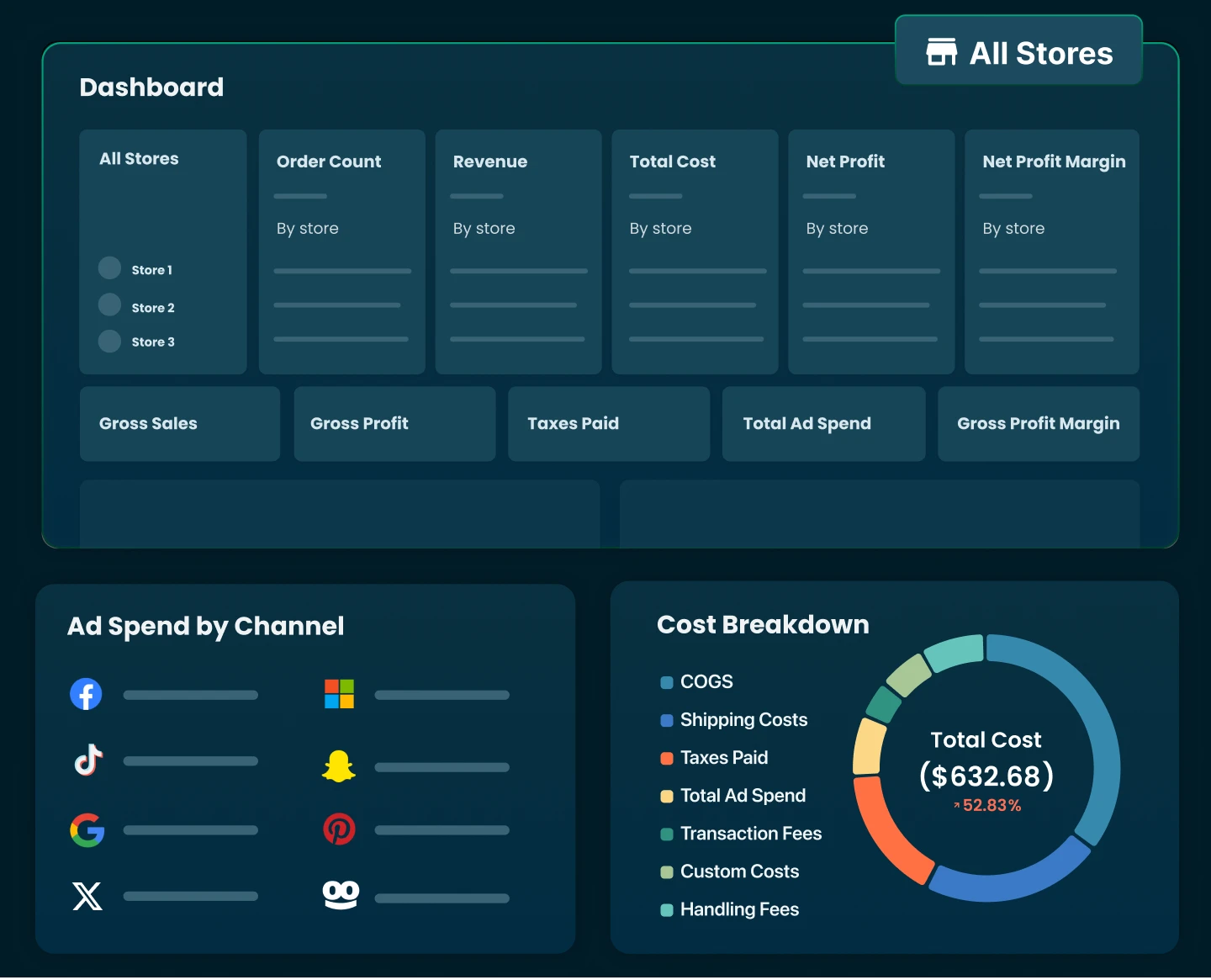
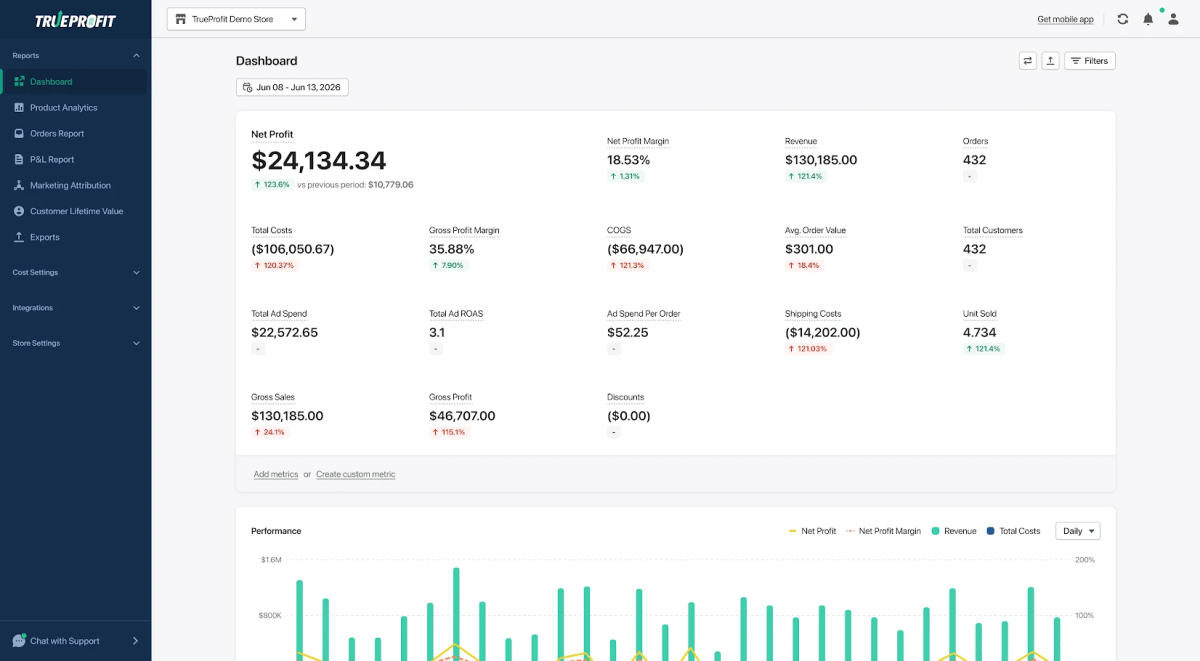
I'd put TrueProfit at the top of this list because it's the #1 net profit tracking platform built specifically for Shopify merchants. It automatically works out your true profit by pulling key expenses together like Shopify revenue, product costs, shipping fees, transaction fees, ad spend, and other business expenses, all in real time.
Shopify's built-in reports are mostly about sales and revenue. TrueProfit goes a step further and helps you see how much you're actually earning from every order, product, and marketing campaign, without touching a spreadsheet.

What you can automate with TrueProfit
- Calculate net profit automatically by combining revenue with COGS, shipping costs, transaction fees, ad spend, and other operating expenses.
- Sync advertising costs from supported platforms to measure the real profitability of your marketing campaigns.
- Track profit at different levels, including orders, products, and sales channels, without manual calculations.
- Generate real-time profit dashboards and scheduled reports to monitor business performance as new orders come in.
- Connect TrueProfit to AI assistants via MCP to generate reports, analyze profitability, and retrieve real-time business insights using natural language prompts.
Limitations to keep in mind
- Some integrations and advanced reporting capabilities are only available on higher-tier plans.
- No free plan available
Pricing
TrueProfit offers a 14-day free trial. Paid plans start at $35/month, with pricing based on monthly order volume.
Best for
TrueProfit is best for Shopify merchants who want to automate profit tracking and gain real-time visibility into what they're actually earning from every order, product, and marketing campaign.
Once your numbers are in order, it's worth turning to what runs quietly behind the scenes of your store.

Best Shopify Workflow and Operations Automation Tools
Workflow tools handle the internal logic of your store: tagging, alerts, and rules that run without anyone watching.
2. Shopify Flow (Best for Native Workflow Automation)
Shopify Flow is Shopify's native automation tool, letting merchants build custom workflows through a no-code system built around triggers, conditions, and actions. It's designed to automate internal store operations right inside Shopify, without needing to bring in outside tools.
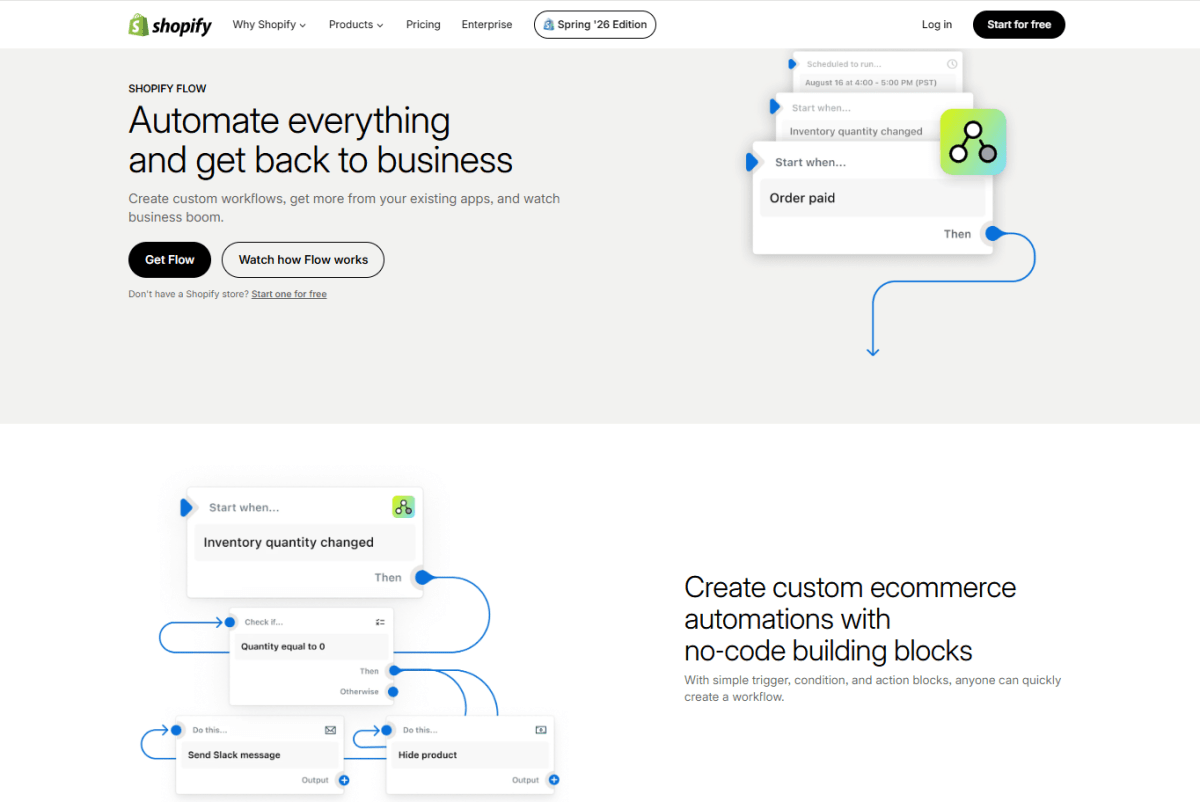
What you can automate with Shopify Flow
- Automatically tagging customers based on purchase behavior (e.g., high-value customers, repeat buyers, wholesale segments)
- Managing product visibility based on inventory conditions
- Triggering real-time internal alerts via Slack or email for events like high-value orders or potential fraud signals
- Automating order routing or fulfillment rules based on conditions such as product type, shipping region, or order value
- Running ongoing data maintenance tasks, such as updating customer tags or cleaning up outdated attributes
Limitations to keep in mind
- It's mainly limited to the Shopify ecosystem
- It cannot fully handle complex cross-platform workflows on its own
- For multi-system automation (e.g., Shopify + Google Sheets + CRM + ads platforms), you'll still need tools like Zapier, Make, or Mesa
Pricing
Shopify Flow is free and included with all current Shopify plans.
Best for
Shopify Flow is best for merchants who want to get core internal operations sorted first, especially tagging, alerts, and rule-based workflows, before branching out into more complex, multi-platform automation.
3. Arigato Automation (Best for Custom Multi-Step Automations)
Arigato Automation is a Shopify automation app that lets merchants build advanced, multi-step workflows on a rule-based system. It's built to extend Shopify's native automation capabilities, especially for stores that need logic more complex than what Shopify Flow can handle.
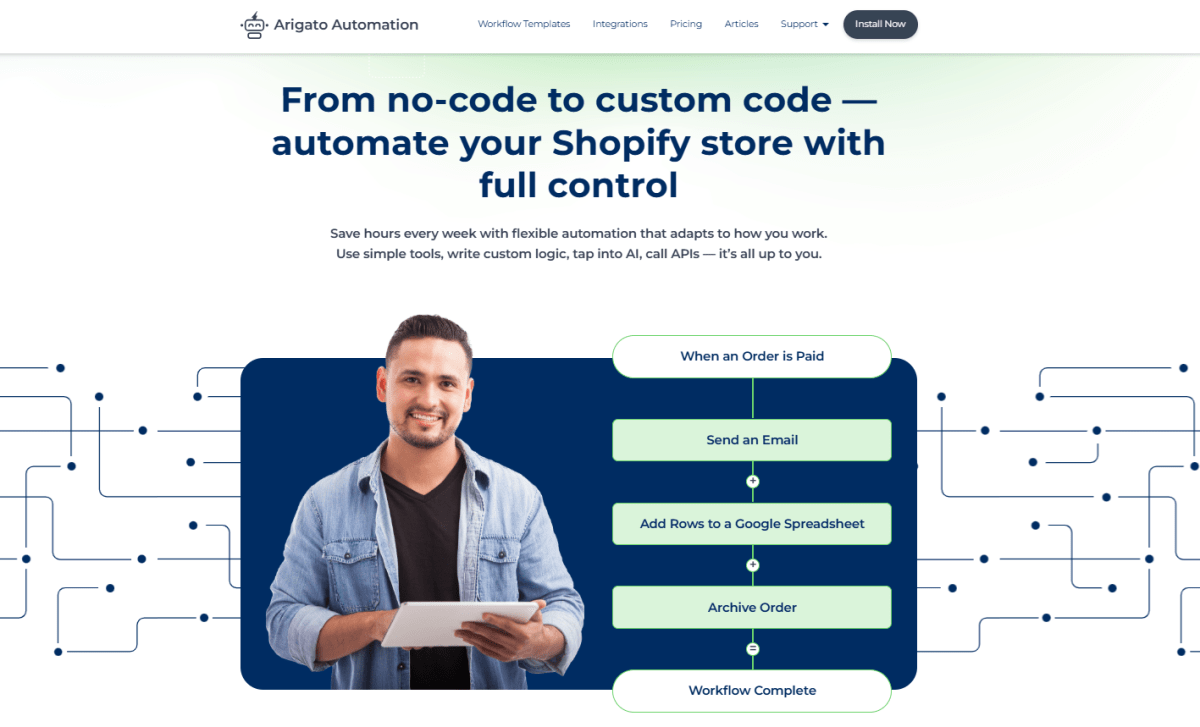
What you can automate with Arigato Automation
- Creating multi-step order processing workflows (e.g., tag → notify team → update order notes)
- Automating customer segmentation based on complex conditions (e.g., purchase frequency + order value + location)
- Sending conditional alerts to Slack, email, or other connected tools
- Updating products, orders, or customer data based on custom rules
- Running scheduled or recurring automation tasks (e.g., daily or weekly rule checks)
Limitations to keep in mind
- More complex setup compared to Shopify Flow
- Requires time to configure rules properly
- Can feel technical for beginners due to its flexibility and depth
Pricing
Arigato Automation doesn't offer a permanent free plan, but it includes a 14-day free trial. Pricing starts at $15/month.
Best for
Arigato Automation is best for merchants who need advanced, multi-step workflows and deeper customization than what Shopify Flow offers, especially for stores with more complex operational logic or scaling requirements.
4. Mesa (Best for Advanced Integrations and Custom Logic)
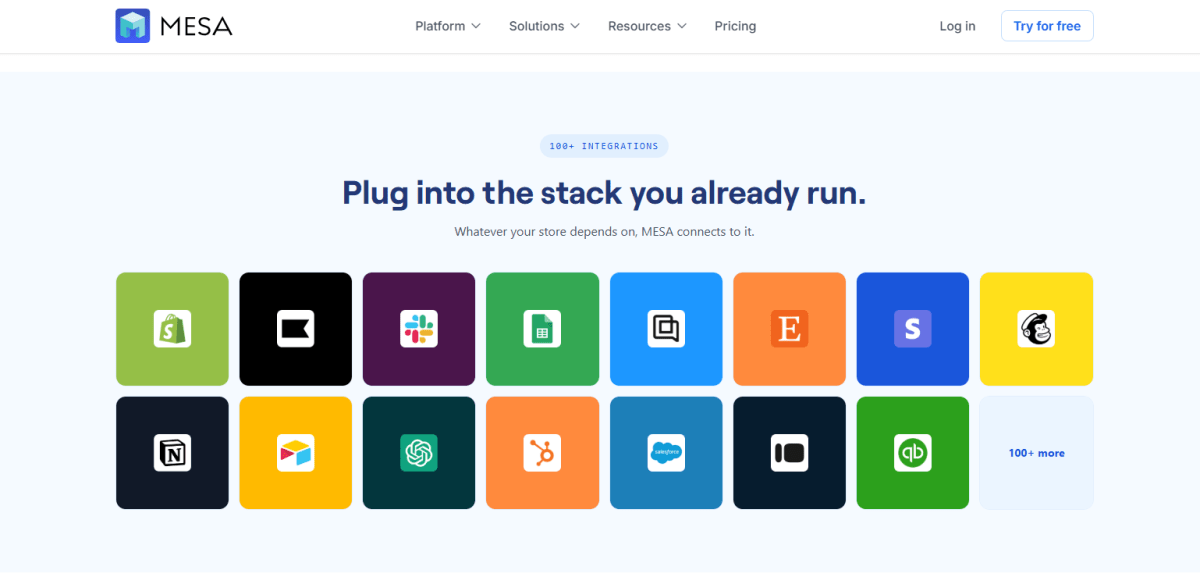
Mesa is a Shopify automation platform built for advanced workflows that connect Shopify with external tools and systems. It's centered on cross-platform automation and custom logic, which makes it a good fit for merchants who need more than what internal Shopify workflows can offer.
Where native tools stay inside Shopify, Mesa is built for multi-app integrations, letting Shopify work alongside tools like Google Sheets, CRMs, email platforms, and other third-party services within a single automated workflow.
What you can automate with Mesa
- Syncing Shopify data with Google Sheets for reporting and tracking
- Updating CRM records automatically when customer or order data changes
- Sending structured data to email, SMS, or marketing platforms
- Building multi-step workflows that combine Shopify with external apps (e.g., fulfillment tools, databases, analytics systems)
- Running conditional workflows with branching logic based on order, product, or customer data
Limitations to keep in mind
- More complex setup compared to Shopify Flow
- Requires time to configure and test workflows properly
- Can be overkill for small stores with simple automation needs
Pricing: Mesa doesn't have a free plan, but it offers a 7-day free trial. Paid plans start at $12/month. All plans include a free trial.
Best for:
Mesa is best for merchants who need advanced integrations and custom multi-system workflows, especially when Shopify needs to connect with external tools like Google Sheets, CRMs, or marketing and analytics platforms.
5. Zapier (Best for Connecting Shopify to Outside Apps)
Zapier is a no-code automation platform that connects Shopify with thousands of external apps. Rather than keeping you boxed into Shopify's ecosystem, Zapier lets you build workflows that move data between Shopify and tools like Google Sheets, CRMs, email platforms, project management tools, and more.
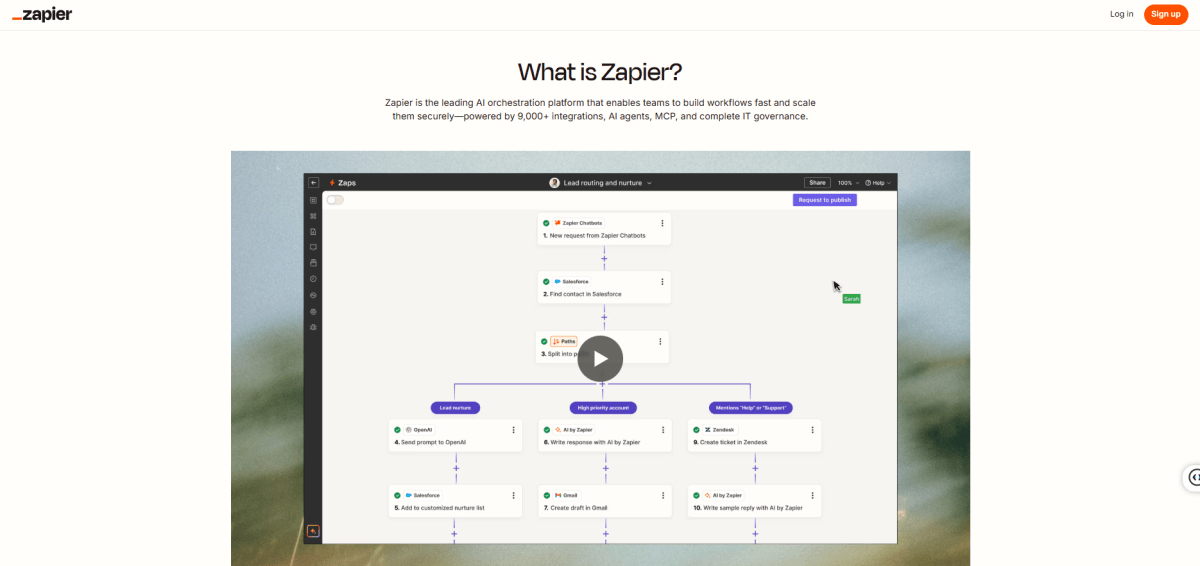
What you can automate with Zapier
- Sending new Shopify orders into Google Sheets for tracking or reporting
- Syncing customer data from Shopify to CRMs like HubSpot or Salesforce
- Triggering email campaigns in tools like Klaviyo or Mailchimp when specific events happen
- Notifying Slack or Microsoft Teams when high-value orders are placed
- Creating tasks in project management tools like Trello, Asana, or Notion based on Shopify events
Limitations to keep in mind
- Not Shopify-native, so some workflows may have slight delays
- Pricing increases as automation volume (tasks) grows
- Advanced workflows can get complex once you start chaining multiple "Zaps" together
Pricing
Zapier offers a free plan. Pricing plans start at $29.99, scaling based on the number of tasks and advanced automation features required.
Best for
Zapier is best for merchants who want to connect Shopify with external tools and build cross-platform automation workflows, especially when integrating marketing, reporting, and operational systems outside Shopify.
Best Shopify Marketing Automation Tools
Marketing automation covers everything from abandoned cart recovery to full lifecycle email and SMS flows.
6. Klaviyo (Best for Email and SMS Marketing Automation)
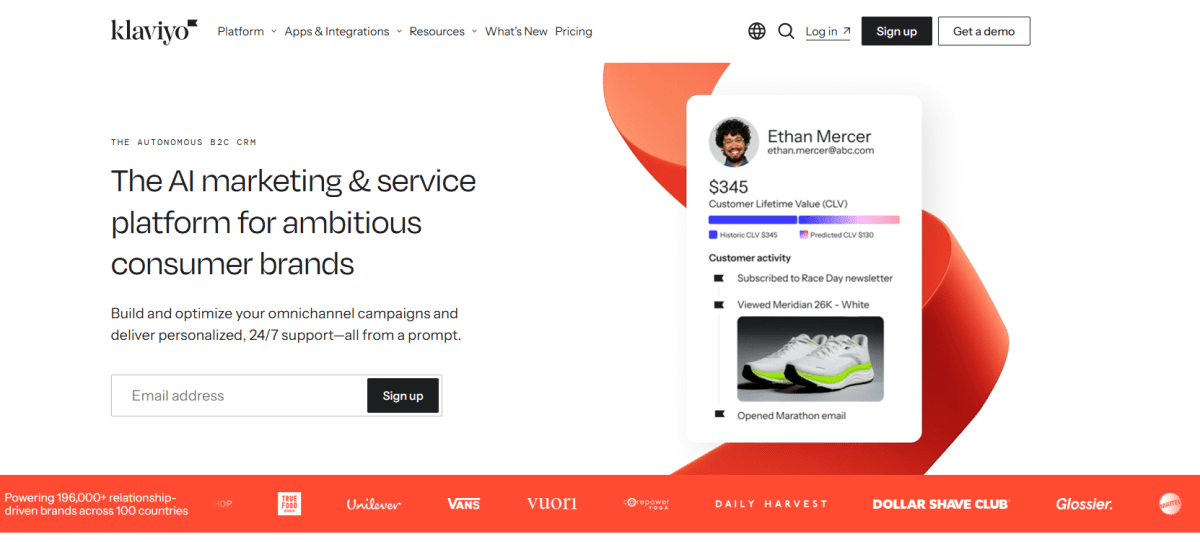
Klaviyo is an email and SMS marketing platform built specifically for ecommerce brands, with deep integration into Shopify. It syncs customer, order, and browsing data in real time, so you can build personalized campaigns and automated flows based on how shoppers actually interact with your store.
Basic email tools send the same message to everyone. Klaviyo instead centers on customer lifecycle automation, letting you build highly targeted workflows that adapt to each customer's behavior and purchase history.
What you can automate with Klaviyo
- Build customer journeys that automatically adapt to each stage of the buying lifecycle, from first-time visitors to repeat customers.
- Trigger personalized email and SMS campaigns based on real-time Shopify events, such as abandoned carts, product views, purchases, or customer inactivity.
- Automatically segment customers using purchase history, browsing behavior, customer lifetime value (CLV), predicted next order date, or RFM analysis.
- Personalize product recommendations, promotional offers, and messaging for different customer segments without manually managing lists.
- Coordinate omnichannel campaigns across email and SMS from a single automation workflow, keeping customer messaging consistent across both channels.
Limitations to keep in mind
- Pricing increases as your number of active profiles grows.
- Getting the most value from Klaviyo requires thoughtful segmentation and workflow setup.
- SMS is available, but message credits are billed separately from email plans.
Pricing Klaviyo offers a free plan for up to 250 active profiles. Paid plans start at $20/month.
Best for: Growing and scaling Shopify stores that want advanced customer segmentation, personalized lifecycle marketing, and coordinated email and SMS automation from a single platform.
7. Shopify Inbox (Best for Customer Conversations and Automated Chat)
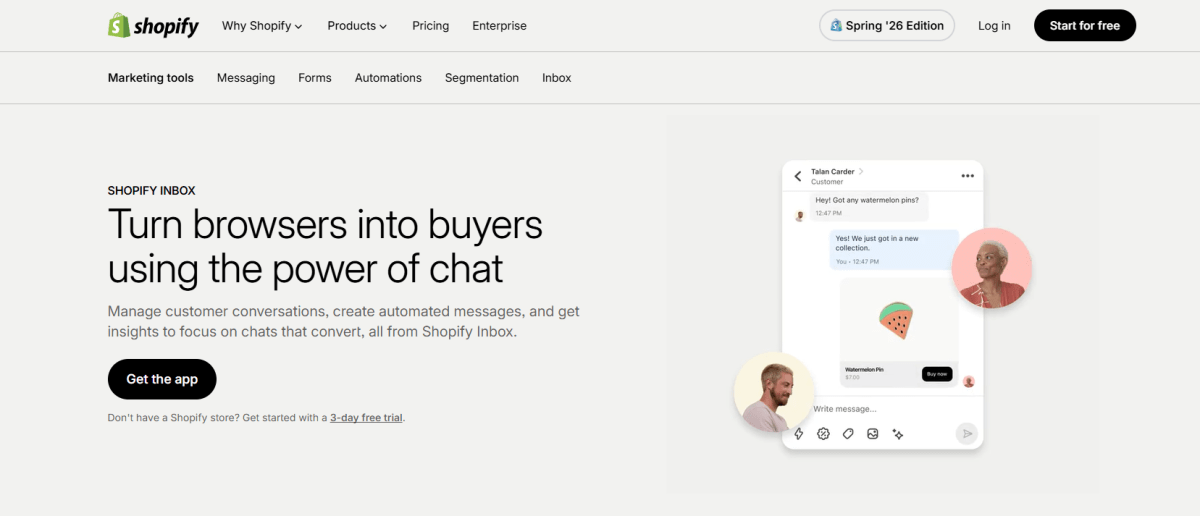
Shopify Inbox is Shopify's free customer messaging app, helping merchants keep track of conversations across online store chat and social messaging channels. Built-in automation features let you answer common questions, capture leads, and guide shoppers toward a purchase without needing constant manual support.
What you can automate with Shopify Inbox
- Answer frequently asked questions automatically using instant replies for common topics like shipping, returns, and store policies.
- Send automated welcome messages to greet visitors and encourage them to start a conversation.
- Recommend products during live chats by sharing product cards directly from your Shopify catalog.
- Capture customer information before handing conversations over to your team.
- Manage conversations from your online store and supported messaging channels in a single inbox.
Limitations to keep in mind
- Automation features are relatively basic compared to dedicated customer service platforms.
- Lacks advanced chatbot flows, AI agents, and ticket management found in tools like Gorgias or Tidio.
- Primarily designed for Shopify stores and does not offer extensive cross-platform support.
Pricing: Shopify Inbox is free for all Shopify merchants.
Best for: Shopify Inbox is best for Shopify merchants who want a free messaging solution with basic automation to answer common customer questions, engage shoppers, and support sales without investing in a dedicated help desk platform.
8. Omnisend (Best for Omnichannel Marketing Automation)
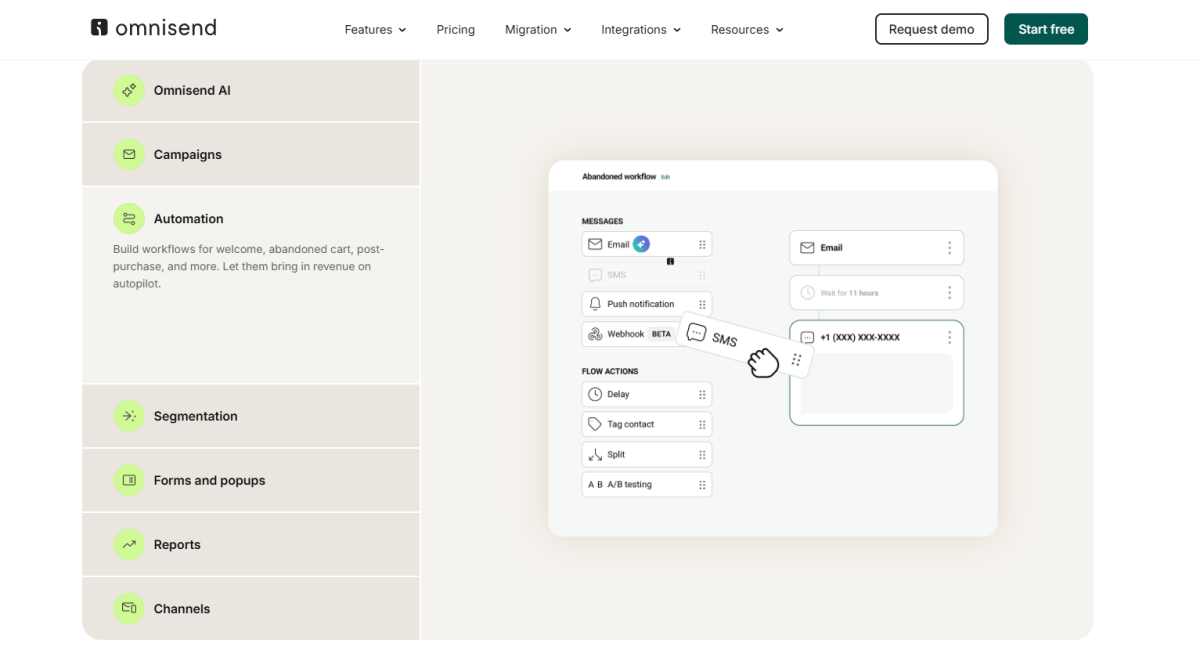
Omnisend is an ecommerce-focused marketing automation platform built for Shopify stores, bringing email, SMS, and push notifications together in a single workflow system. It syncs Shopify customer and order data in real time, so merchants can create automated campaigns based on customer behavior and purchase activity.
What you can automate with Omnisend
- Recover abandoned carts using automated email, SMS, and push notification sequences triggered by Shopify checkout behavior.
- Welcome new subscribers or customers with multi-step onboarding workflows across email and SMS.
- Trigger post-purchase automation such as order confirmations, upsell offers, and review requests.
- Re-engage inactive customers using behavior-based win-back campaigns across multiple channels.
- Build dynamic customer segments based on Shopify data like purchase history, browsing behavior, and engagement activity.
Limitations to keep in mind
- Advanced features (like deeper segmentation and reporting) are only available on higher-tier plans.
- SMS costs are separate and can increase total monthly spending.
- Fewer advanced analytics capabilities compared to enterprise tools like Klaviyo for predictive insights.
Pricing
Omnisend offers a free plan with basic email automation and limited contacts. Paid plans start at around $16/month.
Best for
Omnisend is best for Shopify merchants who want a simple but powerful omnichannel automation tool, especially those who want to combine email and SMS workflows without juggling multiple separate platforms.
9. ActiveCampaign (Best for Advanced Marketing and CRM Automation)
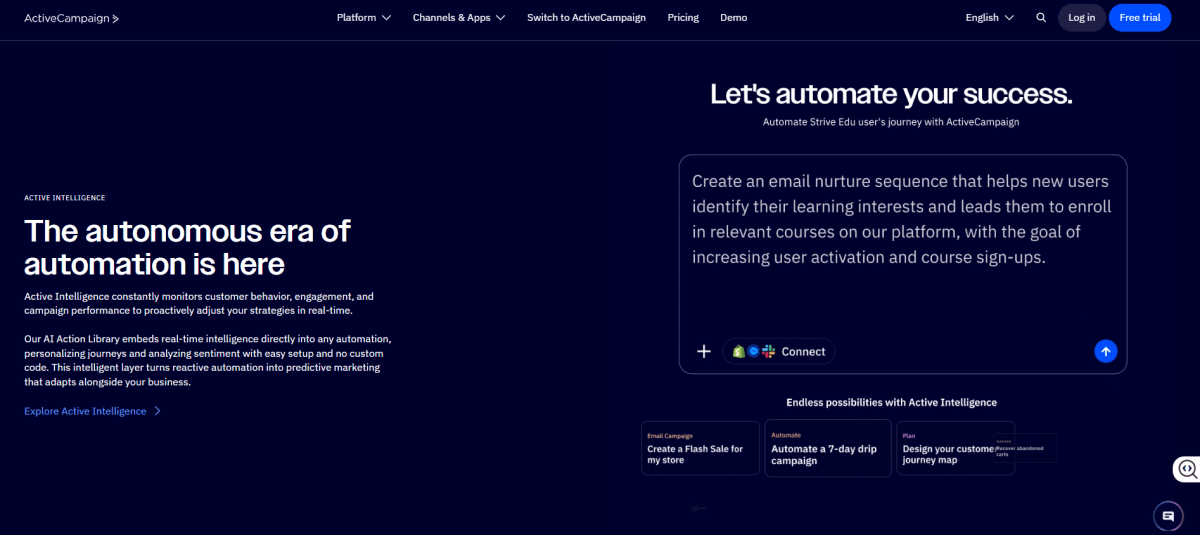
ActiveCampaign is a customer experience automation platform that brings email marketing, CRM, and sales automation together in one system. For Shopify stores, it connects customer data with marketing and sales workflows, so merchants can manage marketing automation and customer relationship tracking side by side.
What you can automate with ActiveCampaign
- Build automated email journeys based on Shopify customer behavior, such as purchases, browsing activity, or engagement level.
- Segment customers dynamically using CRM data combined with Shopify purchase history.
- Automate lead scoring to prioritize high-value customers or potential repeat buyers.
- Trigger personalized follow-ups based on customer actions, such as abandoned carts or post-purchase behavior.
- Sync Shopify customer data with CRM workflows to manage long-term customer relationships and lifecycle stages.
Limitations to keep in mind
- More complex setup compared to Shopify-focused tools like Klaviyo or Omnisend.
- Requires time to configure CRM structure and automation workflows properly.
- Can feel overwhelming for small stores that only need basic email automation.
Pricing
ActiveCampaign does not offer a permanent free plan, but it provides a 14-day free trial. Paid plans start at around $15–$29/month.
Best for
ActiveCampaign is best for Shopify merchants who want advanced marketing automation combined with CRM functionality, especially businesses that need deeper customer tracking, segmentation, and lifecycle management beyond email and SMS campaigns.
I think of fulfillment as the other half of the equation: marketing gets customers in the door, but what happens after checkout matters just as much.
Best Shopify Order and Fulfillment Automation Tools
Order and fulfillment automation helps reduce manual shipping work, improve delivery transparency, and cut down on customer support tickets by keeping customers automatically updated throughout the post-purchase journey.
10. AfterShip (Best for Automated Order Tracking and Notifications)
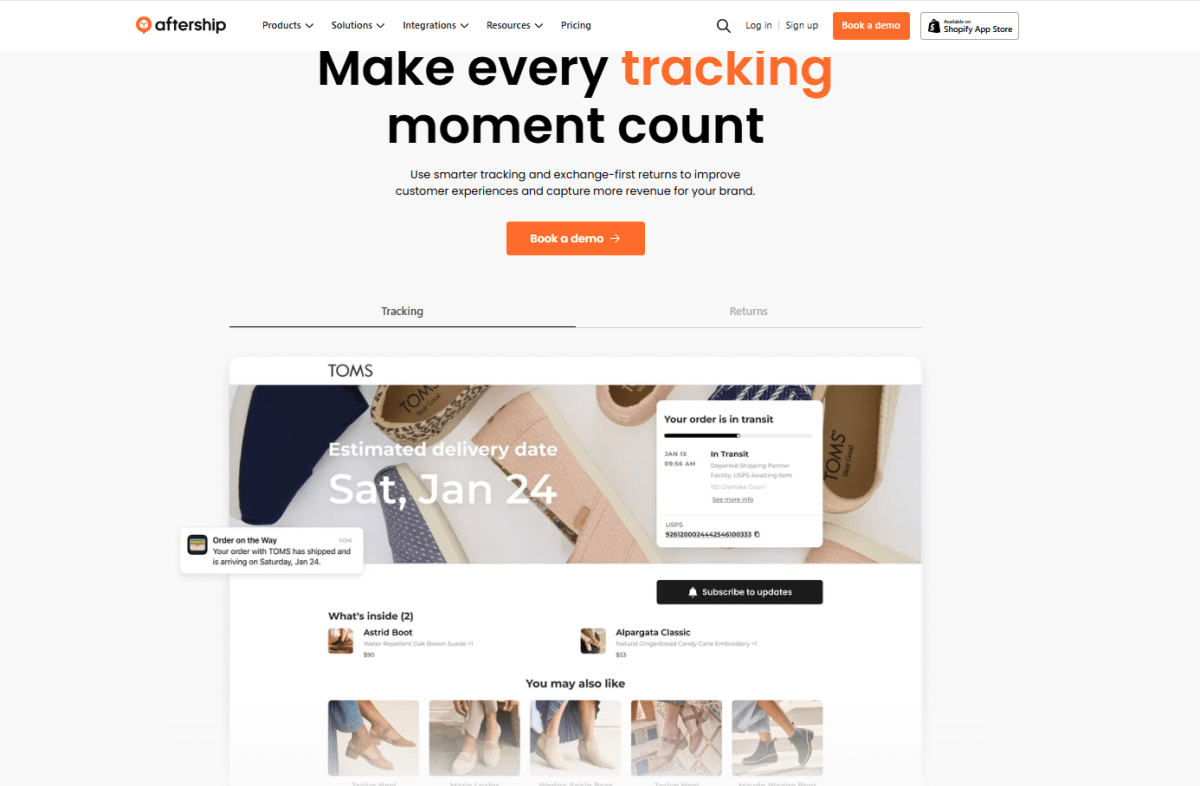
AfterShip is a post-purchase automation platform that helps Shopify merchants automate shipment tracking and delivery notifications. It pulls tracking data together from multiple carriers and gives both merchants and customers real-time updates.
What you can automate with AfterShip
- Automatically track shipments across multiple carriers in real time
- Send branded order tracking notifications to customers via email or SMS
- Update customers automatically when order status changes (in transit, out for delivery, delivered)
- Create a branded tracking page for customers to check order status without contacting support
- Monitor delivery performance across carriers and regions
Limitations to keep in mind
- Advanced analytics and branding features are limited to higher-tier plans
- Not a full fulfillment system (it does not handle shipping itself)
- Costs increase with higher shipment volumes
Pricing
AfterShip offers a free plan with basic tracking features for small stores. Paid plans start at around $11/month, with pricing scaling based on shipment volume and feature access.
Best for
AfterShip is best for Shopify stores that want to automate order tracking and reduce customer support workload related to delivery updates.
11. ShipStation (Best for Multi-Carrier Shipping Automation)
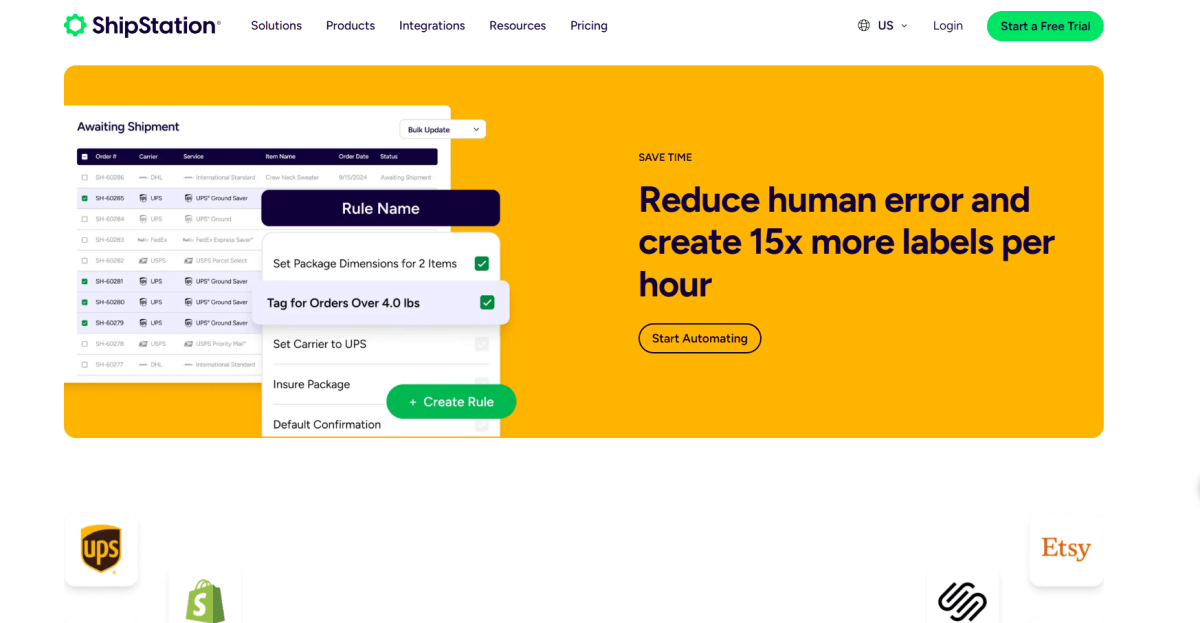
ShipStation is a shipping automation platform that helps Shopify merchants manage, process, and fulfill orders across multiple carriers from a single dashboard. It brings shipping operations under one roof and automates label creation, order routing, and fulfillment workflows.
It's commonly used by growing stores that ship out of multiple warehouses or work with multiple carriers.
What you can automate with ShipStation
- Automatically import Shopify orders into a centralized shipping dashboard
- Generate shipping labels in bulk across multiple carriers
- Apply shipping rules based on order value, destination, or product type
- Route orders to different carriers or warehouses automatically
- Send tracking information back to Shopify and notify customers
Limitations to keep in mind
- Setup can be complex for first-time users
- Pricing increases with shipping volume and number of shipments
- Primarily focused on shipping operations, not broader fulfillment workflows
Pricing
ShipStation does not offer a permanent free plan but provides a 30-day free trial. Paid plans start at around $9.99/month, with pricing based on monthly shipment volume.
Best for
ShipStation is best for Shopify merchants that need multi-carrier shipping automation and centralized order fulfillment management.
12. Loop Returns (Best for Automated Returns and Exchanges)
Loop Returns is a returns and exchanges automation platform designed for Shopify stores. It streamlines the post-purchase return process by letting customers self-manage returns while automating approvals, exchanges, and refunds on the merchant's end.
It's widely used by ecommerce brands looking to cut down on manual return handling and improve the customer experience after purchase.
What you can automate with Loop Returns
- Allow customers to initiate returns or exchanges through a self-service portal
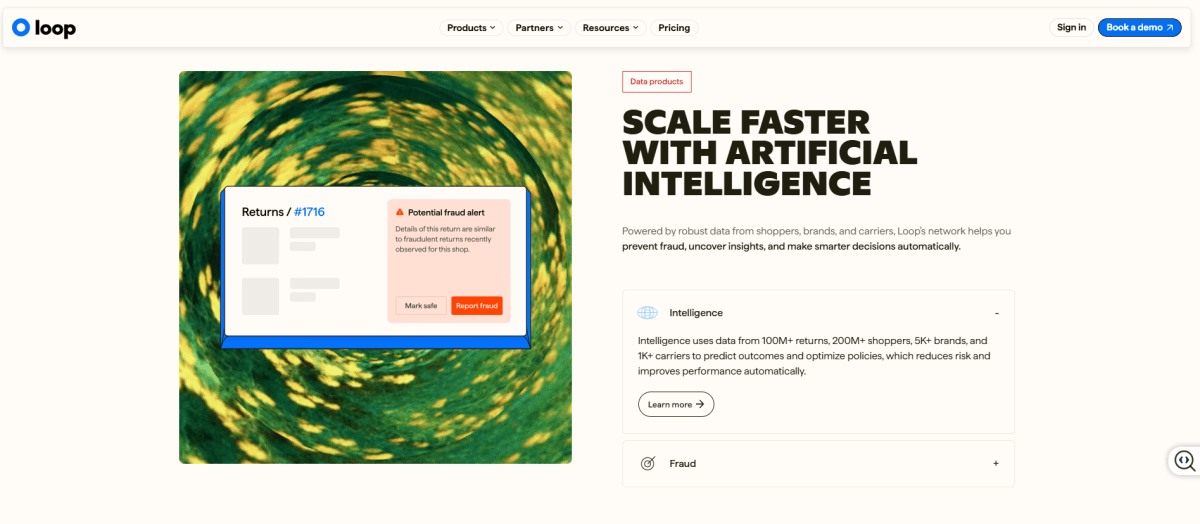
- Automatically approve or reject returns based on predefined rules
- Generate exchange orders without manual processing
- Issue refunds automatically once return conditions are met
- Track return reasons and analyze product return trends
Limitations to keep in mind
- Pricing is higher compared to basic return tools
- Advanced automation features require higher-tier plans
- Best suited for stores with consistent return volume
Pricing
Loop Returns does not offer a public free plan. Pricing starts at approximately $29/month, with custom pricing for higher-volume merchants.
Best for
Loop Returns is best for Shopify merchants that want to automate returns and exchanges while reducing support workload and improving post-purchase experience.
Best Shopify Inventory Automation Tools
Inventory automation catches stockouts and overstocking before they cost you sales. This matters just as much for print-on-demand stores managing on-demand production cycles; see our roundup of Shopify print-on-demand apps if that's your model.
13. Inventory Planner (Best for Demand Forecasting and Auto-Replenishment)
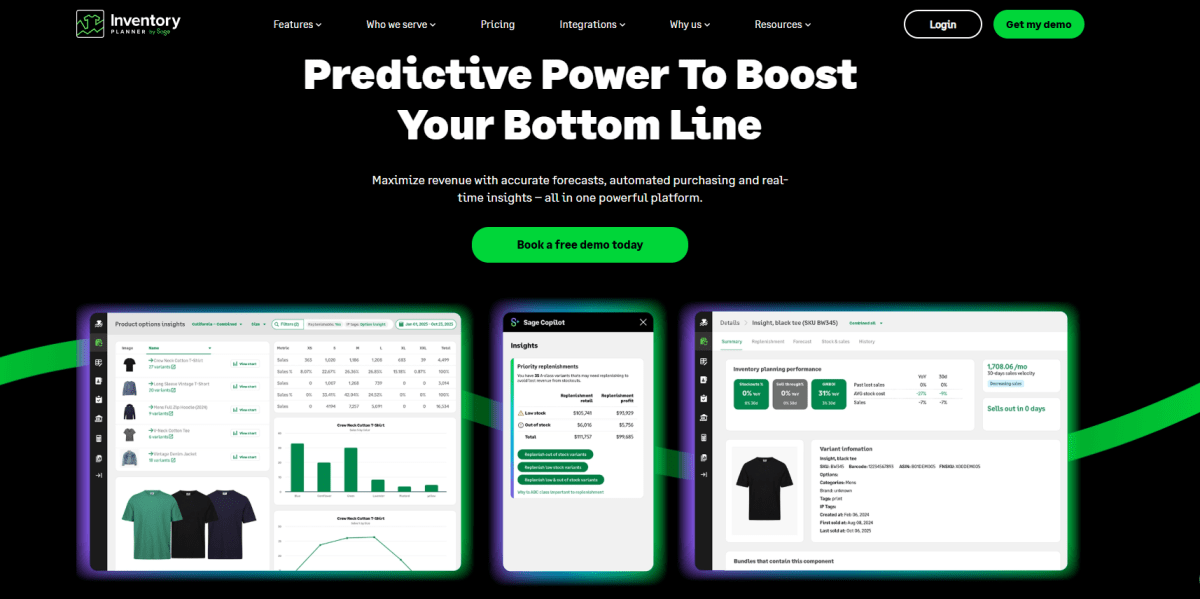
Inventory Planner is an inventory planning and demand forecasting platform that helps Shopify merchants predict future inventory needs using historical sales, seasonality, supplier lead times, and sales trends. Rather than just tracking stock levels, it helps merchants figure out what to reorder, when to reorder it, and how much to buy.
What you can automate with Inventory Planner
- Forecast future inventory demand using historical sales data, seasonality, and sales trends.
- Generate replenishment recommendations based on projected demand, supplier lead times, and current stock levels.
- Create purchase orders automatically using suggested reorder quantities.
- Identify products at risk of stockouts or overstock before they impact sales or cash flow.
- Plan inventory purchases across multiple warehouses, suppliers, or sales channels from a single platform.
Limitations to keep in mind
- Requires sufficient historical sales data to generate reliable forecasts.
- More expensive than basic inventory management apps.
- Primarily focused on inventory planning rather than real-time inventory synchronization.
Pricing
Inventory Planner does not offer a permanent free plan. Pricing starts at $99.99/month, and a free trial is available. Larger merchants can request custom plans based on business size and inventory requirements.
Best for
Inventory Planner is best for established Shopify stores that need accurate demand forecasting and automated replenishment planning to reduce stockouts, avoid overstocking, and improve inventory efficiency.
That leaves the category most merchants underestimate until support tickets start piling up: customer service.
Best Shopify Customer Service Automation Tools
Customer service automation helps Shopify merchants respond to common questions faster, cut down on repetitive support work, and keep assistance consistent throughout the customer journey. Once routine inquiries are handled automatically, your team is free to focus on the issues that actually need a human touch.
14. Gorgias (Best Helpdesk for Shopify-Specific Support Automation)
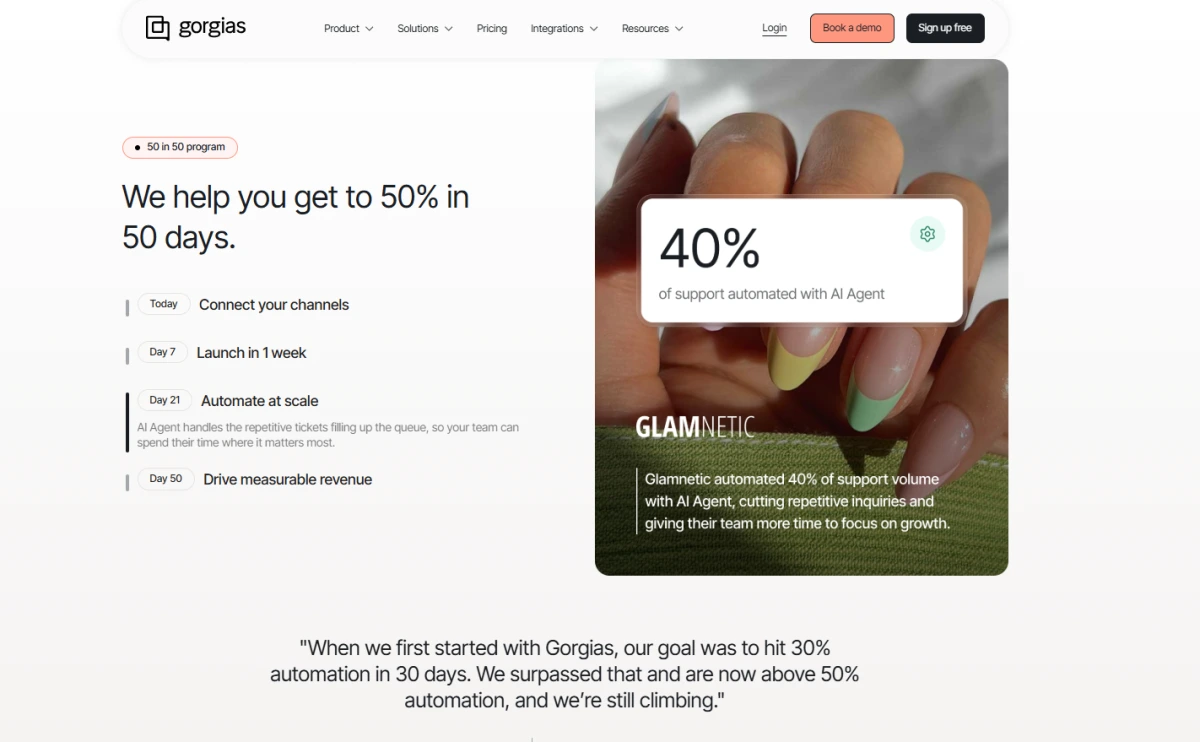
Gorgias is a customer support platform built specifically for ecommerce, with deep integration into Shopify. It brings customer conversations from email, live chat, social media, and other channels into one place, while giving support agents direct access to Shopify orders and customer data.
What you can automate with Gorgias
- Automatically respond to common customer questions about order status, shipping, returns, and store policies.
- Route support tickets to the appropriate team based on keywords, order details, or customer attributes.
- Perform Shopify actions directly from support conversations, such as issuing refunds, canceling orders, or editing customer information.
- Tag, prioritize, and assign tickets automatically based on predefined rules.
- Build self-service workflows that resolve repetitive requests before they reach your support team.
Limitations to keep in mind
- Pricing can increase significantly as ticket volume grows.
- Advanced automation features require time to configure and optimize.
- Best suited for stores with dedicated customer support operations rather than very small businesses.
Pricing
Gorgias does not offer a permanent free plan. It provides a 7-day free trial, with paid plans starting at $10/month.
Best for
Gorgias is best for Shopify merchants that want to automate customer support workflows while giving agents direct access to Shopify data, making it easier to resolve tickets efficiently.
15. Tidio (Best for AI Chatbot and Live Chat Automation)
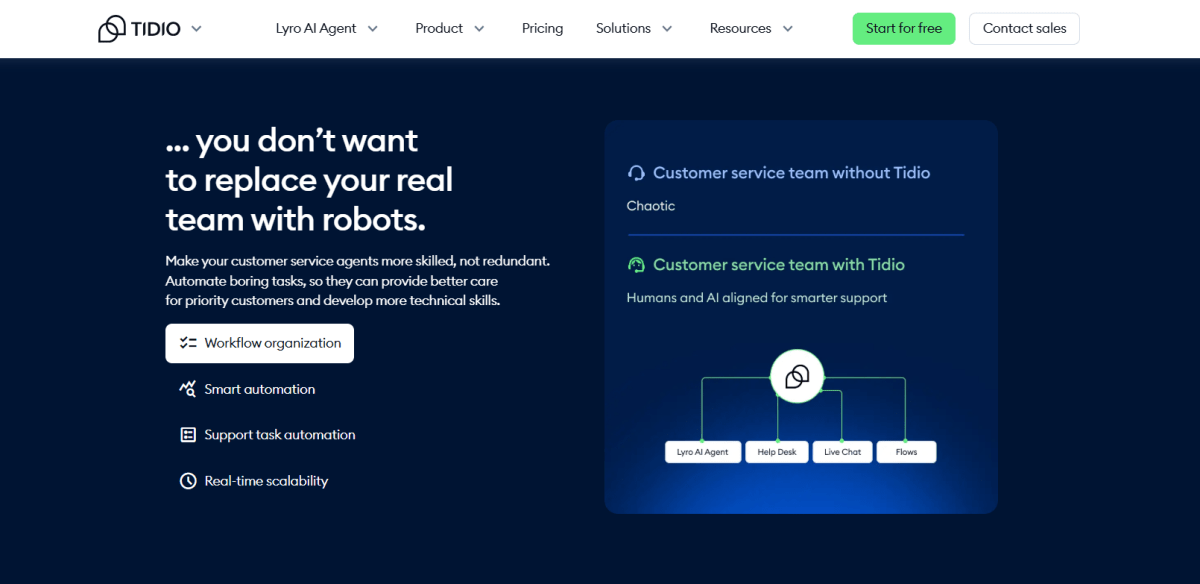
Tidio is a live chat and AI-powered customer service platform that helps Shopify merchants automate customer conversations across their online store. It pairs live chat with AI chatbots to answer common questions, qualify leads, and guide shoppers through the buying journey.
What you can automate with Tidio
- Answer frequently asked questions using AI chatbots and pre-built conversation flows.
- Recommend products and guide shoppers based on their questions or browsing behavior.
- Qualify leads and collect customer information before handing conversations to a live agent.
- Route conversations to the appropriate support team based on customer intent.
- Automatically respond to common inquiries about orders, shipping, returns, and store policies.
Limitations to keep in mind
- More advanced AI capabilities require paid plans.
- AI responses may still need human oversight for complex customer issues.
- Some integrations and premium chatbot features are only available on higher-tier plans.
Pricing
Tidio offers a free plan with basic live chat functionality. Paid plans start at $29/month, while AI features (Lyro AI) are available as an add-on or included in selected plans.
Best for
Tidio is best for Shopify stores that want to combine live chat with AI-powered automation to answer common questions, improve customer engagement, and reduce support workload.
Now that you've seen all 15 tools, the real question I'd ask myself isn't which one is "best," it's which ones actually fit where my store stands right now.
How to Choose the Right Shopify Automation Tools for Your Store
In my experience, three questions decide which tools you need: where you're losing the most time, what stage your store is at, and whether the cost is worth the time saved.
1. Audit Where You're Losing Time
Track where you and your team spend the most manual hours each week. The highest-frequency, lowest-complexity tasks are the best candidates to automate first.
2. Match Tools to Your Growth Stage
- New stores (0-100 orders/month): Start free. Shopify Flow, Shopify Email, and TrueProfit's 14-day free trial cover the essentials at no cost.
- Growing stores (100-1,000 orders/month): Add Klaviyo for marketing, AfterShip for tracking, and Gorgias or Tidio for support.
- Scaling stores (1,000+ orders/month): Invest in Mesa or Arigato for complex workflows, Inventory Planner for forecasting, and a full analytics stack. If you're at this stage, our guide to Shopify AI apps covers the tools worth exploring next.
3. Calculate the Real ROI
Multiply hours saved per week by your hourly rate, then weigh that against the tool's monthly cost. Most automation tools pay for themselves within the first month if they're replacing at least 3-5 hours of manual work per week.
Picking the right tools is only half the job, though. How you roll them out matters just as much.
Common Mistakes to Avoid When Automating Your Shopify Store
Automation works best when it's implemented deliberately. Rush the setup, or overbuild it, and you end up creating new problems instead of solving the old ones.
- Over-automating customer communication: Too many automated emails and relying too heavily on AI chatbots can make your brand feel impersonal. Customers still want to know there's a real person they can reach when needed. More automation isn't automatically better.
- Skipping workflow testing: One broken condition can trigger hundreds of wrong emails or bad order updates. Test every workflow before you turn it on.
- Ignoring automation maintenance: Workflows break silently when product tags, pricing, or processes change. Revisit your automations on a schedule, not just when something goes visibly wrong.
- Stacking too many overlapping tools: Running multiple apps that do the same job creates data conflicts, duplicated automations, and monthly costs you don't need.
- Automating without tracking profitability: Scaling operations faster without knowing your margins can rack up losses just as fast as it drives gains.
Keeping your books accurate alongside your automation setup matters just as much; our guide to top Shopify accounting apps is a good next stop.
Final Thoughts
The right Shopify automation tools won't run your business for you, but they'll take a lot of the repetitive work off your plate.
My advice: start with one workflow, measure the results, and keep automating wherever it moves the needle most. Over time, those small improvements add up to a faster, more efficient, and more scalable Shopify business.
Lila Le is the Marketing Manager at TrueProfit, with a deep understanding of the Shopify ecosystem and a proven track record in dropshipping. She combines hands-on selling experience with marketing expertise to help Shopify merchants scale smarter, through clear positioning, profit-first strategies, and high-converting campaigns.