7 Essential Shopify Benchmarks to Evaluate Your Store in 2026


As customer acquisition costs continue to rise and consumer behavior shifts across digital channels, guessing your store's performance is no longer an option. To make strategic decisions, Shopify merchants must benchmark their store data against real industry standards.
Knowing whether a 1.8% conversion rate or a $75 AOV is "good" depends entirely on current platform averages and category baselines.
To help you audit your store's efficiency, we’ve analyzed and collected the latest e-commerce data and compiled the 7 essential Shopify benchmarks to analyze your store performance in 2026, along with actionable steps to optimize each one.
Shopify Benchmarks by Key Performance Metrics
Here are the key Shopify benchmarks to keep an eye on in 2026.
1. Shopify Conversion Rate Benchmark
A reasonable Shopify conversion rate benchmark starts at around 1.4% on average, based on a survey of 2,800 Shopify stores by Littledata. However, performance varies widely. Top-performing stores can achieve conversion rates of 3.2%–4.7%, while rates above 4.7% put a store among the top 10%.
Industry differences
Industry is one of the biggest reasons conversion benchmarks vary.
For example, Shopify reported these industry averages for June 2026:
The gap between industries reflects differences in purchase frequency, buying intent, and how much consideration a purchase requires. Pet care (5.70%), beauty and personal care (5.32%), and food and beverage (4.58%) lead this benchmark, partly because many products in these categories are replenishable or familiar purchases that customers can make with less deliberation.
Fashion and apparel convert at a more moderate 2.77%, as shoppers may compare styles, check sizing, or hesitate over fit and returns. Meanwhile, home and furniture (1.29%) and luxury and jewelry (0.63%) sit at the lower end, where higher prices, longer replacement cycles, and greater perceived purchase risk can mean more research before checkout.
Mobile vs. desktop
Device is another major factor. Mobile typically drives a large share of ecommerce traffic, while desktop visitors tend to convert at a higher rate.
According to Contentsquare’s Digital Experience Benchmark Report shows a 3.7% conversion rate on desktop compared with 2% on mobile, while mobile accounts for around 70% of website visits.
That means a 2% store-wide conversion rate can hide very different situations.
For example:
- Desktop converts at 3.5% while mobile converts at 1.2% → there may be a mobile UX or checkout issue worth investigating.
- Desktop converts at 2.2% while mobile converts at 2.0% → the device gap is much smaller.
- Mobile drives most of the traffic while desktop generates more orders → customers may be researching on mobile and completing purchases elsewhere.
So we shouldn’t stop at the overall conversion rate. Break it down by device, traffic source, landing page, and time period to find where the actual gap is.
There’s also an important 2026 measurement change to keep in mind. According to Shopify’s September 2026 session measurement update, Shopify changed how sessions are measured and how identified bot sessions are filtered. Because conversion rate is calculated from sessions, your reported conversion rate can change even when your orders and sales haven’t changed.
For that reason, merchants comparing current Shopify data with older reports should treat the post-update figures as a new baseline rather than assuming every year-over-year change reflects actual customer behavior.
2. Add-to-Cart and Checkout Benchmarks
For a broad ecommerce reference, add-to-cart rates often fall around 5%–10% of sessions, while checkout completion is typically much higher once a shopper has already reached checkout.
Add-to-cart rate
The add-to-cart rate measures the percentage of visitors who add at least one product to their cart.
A useful benchmark range is roughly 5%-10%, although stores with lower-priced or highly purchase-driven products can sit above this range, while higher-ticket products may naturally be lower.
If your add-to-cart rate is low, the problem usually happens before checkout. Your product page might not be convincing enough, the price may feel too high, the offer may be unclear, or the traffic simply may not match what you’re selling.
That’s why we shouldn’t immediately try to increase the number with discounts. First, look at:
- Product page engagement
- Product price versus customer expectations
- Product images and descriptions
- Reviews and trust signals
- Shipping costs and delivery estimates
- Traffic quality and landing pages
Reached checkout rate
This measures how many store sessions result in a shopper starting checkout. Around 3%–5% of total sessions reaching checkout can be a useful benchmark, but it’s also important to compare it with your add-to-cart rate.
For example, if 8%–10% of sessions result in an add to cart, but only 3% reach checkout, shoppers may be dropping off before moving to the next step. Check for potential friction points, such as unexpected shipping costs, a confusing cart experience, or discount-code issues that could make shoppers hesitate.
Checkout completion rate
Checkout completion rate measures how many shoppers who start checkout actually finish the purchase.
The average documented online shopping cart abandonment rate is 70.19%, meaning only around three in ten shopping sessions that reach the cart ultimately result in an order.
That doesn’t mean every Shopify store should expect a 29.81% checkout completion rate. Baymard’s dataset covers ecommerce more broadly rather than Shopify merchants specifically, and the methodology is different from Shopify Analytics.
What it does show is how much revenue can disappear after a shopper has already shown strong purchase intent.
If checkout completion is weak, focus on friction before trying to drive more traffic. Look at shipping costs, payment options, unexpected fees, checkout errors, delivery information, and mobile usability.
For more insight into what this benchmark actually tells you, Harry Chu, Founder of TrueProfit, puts it this way:
“A 5%–10% add-to-cart rate gives you a useful reference point, but the number only becomes valuable when you connect it to what happens next. If shoppers add to cart but don’t reach checkout, you’re not dealing with the same problem as a store that struggles to get shoppers to add anything in the first place.”
Harry Chu, Founder of TrueProfit
3. Average Order Value Benchmark
A good AOV benchmark depends on what you sell, but $185 per order is a useful starting point.
A useful starting point for Shopify merchants is the global ecommerce average order value (AOV) of$185 per order. However, this figure alone may not tell you whether your store is performing well, since AOV varies significantly by product category and customer behavior.
TrueProfit’s September 2026 data from 1,053 shops offers a more detailed comparison across industries.
Average AOV is calculated by adding each shop’s AOV and dividing by the number of shops. Median AOV is the middle value when shops are ranked from lowest to highest AOV.
The difference matters because a small number of stores with exceptionally high order values can push the average upward.
For most merchants, median AOV is the more practical starting point for benchmarking, especially in categories where the average and median differ substantially.
Device usage can also influence order value. Shopify’s 2026 data puts average AOV at $255 on desktop, compared with $164 on mobile.
This difference is worth investigating, but it doesn’t automatically mean mobile shoppers are less valuable. Customers may browse on mobile and complete purchases on desktop, or use each device for different types of purchases. Compare AOV alongside your device-level conversion rate and customer behavior to understand what is happening in your store.
4. Customer Acquisition Cost Benchmark
CAC is one of those numbers that can look fine on its own and still be hurting your store.
For a rough 2026 reference, Polar Analytics data showing median CACs of $36.09 for apparel and accessories, $41.60 for beauty and personal care, $49.90 for food and beverage, and $59.38 for home and garden.
Now, don’t look at those numbers and decide that your CAC needs to be below $40 or $50. Your acceptable CAC changes with what you sell and how much each customer is worth.
Say you sell a $50 product with a 40% gross margin. Spending $40 to acquire that customer leaves very little room for shipping, payment fees, returns, discounts, and other operating costs. A store with a $150 AOV and much stronger margins can afford to spend considerably more to acquire the same customer.
That’s also why CAC and AOV should be read together. A higher AOV gives you more revenue to work with, but it doesn’t automatically make a high CAC profitable. Your product costs and other expenses still determine how much of that order value you actually keep.
5. Shopify ROAS Benchmark
Based on data from 5,000+ active Shopify stores, TrueProfit’s September 2026 benchmark provides a more industry-specific comparison, with average ROAS ranging from 2.1x to 6.6x.
A 3x ROAS is often used as a rough ecommerce reference, but the industry data tells a more useful story.
The number that matters isn’t simply whether you hit 3x or 5x. Your break-even ROAS depends on your margins. A store with higher gross margins can tolerate a lower ROAS, while a low-margin store may need much stronger ad efficiency to stay profitable.
And remember, ROAS only tells you how efficiently ad spend generates attributed revenue. It doesn’t account for COGS, shipping, payment fees, refunds, or other costs. Agood ROAS can still produce a weak net margin, so use ROAS alongside profit margin when judging whether your acquisition is actually working.
6. Customer Retention and Repeat Purchase Benchmarks
Shopify’s 2026 data puts the average repeat purchase rate at 18.8%, meaning about 1 in 5 customers placed a second order within 365 days. But the range is much wider when we break it down by store type:
According to Shopify’s 2026 ecommerce metrics data, consumables can reach repeat purchase rates of 30%-40%, while fashion and durable goods tend to sit lower.
That makes sense when you think about the buying cycle. A customer buying skincare or supplements has an obvious reason to return and restock. Someone buying a sofa doesn’t.
It’s also worth keeping an eye on your returning customer rate, which Shopify says typically falls around 20%-40% across stores.
Then there’s the compounding effect. Shopify’s 2026 customer acquisition data shows that a customer has about a 27% chance of returning after the first purchase, while the likelihood increases to more than 54% after the second purchase.
That’s why retention deserves a place next to CAC and LTV in your dashboard. The more customers you turn into repeat buyers, the more revenue you can generate from the acquisition spend that brought them in originally.
7. Shopify Profit Margin Benchmarks
This is the benchmark I’d pay close attention to if the goal is to understand how healthy a Shopify store really is.
Based on TrueProfit’s September 2026 ecommerce profit margin data, aggregated from 5,000+ active Shopify stores, a healthy ecommerce business typically sits around 60%-70% gross profit margin and 15%-25% net profit margin.
But the industry you’re in can move those numbers quite a bit:
The useful part of a profit margin benchmark isn’t knowing whether your gross margin is “good.” It’s seeing how much of that margin disappears before you reach the bottom line.
For example, a store with a 65% gross margin still has 35% of revenue available to cover everything outside product costs. That bucket can include ad spend, shipping, payment fees, refunds, discounts, taxes, apps, and other operating expenses. If net margin ends up at 12%, you’ve effectively lost more than half of the gross margin along the way.

How to Improve Your Shopify Store When Your Metrics Fall Below Benchmark
If Your Gross or Net Profit Margin Is Below Benchmark
Your gross-to-net gap can help you understand where profit is being lost. If gross margin is healthy but net margin is weak, the problem may lie in expenses beyond product costs. If both are low, pricing, sourcing, or fulfillment costs may need a closer look.
- Large gross-to-net gap: Review ad spend, shipping, payment fees, refunds, and operating expenses.
- Healthy gross margin but weak net margin: Investigate costs beyond COGS before changing product pricing.
- Weak gross and net margins: Reassess product costs, pricing strategy, product mix, and fulfillment economics.
If Your Conversion Rate Is Below Benchmark
A low conversion rate doesn’t always mean you need more traffic. First, check whether the problem sits on the product page, offer, or checkout experience.
Look at your traffic sources and landing pages, then check whether visitors are reaching product pages, adding to cart, and progressing to checkout. If there’s a large drop at one stage, focus your optimization there.
Some practical fixes include:
- Make product value, pricing, shipping, and returns clear above the fold.
- Improve product photography, reviews, and social proof.
- Test your offer, bundles, discounts, or free-shipping threshold.
- Reduce unnecessary steps and friction in checkout.
- Compare mobile and desktop conversion separately.
If Your AOV Is Below Benchmark
When AOV is low, getting more orders isn’t the only way to grow revenue. You can also make each existing order worth more.
Look at what customers already buy together and build offers around those behaviors rather than adding random upsells.
Try:
- Product bundles that solve a complete use case.
- Cross-sells for complementary products.
- Volume discounts or buy-more-save-more offers.
- A free-shipping threshold slightly above your current AOV.
- Post-purchase upsells that don’t interrupt the initial checkout.
The important part is to protect margin while increasing order value. A higher AOV that comes entirely from aggressive discounts may increase revenue without improving profit.
If Your Cart Abandonment Is Higher Than Benchmark
A customer who adds to cart has already shown purchase intent. When a large share disappears before completing checkout, look for friction rather than assuming you need more traffic.
Start by checking whether unexpected costs appear late in the buying process, especially shipping and taxes. Then review your checkout experience on mobile.
Practical fixes include:
- Show shipping costs or free-shipping thresholds clearly from the cart page.
- Offer payment options such as Buy Now, Pay Later where appropriate.
- Make one-click or accelerated checkout available.
- Keep checkout fields and steps to a minimum.
- Set up abandoned-cart email and SMS recovery flows.
- Display delivery estimates before customers reach the payment step.
If Your ROAS Is Below Benchmark
Don’t immediately conclude that you need to cut ad spend. A weak ROAS can come from several places: expensive acquisition, low conversion, low AOV, poor campaign targeting, or weak creative.
Break ROAS down alongside CAC, conversion rate, AOV, and profit margin. If the campaign has a reasonable CAC but your AOV is too low, increasing order value may improve the economics more than simply reducing ad spend.
Then shift budget toward campaigns, products, and audiences that produce stronger contribution to profit, not just higher attributed revenue.
The benchmark tells you where the gap is. Your store data tells you why it exists. That distinction is what makes benchmarking useful for optimization.
Make Data-Driven Decisions With a Clearer View of Shopify Profitability
Industry benchmarks help you identify performance gaps, but they don’t explain what’s driving them. A lower-than-average AOV, for example, may not be your biggest problem if your margins are strong. Likewise, improving ROAS won’t necessarily improve profitability if acquisition costs and fulfillment expenses are rising at the same time.
To make better decisions, you need to evaluate these metrics together and understand how each one contributes to your bottom line.
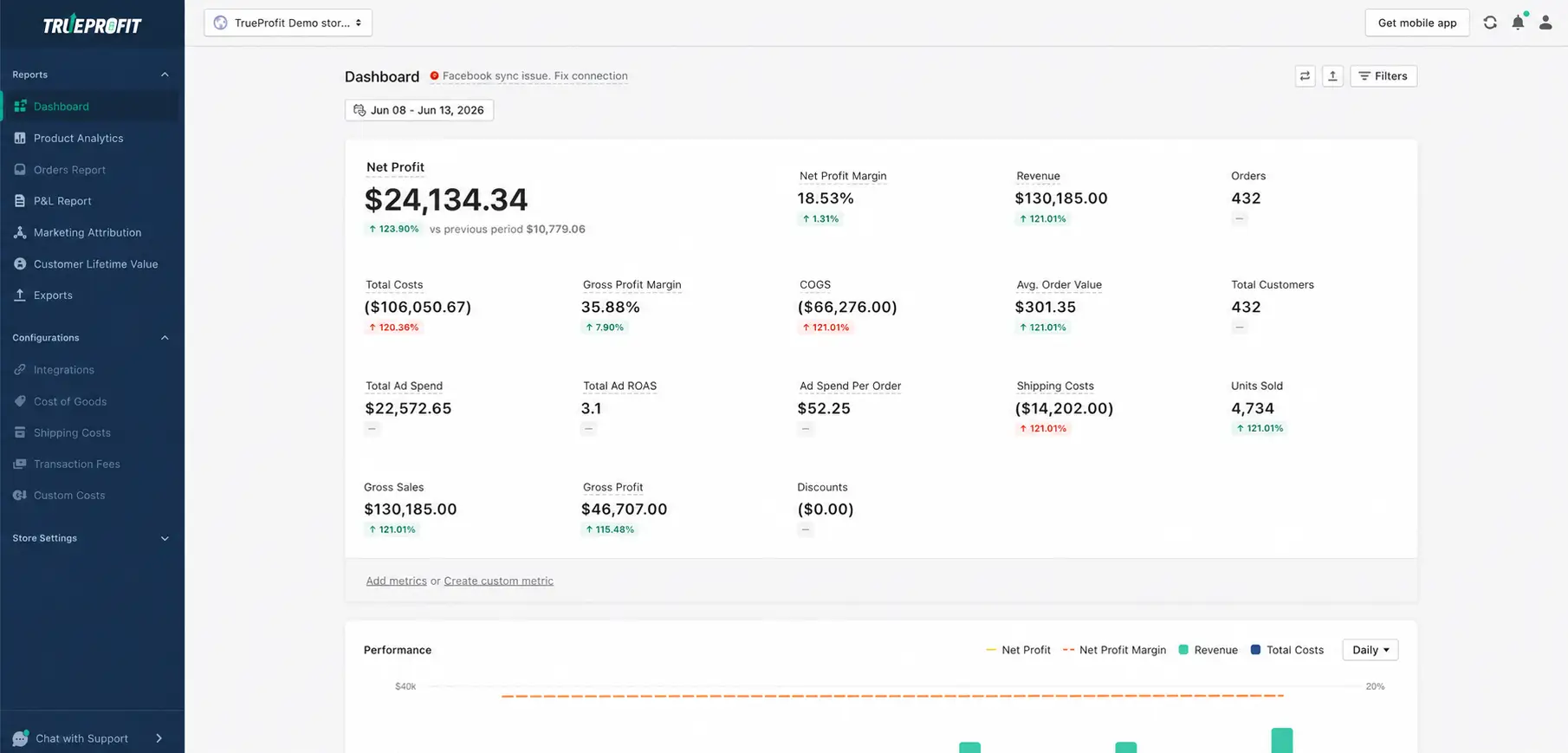
TrueProfit gives Shopify merchants a consolidated view of revenue, ad spend, COGS, shipping, transaction fees, refunds, and other expenses, alongside real-time net profit and margin tracking. You can drill down into product and advertising performance to identify which areas are contributing to profit and where costs are eroding it.
This makes it easier to prioritize optimization based on its potential impact on profitability, rather than chasing individual benchmarks that may not reflect your store’s actual economics.

Final Thoughts
Shopify benchmarks give you a reference point, but they don’t tell you whether your store is healthy on their own.
A lower conversion rate may be offset by a strong AOV. A higher CAC may make sense when customers come back and generate more revenue over time. And a strong ROAS means little if margins are too thin to leave meaningful profit.
So instead of chasing individual benchmarks, look at how your metrics work together. Use the numbers to find the biggest gap, understand what’s causing it, and focus your next optimization on the part of the business that can actually move revenue or profit.
That’s a much more useful way to benchmark a Shopify store in 2026.


Harry Chu is the Founder of TrueProfit, a net profit tracking solution designed to help Shopify merchants gain real-time insights into their actual profits. With 11+ years of experience in eCommerce and technology, his expertise in profit analytics, cost tracking, and data-driven decision-making has made him a trusted voice for thousands of Shopify merchants.