11 Smart Shopify Tips to Launch Strong and Grow Faster (in 2026)


Table of Contents
- 1. Tip 1. Validate Your Product and Offer Before Buying More Stock
- 2. Tip 2. Know What You Can Afford to Spend on a Sale
- 3. Tip 3. Check How Much Shopify Fees Take From Each Sale
- 4. Tip 4. Track Net Profit, Not Just Sales
- 5. Tip 5. Make Your Product Pages Answer Buying Questions
- 6. Tip 6. Test Mobile Checkout and Delivery Expectations
- 7. Tip 7. Keep Your Theme and App Stack Lean
- 8. Tip 8. Focus on One or Two Marketing Channels First
- 9. Tip 9. Set Up Useful Email Follow-Ups Early
- 10. Tip 10. Raise Order Value With Bundles and Free-Shipping Thresholds
- 11. Tip 11. Review One Bottleneck at a Time
- 12. Final Thoughts
- 13. Shopify Tips FAQs
The most useful Shopify tip is the one that fixes your current bottleneck. That might be untested demand, missing traffic, a difficult checkout, weak retention, or sales that leave too little profit.
If your store is already running, you may not need a new product at all. A checkout fix, a cost review, or a better follow-up could matter more. Your customer feedback and results will tell you which problem is real.
In this guide, I'll walk you through 11 tips. Together, they help you pick a priority, make one practical change, and see what happened before you move on to the next task.
Here's a quick overview to help you decide where to start:
Below, you'll find why each change matters and how to put it into practice.
In this blog:
- 1. Tip 1. Validate Your Product and Offer Before Buying More Stock
- 2. Tip 2. Know What You Can Afford to Spend on a Sale
- 3. Tip 3. Check How Much Shopify Fees Take From Each Sale
- 4. Tip 4. Track Net Profit, Not Just Sales
- 5. Tip 5. Make Your Product Pages Answer Buying Questions
- 6. Tip 6. Test Mobile Checkout and Delivery Expectations
- 7. Tip 7. Keep Your Theme and App Stack Lean
- 8. Tip 8. Focus on One or Two Marketing Channels First
- 9. Tip 9. Set Up Useful Email Follow-Ups Early
- 10. Tip 10. Raise Order Value With Bundles and Free-Shipping Thresholds
- 11. Tip 11. Review One Bottleneck at a Time
- 12. Final Thoughts
- 13. Shopify Tips FAQs
Tip 1. Validate Your Product and Offer Before Buying More Stock
Why it matters: More stock means more cash locked up before you know whether buyers actually want the offer.
How to validate your offer: You need to know who it serves, which problem it solves, and why buyers would pick it over the alternatives. A travel organizer for people carrying camera batteries, for example, is much more specific than a general accessories store.
The best way to find out is to talk to likely customers about how they solve that problem today. When you show them a sample, a price, and a realistic delivery promise, their questions tell you a lot. Questions about dimensions or compatibility may show you what the offer still needs. Polite compliments, on the other hand, don't prove anyone will pay.
A small sellable batch or a clearly explained preorder lets you test real buying behavior without a big inventory commitment. If you go the preorder route, buyers should know the timing and conditions before they pay.
Check: Your purchases, recurring objections, and returns should all be on record before you increase the order quantity.

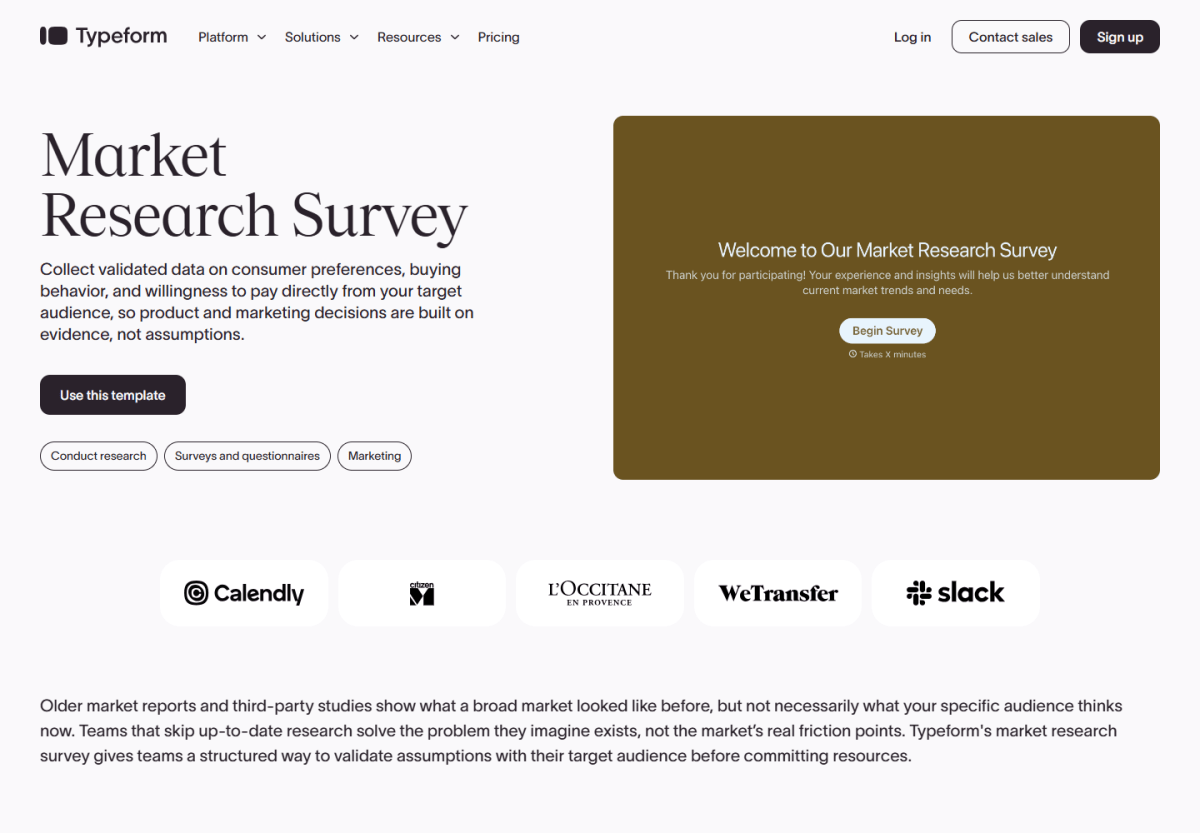
A market-research survey can reveal buying objections and price expectations before you commit to more stock. Those answers still need to be confirmed with actual purchase behavior.

Tip 2. Know What You Can Afford to Spend on a Sale
Why it matters: Revenue alone doesn't tell you how much you can spend to win an order. Without a spending ceiling, a campaign can bring in sales and still leave too little for refunds, overhead, and profit.
How to set your ceiling: Your starting point is revenue after discounts, minus product, shipping, packaging, and payment costs. Here's a hypothetical example where a $60 item sells for $54:
If you spent the full $25 to win that sale, you'd have nothing left for refunds or overhead. Your working ceiling should be lower, so it covers those costs and the profit you need. This is only an order-level illustration, and it doesn't mean your store can acquire customers at that price. The $2 payment fee is a placeholder too. Tip 3 shows you how to check your real fees.
Once you run a test, your cost per purchase is the number to compare with that ceiling. Broader customer acquisition cost also includes the other spending it takes to bring in new customers, so it can be higher than what your ad dashboard shows.
Tip 3. Check How Much Shopify Fees Take From Each Sale
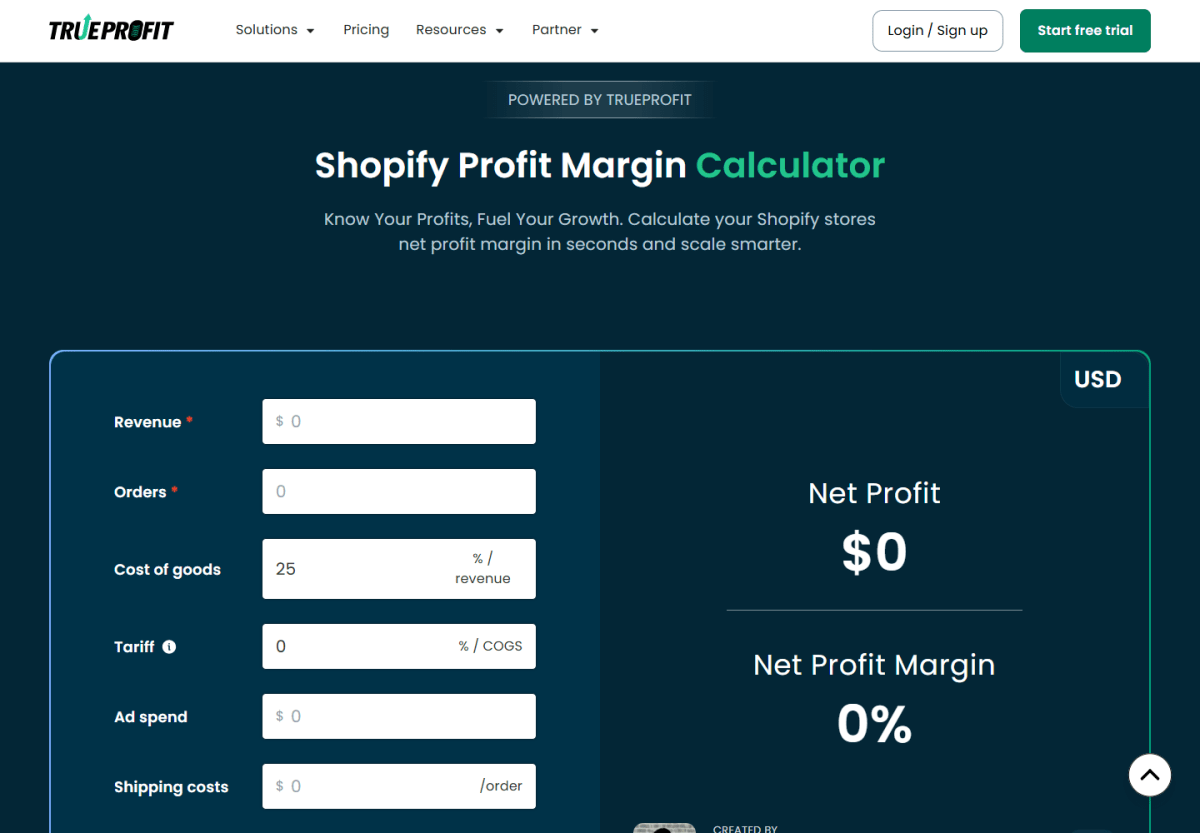
Why it matters: A payout isn't the profit from a sale. Processing charges, Shopify transaction fees, and recurring store expenses all reduce what's left. Miss one, and a budget or price can look safer than it really is.
Which fees to check: It helps to separate them into the provider's processing fee, any Shopify third-party transaction fee, and monthly plan or app costs. Currency conversion counts too, where it applies.
The breakdown of what Shopify takes per sale explains how these charges fit together.
How to check: Your plan and provider rates come first. After that, Shopify's transaction fees are in Settings > Billing, where you can select a past bill and look at the details. Here's a US Basic example for a $50 standard online card order to compare against:
- Shopify Payments: The listed US Basic standard online card rate of 2.9% + $0.30 costs $1.75, with no extra Shopify transaction fee in the ordinary Shopify Payments setup.
- Third-party payment provider: Basic's 2% Shopify transaction fee adds $1.00, separate from the provider's own processing fee.
- Plan differences: Third-party transaction fees are 2% on Basic, 1% on Grow, 0.6% on Advanced and 0.2% on Plus.
Rates vary by country and payment setup, so your own plan is the one that counts.
If Shopify Payments is your primary provider, Shopify Payments and PayPal transactions are exempt from Shopify's third-party transaction fee. If a direct third-party provider is your primary card processor and Shopify Payments runs alongside it, things change. Shopify Payments transactions then carry standard rates plus a 1.25% premium, and the other provider's transactions incur Shopify's third-party transaction fee at your plan's rate.
One more detail you should keep in mind: stores created on or after May 12, 2025 also pay third-party transaction fees on amounts paid with gift cards or store credit.
Transaction fees aren't the only cost, though. Monthly plan and app costs also belong in the per-order picture. A hypothetical $60 of monthly plan and app costs spread over 100 orders, for example, adds $0.60 to each order.
A plan upgrade makes financial sense when the eligible fee savings and the features you need justify the higher subscription. A hypothetical $40 monthly increase, for example, needs $40 of savings to pay off. A lower advertised rate on its own isn't enough.
Tip 4. Track Net Profit, Not Just Sales
Why it matters: Rising sales can hide a store that's losing money. Product costs, fulfillment, payment fees, advertising, and overhead all affect what you keep. Revenue alone can't tell you whether to raise a budget or order more stock.
How to track it: The key is to reconcile store profit over the same period as the related revenue and expenses. Your starting point is sales after discounts and refunds (and yes, it's easy to subtract refunds twice by accident). Supplier bills and ad spend outside the Shopify payout count too, and subscriptions belong to the period they cover.
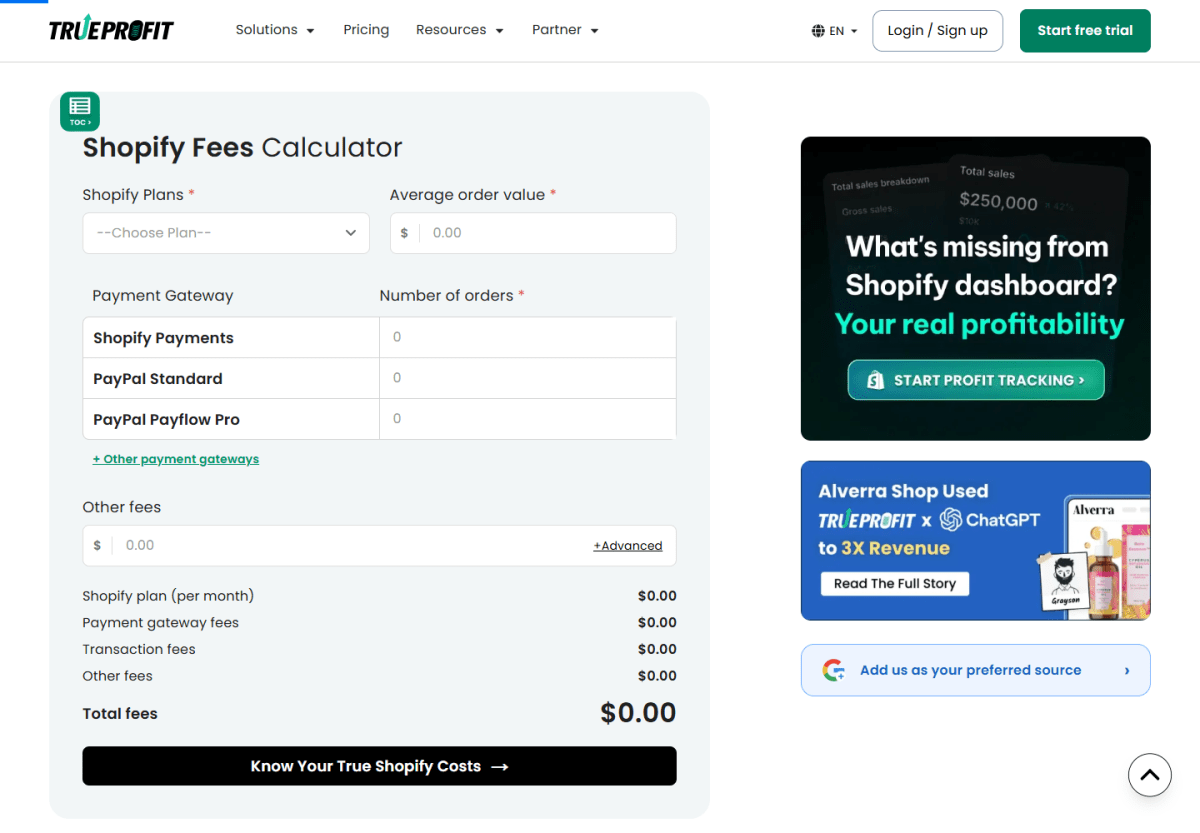
Here's a hypothetical monthly profit calculation:
- Sales after discounts and refunds: $5,000.
- Product, shipping, payment and advertising costs: $4,000, leaving $1,000 before other expenses.
- Remaining costs, including apps, the plan and overhead: $500.
- Net profit: $5,000 − $4,000 − $500 = $500.
- Net profit margin: $500 ÷ $5,000 × 100 = 10%.
That $1,000 left before other expenses isn't net profit. If you counted it as net profit, you'd double the result.
Your result should point you to a specific next step:
- Sales rise but net profit falls: Ad spend, discounts, shipping, and refund costs are the first things to compare with the previous period, before you increase the budget.
- A popular product leaves little contribution: Its price, supplier cost, and fulfillment cost deserve a closer look before you order more stock or promote it harder.
- Orders contribute but the store still loses money: The question is whether total contribution covers fixed expenses, before you add subscriptions or other overhead.
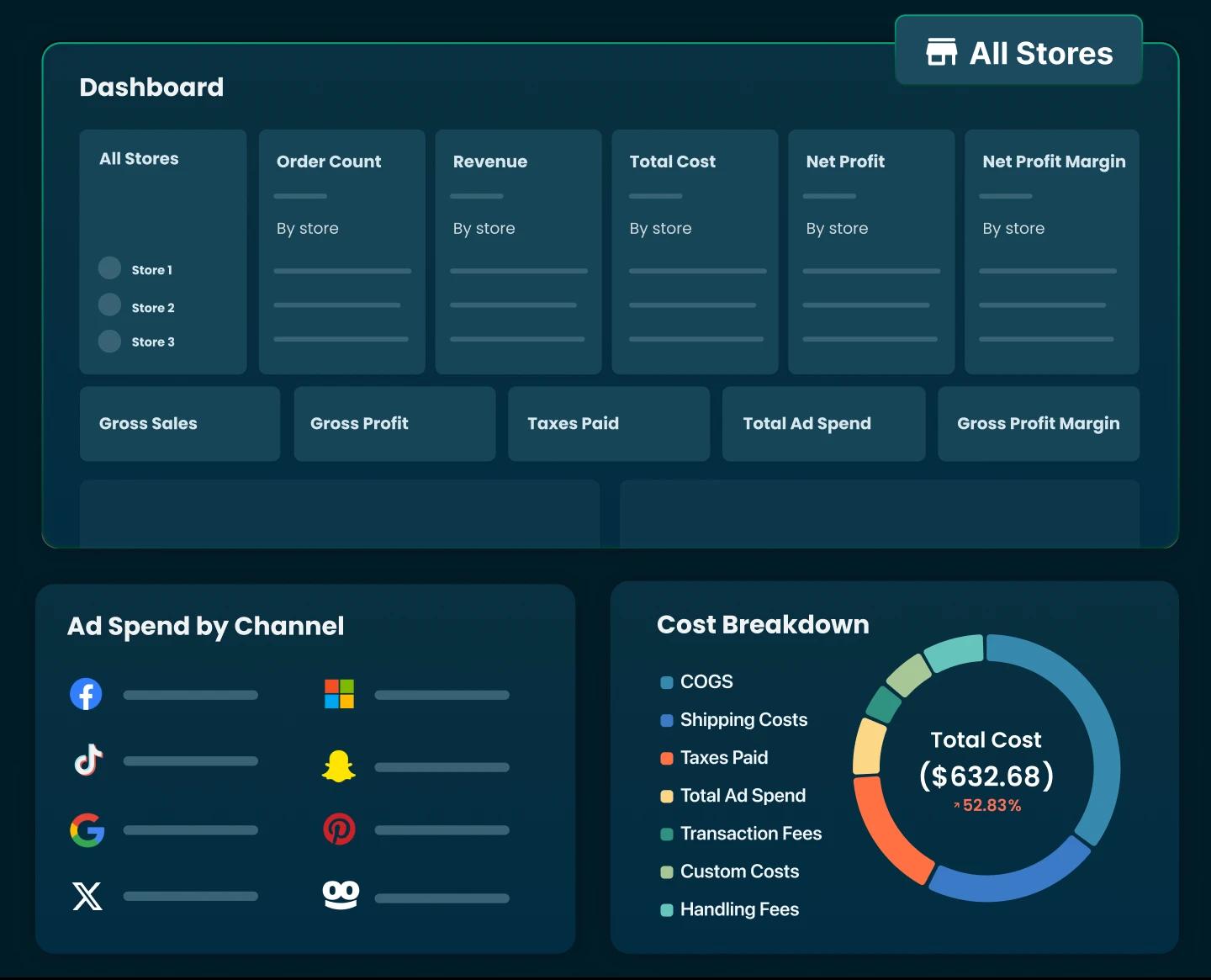
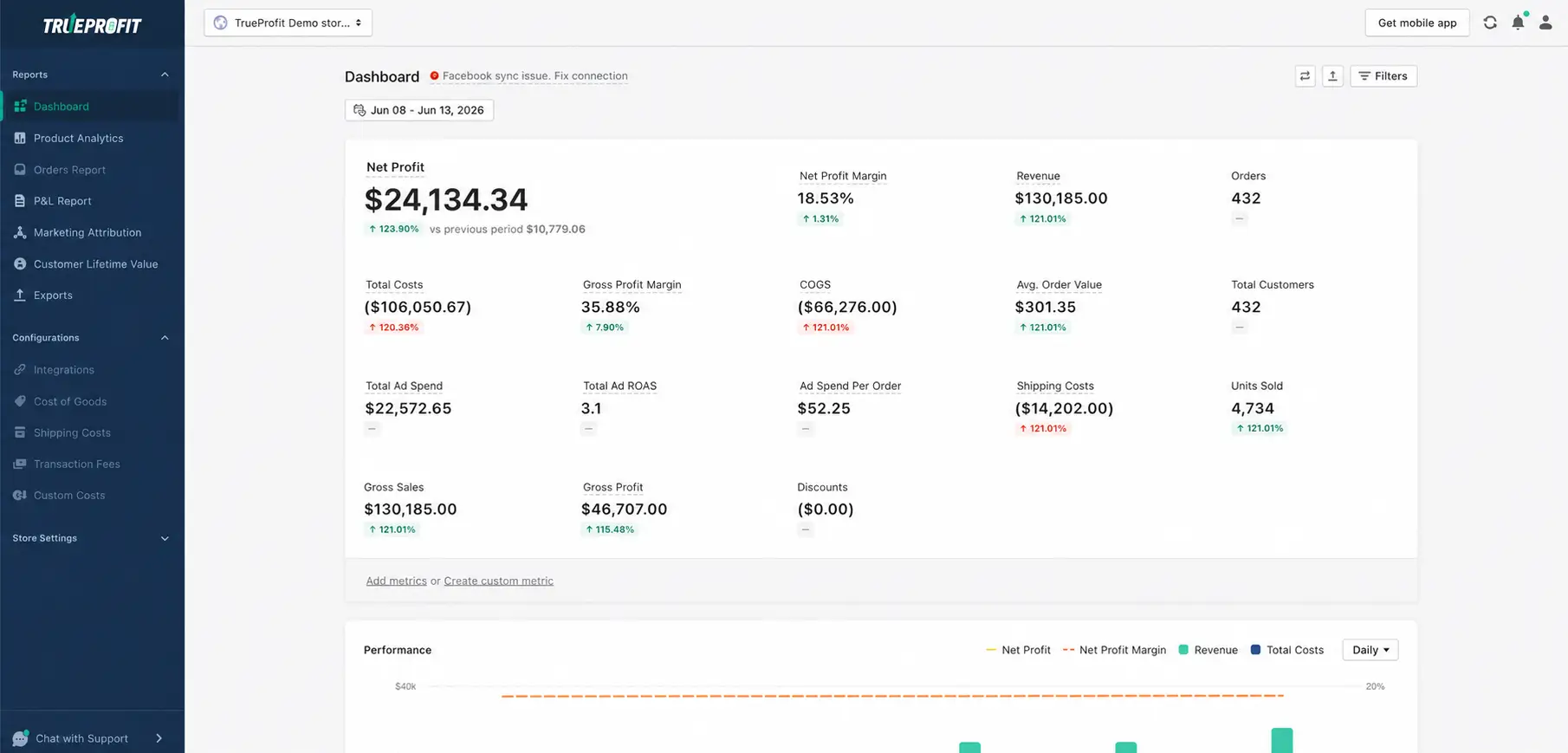
Keeping this view up to date by hand takes real work when ad bills, supplier costs, and Shopify sales all sit in different places. Our tool TrueProfit brings them together in one real-time net profit dashboard. It pulls in your Shopify revenue, COGS, shipping, transaction fees, refunds, it syncs ad spend from platforms like Meta, Google, TikTok and let you input any types of costs you have to pay.
For a store owner, that means:
- Product-level net profit: You can see which products actually make money, not just which ones sell the most.
- Ad-level net profit: Your ads are judged by the profit they bring in, not only by revenue or ROAS.
- Store-level net profit: Whether or not you’re making any money with your business.

Tip 5. Make Your Product Pages Answer Buying Questions
Why it matters: A good product page answers the question that would otherwise stop someone from buying.
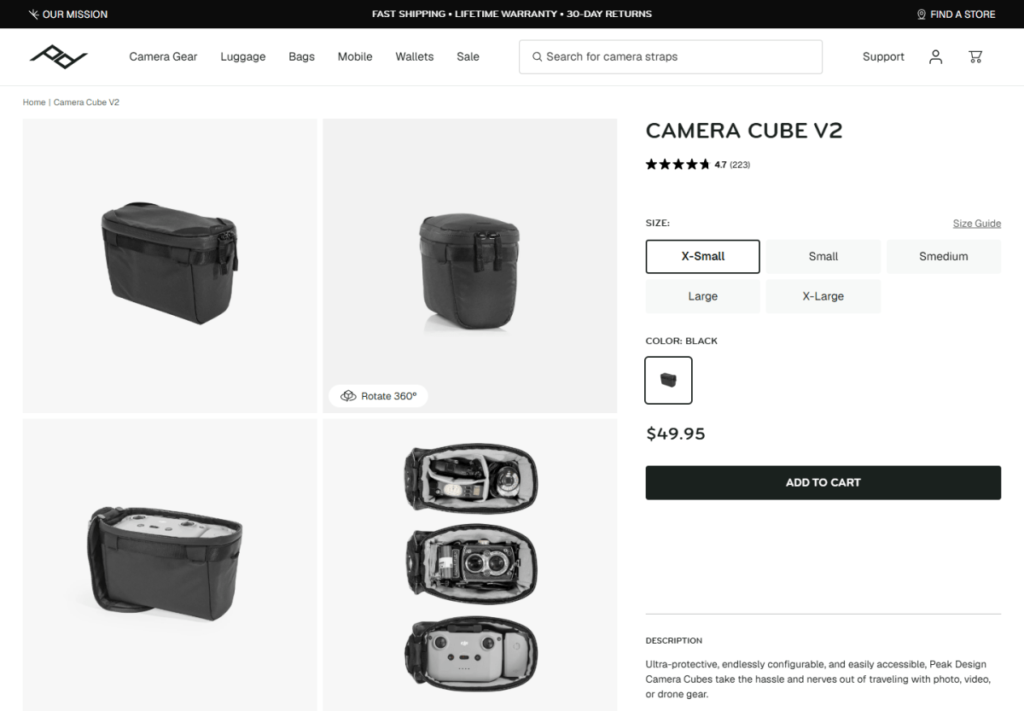
How to improve the page: The best place to start is the product most likely to get your next visitors. That page should explain the benefit, show the full price and accurate specs, and include photos that make size, fit, or use clear. Genuine reviews, where you have them, give buyers evidence beyond your own claims.
It's also worth asking a potential customer what they'd still need to know before buying. The answer might be a compatibility chart rather than more persuasive adjectives. Once you've made that change, see whether the question still comes up. Our product-page conversion guide covers related fixes.
Tip 6. Test Mobile Checkout and Delivery Expectations
Why it matters: If a shopper can't pick the right variant or see the delivery cost on their phone, they may never reach payment.
How to test mobile checkout: The parts to test on mobile are the variant selector, cart, payment options, shipping charge, and confirmation. A supported test-payment method or a controlled real order both work.
Shoppers should see delivery windows, return information, and a way to contact support before they pay. If it fits your support capacity, Shopify Inbox can give them a live-chat contact point. These mobile store checks help you catch problems a desktop preview misses.
Check: Your team should be able to fulfill the promised order before you send more traffic.
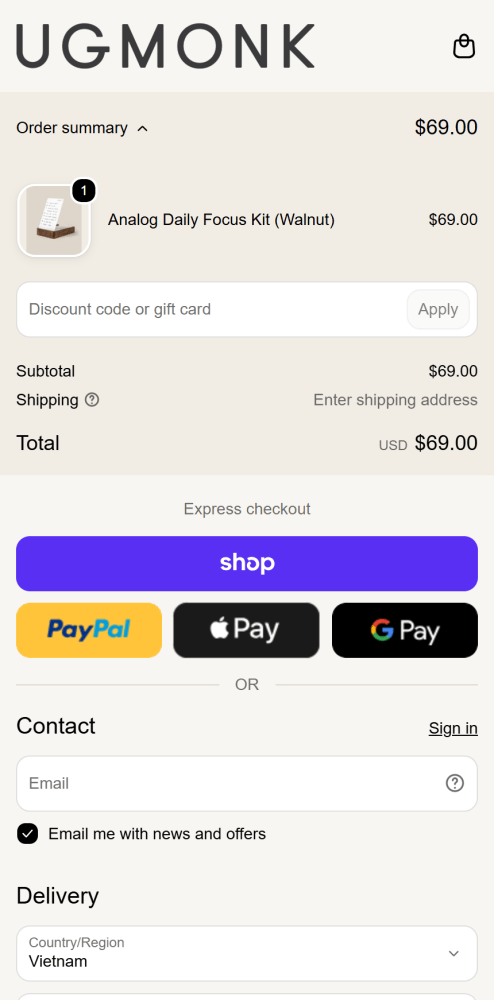
The selected item, subtotal, and express payment choices give shoppers a chance to check their order, while the shipping line signals that delivery costs still depend on an address.
Tip 7. Keep Your Theme and App Stack Lean
Why it matters: Every extra app adds another subscription or setting to maintain. With a lean stack, it's much easier to see what's actually helping your store.
How to keep the stack lean: A suitable theme and Shopify's native features are a solid starting point. An app earns its place when you can name the missing function and the result you expect it to improve.
It also helps to review subscriptions, overlapping features, oversized images, and storefront performance together. Even a cheap app can create extra work or interfere with a product page. For your store-speed checks, the same mobile page and connection each time give you comparable results. And after each meaningful change, the buying flow is worth testing again.
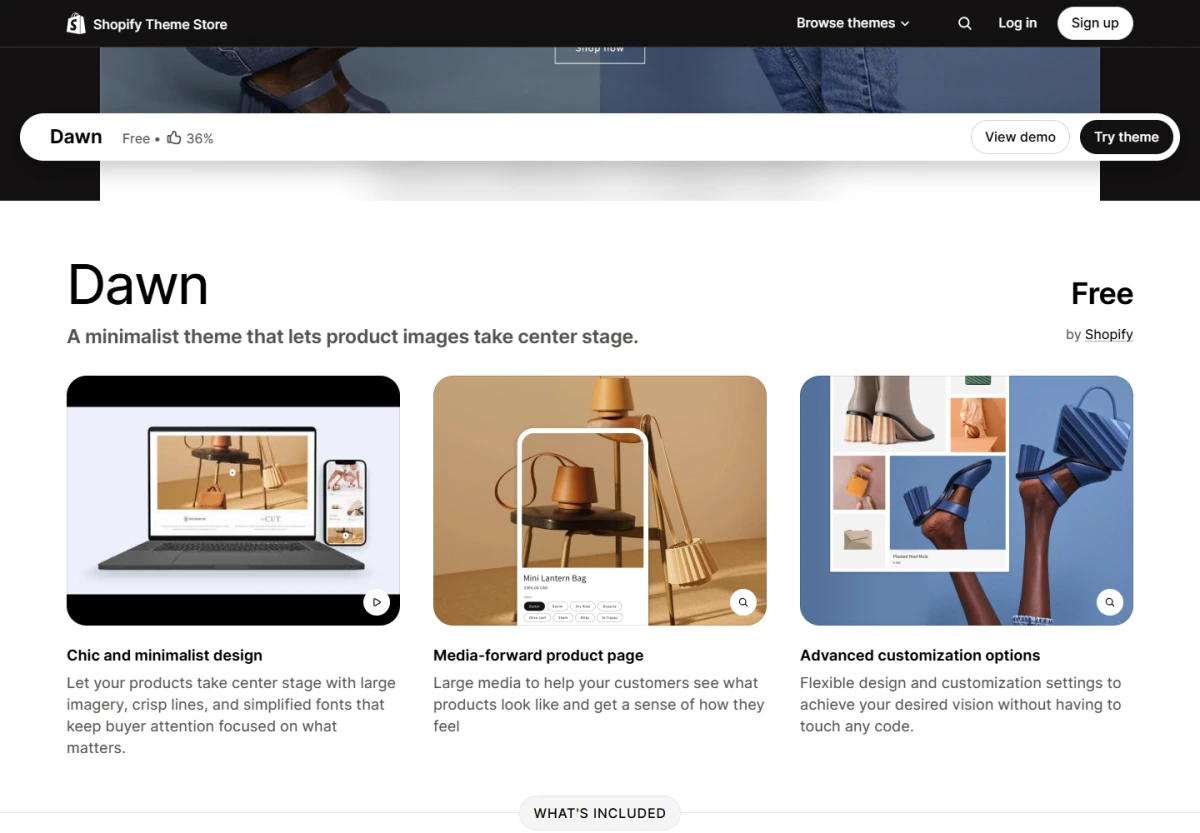
Dawn's listing shows product-media and customization features already included in a free theme, a useful starting point before paying for overlapping apps.
Tip 8. Focus on One or Two Marketing Channels First
Why it matters: When you test fewer channels, it's easier to connect a message with the customers it reaches.
How to choose your first channels: The right channels match how your customers shop and the work you can keep up. Products people search for may suit useful product content. Products that need a demonstration may do better with social videos or creator partnerships. This Shopify marketing guide compares the options.
A paid test needs a fixed budget, a time window, and a landing page that matches the message. Relevant visits, orders, and acquisition cost should all be clear before you open another channel. If every test changes at once, more activity won't tell you which offer is working.
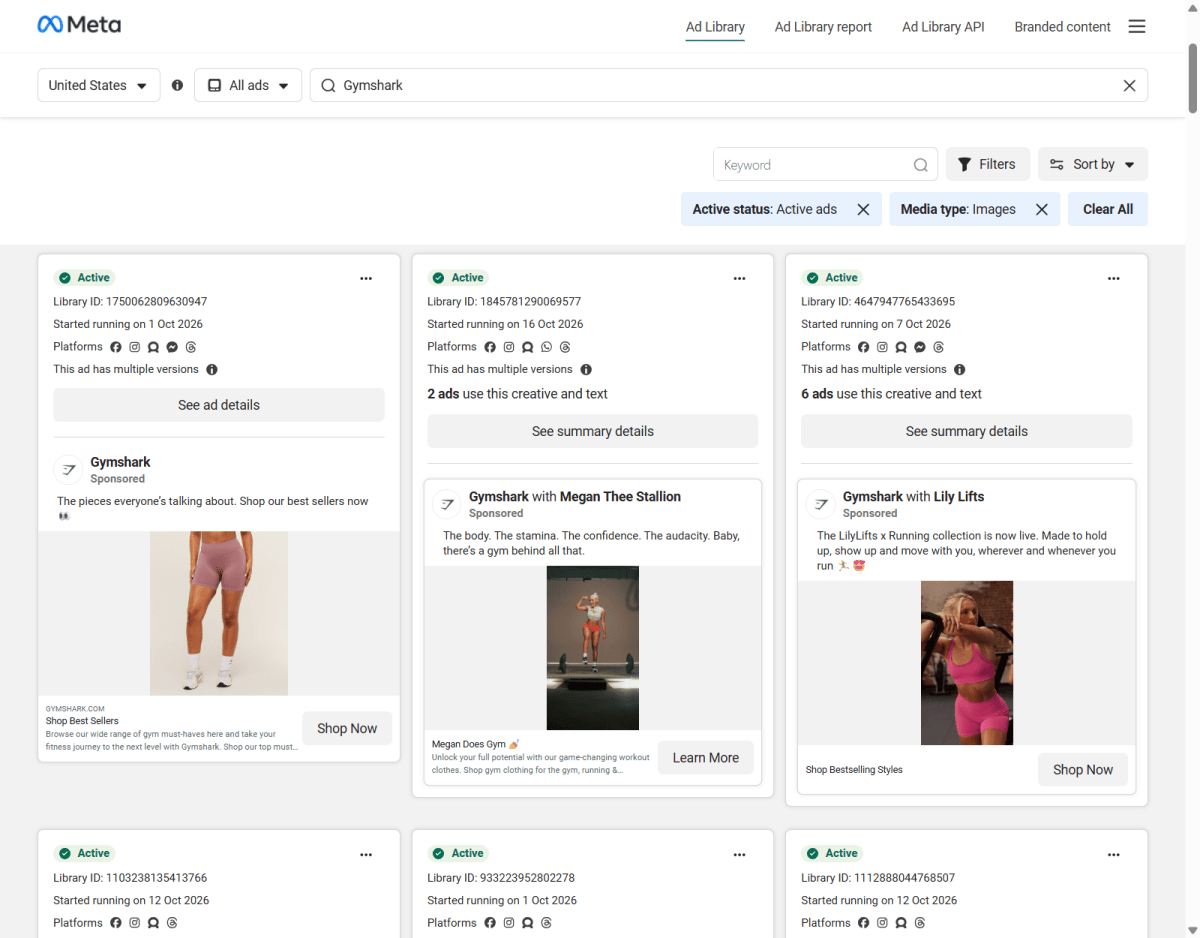
This October 21, 2026 Meta Ad Library capture shows Gymshark using different product messages within one channel, a useful prompt to keep your own channel tests focused.
Tip 9. Set Up Useful Email Follow-Ups Early
Why it matters: A timely answer about product care or replenishment gives customers a practical reason to hear from you again.
How to plan the follow-ups: It starts with collecting marketing subscriptions clearly and sending new subscribers a relevant welcome message. After a purchase, care instructions or replenishment reminders that match the item usually work better than a default discount.
Your essential order notifications need to be dependable, with one sender assigned to each message. Otherwise, a customer might get two shipping notices because both Shopify and an app were set up to send them. When you review results, clicks, repeat purchases, and unsubscribes tell you more than opens alone.
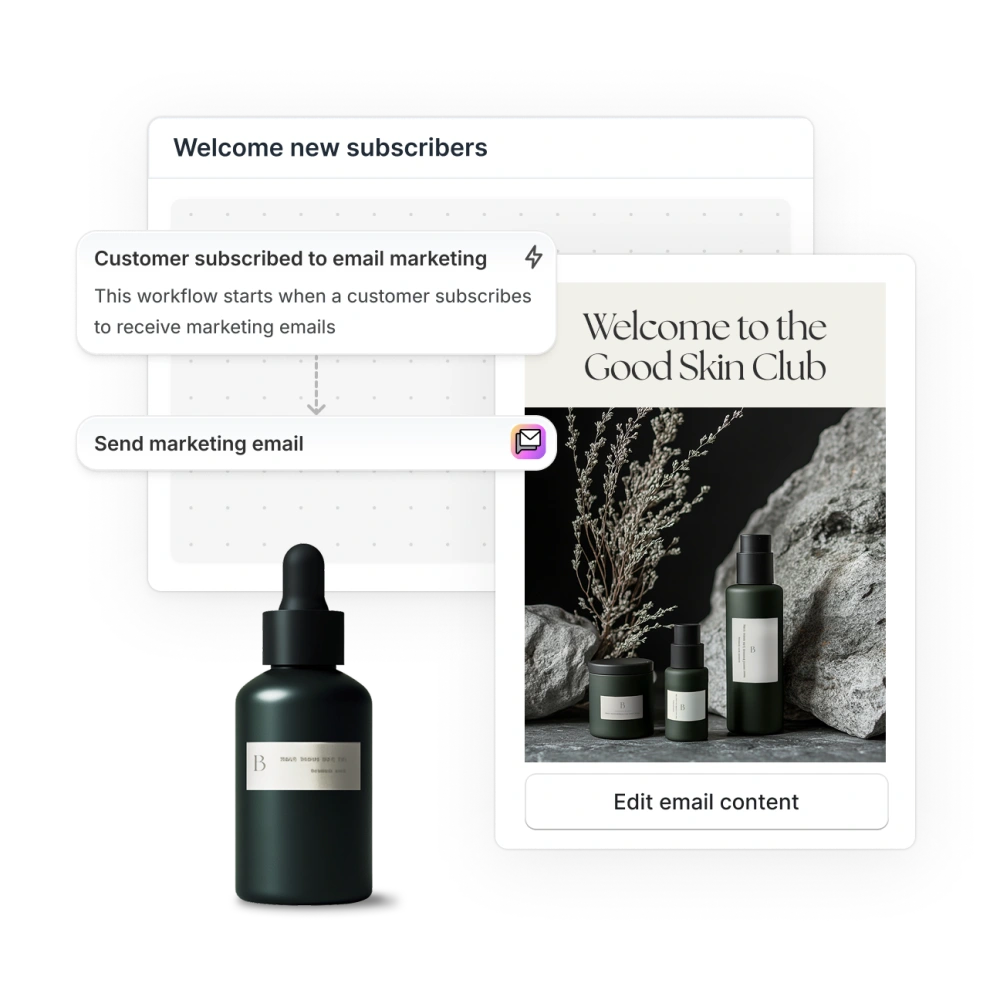
Shopify's welcome example starts with an email-marketing subscription, keeping the follow-up tied to the action the customer actually took.
Tip 10. Raise Order Value With Bundles and Free-Shipping Thresholds
Why it matters: A relevant extra item can make the order more useful for the buyer while increasing your basket value.
How to build the offer: Products customers already buy together are the easiest place to start. A free-shipping threshold slightly above your current average order value is another option to test.
Before you keep the offer, the economics need to work. In a hypothetical order, an extra $12 item that costs $5 adds $7 before other costs. Now say that item pushes the order over your free-shipping threshold, and you cover $6 of shipping. Only $1 of that increase is left, before any additional fees or discounts. That's why it pays to compare order-value tactics by contribution, not just basket size.
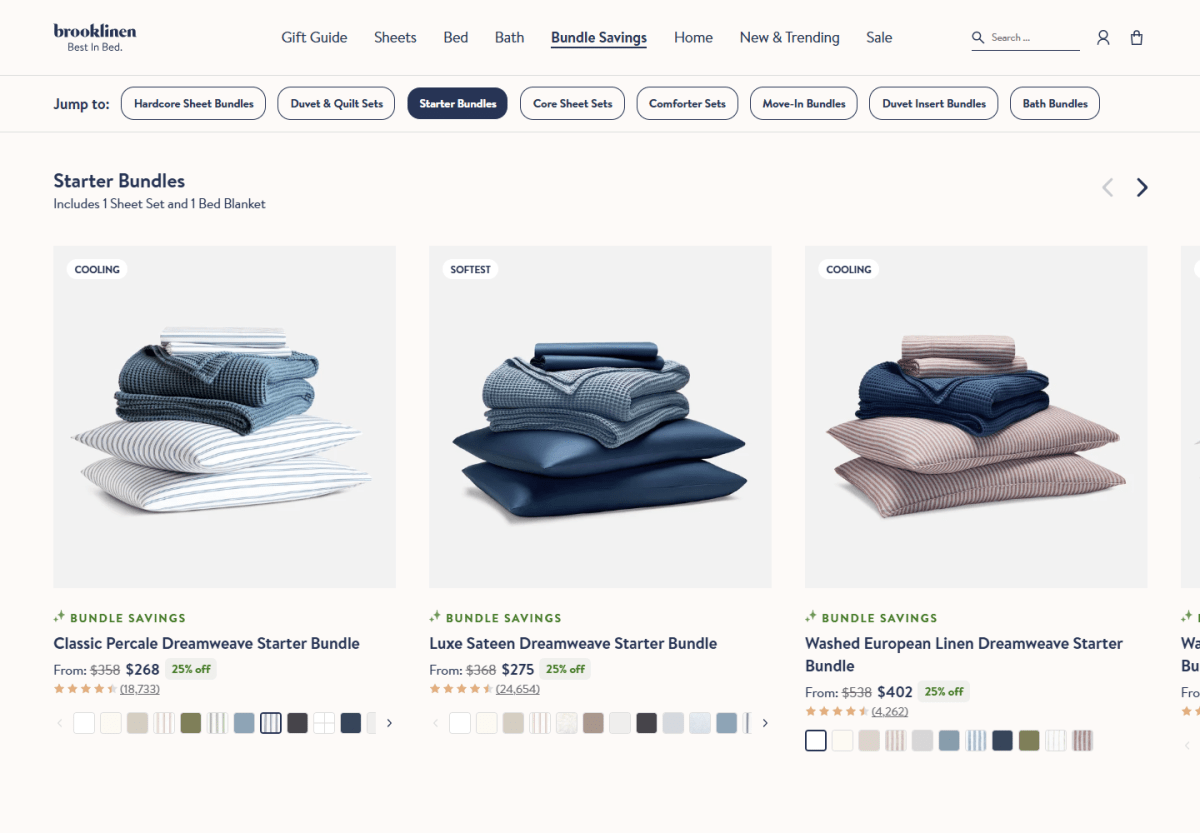
Brooklinen combines a sheet set and blanket in its starter bundles, giving shoppers a relevant larger basket rather than an unrelated add-on.
Tip 11. Review One Bottleneck at a Time
Why it matters: A weekly review helps you separate the main bottleneck from problems that can wait.
How to choose the next fix: This table matches the clearest problem in your weekly results with a check and a next action:
Shopify's reports work best alongside customer feedback. Margin questions are a different matter, so for those, the net-profit check in Tip 4 is the place to go. This weekly review is for operational bottlenecks. A quick note of each change and what happened afterward makes the next review much easier.
A conversion funnel separates visits, cart additions, and checkout progress, helping you choose which buying obstacle to investigate next.
Final Thoughts
Eleven tips can feel like eleven projects. They're not meant to be. The point is to find the one problem that's holding your store back right now and fix that first.
A good improvement cycle starts with one question and ends with a decision. The tip that matches your strongest evidence is the right place to start. Once you've noted your current result, you can make a change and see whether it worked.
How you judge the result depends on the change. A checkout fix only counts once a test order goes all the way through. A bundle only counts if it improves contribution, not just basket size.
If the change solves the problem, keep it. If it doesn't, dig into why. Either way, your next review will show you the next bottleneck, and your store keeps moving without you trying to do everything at once.

Harry Chu is the Founder of TrueProfit, a net profit tracking solution designed to help Shopify merchants gain real-time insights into their actual profits. With 11+ years of experience in eCommerce and technology, his expertise in profit analytics, cost tracking, and data-driven decision-making has made him a trusted voice for thousands of Shopify merchants.