

9 Best Shopify Alternatives & Competitors in 2026 (Compared)
Shopify works for millions of merchants, but that doesn't mean it's the best platform for your store.
Maybe you need more control, more built-in features, better pricing, or simply a platform that fits the way you sell. If that's the case, there are plenty of Shopify alternatives worth considering in 2026.
Here's how the top options compare, and where each one makes more sense than Shopify.
Each Shopify alternative has its own strengths, so the right choice comes down to what your store actually needs. Here’s a quick breakdown:
Shopify Alternative | Best For | Main Advantage | Main Trade-off |
|---|---|---|---|
WooCommerce | Full control & customization | Open-source, highly flexible | More hands-on maintenance |
BigCommerce | Scaling stores & complex catalogs | More built-in ecommerce features | Pricing scales with sales volume |
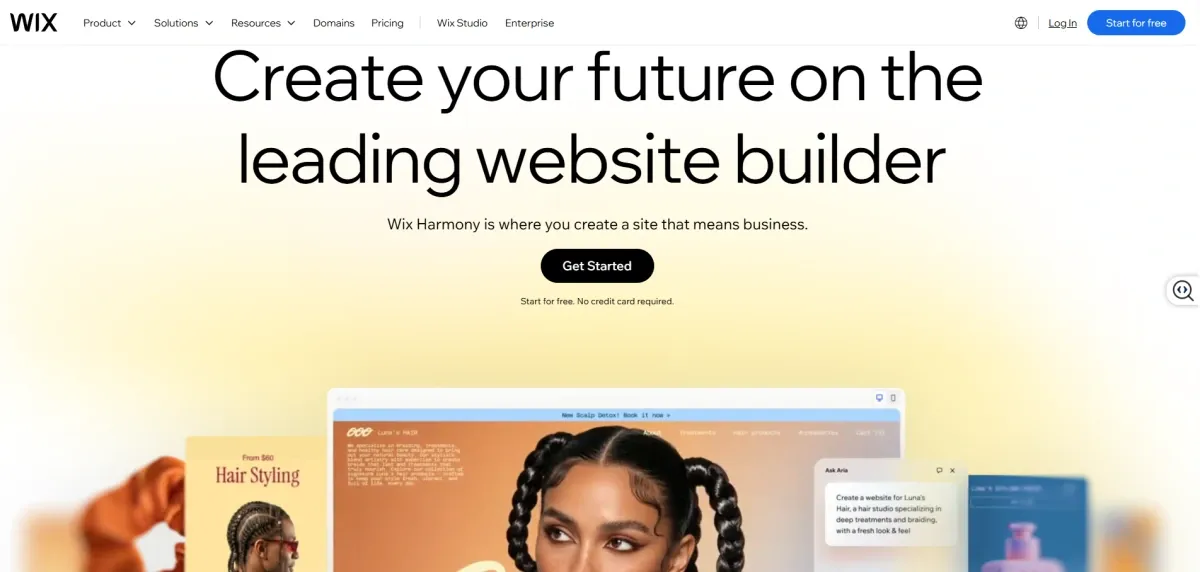
Wix | Small, design-focused stores | Strong website design flexibility | Less ecommerce-focused |
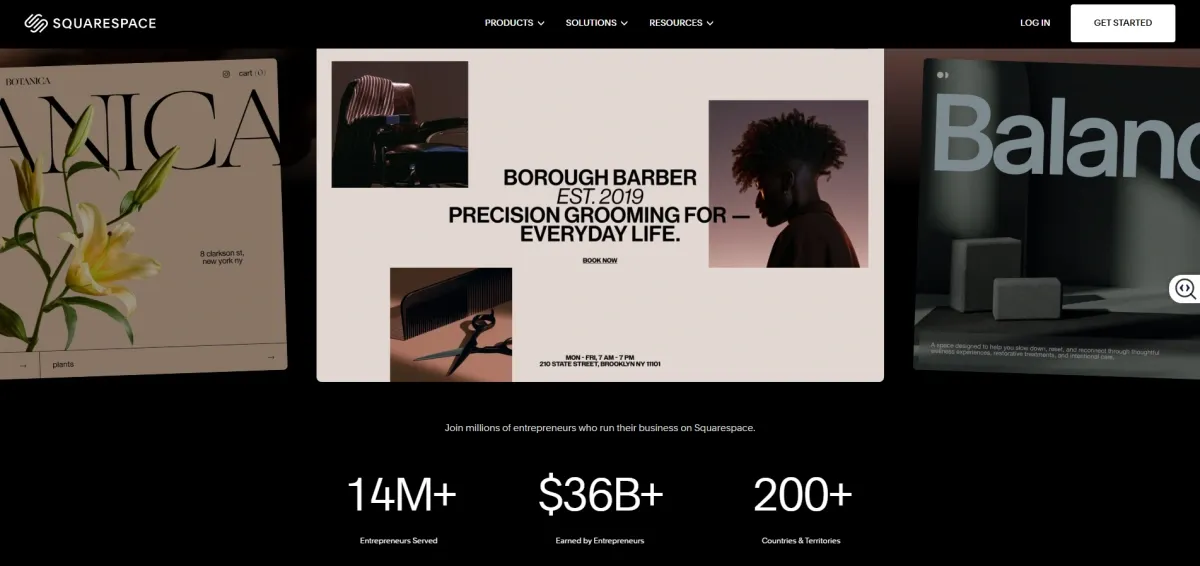
Squarespace | Design-led brands & creators | Great content + commerce experience | Less ecommerce depth |
Square Online | Online + in-store selling | Native Square POS integration | More limited customization |
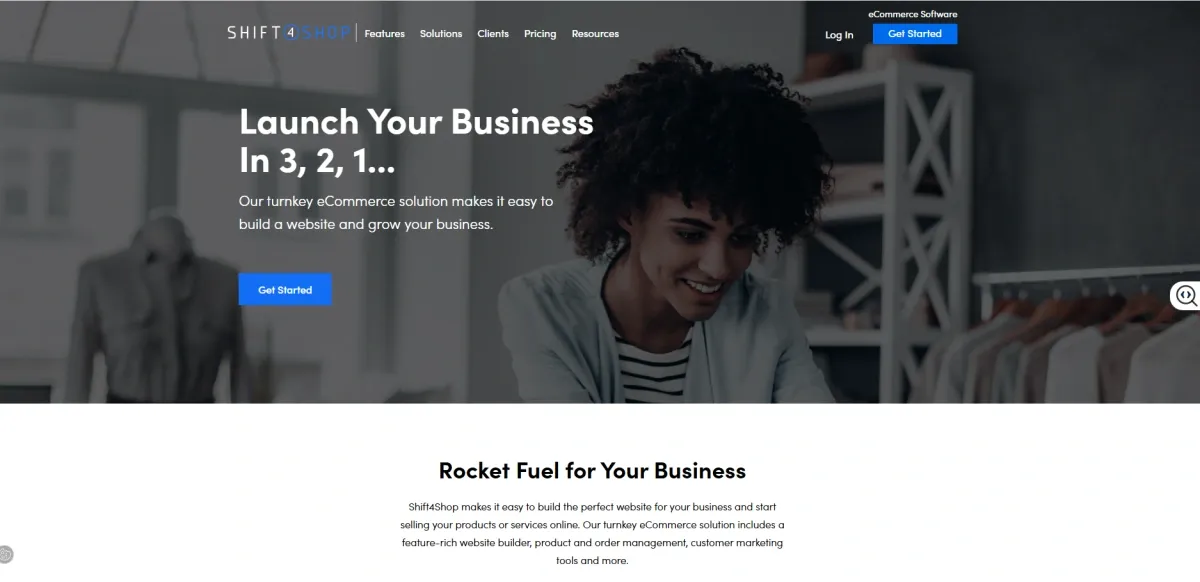
Shift4Shop | Feature-heavy stores on a budget | Many built-in ecommerce features | Smaller ecosystem than Shopify |
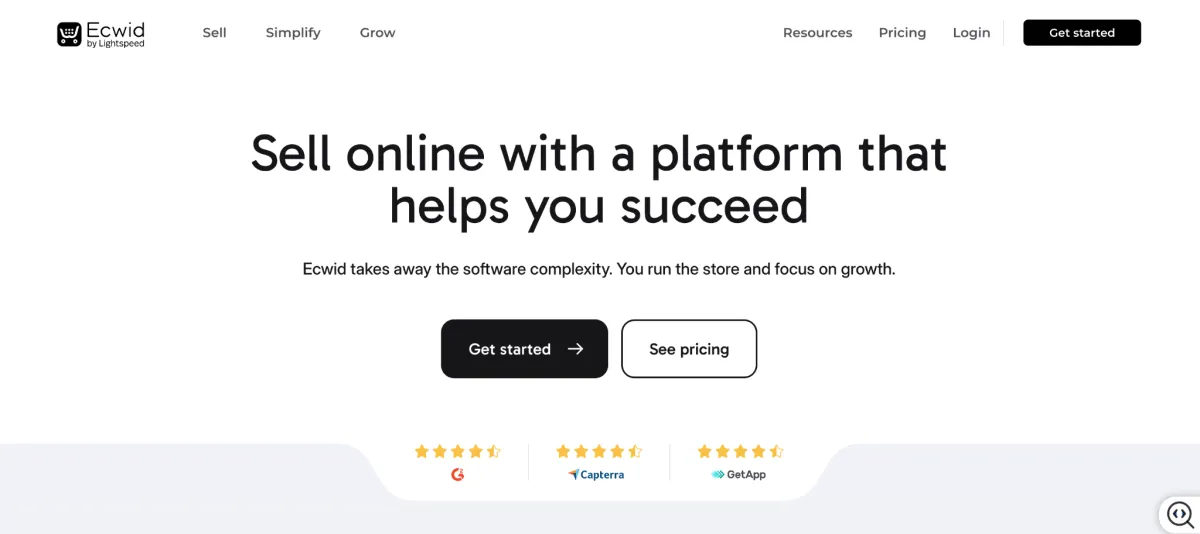
Ecwid | Adding ecommerce to an existing website | Easy to add a store to an existing site | Less suited to complex ecommerce |
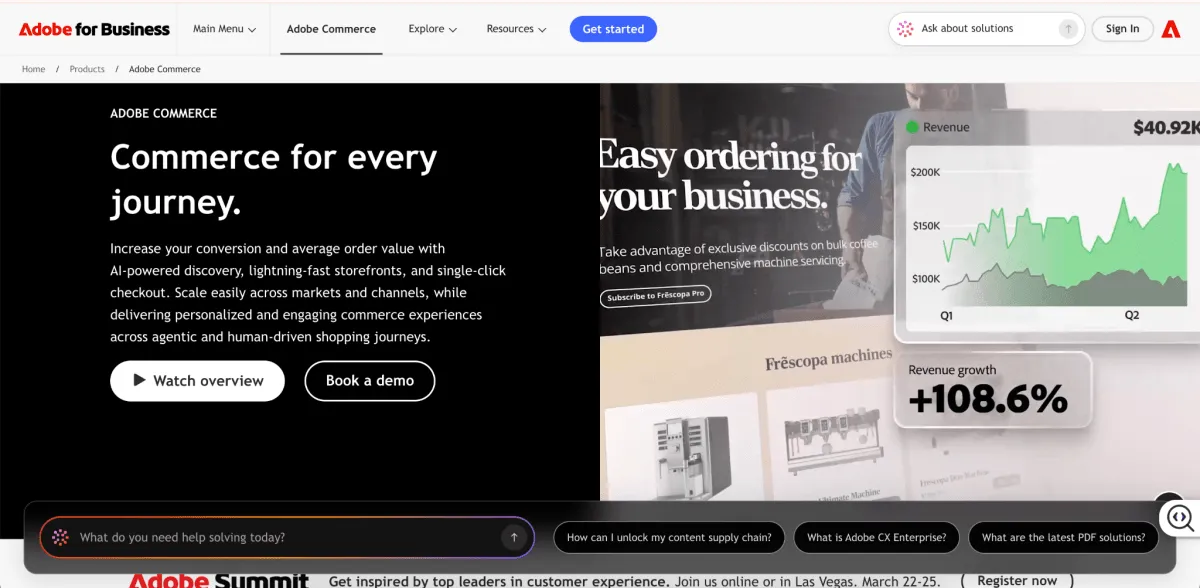
Adobe Commerce | Enterprise & complex ecommerce | Deep customization and scalability | Higher implementation and maintenance complexity |
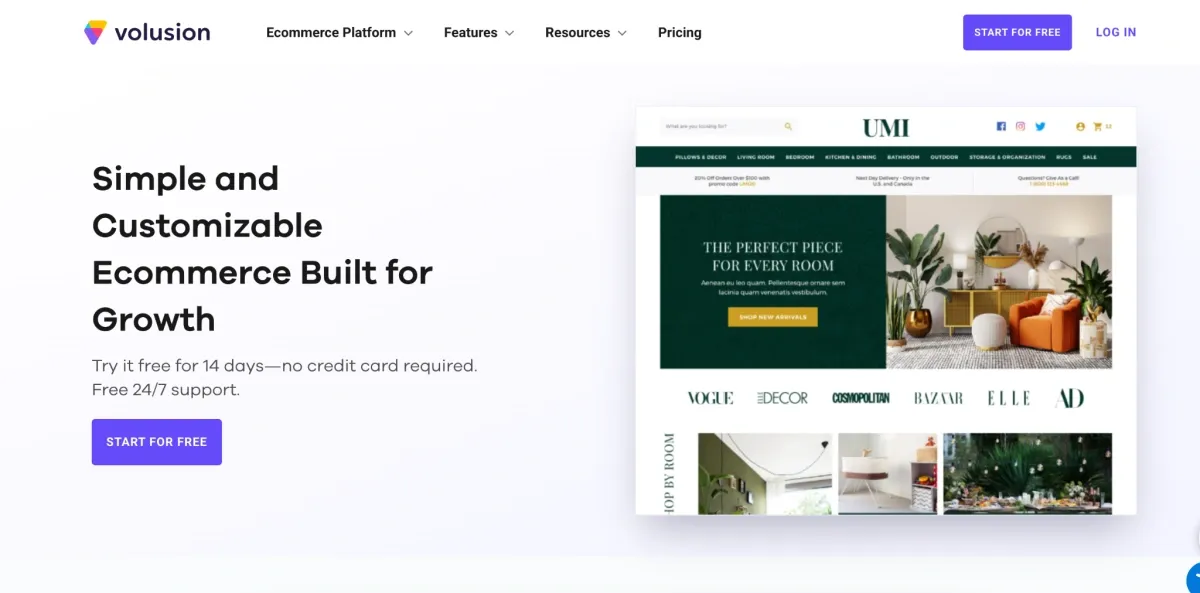
Volusion | Traditional ecommerce stores | Solid built-in store management | Smaller app ecosystem |
In this blog:
1. WooCommerce: Best for Full Control and Customization


WooCommerce vs. Shopify at a glance
Factor | WooCommerce | Shopify |
|---|---|---|
Best for | Merchants who want control | Merchants who want convenience |
Control | ⭐⭐⭐⭐⭐ Full control | ⭐⭐⭐ Managed platform |
Ease of use | ⭐⭐⭐ More hands-on | ⭐⭐⭐⭐⭐ Easier to manage |
Customization | ⭐⭐⭐⭐⭐ Highly flexible | ⭐⭐⭐⭐ Flexible with limits |
Technical maintenance | Higher | Lower |
Platform cost | Free to install | From $29/mo annually |
Other costs | Hosting, extensions, maintenance, domain, themes, plugins, and ongoing maintenance | Domain, paid themes, apps, and payment processing fees |
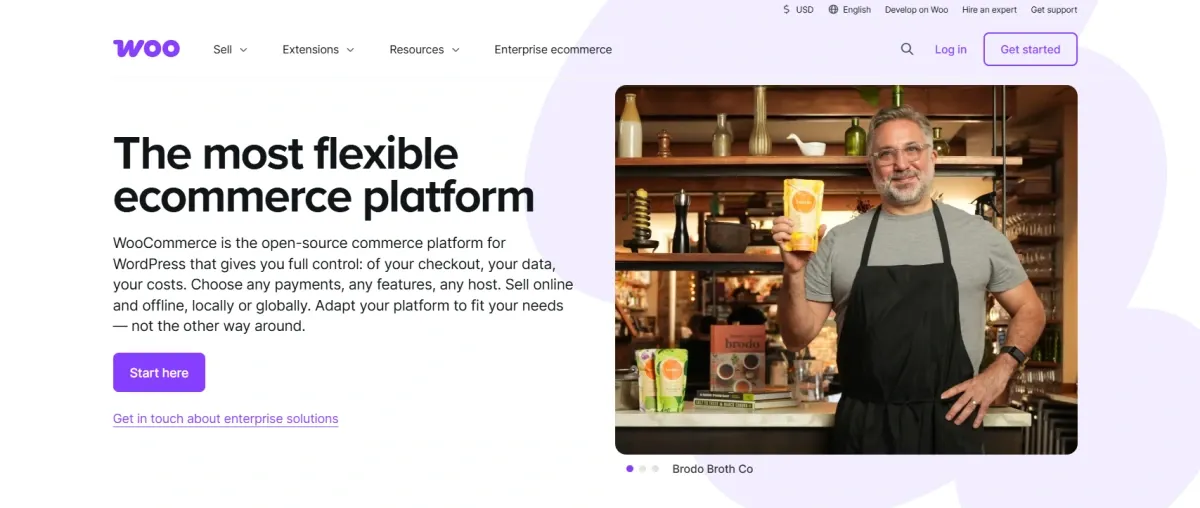
WooCommerce is a strong Shopify alternative if your biggest complaint with Shopify is limited control.
WooCommerce runs on WordPress and is open-source, so you're not tied to Shopify's infrastructure. You can choose your own hosting, payment providers, plugins, and even how much of the store you want to customize.
That's a big deal if you're building something more complex than a standard Shopify store, or if you're already running your website on WordPress.
Why switch from Shopify to WooCommerce?
I'd mainly look at WooCommerce for four reasons:
- You want more control: Choose your own hosting, payment providers, plugins, and development setup.
- You need deeper customization: You have more freedom to change both the storefront and the underlying functionality.
- You want more flexibility around costs: The WooCommerce core is free, so you can choose where to spend on hosting, extensions, and other services.
- You're already on WordPress: You can keep your content and ecommerce operation in the same ecosystem.
But there's an important catch.
What do you give up?
You give up some of the convenience that makes Shopify so easy to run.
With WooCommerce, hosting, security, updates, backups, and plugin compatibility are your responsibility. And as you add more extensions or custom functionality, maintaining everything can become more involved.
So yes, WooCommerce can look cheaper on paper. But don't stop at the “free” price tag. Hosting, extensions, and maintenance can add up quickly, especially for a more complex store.

2. BigCommerce: Best for Scaling Stores and Complex Catalogs


BigCommerce vs. Shopify at a glance
Factor | BigCommerce | Shopify |
|---|---|---|
Best for | Complex catalogs, B2B, and growing stores | Easy-to-scale ecommerce stores |
Built-in features | ⭐⭐⭐⭐⭐ More built-in ecommerce tools | ⭐⭐⭐⭐ Strong, with more app extensions |
Ease of use | ⭐⭐⭐⭐ Relatively easy | ⭐⭐⭐⭐⭐ Very easy |
App dependency | Lower | Often higher |
Platform cost | From $29/mo annually | From $29/mo annually |
Other costs | Domain, premium themes, apps, payment processing fees, and potential Open Payment Provider fees | Domain, paid themes, apps, and payment processing fees |
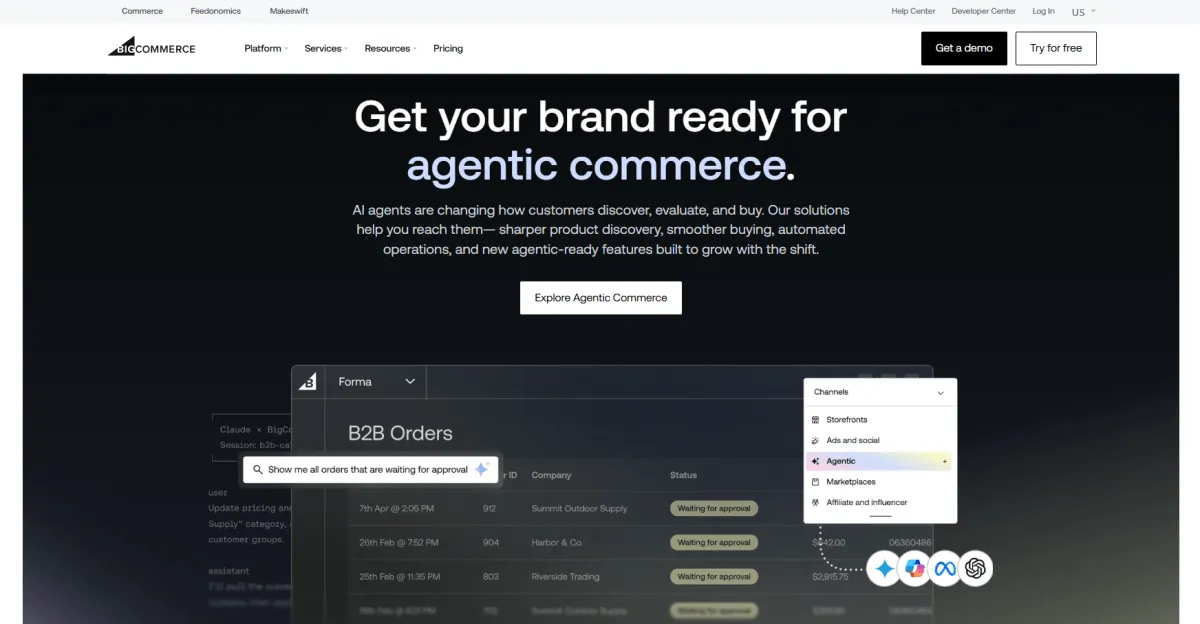
BigCommerce starts to make more sense when your store gets complicated. If you're managing a large catalog, B2B customers, multiple storefronts, or a growing stack of apps, having more ecommerce functionality built into the platform can save you from piecing everything together yourself.
Why switch from Shopify to BigCommerce?
- You want more built-in functionality. BigCommerce puts more ecommerce capabilities directly into the platform, which can reduce the need for third-party apps as your store grows.
- Your catalog is getting harder to manage. For stores with complex product structures, pricing, or selling workflows, BigCommerce can be a better fit than trying to build everything around Shopify's core setup.
- You sell B2B. BigCommerce's B2B Edition supports company accounts, buyer roles, quotes, shared shopping lists, invoices, and other workflows that are useful for wholesale and business customers.
- You run multiple storefronts. BigCommerce supports multiple storefronts from one dashboard, which can be useful when you're managing different brands, regions, or customer segments.
What do you give up?
The trade-off is that BigCommerce isn't automatically cheaper just because it has more features built in.
Its self-serve plans are tied to sales volume, and BigCommerce introduced a new open payment provider fee for self-serve plans in 2026. The current Core plan is $29/month when billed annually, but it covers up to $30,000 in trailing 12-month GMV before automatically moving to the next tier.
3. Wix: Best for Small Stores That Prioritize Design


Wix vs. Shopify at a glance:
Factor | Wix | Shopify |
|---|---|---|
Best for | Small stores and design-led websites | Ecommerce-focused stores |
Ease of use | ⭐⭐⭐⭐⭐ Very easy | ⭐⭐⭐⭐⭐ Very easy |
Design flexibility | ⭐⭐⭐⭐⭐ Highly flexible | ⭐⭐⭐⭐ Flexible |
Ecommerce depth | ⭐⭐⭐⭐ Good for most small stores | ⭐⭐⭐⭐⭐ Built for ecommerce |
Technical maintenance | Lower | Lower |
Platform cost | From a paid plan to accept payments | From $29/mo annually |
Other costs | Apps and payment fees | Apps and payment fees |
Wix is a strong option when the website itself matters just as much as the store. Its drag-and-drop editor gives you a lot of freedom over how pages look, which works particularly well for smaller brands, creators, and businesses where content and visual presentation are a big part of the customer experience.
Why switch from Shopify to Wix?
- You want more freedom over your website design. Wix gives you a highly flexible visual editor, so you're not working within the same ecommerce-first structure you'd typically use with Shopify.
- Your store is relatively simple. If you have a manageable product catalog and don't need a long list of specialized ecommerce apps, Wix can give you the essentials without making the store feel overly complex.
- Content is a big part of your business. Blogs, portfolios, landing pages, services, and ecommerce can all live within the same website, which is useful for content-led brands and businesses that sell more than just products.
- You want ecommerce and website tools in one place. Wix includes hosting, website building, ecommerce, marketing, and other business tools rather than requiring you to build the site around a dedicated ecommerce platform.
What do you give up?
The trade-off becomes clearer as ecommerce starts to take over the business.
Wix can handle sizable catalogs too, with support for up to 50,000 products, but its biggest advantage is still the combination of website design and commerce rather than being an ecommerce-first platform.
Cost is also worth looking at beyond the headline price. Wix lets you build a site for free, but you need a paid plan that supports payments to actually sell products.
4. Squarespace: Best for Design-Led Brands and Creators


Squarespace vs. Shopify at a glance
Factor | Squarespace | Shopify |
|---|---|---|
Best for | Design-led brands, creators, and smaller stores | Ecommerce-focused stores |
Ease of use | ⭐⭐⭐⭐⭐ Very easy | ⭐⭐⭐⭐⭐ Very easy |
Design | ⭐⭐⭐⭐⭐ Strong visual presentation | ⭐⭐⭐⭐ Flexible |
Ecommerce depth | ⭐⭐⭐⭐ Good for straightforward stores | ⭐⭐⭐⭐⭐ Built for ecommerce |
Content & commerce | ⭐⭐⭐⭐⭐ Strong | ⭐⭐⭐⭐ Strong |
Platform cost | From $16/mo | From $29/mo annually |
Other costs | Payment and commerce fees vary by plan | Apps and payment fees |
Squarespace is a particularly good fit when you're building a brand website that happens to sell products, rather than a large ecommerce operation that happens to have a website.
Its templates, visual editor, blogging tools, and built-in content features make it easy to put the brand itself front and center. Ecommerce features cover products, inventory, orders, payments, subscriptions, and more.
Why switch from Shopify to Squarespace?
- You care a lot about how the brand looks. Squarespace is known for polished templates and gives you plenty of control over the visual side of the site without needing to build everything from scratch.
- Content is part of your sales strategy. For brands that rely on blogs, guides, portfolios, or editorial content alongside products, Squarespace brings those pieces together naturally.
- Your product range is relatively simple. If you sell a focused collection rather than managing a huge catalog with complex ecommerce workflows, you may not need everything Shopify is built to handle.
- You want fewer moving parts. Squarespace combines website building, hosting, content, and ecommerce in one platform, which can be appealing if managing a large app stack isn't a priority.
What do you give up?
The compromise is ecommerce depth.
Squarespace can handle the fundamentals, but Shopify has a much deeper ecommerce ecosystem around apps, integrations, inventory, selling channels, and advanced store operations. That difference becomes more noticeable as the business grows or the selling setup gets more complicated.

5. Square Online: Best for Merchants Selling Online and In-Store


Square Online vs. Shopify at a glance
Factor | Square Online | Shopify |
|---|---|---|
Best for | Merchants already selling in person | Ecommerce-first businesses |
Online + offline selling | ⭐⭐⭐⭐⭐ Built around both | ⭐⭐⭐⭐⭐ Strong |
POS integration | ⭐⭐⭐⭐⭐ Native Square ecosystem | ⭐⭐⭐⭐ Shopify POS |
Ease of use | ⭐⭐⭐⭐⭐ Very easy | ⭐⭐⭐⭐⭐ Very easy |
Customization | ⭐⭐⭐ More limited | ⭐⭐⭐⭐ More flexible |
Platform cost | $0/mo on Square Free | From $29/mo annually |
Other costs | Payment processing fees | Apps and payment fees |
If you already run your business on Square, moving online with Square Online is a pretty natural next step. Your products, inventory, orders, and sales can stay connected across your physical locations and online store, so you don't have to manage two completely separate systems. Square's Free plan has no monthly subscription cost, although you still pay payment processing fees when you make a sale.
Why switch from Shopify to Square Online?
- You already use Square POS. This is the biggest reason to make the switch. Square connects your online store with its POS, inventory, payments, and customer tools.
- You sell in-store and online. Inventory and sales can stay synced across channels, which is especially useful for retailers with physical locations.
- You want a lower upfront cost. Square's Free plan doesn't charge a monthly subscription, so you can get an online store running without Shopify's recurring platform fee. You still pay processing fees on transactions.
- You want something simple to manage. Square keeps the online store connected to the same ecosystem you use for payments and in-person sales, rather than making ecommerce a completely separate operation.
What do you give up?
The biggest compromise is flexibility.
Square Online is designed around making commerce simple, especially when online and physical selling are part of the same business. Shopify gives you a broader ecommerce ecosystem, with more themes, apps, integrations, and options for customizing and expanding an online store.
And while Square Free has no monthly subscription, payment processing is still a real cost. Square currently lists online card payments at 3.3% + $0.30 on its Free plan, while Shopify Basic starts at $29/month when billed annually, with online card rates starting at 2.9% + $0.30 in the US.
So the cheaper monthly price doesn't necessarily mean lower total costs. Your sales volume and payment fees matter.
6. Shift4Shop: Best for Feature-Heavy Stores on a Tight Budget


Shift4Shop vs. Shopify at a glance
Factor | Shift4Shop | Shopify |
|---|---|---|
Best for | Feature-heavy stores focused on keeping platform costs down | Merchants who want a broader ecommerce ecosystem |
Built-in features | ⭐⭐⭐⭐⭐ Extensive | ⭐⭐⭐⭐ Strong |
Ease of use | ⭐⭐⭐⭐ | ⭐⭐⭐⭐⭐ |
Customization | ⭐⭐⭐⭐ | ⭐⭐⭐⭐ |
App dependency | Lower | Often higher |
Platform cost | $0 with eligible Shift4 payment processing | From $29/mo annually |
Other costs | Payment processing fees | Apps and payment fees |
Shift4Shop is one of the more interesting options if your main goal is to get a lot of ecommerce functionality without stacking up monthly app costs. Its End-to-End Ecommerce plan includes unlimited products, staff users, bandwidth, SEO and marketing tools, and hundreds of built-in features. The $0 platform fee currently applies when you use Shift4 as your payment processor.
Why switch from Shopify to Shift4Shop?
- You want more features built in. Shift4Shop includes tools for inventory, promotions, shipping, SEO, marketing, product options, and checkout without requiring a separate app for every function.
- You want to reduce your app bill. If you're paying for several Shopify apps just to add basic ecommerce functionality, having more of those tools included can make a meaningful difference.
- You care about keeping the platform fee low. The End-to-End plan has a $0 platform fee when you use Shift4's payment processing, although payment processing costs still apply.
- You want a more feature-heavy setup out of the box. Things like real-time shipping, one-page checkout, advanced product options, promotions, and inventory tools are available as built-in features.
What do you give up?
The biggest question is whether the savings are worth moving away from Shopify's ecosystem.
Shift4Shop gives you a lot out of the box, but Shopify has a much larger ecosystem of apps, themes, agencies, integrations, and third-party tools. That's important once your store depends on specific software or workflows.
7. Ecwid: Best for Adding Ecommerce to an Existing Website


Ecwid vs. Shopify at a glance
Factor | Ecwid | Shopify |
|---|---|---|
Best for | Adding ecommerce to an existing website | Ecommerce-first businesses |
Setup | ⭐⭐⭐⭐⭐ Easy to add to existing sites | ⭐⭐⭐⭐⭐ Easy |
Website flexibility | ⭐⭐⭐⭐⭐ Works with existing sites | ⭐⭐⭐⭐ Strong, but store-centric |
Ecommerce features | ⭐⭐⭐⭐ Good for small to mid-sized stores | ⭐⭐⭐⭐⭐ More extensive |
Ease of use | ⭐⭐⭐⭐⭐ Very easy | ⭐⭐⭐⭐⭐ Very easy |
Platform cost | From a free/low-cost entry plan | From $29/mo annually |
Other costs | Payment processing and optional apps | Apps and payment fees |
Ecwid makes the most sense when you already have a website you like and simply need ecommerce functionality. Instead of rebuilding the whole site around an ecommerce platform, you can add an Ecwid store, category, or even individual product cards to an existing website.
Why switch from Shopify to Ecwid?
- You already have a website. If your site is built around content, services, a personal brand, or another platform, Ecwid lets you add selling without starting over.
- You want a lighter ecommerce setup. Ecwid handles products, orders, payments, and store management without requiring you to rebuild the entire website.
- You sell across multiple sites. Ecwid can power stores on multiple websites while managing products and orders from one account.
- You don't need Shopify's deeper ecommerce ecosystem. For a straightforward catalog, Ecwid can be easier to keep lean.
What do you give up?
The trade-off is ecommerce depth. Ecwid covers the essentials well, but Shopify has a broader ecosystem for merchants who need advanced apps, complex operations, and a large range of ecommerce-specific tools.
Ecwid's higher plans add features such as subscriptions, wholesale pricing, multilingual stores, abandoned-cart recovery, and POS, but the platform is still better suited to simpler setups.
8. Adobe Commerce: Best for Enterprise and Complex Ecommerce


Adobe Commerce vs. Shopify at a glance
Factor | Adobe Commerce | Shopify |
|---|---|---|
Best for | Enterprise and complex ecommerce | Merchants wanting managed ecommerce |
Scalability | ⭐⭐⭐⭐⭐ Enterprise-scale | ⭐⭐⭐⭐⭐ Highly scalable |
Customization | ⭐⭐⭐⭐⭐ Highly flexible | ⭐⭐⭐⭐ Flexible with platform limits |
B2B capabilities | ⭐⭐⭐⭐⭐ Advanced | ⭐⭐⭐⭐ Strong native B2B |
Multi-store operations | ⭐⭐⭐⭐⭐ Extensive | ⭐⭐⭐⭐ Strong |
Ease of use | ⭐⭐⭐ More complex | ⭐⭐⭐⭐⭐ Easier |
Platform cost | Custom pricing | From $29/mo annually |
Other costs | Implementation, development, maintenance | Apps, payment fees, development |
Adobe Commerce is in a different league from most Shopify alternatives on this list. It makes sense when your ecommerce operation has become complex enough that flexibility matters more than simplicity.
Adobe Commerce supports B2B and B2C selling, multiple brands and storefronts, complex catalogs, and different markets from one platform. Its current commerce platform is designed to handle millions of SKUs and complex pricing structures across multiple sites.
Why switch from Shopify to Adobe Commerce?
- Your catalog and business model are genuinely complex. Adobe Commerce is built to support millions of products, multiple price structures, and complex product models.
- You operate multiple brands or storefronts. Different brands, regions, and business models can be managed from a centralized platform while still allowing each storefront to be customized.
- Your B2B operation needs deeper workflows. Customer-specific catalogs and pricing, company accounts, approval workflows, quotes, and buyer permissions are core use cases.
- You need more control over the commerce architecture. Adobe Commerce is built around a composable, API-driven approach, giving enterprise teams more flexibility around how commerce fits into the wider tech stack.
What do you give up?
You give up a lot of Shopify's simplicity. Adobe Commerce is a much more serious implementation, so development resources, integrations, maintenance, and technical expertise become part of the equation.
9. Volusion: Best for Traditional Ecommerce Stores


Volusion vs. Shopify at a glance
Factor | Volusion | Shopify |
|---|---|---|
Best for | Traditional ecommerce stores | Flexible, ecosystem-driven stores |
Built-in ecommerce tools | ⭐⭐⭐⭐ Strong | ⭐⭐⭐⭐ Strong |
Ease of use | ⭐⭐⭐⭐ | ⭐⭐⭐⭐⭐ |
App ecosystem | ⭐⭐⭐ | ⭐⭐⭐⭐⭐ |
Product management | ⭐⭐⭐⭐ | ⭐⭐⭐⭐⭐ |
Platform cost | From $35/mo | From $29/mo annually |
Other costs | Payment processing and services | Apps and payment fees |
Volusion is worth considering if you want a traditional all-in-one ecommerce platform without building a large app stack around your store. Its plans include core ecommerce functionality such as product management, customer tools, reporting, abandoned-cart reports, and API access as you move up the tiers.
Why switch from Shopify to Volusion?
- You want a more traditional ecommerce setup. Volusion covers core store management without requiring merchants to assemble every capability through apps.
- You want predictable plan tiers. Current plans range from $35/month for Personal to $299/month for Business, with higher-volume stores moving to custom Prime pricing.
- Your store doesn't need Shopify's huge app ecosystem. If your requirements are fairly standard, having fewer extension decisions can actually make the setup easier to manage.
- You need built-in tools as your store grows. Higher Volusion plans add capabilities such as CRM, API access, batch order processing, loyalty tools, and more.
What do you give up?
The biggest trade-off is ecosystem depth. Shopify has a much larger app ecosystem and a broader community of agencies, developers, and third-party tools. Volusion can work well for a straightforward store, but it becomes less compelling when your growth depends on connecting lots of specialized tools.
When Does It Actually Make Sense to Leave Shopify?
Shopify is one of the easiest platforms to start and scale an ecommerce business with. But that doesn't mean it's the right fit forever.
So when does leaving Shopify actually make sense?
1. Your App and Transaction Costs Are Eating Into Profit
This is one of the easiest things to overlook when a store is growing.
Shopify's app ecosystem is a huge advantage, but the bill can grow along with it. You might start with a few essential apps, then add subscriptions, loyalty, reviews, B2B tools, upsells, reporting, and other functionality as the business gets more sophisticated.
Payment costs matter too. If you're using a third-party payment provider instead of Shopify Payments, Shopify can charge additional transaction fees depending on your plan and setup. At high sales volumes, even a small percentage can become a meaningful operating cost.
That's when alternatives with more built-in functionality, different payment economics, or more control over the stack start becoming worth comparing.
2. Your Technical Requirements Don't Fit Shopify's Model
Shopify gives you a lot of flexibility, but it is still a managed platform. You don't control the underlying infrastructure in the same way you would with an open-source platform.
That usually isn't a problem. In fact, it's one of Shopify's biggest advantages.
But it can become one if your business depends on things like highly unusual product structures, custom data models, or backend workflows that don't fit naturally into Shopify's platform.
Checkout is another example. Shopify has significantly expanded checkout customization through Checkout Extensibility, but advanced customization of the information, shipping, and payment steps is still limited to Shopify Plus.
If your requirements consistently push against those boundaries, an open or more flexible commerce architecture may make more sense than trying to work around them.
3. Your B2B Operation Has Become Highly Specialized
This one needs a bit more nuance than it used to.
Shopify now offers native B2B features across Basic, Grow, Advanced, and Plus, including companies, catalogs, payment terms, quantity rules, and wholesale pricing.
So if you're running straightforward wholesale alongside DTC, Shopify may already cover a lot of what you need.
The question changes when your B2B operation requires very specific pricing, approval, catalog, ordering, or account workflows that don't fit comfortably into Shopify's setup.
4. Your Global Operations Have Outgrown a Single Commerce Setup
Shopify Markets makes international selling much easier than it used to be. You can manage markets, local currencies, and regional storefront experiences from Shopify, so simply selling internationally isn't a good reason to leave.
The situation is different when you're operating at a much larger scale.
If different regions have their own legal entities, warehouses, inventory rules, pricing structures, payment setups, or highly independent storefront operations, you may eventually need more architectural separation than Shopify's model provides.
At that point, the decision isn't really about currencies or translations anymore. It's about how much control you need over the underlying commerce infrastructure.
So, Should You Actually Leave Shopify?
If your biggest complaint is that Shopify costs a little more, I'd be careful about migrating.
But if you're consistently spending more on apps than you expected, running into technical limitations, or building increasingly complicated workarounds just to make the platform fit your business, that's a different story.
Before making the move, compare the total cost and operational impact, not just the monthly platform fee. Include apps, payment processing, development, maintenance, migration, and the time your team will spend managing the new setup.
The best Shopify alternative isn't necessarily the cheapest one. It's the platform that removes the constraint you're actually dealing with.
Final Thoughts
For some merchants, that means more control over code and customization. For others, it means a platform built for a store that has outgrown its current setup. And for some, it means going simpler, because Shopify offers more than they'll ever use.
Whichever direction you're leaning, compare the full cost of ownership, not just the monthly plan. Apps, payment processing, development, hosting, maintenance, and migration often cost more than the subscription itself.
One more thing before you start planning a migration: make sure Shopify is actually the problem. Many merchants assume their platform is eating into margins when the real leaks are elsewhere, such as rising ad costs, shipping, transaction fees, or refunds. If you can't say exactly where your money goes each month, you're not ready to judge whether switching will help.
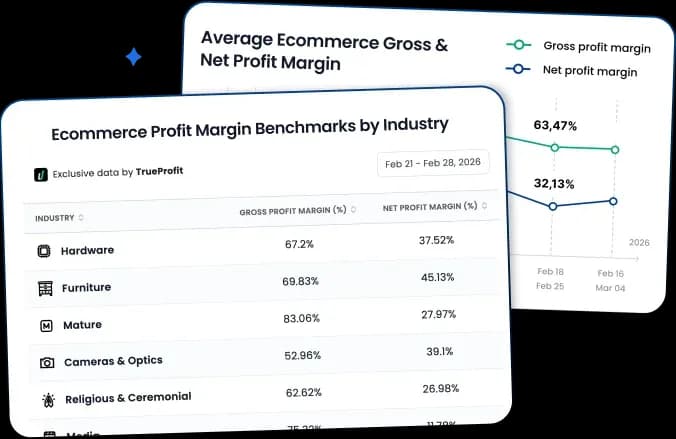
A net profit analytics tool like TrueProfit can help you answer that question with real numbers. It automatically syncs your Shopify orders with COGS, ad spend from platforms like Facebook, Google, and TikTok, shipping costs, transaction fees, and refunds. You can also log recurring expenses like your Shopify plan and app subscriptions, so you can see exactly how much of your margin goes to the platform versus everything else.
If Shopify is still working for you, there's no reason to leave. But if you keep hitting technical, operational, or cost limits that no app or plan upgrade can fix, that's when these alternatives deserve a serious look.
Rosie Doan is a Senior Content Specialist at TrueProfit with over 4 years of experience creating content for the ecommerce and SaaS industry. Having worked closely with Shopify merchants and ecommerce businesses, she has developed a deep understanding of the challenges store owners face, from growing revenue and acquiring customers to tracking performance, managing costs, and improving profitability.