Shopify Ecommerce Automation: The Complete Guide to Automating Your Store in 2026


Table of Contents
- 1. What Is Shopify Ecommerce Automation?
- 2. Does Shopify Have Built-in Automation?
- 3. 7 Key Areas of Shopify Ecommerce Automation
- 4. 8 Best Shopify Automation Apps for Every Workflow
- 5. How to Set Up Shopify Automations: Step-by-Step
- 6. Common Shopify Automation Mistakes You Should Avoid
- 7. Final Thoughts
- 8. Shopify Ecommerce Automation FAQs
In 2026, automation isn't a nice-to-have for Shopify merchants anymore. It's a competitive advantage. Whether you're managing hundreds of orders a week or gearing up to scale, automating the repetitive stuff frees up time for the work that actually moves the needle, and it cuts down on the costly mistakes that come from doing everything by hand.
In this guide, I'll walk you through how Shopify ecommerce automation works, the key workflows every store should automate, and the tools I'd actually recommend for streamlining your operations and setting up long-term growth.
Let's start from the beginning: what automation actually means in the context of a Shopify store, and how the pieces fit together.
In this blog:
- 1. What Is Shopify Ecommerce Automation?
- 2. Does Shopify Have Built-in Automation?
- 3. 7 Key Areas of Shopify Ecommerce Automation
- 4. 8 Best Shopify Automation Apps for Every Workflow
- 5. How to Set Up Shopify Automations: Step-by-Step
- 6. Common Shopify Automation Mistakes You Should Avoid
- 7. Final Thoughts
- 8. Shopify Ecommerce Automation FAQs
What Is Shopify Ecommerce Automation?
Definition and How Shopify Automation Works
Shopify ecommerce automation uses software to complete repetitive store tasks on its own, no manual clicking, copying, or checking required. Shopify describes this as building "automated, customized workflows in seconds," which frees merchants up to focus on growth instead of daily operations.
Every automation, no matter how simple or complex, runs on the same three-part logic:
- Trigger: the event that kicks things off. A customer places an order.
- Condition: the rule that decides when the action fires. The order total is over $200.
- Action: what happens as a result. The customer gets tagged "High Value."
That trigger-condition-action logic is the backbone of Shopify Flow, Shopify's native automation builder. Once you're past what Flow can do, automations can also run through third-party apps like Klaviyo or Gorgias, or connectors like Zapier and Make that bridge Shopify to other platforms.
Native vs. Third-Party Automation: What's the Difference?
So where do you draw the line between what Shopify handles on its own and what you need an app for? It comes down to native automation, built right into Shopify, versus third-party automation, which extends what the platform can do.
For most growing stores, the best approach is to use both. Let Shopify handle the core operational workflows, then bring in specialized apps once you need deeper functionality or integrations with other business tools.

Does Shopify Have Built-in Automation?
Yes, and it covers more ground than most merchants expect. Shopify includes several built-in automation features that handle everyday operations without any third-party apps involved, from internal workflows to marketing emails and discount rules.
1. Shopify Flow: Overview and Capabilities
Shopify Flow used to be locked behind Shopify Plus. Now it's available on the standard Shopify plan ($105/month) and above at no extra cost, which is a genuinely good deal if you haven't looked at it lately.

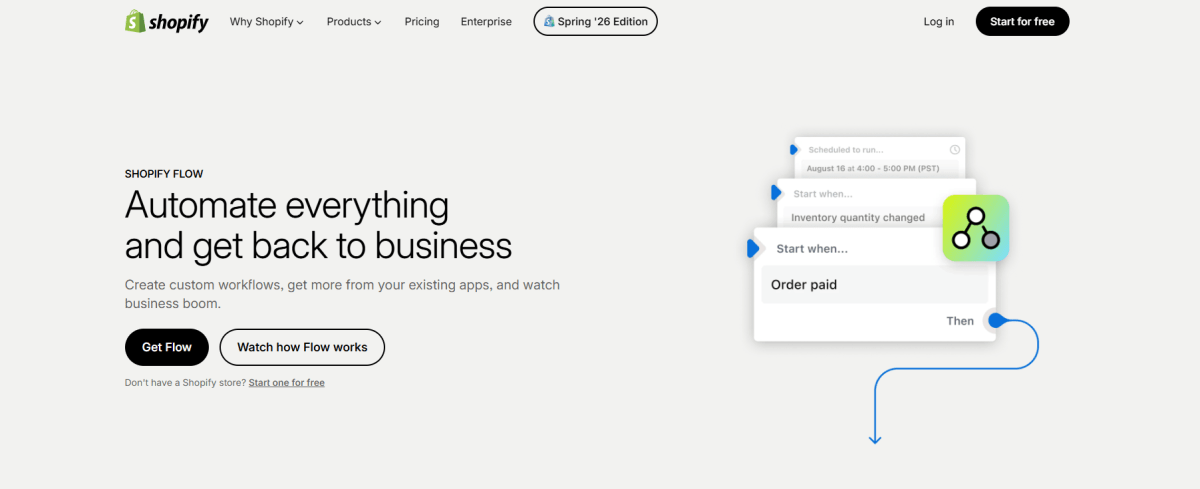
Flow uses a visual, no-code builder: you pick a trigger, add optional conditions, and set one or more actions. Shopify also ships pre-built templates for common use cases, so you're rarely starting from a blank canvas. Here's what Flow can do right out of the box:
- Auto-tag customers based on order count or total spending
- Hide out-of-stock products from the storefront automatically
- Flag and pause high-risk orders for review
- Send internal notifications when inventory drops below a set threshold
2. Shopify Marketing Automations
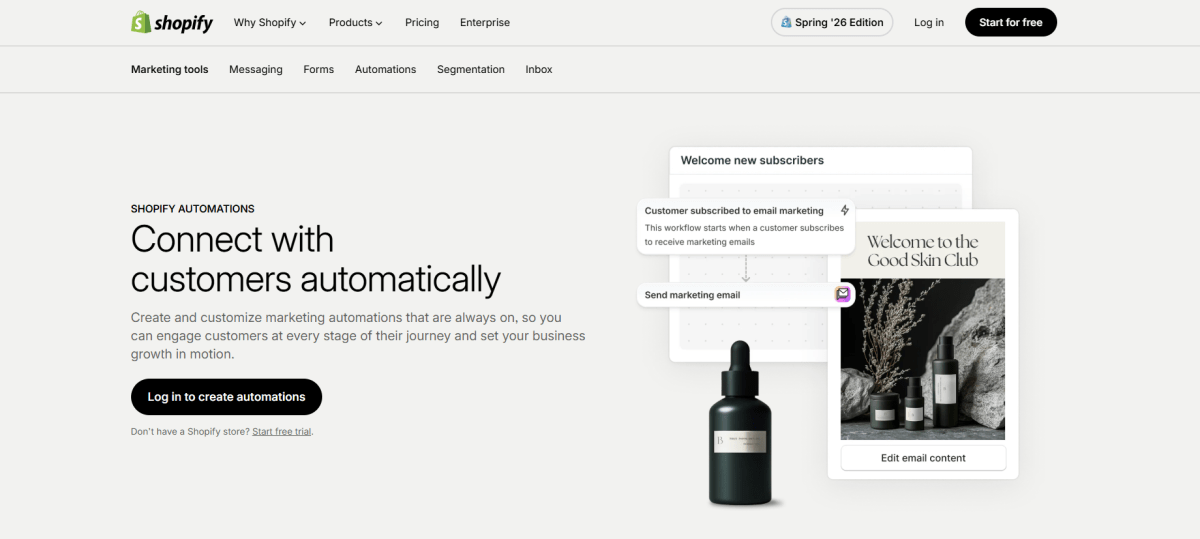
Alongside Flow, Shopify Email and its built-in marketing automation suite handle the most common campaign types, so you don't need a separate email platform right away. You can set up:
- Abandoned cart recovery, one of the highest-ROI automations you'll find
- Welcome emails for new subscribers
- Post-purchase follow-ups
- Win-back campaigns for lapsed customers
- Customer segmentation updates based on purchase behavior
All of this lives directly in the Shopify admin and works on any paid plan, no extra setup required.
3. Other Native Automation Features
Flow and email get most of the attention, but Shopify has a few other automation-adjacent tools worth knowing about. Automatic discounts and pricing rules apply discounts to specific products, collections, or customer groups without you ever touching a manual coupon. Auto-tagging labels orders, customers, and products based on rules you set once and forget. And Launchpad, available on Shopify Plus only, lets you schedule flash sales, product launches, and campaign changes well in advance.
4. When Are Third-Party Automation Tools Necessary?
Native automation gives most stores a strong foundation, especially in the early days. But as your business grows, you'll likely bump into needs Shopify wasn't built to handle on its own, things like omnichannel marketing, AI-powered customer support, inventory forecasting, or profit analytics.
That's the point where third-party tools earn their keep. Apps like Klaviyo, Gorgias, Zapier, Make, and TrueProfit pick up where Shopify's native functionality leaves off, letting you automate the more complex workflows across your entire operation.
Now let's get into the specifics. Here are the seven areas where automation tends to make the biggest difference.
7 Key Areas of Shopify Ecommerce Automation
Every Shopify store has seven core areas worth automating: marketing, inventory, fulfillment, customer service, fraud prevention, profit tracking, and accounting. Let's go through each one, with a concrete workflow example so you can see exactly how it plays out.
1. Marketing and Email Automation
Marketing is usually where merchants start, and for good reason. Abandoned cart recovery alone can recapture a meaningful chunk of lost revenue for barely any setup effort.
Klaviyo and Omnisend let you go deeper with segmentation and multi-step email and SMS flows than Shopify Email offers on its own. Pair Shopify's native triggers with a dedicated email platform, and you get precise control over exactly when and how you reach customers.
Example Flow workflow: When a customer places their third order, tag them "VIP," then trigger an exclusive discount email through Klaviyo.
2. Inventory and Product Management Automation
Once marketing is dialed in, inventory is usually next. Overselling, missed restock alerts, forgotten out-of-stock listings: these mistakes cost you both money and customer trust. Automation catches them at the source, before they turn into a customer complaint.
Example workflow: When inventory drops below 10 units, send a Slack notification to the purchasing team and auto-hide the product from the storefront until it's restocked.
Product management automation can also include visual content checks. For stores that receive product photos from suppliers, sellers, or external creators, an AI image checker can help flag potentially AI-generated images, giving merchants an early signal to verify the product before publishing it.
3. Order Management and Fulfillment Automation
With inventory under control, the next bottleneck is usually fulfillment. Every order involves routing, labeling, tracking updates, and customer notifications, and any one of those steps can go sideways if a human has to touch it. Automate the whole chain, and you remove the risk of delay while keeping customers in the loop without lifting a finger.
Example workflow: When an express shipping order comes in, auto-assign it to the nearest warehouse, generate a shipping label through ShipStation, and send the customer a tracking email.
4. Customer Service Automation
Fulfillment and customer service go hand in hand, since a lot of support tickets are really just "where's my order" questions. AI chatbots handle order status checks, return requests, and FAQs around the clock, no coffee breaks needed. Review collection runs on the same principle: automate it post-delivery, and you build social proof without ever having to chase a customer down.
Example workflow: When an order is marked delivered, wait five days, then send a review request. If the customer leaves four or more stars, prompt them to post it on Google or Trustpilot.
5. Fraud Prevention and Risk Management
While you're automating the customer-facing side, don't overlook the orders you don't want to fulfill in the first place. A high-risk order that slips through the cracks costs you more than just the product. It can trigger a chargeback and put your standing with payment processors at risk. Pair Shopify's native risk analysis with Flow, and you can intercept suspicious orders before they ever ship.
Example workflow: When an order's risk level is high and the total exceeds $200, cancel the order and notify the merchant by email for manual review.
Start with Shopify Flow for native fraud analysis, then add Signifyd or NoFraud for extra coverage if you need it.
6. Financial and Profit Tracking Automation
This is the one I think gets overlooked the most, and honestly, it's the most financially consequential area on this list. Shopify's dashboard shows you revenue, not profit, and those two numbers can tell wildly different stories.
Let me give you a real example. Say you sell a $50 product with $20 in COGS, $8 in shipping, and $2 in payment processing fees. That leaves $20 in gross margin. Now if it costs $18 in ad spend to acquire that customer, your actual profit is $2, even though the campaign might look like it's crushing it with a 4x ROAS.
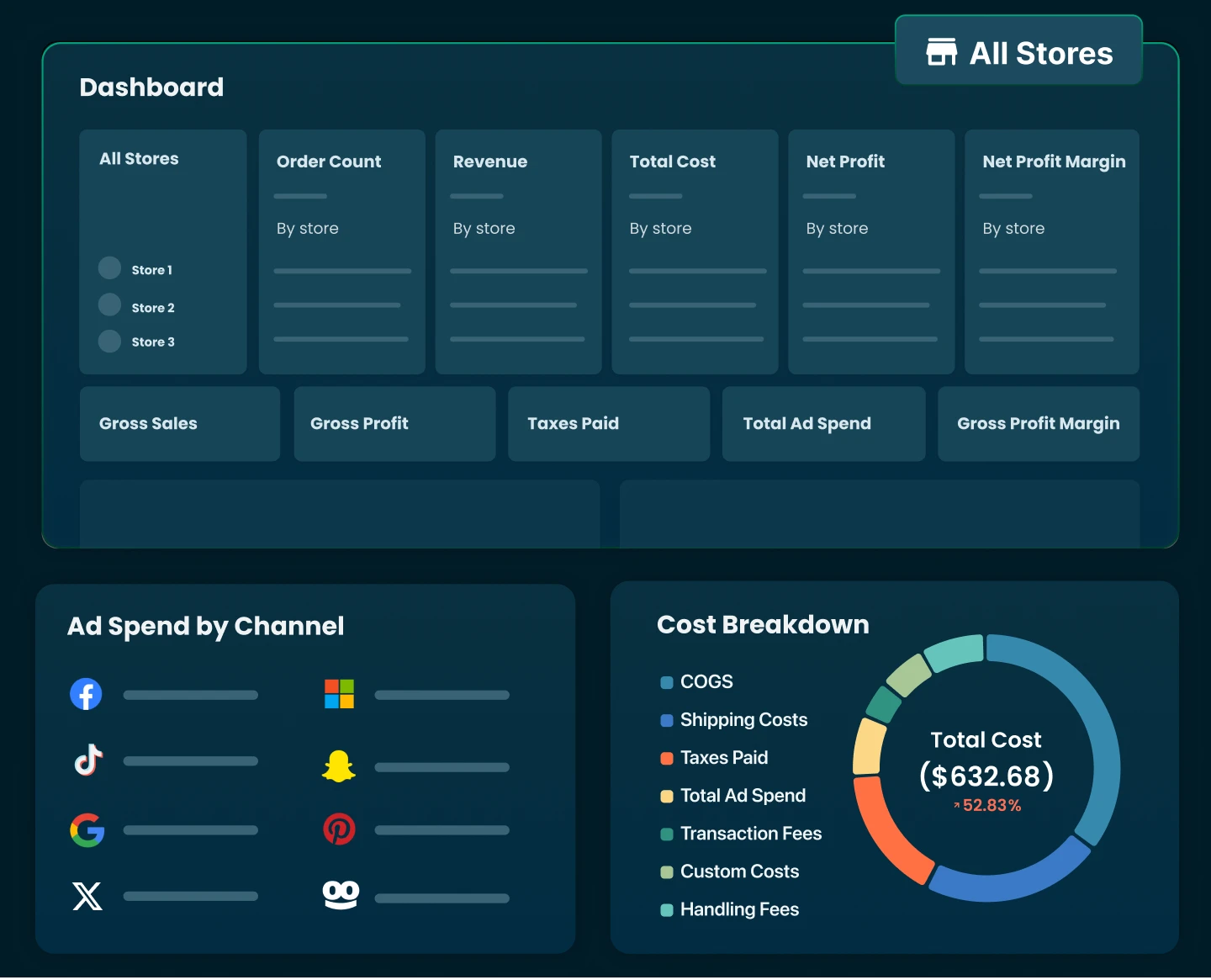
This is exactly the kind of gap TrueProfit was built to close. It syncs COGS, shipping costs, ad spend from Facebook and Google, and platform fees, then calculates true net profit per order, per product, and per ad campaign in real time.
Example workflow: For every order, automatically calculate net profit after all costs and surface it in a real-time dashboard with daily and weekly summaries.
7. Accounting and Tax Automation
Last on the list, but not any less important: getting your books to match your Shopify data without a month-end scramble. Reconciling orders with your accounting software by hand is one of those recurring headaches nobody enjoys. MyWorks and Synder sync Shopify transactions straight to QuickBooks or Xero, while TaxJar and Avalara take sales tax calculation and filing off your plate across jurisdictions.
If you want the fuller picture of how Shopify handles financial reporting and where automation fits in, the guide to Shopify accounting is a solid place to start.
Now that you know which areas to automate, let's talk about the tools that actually do the job.
8 Best Shopify Automation Apps for Every Workflow
The right app really depends on which part of your store is causing you the most pain. Here's a rundown of the core categories, followed by a closer look at each one.
Here's a closer look at each one, starting with the tool that started this whole guide: Shopify's own automation builder.
1. Shopify Flow
Best for: Workflow automation
Shopify Flow is Shopify's native automation builder, and it's the one I'd get comfortable with before adding anything else. It uses a simple trigger-condition-action structure to handle customer tagging, order routing, inventory alerts, fraud checks, internal notifications, and hundreds of other operational workflows, all without writing a line of code. A library of ready-made templates makes it easy to get started.
Key features
- Visual no-code workflow builder
- Pre-built automation templates
- Customer, order, and inventory automation
- Integrates with Shopify apps that support Flow
Pricing: Included at no additional cost with all Shopify paid plans.
2. TrueProfit
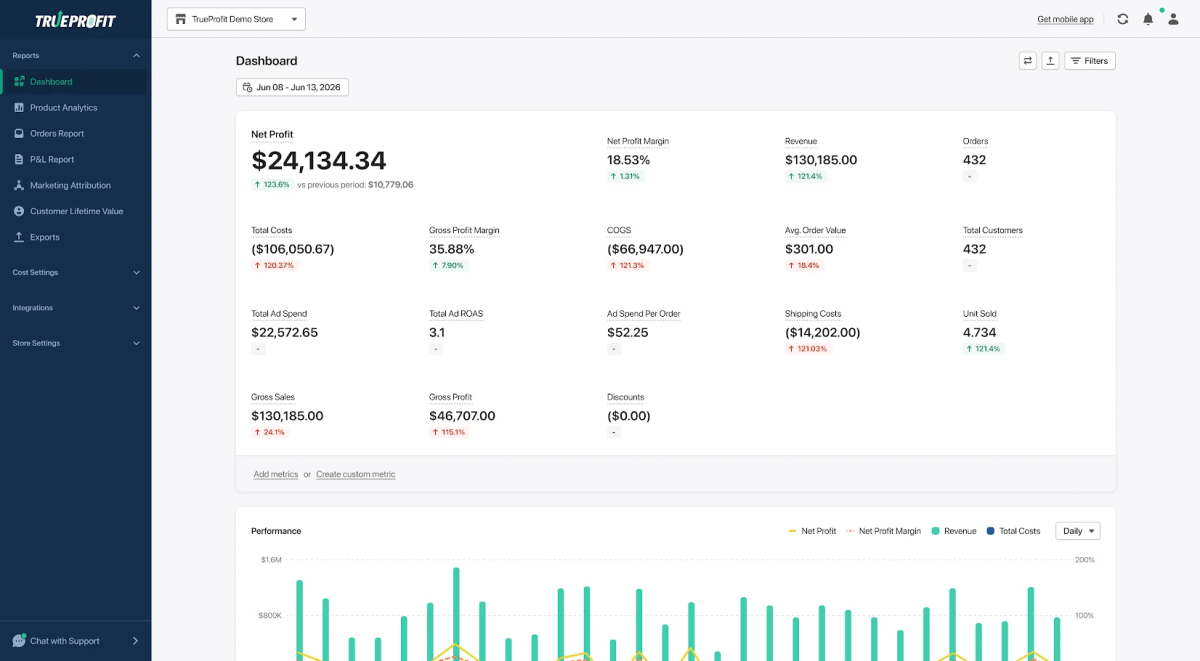
Best for: Net Profit tracking automation
Profit tracking shouldn't require spreadsheets or manual calculations. TrueProfit automatically combines Shopify sales with COGS, shipping costs, transaction fees, advertising spend, and other operating expenses to calculate your real-time net profit. Instead of relying on revenue alone, you get true profitability broken down by order, product, and marketing campaign.
Key features
- Profit Dashboard: Get an instant overview of your business performance.
- Product Analytics: Identify most and least profitable products.
- Marketing Attribution: Give credit to the true profitable marketing channels.
- P&L Report: Get a high-level overview of your P&L over any given timeframe.
- TrueProfit MCP: Plug TrueProfit into LLMs. Ask questions, get real profit answers.
- Customer Lifetime Value: Unlock customer true value for smarter retention strategies.
- Expense Tracking: Track every expense to unlock accurate profit insights.
- Integrations: Connect to all data points for a complete business picture.
3. Klaviyo
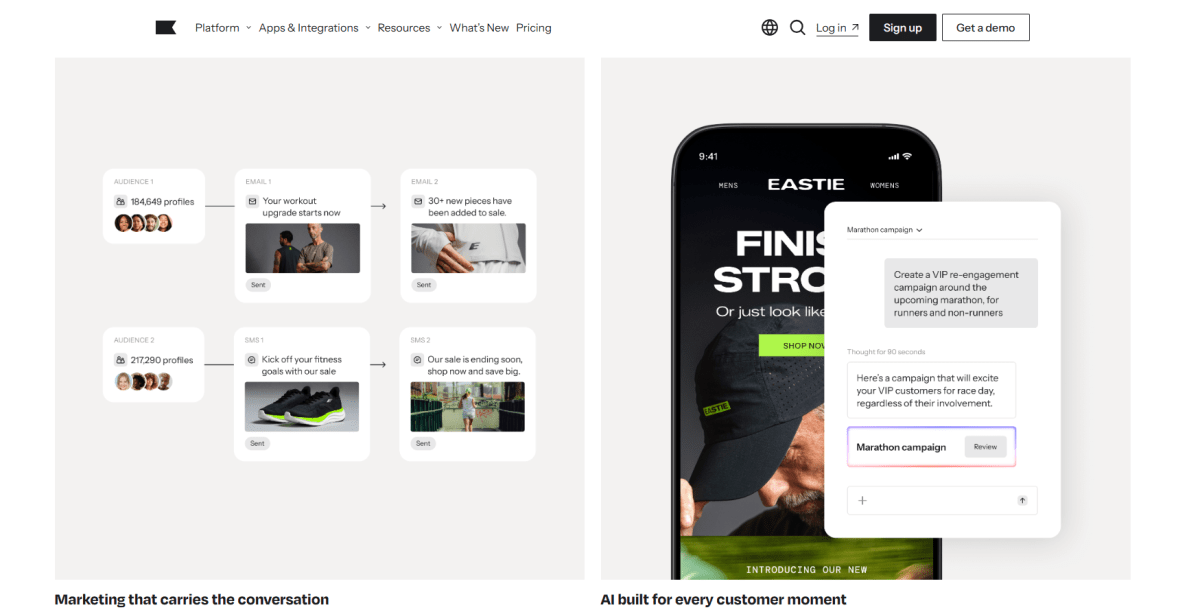
Best for: Email and SMS marketing automation
Once you've outgrown Shopify Email, Klaviyo is usually the next stop. It lets merchants build personalized email and SMS journeys based on customer behavior, think welcome series, abandoned carts, browse abandonment, post-purchase follow-ups, and win-back campaigns. Its segmentation and analytics are strong enough to justify the switch for growing brands.
Key features
- Email and SMS automation
- Behavioral segmentation
- Product recommendations
- Revenue attribution
4. Gorgias
Best for: Customer support automation
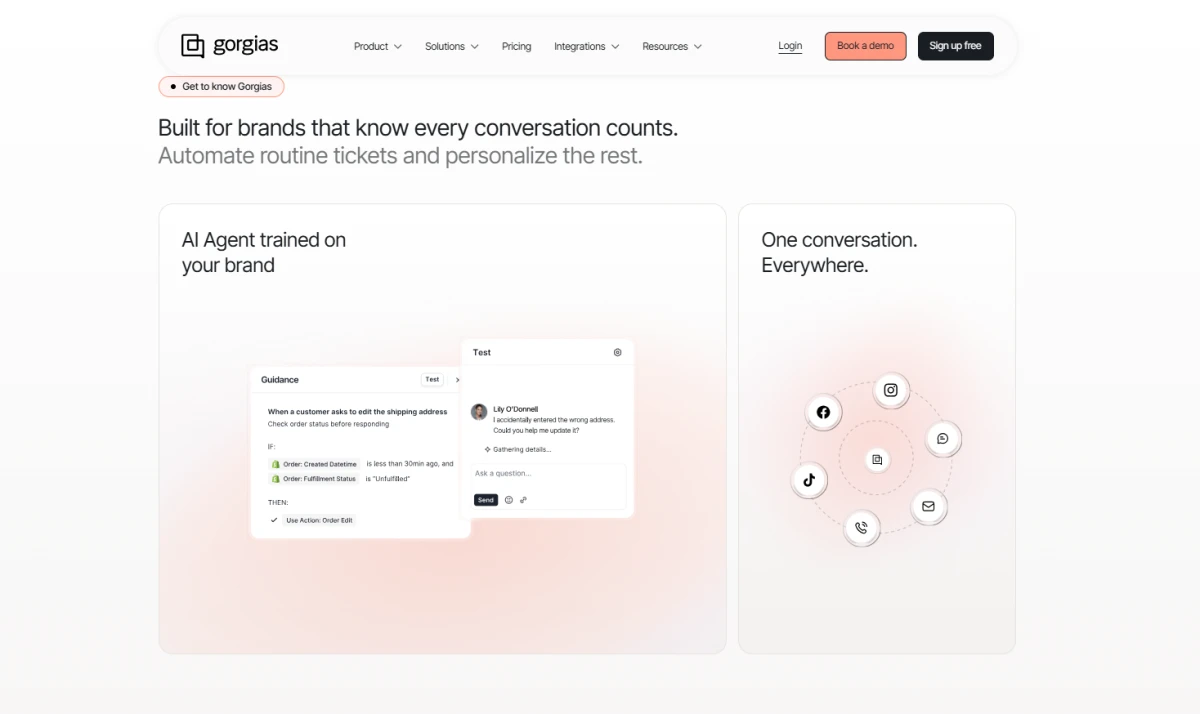
On the support side, Gorgias pulls conversations from email, live chat, social media, and other channels into a single help desk. Automation rules, AI-powered responses, and direct access to Shopify order data let support teams resolve common questions faster while doing less manual digging.
Key features
- AI-powered customer support
- Automated ticket routing
- Shopify order lookup
- Live chat and macros
5. ShipStation
Best for: Shipping and fulfillment automation
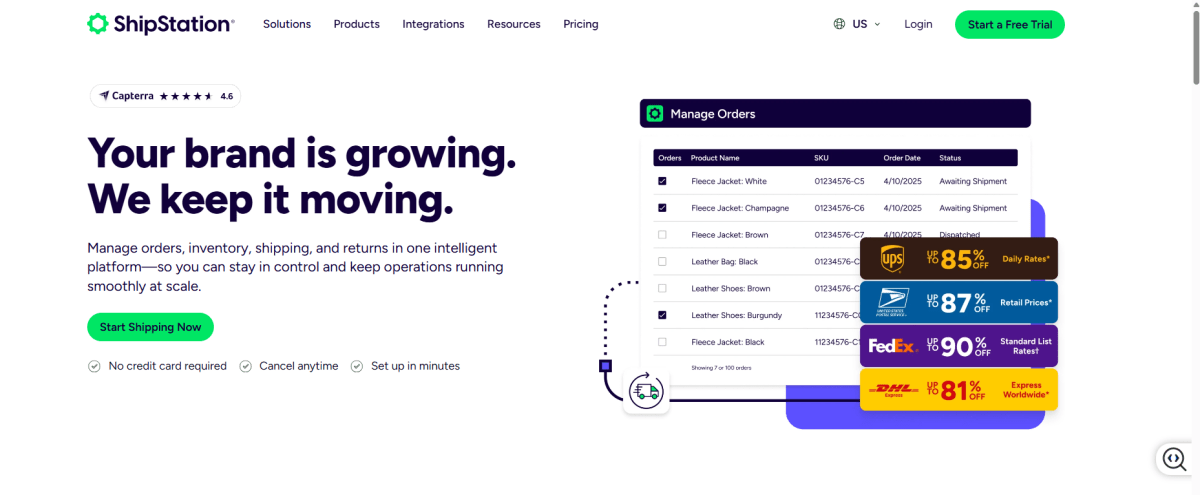
For fulfillment, ShipStation takes care of generating labels, selecting carriers, sending tracking notifications, and routing orders based on rules you set up front. It's especially useful once you're managing high order volumes across multiple sales channels.
Key features
- Shipping rule automation
- Multi-carrier support
- Bulk label printing
- Tracking notifications
6. Judge.me
Best for: Affordable review automation
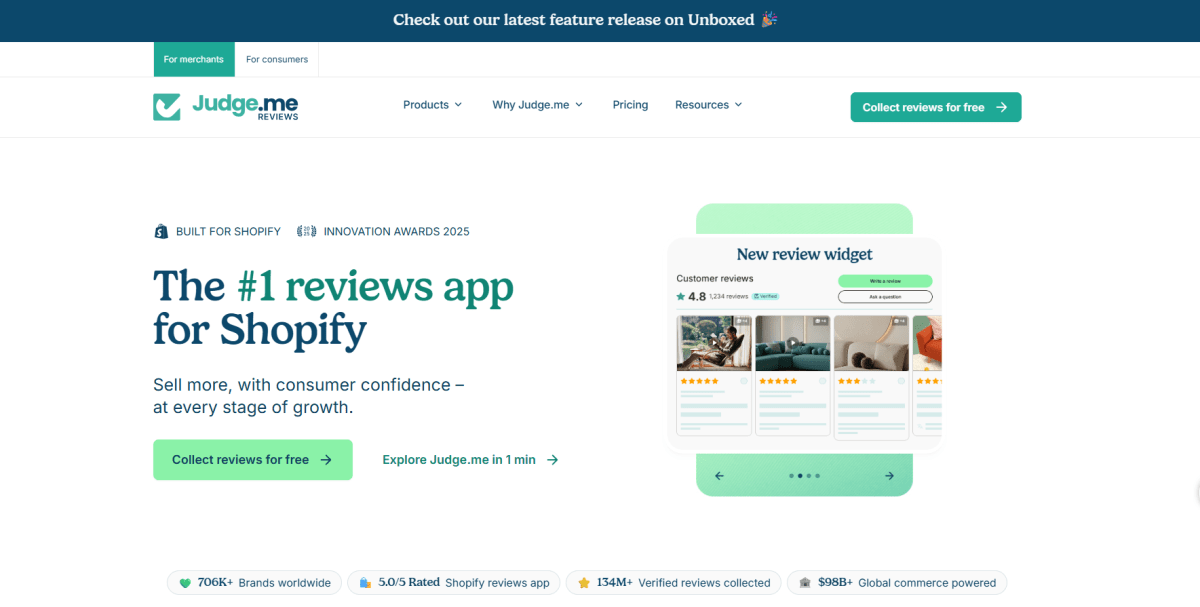
If budget is a bigger concern, Judge.me covers the same ground as Loox at a lower price point. It automatically collects and displays reviews with minimal setup, and supports unlimited review requests, photo reviews, Q&A, and SEO-friendly rich snippets.
Key features
- Unlimited review requests
- Photo and video reviews
- Q&A
- SEO-friendly review widgets
7. Zapier
Best for: Connecting Shopify with other apps
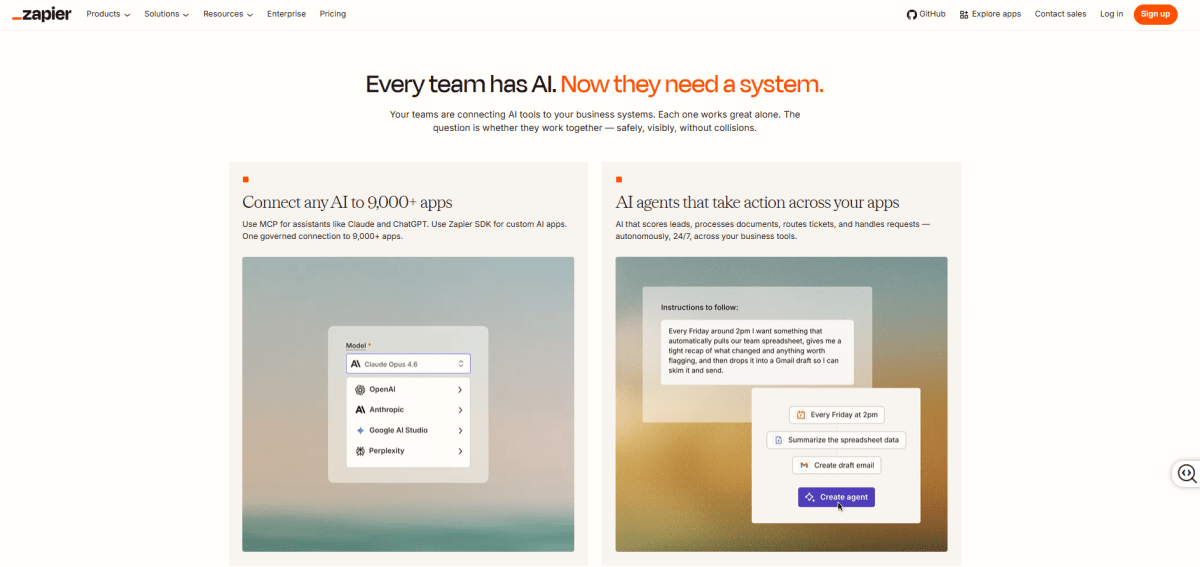
For anything that falls outside Shopify's own ecosystem, Zapier connects your store to thousands of other business apps without any coding involved. It's a natural fit for syncing orders, customer data, notifications, CRM systems, spreadsheets, and other external tools.
Key features
- 8,000+ app integrations
- Multi-step workflows
- AI-assisted automation
- No-code builder
8. Make
Best for: Advanced workflow automation
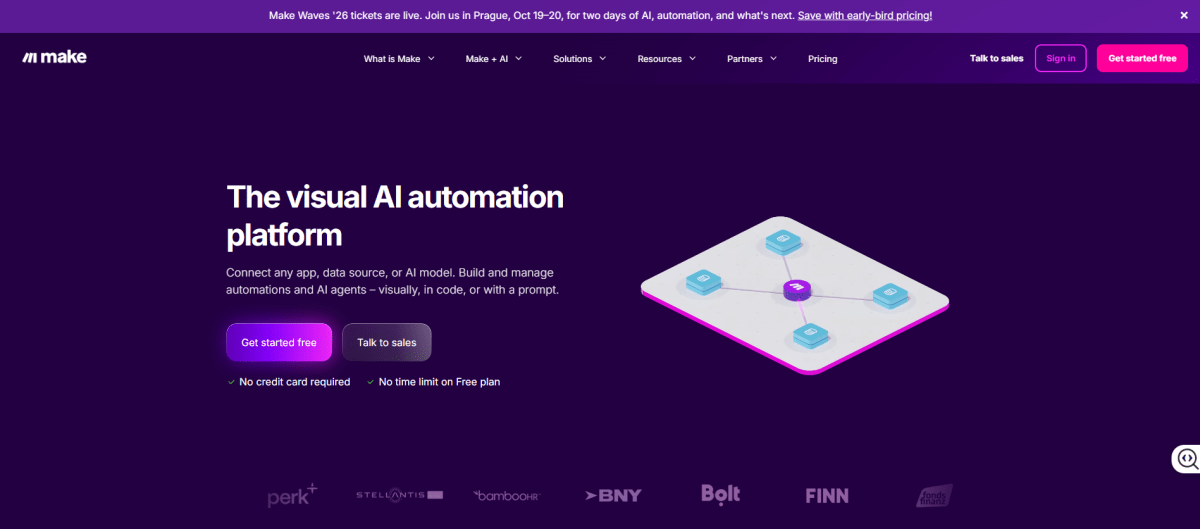
If Zapier feels too limited for what you're building, Make is the step up. It's a visual automation platform built for more sophisticated workflows, supporting conditional logic, API integrations, data transformation, and complex multi-step scenarios, which makes it well suited for advanced ecommerce operations.
Key features
- Visual scenario builder
- Advanced conditional logic
- API integrations
- Data mapping and transformation
How to Choose the Right App for Your Store
With nine tools on the table, it's easy to get overwhelmed, so here's my advice: match the tool to your biggest bottleneck, not whatever app is trending. If customer service tickets are piling up, go with Gorgias before you even think about profit tracking. If you're scaling and spending fast, get profit visibility in place before you add another chatbot to the mix.
For a more detailed breakdown of top-rated options across categories, this list of must-have Shopify apps covers the broader app ecosystem with feature comparisons and pricing notes.
Once you've picked your tools, the next question is how to actually roll them out without creating a mess. That's what the next section covers.

How to Set Up Shopify Automations: Step-by-Step
You don't need a developer or a big budget to get automation working for you. Just follow these six steps in order, and you'll build something solid instead of something that falls apart in a month.
1. Audit Your Manual Processes: Start by listing every repetitive task you or your team handle weekly. Rank each one by frequency and time cost, so you know exactly what to tackle first.
2. Choose Your Tools: Figure out what native Shopify features can handle on their own, what needs Shopify Flow, and what actually requires a third-party app or a connector like Zapier.
3. Build Your First Flow Workflow: Keep it simple to start. Something like auto-tagging customers who spend over $500 lifetime is a solid first build. Use a pre-built template, test it in a sandbox, and only then flip it live.
4. Set Up Marketing Automation Sequences: At the very least, get abandoned cart recovery, a welcome series for new subscribers, and a post-purchase follow-up running.
5. Automate Financial Tracking: Connect a profit tracking tool like TrueProfit so COGS, ad spend, and fees flow in automatically. Set up a daily profit report, so you're never making a call without the full picture in front of you.
6. Monitor and Iterate: Come back to your automations monthly. Stale workflows built around last season's catalog or a promotion you already killed will quietly cause errors if you let them run unchecked.
Even with a solid rollout plan, it's easy to trip over a few common pitfalls along the way. Here's what to watch for.
Common Shopify Automation Mistakes You Should Avoid
I've seen these five mistakes trip up more stores than anything else on this list. Watch out for them.
1. Over-Automating Customer Service
Chatbots are great for FAQs and order status queries, but route every single complaint through a bot, and you'll frustrate customers who just need to talk to a real person. Always keep a clear escalation path in place.
2. Skipping Edge Case Testing
An automation that handles 95% of orders perfectly can do real damage on the other 5% if you haven't stress-tested it against partial refunds, bundled products, or international orders.
3. Ignoring Financial Automation
Tracking revenue without tracking profit means you're making scaling decisions on incomplete information. Automating profit visibility is often the single highest-ROI move a merchant can make, full stop.
4. Running Too Many Overlapping Apps
Stack too many apps triggering on the same event, and you'll end up with duplicated actions, redundant emails, or data inconsistencies that are a nightmare to trace back to the source.
5. Never Revisiting Old Automations
A workflow built around last year's product catalog or a promotion you shelved months ago can keep quietly running in the background, producing bad data or the wrong actions long after anyone remembers it exists.
Final Thoughts
Automation has become an essential part of running a successful Shopify store. Whether you're automating marketing campaigns, inventory updates, order fulfillment, customer support, or profit tracking, the goal is always the same: eliminate repetitive work so you can focus on growing the business.
Start with Shopify's built-in automation capabilities, then expand with specialized tools as your operational needs evolve. Automate the workflows that matter most, and you'll end up with a leaner, more scalable, and more profitable ecommerce business.
Harry Chu is the Founder of TrueProfit, a net profit tracking solution designed to help Shopify merchants gain real-time insights into their actual profits. With 11+ years of experience in eCommerce and technology, his expertise in profit analytics, cost tracking, and data-driven decision-making has made him a trusted voice for thousands of Shopify merchants.